Is the future of user experience design (UX design) going to exist on screens or will it find immersive, three-dimensional spaces as its main home? You can design for both views—and interactions—within a digital environment that’s boundless in virtual reality (VR), so read on to find five fundamental points and learn more about immersive technology, concepts, and more that bring stories to life in the IxDF UX Design for Virtual Reality course.
Imagine if you could break out of the confines of having to design for flat, 2D screens—and explore possibilities in an area of design space that’s virtually (no pun intended) limitless. VR has an extra edge in terms of the “magic” you can bestow upon user experiences in that you’ve got the power to immerse users in entirely simulated environments, and so you can tap into deeper levels of engagement, empathy, and understanding and produce designs that resonate with users on a whole new level.
1. UX Fundamentals for VR
What is Virtual Reality?
VR deals with immersive, computer-simulated experiences, and it has long since become a household name since its days in the previous century as a cutting-edge tech phenomenon. The principles remain, though, and users wear headsets or use specialized displays to enter their VR experiences, which their devices create for them, and—ideally—they can move and interact with their surroundings in VR as they would in the real world.
Effective VR offers experiences that introduce users to exciting worlds beyond the limits of the everyday, but VR that’s not well-designed can not just frustrate users but even cause them discomfort, known as cybersickness or VR sickness, too.
Watch this quick video to understand the history of VR.
UX Design Process in VR
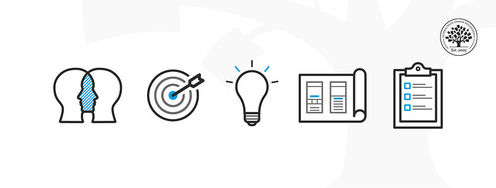
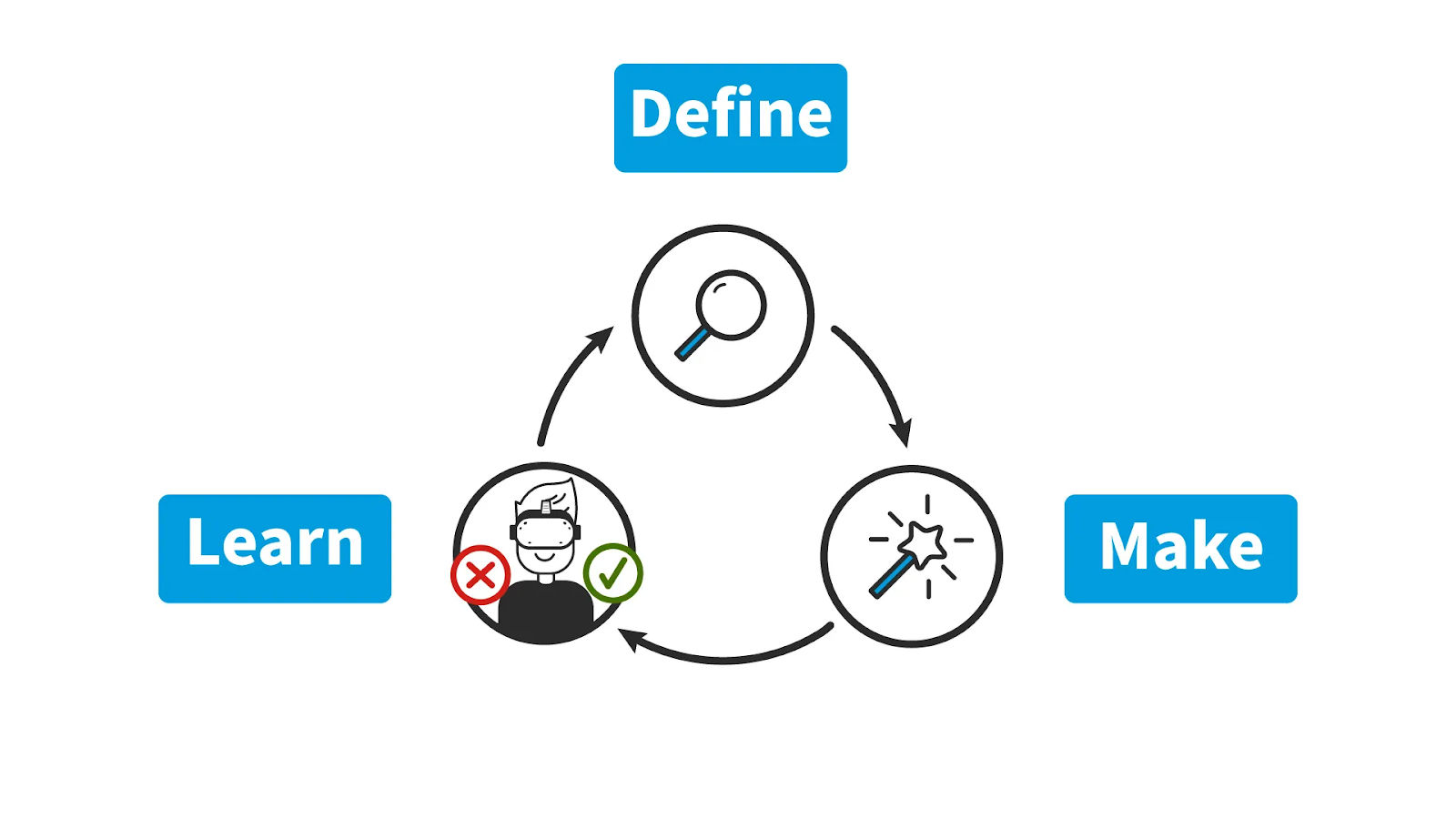
The journey of the UX design process in VR includes three core stages: Define, Make, and Learn.
© Interaction Design Foundation, CC BY-SA 4.0
Define: Research your users and their needs so you can uncover what your VR experience’s purpose is.
Make: Once you’re on the trail of what to do, this is where the fun begins as you start to weave and build your virtual world. You can create simple prototypes and design the space around the user to bring your ideas to life, but always remember your users—and what they can do comfortably and easily—and design for comfortable movements and make easy-to-use controls.
Learn: The research goes on in VR design, and you’ve got to test your VR experience with real users so you can learn the fine points about how they find what you’ve put them into. So, be sure to watch how they interact and respond, including all the little signs like confused looks, wonderment, grimaces, or whatever.
We’ve got some key guidelines to help you design VR experiences that will work well:
User comfort is vital—absolutely paramount, like their safety—so avoid designs that might cause dizziness.
Great VR uses effective visuals and audio to immerse the user, and if you’ve got a story element going in there, craft it carefully with visual and audio cues users will “get” easily.
Provide clear feedback on user actions so they know in real-time what’s going on; did they successfully interact with an object?
Test with real users every step of the way so you can guide future users that much better with refinements to your design.
Make your experience accessible to users with disabilities—UX design for accessibility is a legal requirement in many jurisdictions, anyway, too.
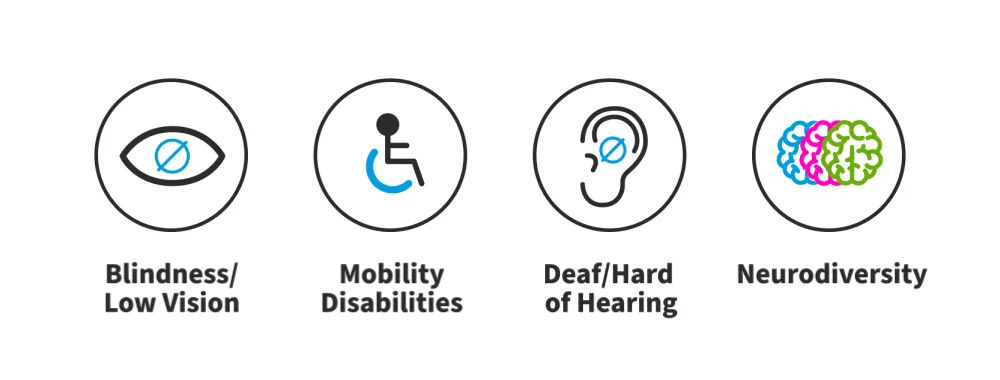
Create better VR experiences for people with vision, mobility, hearing, and neural disabilities.
© Interaction Design Foundation, CC BY-SA 4.0
Transition from 2D UX Design to 3D for VR
To design for an added dimension above what you find on a flat screen, you’ll have to learn how to design 3D experiences that transport users to worlds that resonate with them—and that’s why we’ve got three key things for you to keep in mind:
Master the Design Process
You’ve got to understand the design process in VR—which is similar to traditional UX design but calls for you to adapt to three-dimensional environments—so use storyboards, sketches, and simple design tools before you move to advanced stages.
Develop Spatial Design Skills
If you get or sharpen your skills in spatial design, you’ll be able to navigate the 3D space of VR better and with consideration for your user needs. It’s vital to focus on spatial awareness for VR design—not least because it’s critical to help keep users safe as they move around in another “world” while they’ve still got to negotiate real-world physical constraints. Still, it’s not just about preventing accidents or muscle strains; spatial design skills help you design intuitive and natural interactions for users that help enhance the overall experience, too.
Learn Technical Tools Proactively
Aside from the theory side of things, you’ll also need practical skills in tools like Unity or Unreal Engine, so it’s wise to get into self-learning through online resources and community tutorials—and be all the better equipped with what you need to effectively prototype and test VR designs you make.
2. User Research Essentials for VR
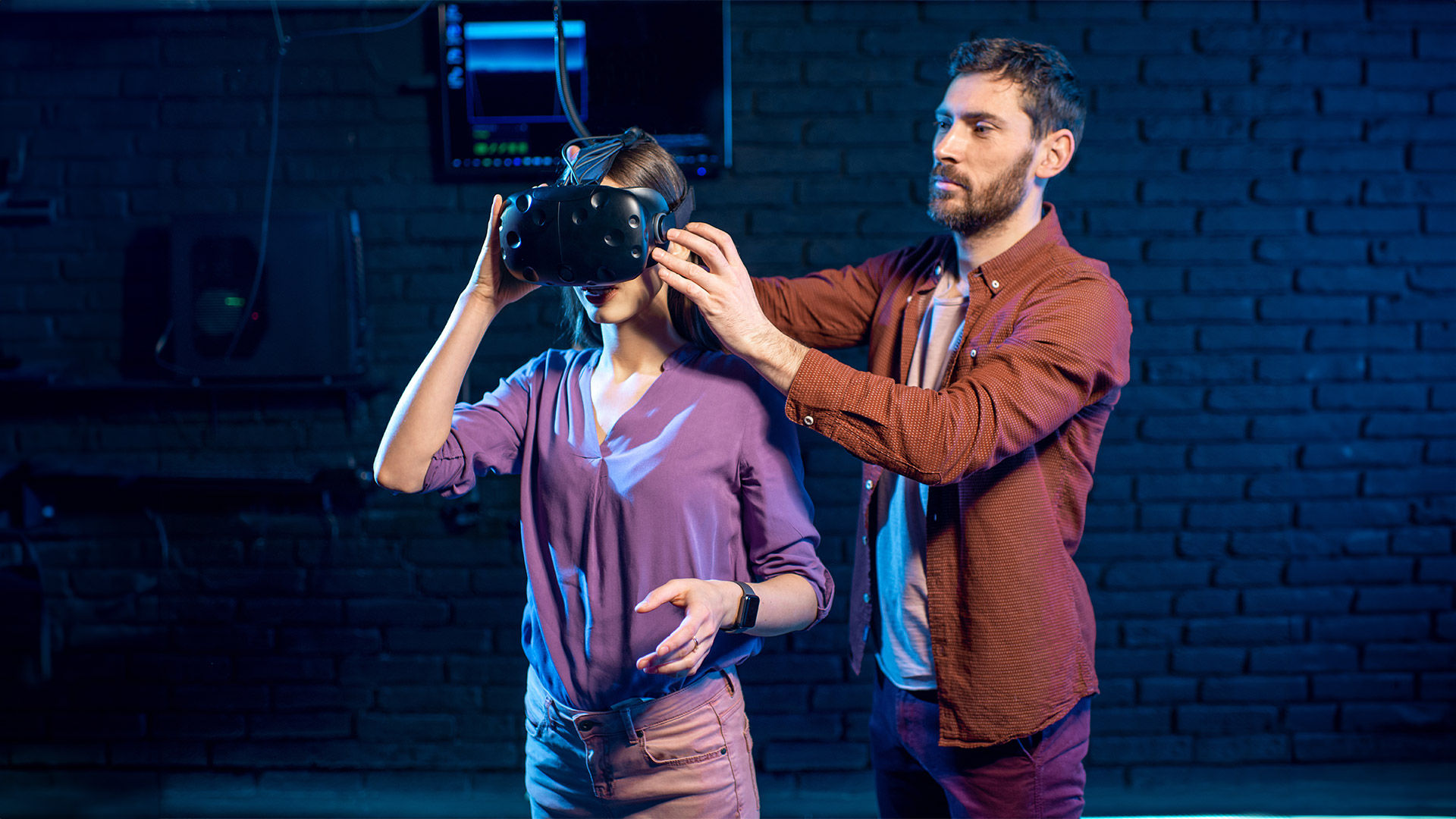
User research lays the foundation for the VR experiences you’ll design, so watch Frank Spillers, CEO at Experience Dynamics, discuss how to understand user needs in virtual reality.
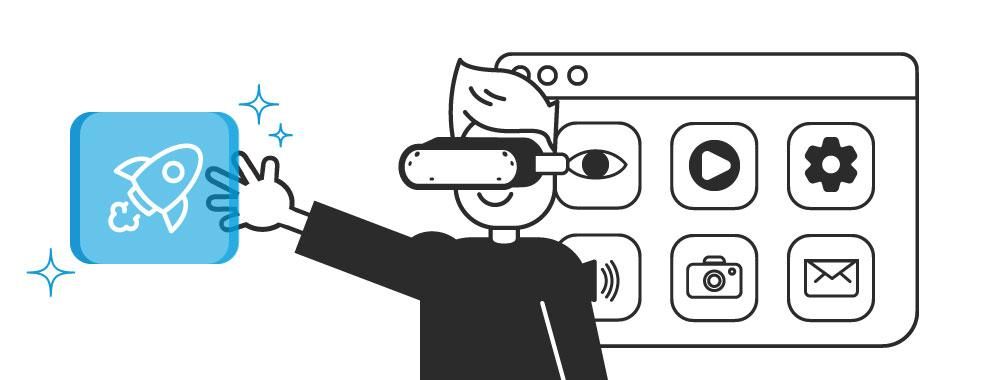
Identify the "Why" Behind User Choices in VR
© Interaction Design Foundation, CC BY-SA 4.0
You can use two important components of user research that will help you understand the user needs and choices in the VR world: User needs analysis and testing.
User Needs Analysis: Get to Know Your Users
Use methods to gather data such as:
User interviews: Talk to potential users one-on-one and ask them open-ended questions so you can get to understand what they want—plus what their pain points are.
Observational studies: Watch how users interact with your VR design, and how they move—and react—and you’re going to spot usability issues and areas to improve on.
Testing: Improve Your VR Experience
Testing is something to do from early on with methods like:
Eye-tracking studies: See where users focus their eyes in VR, being sure that you’ve made important elements visible and noticeable for them to experience and use.
Usability testing: Create interactive VR prototypes and observe users as they navigate, interact, and complete tasks within those, and then find pain points and make improvements.
Key Strategies to Design for All in VR
VR has the potential to offer awesome experiences for everyone, and you’ll need to consider key strategies like these to make truly inclusive VR experiences:
Prioritize Comfort and Ease of Use
Minimize motion sickness: Design with care to reduce—or minimize—effects that induce motion sickness, so use smooth camera movements, provide a stable visual reference point within the scene, and allow users to take breaks when needed.
Flexible input methods: Offer a variety of input methods—like controllers, voice commands, and gestures—to support users with diverse motor abilities.
Customize for Individual Needs
Adjustable settings and difficulty levels: Let users adjust their text size, color schemes, contrast, brightness, audio, and difficulty levels.
Emphasize Multisensory Design
Combine visuals and sound: Use clear visuals and audio cues together to help users with vision or hearing impairments.
Haptic feedback: Use haptic feedback—like vibrations and textures—to give users non-visual cues.
Inclusive User Testing
Test with diverse users: Work with users with disabilities in the testing process so you can make more accessible designs.
3. Design for Immersion and Presence in VR
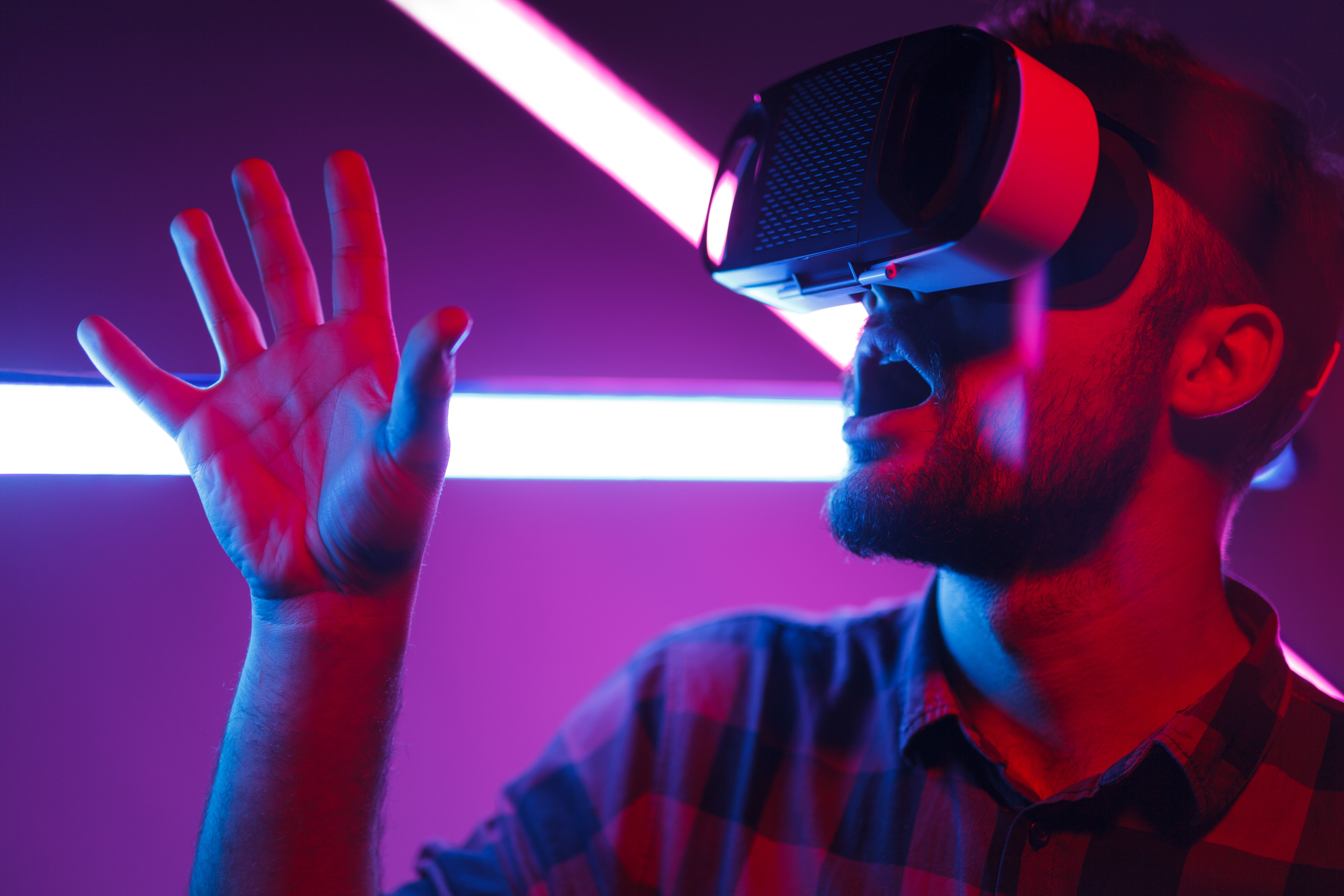
Immersion makes you feel like you're inside the virtual world, but presence goes deeper still to help create the feeling that the virtual world is real.
Five Essential Elements to Design For Immersion and Presence
Visual realism: High-quality graphics, realistic lighting, and believable textures can trick users’ brains into accepting the virtual environment as being a real place.
Spatial audio: Sound is just as important as what users see, and the trick in VR is to change sounds based on their location in the VR world just like in real life—and add another layer of realism to help users make sense of their surroundings.
Interactivity and agency: Users feel present whenever they interact with the VR world, and when the environment reacts to their user actions and choices so they’re active participants.
Narrative and engagement: Interactive stories designed for VR can be powerful, and stories that unfold based on user choices create a strong sense of presence.
Balance of realism and safety: Safey first, but we’ve put it last in this list to underline how vital it is because—while you must focus on realism, sure—user safety must always come first, and be sure to design VR experiences where things that might cause motion sickness or overwhelm the user don’t come up.
Bring Storytelling into Your VR Experience
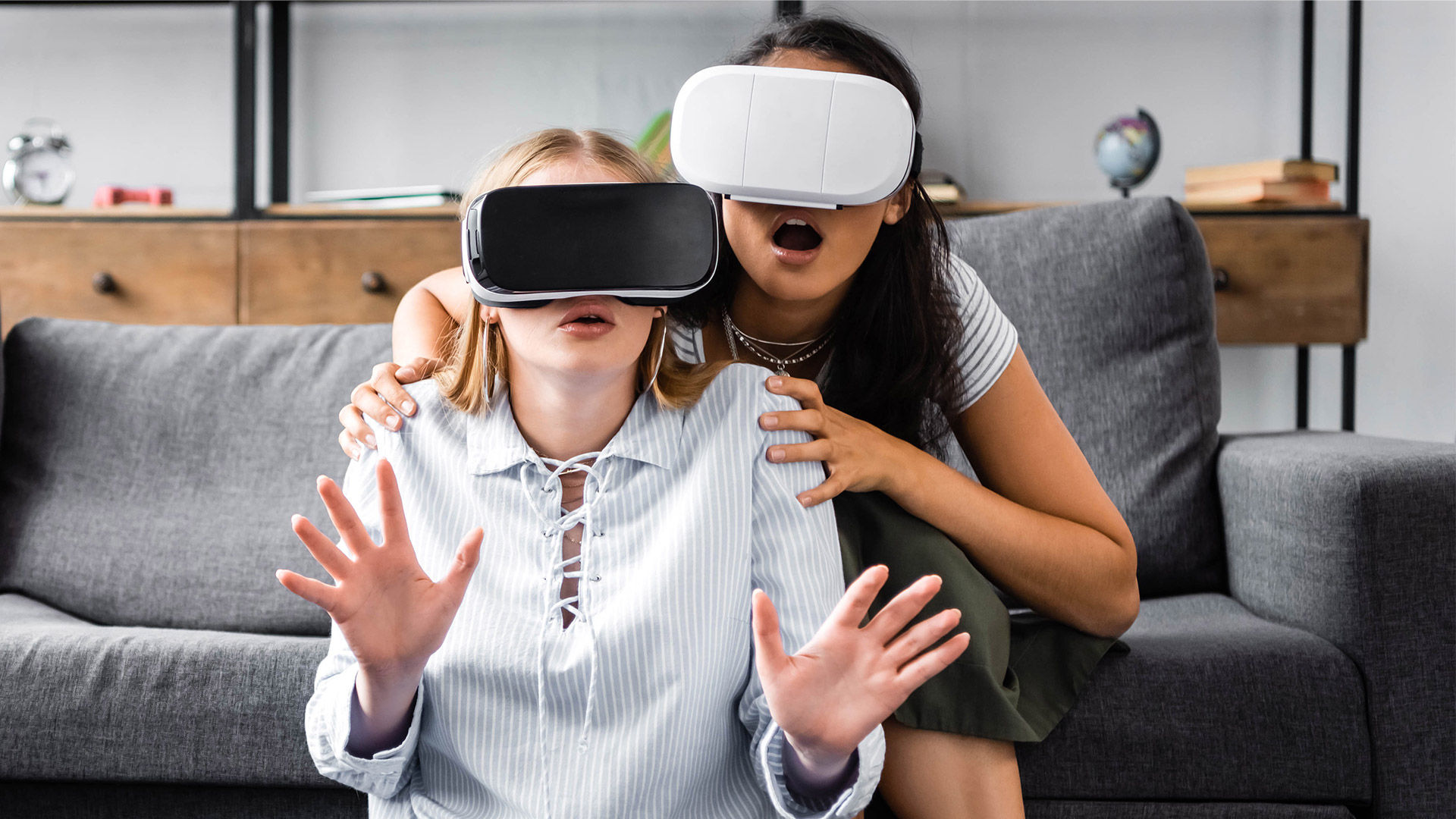
We’ll give some tips about VR storytelling, which helps you create deep and purposeful experiences to enrich the VR you put before your users—or, rather, set your users “within.”
You can build a narrative around your VR experience to provide a better user experience, so watch as Frank Spillers shows you how to use narrative as a design tool.
Conceptualize the story: Use brainstorming, mind maps, storyboards, mood boards, and user journeys to outline your story, and from there define the theme, setting, characters, and narrative arc.
Embrace immersion: Get what VR can do to work for you as you make a convincing presence within the story, and develop environments and characters that users can connect with at a good and deep level—with spatial audio, detailed and lifelike visuals, appropriate music to help set the atmosphere, and interactive elements to deepen immersion.
Create a compelling hook: Start with a solid opening that grabs attention and neatly sets the tone for your users, and use visual and auditory cues to steer user focus and draw them right along into the narrative.
Offer agency and choice: Include decision-making points where users' choices impact the story's outcome.
Create an Emotion-Driven Immersive Design
How can you connect so much more profoundly with users? Guide their feelings and reactions throughout the VR journey—and here's how you can do it:
Define Your Emotional Objective
Take the specific emotion you want for your VR experience—joy, fear, empathy, curiosity, or another feeling—and understand how it supports your narrative, theme, or message to create the desired effect.
Use Immersive Storytelling Techniques
These include:
360-degree audio and visual cues: Surround the user with sights and sounds that match the intended mood, and focus their attention on key elements that are within the virtual environment.
Branching narratives: Give users options that lead to different paths and outcomes in the story, so they are very much in charge of their “VR fate”—and it will both empower and give them a stronger sense of ownership over the experience.
Spatial transitions: Instantly move users between different locations within the virtual world you create for them, but do it carefully as it can be disorienting; get it right, though, and it can dramatically shift the tone or heighten a sense of urgency.
Diverse perspectives: Let users experience the VR narrative from different points of view (first- or third-person, for example).
Design Meaningful Interactions
Interactions form the very heart of VR experiences—and certainly they affect users' emotions—so create interactions that are in line with your emotional objectives for your users. Put intuitive inputs in there, like hand gestures, voice commands, or eye tracking to deepen connection and immersion so it feels more real, plus give feedback and rewards that affirm users' decisions and introduce challenges, conflicts, and surprises.
Test and Iterate
Watch and listen: Those facial expressions, body language, and words users give in the testing phase are valuable feedback.
Use measurement tools: Tools like Self-Assessment Manikin (SAM) or the Positive and Negative Affect Schedule (PANAS) let users rate their emotions on a scale, and so give you clear data to track the emotional impact of your VR experience.
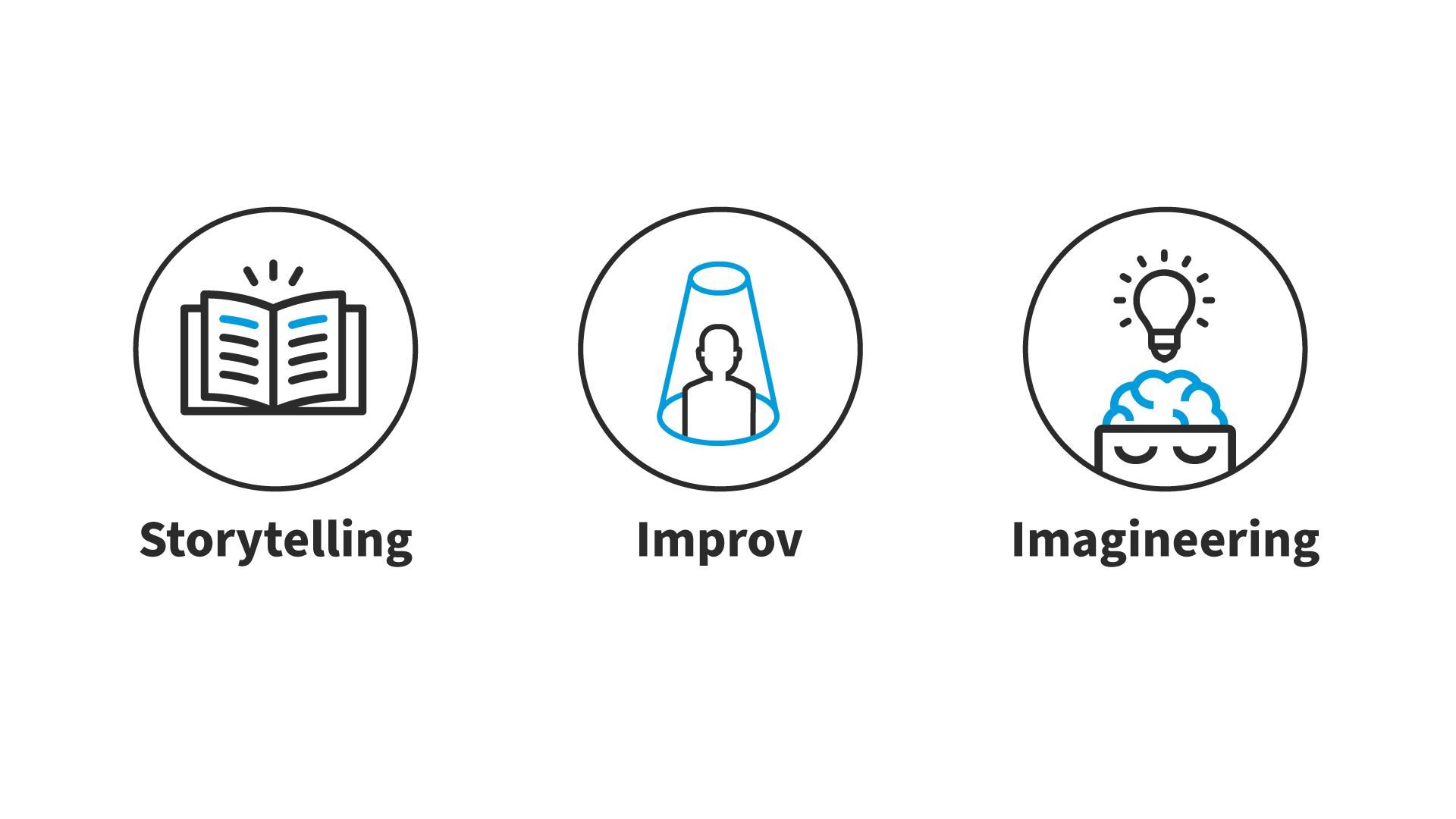
Storytelling, improv and imagineering help you create immersive VR experiences that engage users, spark creativity and push the boundaries of what's possible.
© Interaction Design Foundation, CC BY-SA 4.0
4. Design Interfaces and Interactions in VR
Key VR Interaction Concepts
Autonomy and agency: To keep things interesting and so users want more of your experience, they should be able to explore the virtual world you’ve provided them freely and interact with objects as they would in real life.
Avatars: Avatars are the virtual bodies which users inhabit in VR, and when users can design and control their avatars, the experience becomes more personal and powerful—and, so, more “real.”
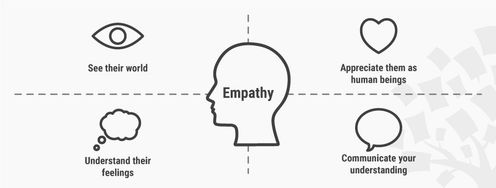
Empathy: You can use VR to build empathy—especially when users can experience life from another point of view—and VR is best at triggering emotional empathy, and you may need active user involvement to encourage deeper cognitive empathy.
Motion sickness: Good VR design avoids sudden or jarring movement and helps users maintain balance within the virtual world to minimize discomfort.
Haptics and pseudo-haptics: Use touch feedback—like vibrations in controllers—to make virtual interactions feel more real.
Redirected walking: This is where users get to explore virtual spaces that are bigger than their real-world rooms, and—as in other areas of VR design—keep user safety and comfort top of mind.
Create an Effective Interaction Model in VR
Define objectives and user needs: Understand what you want to achieve with your VR application, who your target users are, and the context users will use your VR system in, the tasks they’ll perform, and any limitations they might face.
Research and inspiration: For example, look into existing VR applications—especially ones that share similarities with your project—and see how they handle user interactions and the like.
Select interaction methods: As in, decide if you want to make the interactive experience, like, for example:
Gesture-based: Wave your hands or make specific gestures that the VR system can track—and respond to.
Gaze-based: Look at something to select it or make it do something.
Voice-based: Use your voice to command or control things in the VR world.
5. Prototype and Test Your VR Design
A prototype for virtual reality (VR) helps you turn ideas into tangible, interactive experiences.
Follow the Prototyping Process
Start with simple prototypes: Build basic models of your VR idea and focus on how users will interact with the world, not fancy visuals.
Get user feedback early: Test your early prototypes.
Build detailed prototypes: Once you’re sure the basics work, create polished prototypes with better graphics and more immersive features—and you can use tools like Unity or Unreal Engine.
Test and improve: Test your detailed prototypes with users, and use their feedback to improve the experience, make it easier to use, and—perhaps the magic touch here—keep users engaged.
Use VR Design Best Practices
To help you create a smooth, comfortable, and intuitive user experience, we’ve got several guidelines to make your VR app feel natural when it plays out on the target hardware and VR platform (which will have its own guidelines, too).
Use Level of Detail (LOD) and occlusion culling: Cut down on the workload on your VR system. Level of Detail (LOD) means you use simpler models for far-away objects, while occlusion culling skips rendering anything hidden behind walls or other objects.
Optimize shaders and textures: Shaders make your materials look right and textures add detail, so use simple shaders whenever possible and compress your textures to save memory.
Test and profile regularly: Test your VR app on target devices, and profiling tools give detailed reports on frame rate, CPU/GPU usage, and more so you’ll see where the bottlenecks are to fix.
Evaluate your VR Design
Consider these key areas whenever you analyze a VR design:
Presence and immersion: Does the experience make users feel like they're actually there?
Comfort: Does the design minimize motion sickness and are controls natural and easy to use without physical strain?
Interaction: Do the controls feel like a natural extension for intuitive interaction or do they create a barrier between them and the experience?
Accessibility: Regarding how users with disabilities can enjoy the experience, have you put in options to adjust settings and adapt the experience to individual needs?
The Take Away
VR UX design calls for a fundamental shift in how we think about user experience, and—superlatively important here—you’ve got to create immersive worlds where interactions feel natural, movement minimizes discomfort, and the design considers the unique needs of all users. Successful VR designs can hinge on how you prioritize comfort and intuitive interactions among the ingredients of the VR worlds you make for users.
The IxDF UX Design for Virtual Reality course is going to provide deeper insights into what we discussed in this piece, and it gives you the skills to design amazing VR experiences. You'll learn how VR works, how to adapt UX principles for this unique medium, and how to design for comfort and immersion. Plus, you'll master user research for VR, create powerful narratives, and get to understand how to make VR experiences accessible to everyone.
This course is ideal for you if you’re any of these:
A designer wanting to expand their skillset into VR
An entrepreneur looking to create VR products
A product manager who wants to improve user experience with VR
Anyone excited to explore the cutting edge of design
Frank Spillers, CEO of Experience Dynamics, will be your instructor. Frank is a VR/AR expert with over 20 years of UX experience working with Fortune 500 clients, including Nike, Intel, Microsoft, HP, and Capital One.
The IxDF UX Design for Virtual Reality course includes hands-on exercises to build your VR design skills and portfolio, too. By the end of it, you'll have a complete case study project ready to impress potential employers or clients.
References and Where to Learn More
Enroll in the IxDF UX Design for Virtual Reality course. It's included in an IxDF membership. To become a member, sign up here.
Read our topic definition of Virtual Reality.
Look at companies that lead the VR industry: Oculus, HTC Vive and Sony PlayStation VR.
Have a look at the Past, Present and Future of Virtual Reality.
Take the Master Class on Rapid Prototyping for Virtual Reality to understand the conventions, frameworks, tools and techniques to conceptualize, design, prototype, test and iterate Virtual Reality applications.
Read our article, Enter the World of Social VR.
Read our article to learn how to implement VR experiences.
Learn how tools like Unity or Unreal Engine can bring your world to life.
Understand how to work on VR platforms like Oculus and SteamVR.