VR’s design process isn’t that far off from a typical user-centered design approach. It’s all about continuous discovery and iterative improvements. Here you’ll discover the key stages of the design process, how to define, make and learn, so that you can create successful experiences from the get-go.
Your VR design process is going to look a little different from what you’re used to if you have a background in user experience design—or UX design. But before we get into it, let’s get some more context on the VR landscape, some considerations to ponder, and learn what a renowned filmmaker, Steven Spielberg, has to say about the medium.
The Iterative Design Process for VR
Let’s get into the VR design process. In this video, Frank Spillers, Founder of Experience Dynamics, gives a broad overview of what the VR design process looks like and what elements make up a VR experience.
Iterative design—or user-centered design—is a major approach, and a powerful “force,” that helps designers shape their efforts well, and what it revolves around is the philosophy of constant refinement and improvement. When you structure your design approach around it, it helps you make sure that what you produce as the end result aligns seamlessly with your users’ needs and expectations. How you get to that isn’t through a linear path, but it’s from taking a cycle of creation, testing, learning, and adjustment—with stages feeding into each other as you need until you get there with your design solution.
Another point about this methodology is that it draws from the understanding that user preferences and technology evolve over time, which is a vital truth about design, technology, and people’s expectations for sure. Feedback is what feeds the engine of your design efforts, and you can spot and rectify issues early on if you—on a repeated basis—seek out user feedback and integrate it into the design process, which makes for a more comfortable and engaging experience.
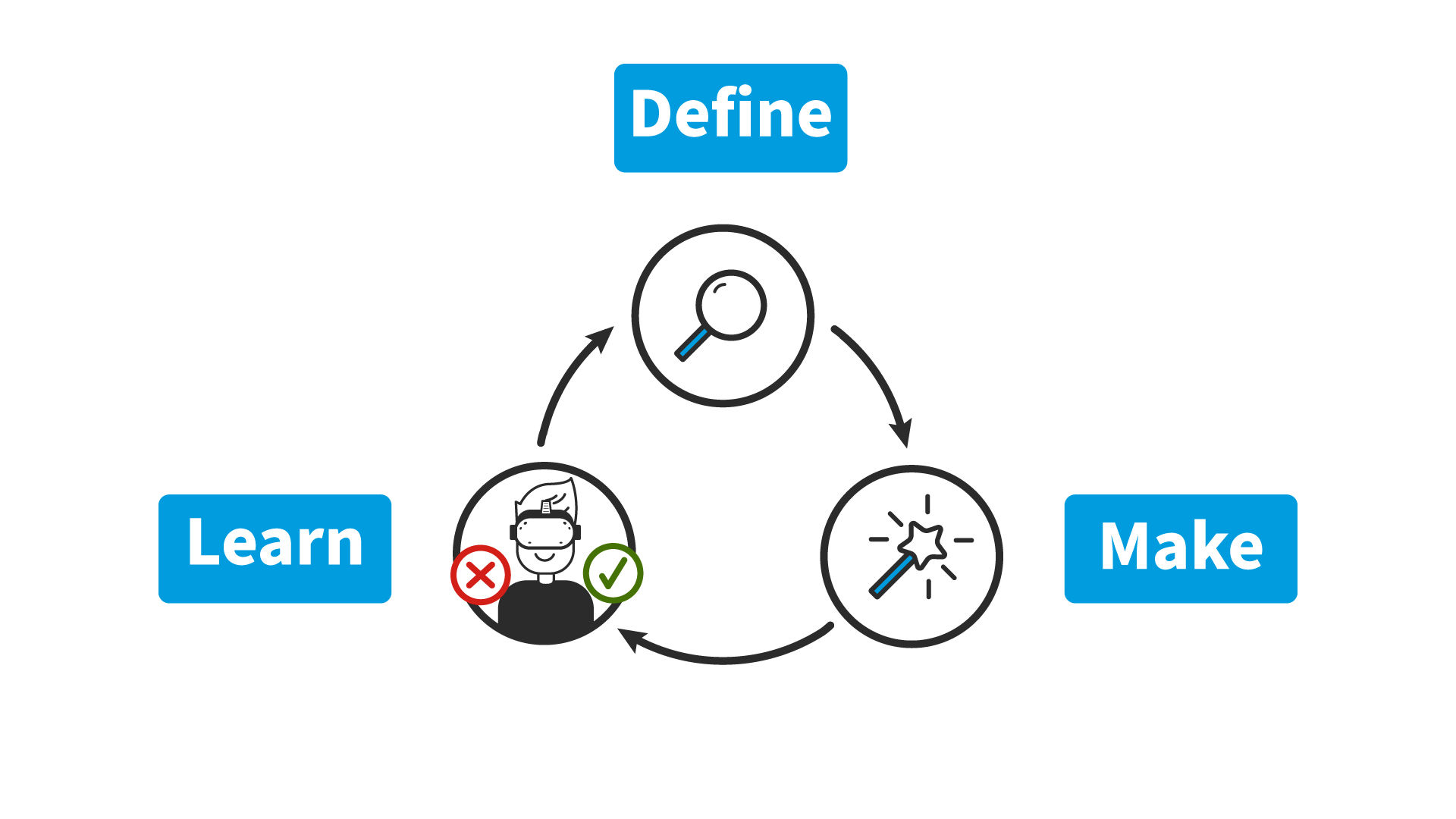
The Define, Make, and Learn process empowers you to embrace iteration, creating user-centric VR experiences that captivate.
© Interaction Design Foundation, CC BY-SA 4.0
Define, Make, and Learn
The VR iterative design process consists of three key stages—Design, Make, and Learn—and they’re stages that form an interconnected cycle that ensures you’ve got a user-friendly and continuously improved VR design. Keep your users front of mind at all stages! Make a point of talking to them, conducting user research, and getting feedback every step of the way.
This process will vary from person to person and project to project. Some of the steps, points, and activities mentioned below may not occur in your first iteration, and some may only pop up in your third or fourth iteration. Don’t let idealism, perfectionism, or rigidity get in the way of making progress!
Define Stage
In the Define stage of VR design, you’re rather like a detective who’s gathering clues and picking up a trail that will lead you to your quarry. For the Define part, you’re going to have to determine what the core purpose is for your VR experience—and it could be, for example, entertainment, education, or training. Then, you’ll need to decide on what the focus of your VR experience is—for instance, is it narrative driven, about skills development, or about training users? And so, you move on to define the goals and objectives you’ll need to bring on board—and for that you’re going to have to consider both user needs as well as business objectives (as in, your brand’s).
Last—but definitely not least—you’ll show your prowess as a sleuth when you do UX research, or conduct user research, to determine needs, expectations, and capabilities that are related to VR experiences, and you’ll find that the research element is going to pay massive dividends when it comes to testing what you build, as it should embody what users need and expect.
Make Stage
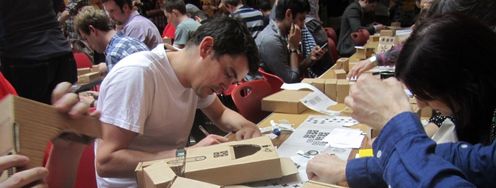
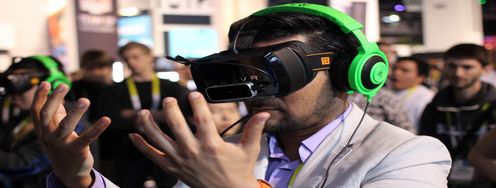
Now you’re on to the fun part, and it’s here where you’ll get to design and build your VR experience and move on in earnest from the foundations you’ve laid with strong research—so, start with prototypes and develop your virtual world, objects, and interactions. Once you’ve got a prototype to test, test your VR experience as you make it using VR hardware—and get the testing in nice and early.
Do be sure to use existing frameworks and tools to simplify the process for yourself and your design team—as it’ll not just make things smoother as you go but make for better results in the long run too. Perform a task analysis so you define tasks and user actions, explore design specifications using sketches and diagrams, and—not least because you’ll be subject to the laws of the VR world you want to make—think hard about your VR system requirements, specifications, and limitations that you’re working with.
Once you’ve completed the first steps of the Make stage, you can—and should—begin prototyping!
Here is where you will:
Conceptualize and ideate: You’re going to generate ideas and concepts for your VR experience, and you’ll brainstorm innovative ways to leverage VR’s unique capabilities so you can enhance the user experience and get things optimized for your users. What’s more, this is where you’ll develop the tasks and interactions that your experience is going to have in it. Last—but not least—it’s here where you’ll map out your narrative for the VR experience.
Excel at spatial design and interaction design: Now it’s time to focus on spatial design and consider the virtual environment, object placement, and user movement within the VR experience you provide for users. You’ll need to design intuitive and natural interactions that run in line with the user’s physical movements and gestures—and think hard about comfort, safety, and what sorts of abilities users need to have to use controls, move, and do things (and we’ll look at accessible design—a vital thing to consider—in a moment, too). And then you’ll need to develop and implement user-friendly navigation and control mechanisms, ones that are both easy to learn and use for users within the VR environment.
Prototype and iterate: This is where the fun starts in earnest, and you get to create low-fidelity prototypes to test and iterate on design concepts—and do it fast. To get the results in, you’ll need to do usability testing sessions and then incorporate user feedback and observations from those so you can refine and improve the VR experience and keep things on course with good, solid data-driven design. Then, you can switch things up to create high-fidelity prototypes and so get the ultimate experience you’re going for across to the people you test it with—and usability tests with high-fidelity VR prototypes will give you even more precious insights because they’re so effective. Then, once you’ve got all the insights gathered up, you can—insightfully—iterate on the design and so be sure you make necessary adjustments that both enhance usability and user satisfaction to the highest levels you can get them to.
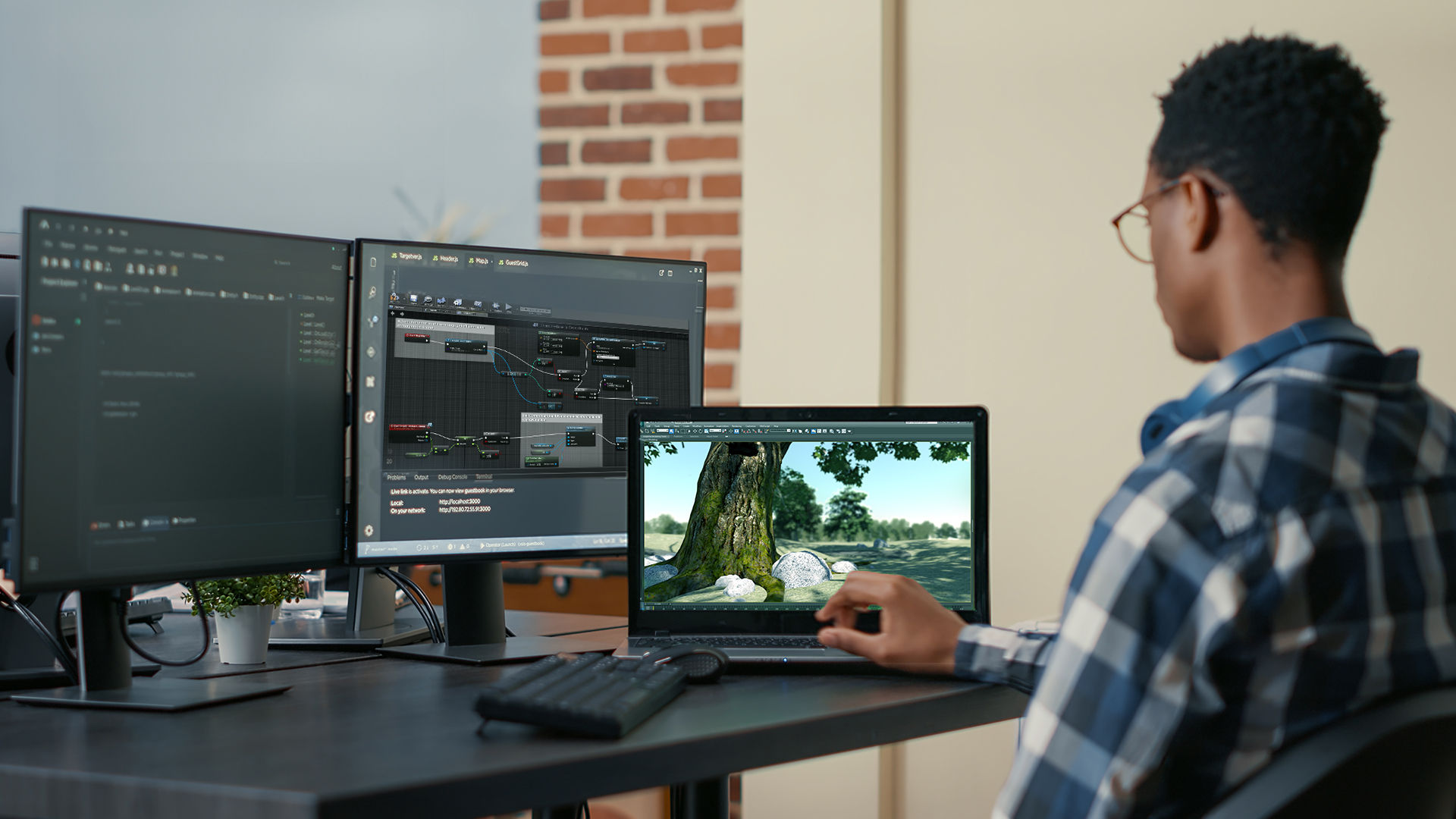
Once you’re further along in your design process, you can create high-fidelity prototypes with programs like Unreal or Unity.
Learn Stage
During the Learn stage, you’ll need to research, test, and collect feedback so you can make meaningful adjustments and iterate on your design to improve it. This is where it pays to learn from other VR projects and collaborate with experts so you can make your project the best it can be—and it’s best to prioritize feedback and refine your design in line with it so you can improve—if not optimize—the user experience.
Now, you’re learning about things in detail, so you’re going to conduct more in-depth research to understand more about your target audience, their needs, expectations, and capabilities—everything about them that’s relevant to what they need, can use, and can get delighted at. That is why you’ll test your experience with target users and get in further insights on their behaviors, expectations, and pain points of your VR experience—so you can smooth out kinks while you learn more about the exact nature of what users are after in a design, plus you’ll need to consider factors such as your users’ age, skill level, and familiarity with VR, whatever’s relevant. And it’s also at this stage of the process where you collaborate with Subject Matter Experts (SMEs) and other experts to get an accurate evaluation of your design and how well it can address what’s called for—like through heuristic evaluations.
Other Important Considerations for Your Design Process
User comfort: Always think about how comfortable users will be while experiencing your VR—not least because safety comes first!—and be sure to avoid things that might make them dizzy or uncomfortable.
Storytelling: If your VR has a story or a narrative element (which is best practice, anyway), think about how you’ll tell it through the experience—and it could be through visual cues, audio, or a combination of the two.
Visuals and audio: Pay attention to the visual and audio elements, not least because they’re the primary parts of catapulting users into your virtual reality so that it’s “real” to them. So, the sight and sound elements should match the theme and create an immersive experience for users to enter, stay in, and enjoy.
Feedback: Design ways for users to know what’s happening and so that they’re not just passive observers—like, for example, if they interact with an object, there should be a response that indicates the interaction such as their picking up a bunch of keys, complete with the sound of the metal clanking.
Testing: Continuously test your VR with real users—and their feedback is more than just valuable for you to improve your experience with; it’s nothing short of crucial!
Accessibility: Make sure you’ve got an accessible design by considering the needs of users with disabilities—because everyone should be able to enjoy your VR experience—so make sure you’ve put in appropriate accommodations within your VR experience.
The Take Away
The VR design process shows how important it is to engage in iterative design, and its interconnected stages of Define, Make, and Learn establish a dynamic cycle—not a linear step-by-step path—and it’s got refinement and user needs at its core. It’s something that doesn’t just highlight the power of spatial design and emphasize the creation of intuitive interactions and seamless navigation, but it reinforces how vital it is to do continual testing and adjustment so you can ramp up the user satisfaction factor, too.
Remember that crafting VR experiences with iterative design is a bit like making a sculpture in three dimensions—and you’ll find there’s an ongoing journey of learning, adjustments, and—ultimately—the point where you create extraordinary virtual worlds. How much users—and customers—will love those VR worlds and keep coming back to them for more delights is going to depend on how well you craft and implement strong VR best practices and fuse them with creative zest, but do it well and you can bring experiences home to the people who love being in them time after time after time.
References and Where to Learn More
Jason Jerald’s book, The VR Book: Human-Centered Design for Virtual Reality provides an in-depth exploration of the Define, Make and Learn process.
Read Adobe XD’s article about the intersection of UX and VR and what informs the design process.
This video from Google I/O 2016 discusses the VR design process, including the iterative design process.