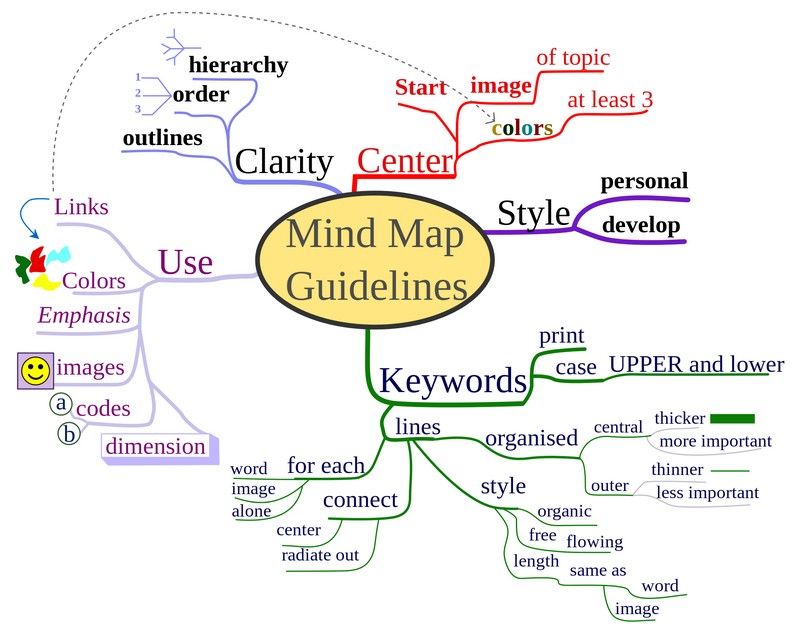
Mind maps are visual diagrams that structure information around a central idea, with linked ideas branching out. Designers use them to organize thoughts, analyze information and develop creative solutions. Mind maps give a clear structure and hierarchy of thoughts and make complex concepts easier to understand. They include a central idea, topics and subtopics showing as nodes, and branches connecting these nodes.
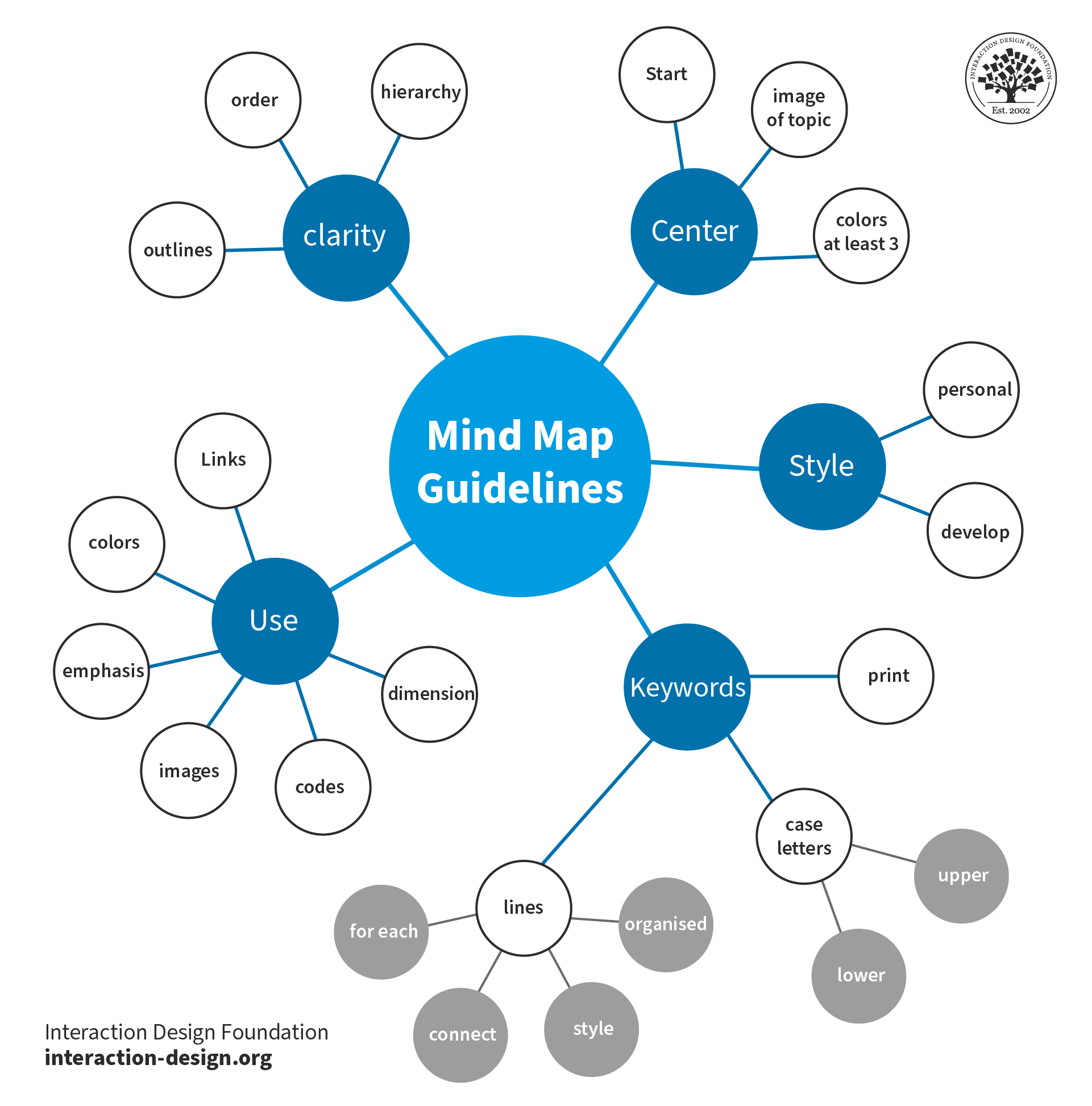
Mind maps are a helpful way to clearly flow out ideas and build on them.
© Nicoguaro. Copyright terms and licence: CC BY-SA 3.0
Why are Mind Maps Important in UX Design?
In user experience (UX) design, effective organization and a clear understanding of information are nothing short of vital for any digital product to succeed. Sure enough, designers and design teams depend on this clarity to help create user-friendly products and services. One powerful tool that designers can get working for them is a mind map. Psychology Author and Television Presenter Tony Buzan coined the term “mind mapping” in 1974 as a form of brainstorming. Mind maps—or spray diagrams or spider diagrams—give a visual representation of information. This makes it easier to navigate and comprehend complex concepts from a high level as well as in finer granularity.
Mind maps play a crucial role in UX design, project planning and many other areas—such as working with market research. They help designers organize their thoughts, analyze information and develop creative solutions from a big-picture vantage point. Such maps can also incorporate color coding and icons to help with comprehension and navigation. Here are some key reasons why these maps are important:
1. Enhanced Information Organization
Mind maps are tools that empower designers to visually structure information and organize it in a clear way. When designers set out their ideas and concepts in a hierarchical style, they can easily achieve several things: They can find relationships, prioritize information and create logical flows within their designs. This improves the overall organization—as well as the clarity of the UX design process.
2. Improved Problem-Solving and Creativity
These maps stimulate creative thinking and problem-solving. That’s because they let designers get out and explore different possibilities and connections. When designers visually map out ideas, they can start building up new insights, identify patterns and uncover innovative solutions to the design challenges that are facing them. The visual nature of mind maps encourages out-of-the-box thinking—and it helps the design team generate creative ideas in their brainstorming sessions.
Author and Human-Computer Interaction Expert, Professor Alan Dix explains thinking outside the box in this video:
3. Clear Communication and Collaboration
The maps serve as effective communication tools. They enable designers to present complex information in a simple and visually appealing format that’s easy to understand for other team members—some of whom may not be as much of visual designers. These maps make it easier for design team members to collaborate more effectively—along with stakeholders and clients—since they give a shared understanding of design concepts and project goals. Mind maps are deliverables that are really easy for design teams to share, review and modify—ideal for a design process that’s truly collaborative and iterative.
4. Enhanced User Understanding
Mind maps help designers gain a deeper understanding of the users' needs, goals and preferences. As designers organize user research findings and insights this way, they can identify user patterns, customer touchpoints, pain points and motivations. This understanding informs the design process early on—and long before usability tests of the mobile apps that teams might design, for example. It enables designers to create user-centered experiences in digital products and services that meet their users' expectations and goals.
5. Efficient Project Management
These maps can work as a powerful aid in project management since they give a visual overview of the design process. Designers can use mind maps to plan and track project milestones, allocate resources and set their priorities. The visual representation of tasks and timelines like this helps streamline the project management process. This streamlining goes a long way to making sure of an efficient workflow and the timely delivery of design projects.
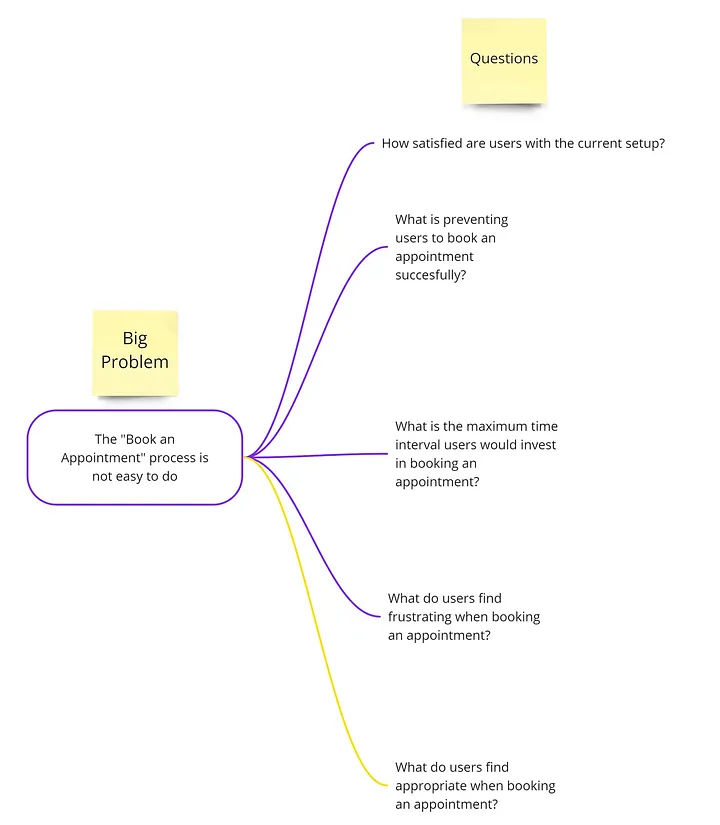
This mind map presents a big problem or main idea for a design team to address with questions.
© Magda Mihalache, Fair Use
How to Create Mind Maps
Designers can employ mind maps at various stages of the design process to organize information, generate ideas and structure designs. Designers can follow this step-by-step process where they:
1. Define the central idea or main topic of the mind map. This should be a concise and clear statement that encapsulates the purpose or objective of the design project.
2. Identify key themes and subtopics related to the central idea. These can be broad categories or specific areas of focus within the design project.
3. Create nodes for each key theme or subtopic. These nodes will serve as the main branches that stem out from the central idea.
4. Add branches that connect each node to the central idea. These branches represent the relationships between the main topic and the subtopics.
5. Expand subtopics to make them more detailed. For each subtopic, designers further expand the map when they put in additional nodes and branches. These represent more specific ideas, concepts or features related to each subtopic.
6. Use color coding and icons to improve how visually clear the mind map is. Designers assign different colors to different themes or subtopics, and they use icons to represent specific ideas or concepts.
7. Review and refine the mind map to make sure that it accurately represents the information and relationships the designers want to show. They should refine the structure, wording and visual elements—as needed—to improve clarity and readability.
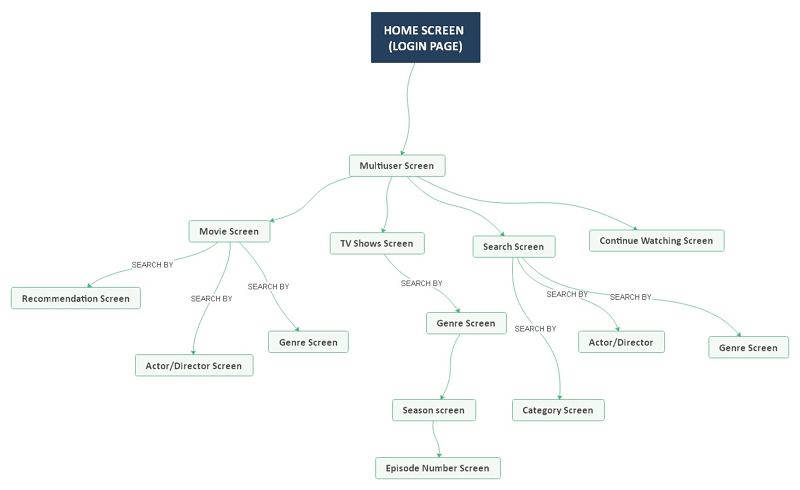
This mind map represents the workings of Netflix’s UI, as well as the flow involved when a user logs onto the app or website.
© EdrawMind, Fair Use
Tips to Make Effective Mind Maps
Designers can follow some best practices for mind mapping techniques, such as these:
1. Keep It Simple
Use concise and clear wording for nodes and branches. Avoid lengthy descriptions or complex language that may keep users from understanding properly.
2. Use Visual Elements
Incorporate icons, symbols and images to boost the visual appeal of and how well people will understand the map. Visual elements can help carry information more effectively and engage viewers that much better.
3. Prioritize Information
Arrange nodes and branches in a logical and hierarchical order. Be sure to put the most important information in a position that’s prominent. Information that’s set out like this makes sure that the most crucial concepts and ideas are easy for team members and stakeholders to access and understand.
4. Foster Creativity
The map is there to develop; so, it’s vital to allow for flexibility and creativity in it. Encourage the exploration of different ideas and connections—even if they seem unconventional at first. These maps are a tool to help generate innovative solutions and think outside the box.
5. Iterate and Refine
Mind maps aren’t static. The idea is that they evolve and adapt as the design process moves forward. Designers should continue to review, refine and update mind maps whenever new insights and ideas come to the surface.
What are Helpful Tools for Mind Mapping?
Here—and in no particular order—are some of the best programs that UX designers commonly use:
1. MindMeister: a popular online mind mapping tool that offers a user-friendly interface and collaborative features. It allows for easy creation, editing and sharing of mind maps—making it suitable for team collaboration.
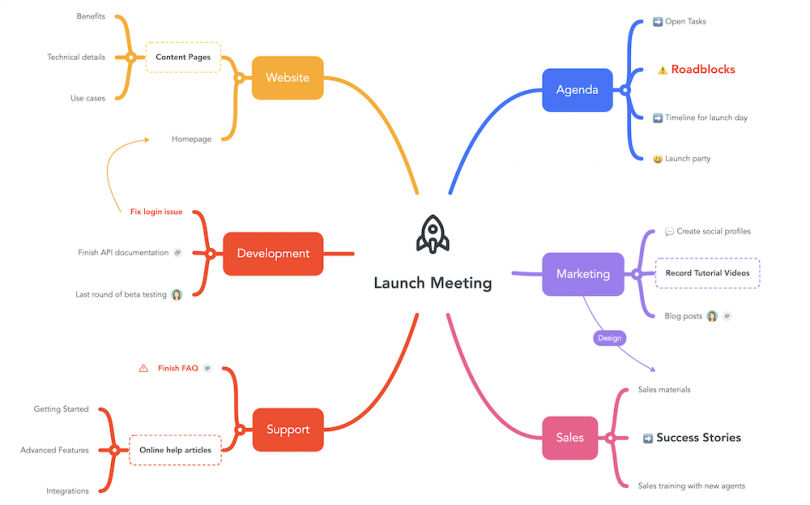
A MindMeister mind map diagrams a launch meeting.
© MindMeister, Fair Use
2. XMind: a versatile mind mapping software that offers a range of features. These include various templates, advanced brainstorming tools, as well as seamless integration with other productivity tools.
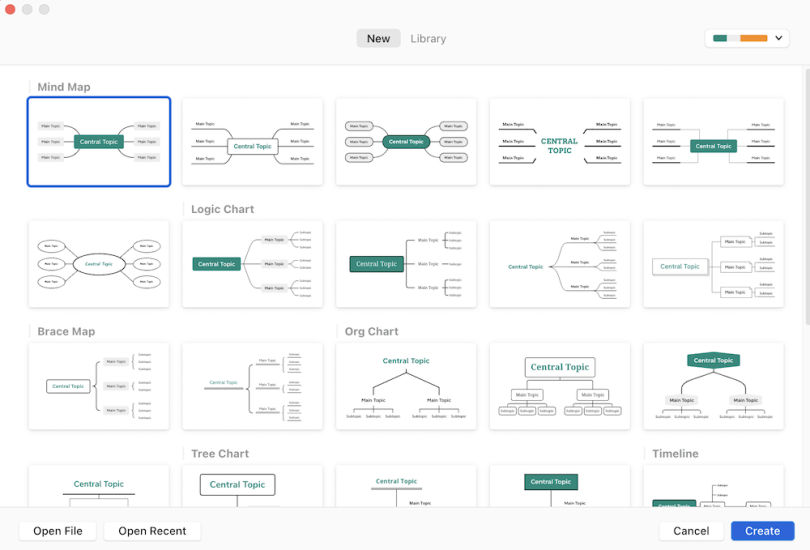
XMind supports diagram formats in addition to mind maps, such as logic charts, brace maps, org charts and tree charts.
© Built In, Fair Use
3. EdrawMind: a full-featured cross-platform tool for mind mapping, brainstorming, outlining and presentation.
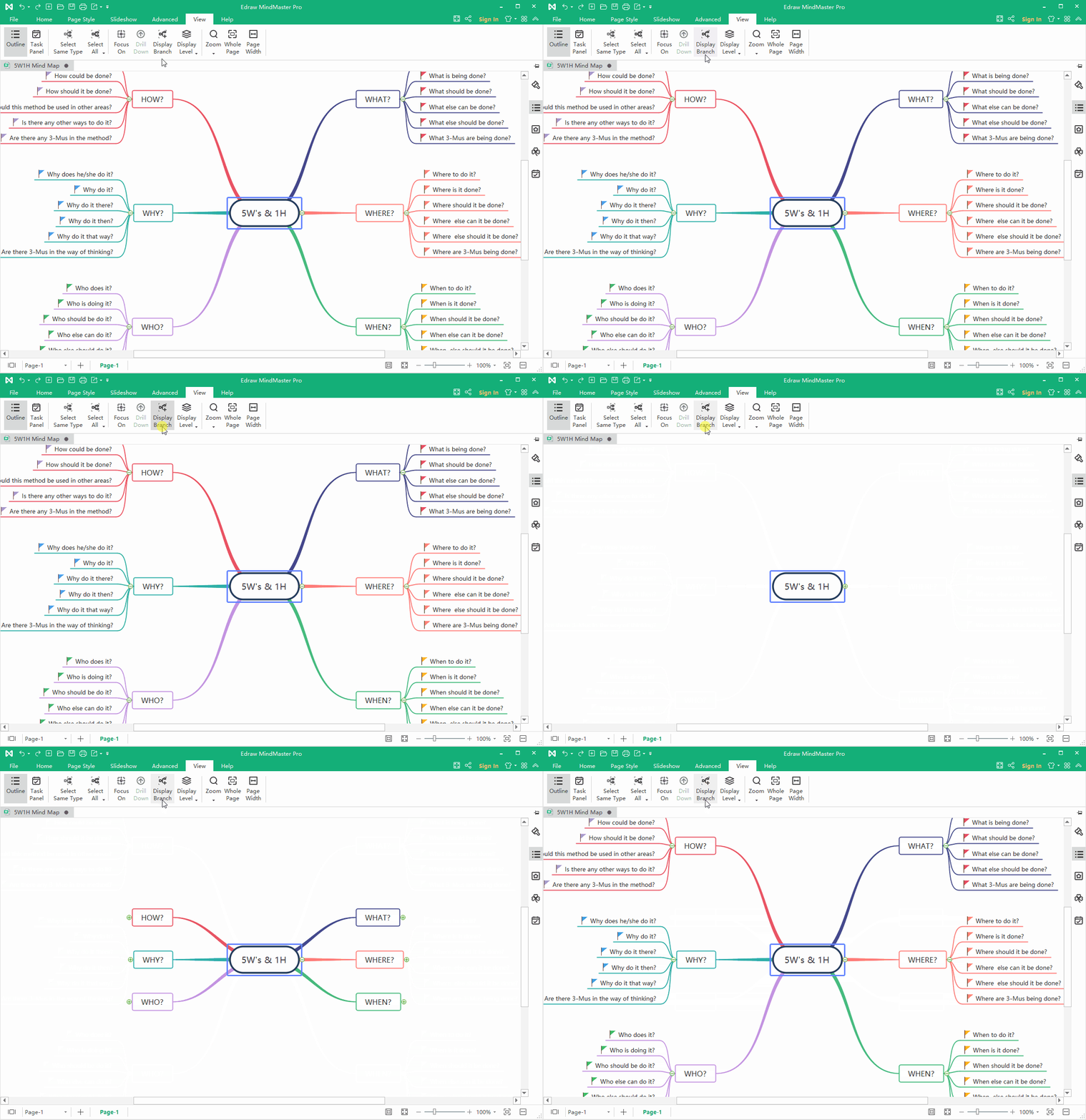
This EdrawMind map displays branches.
© EdrawMind, Fair Use
4. Coggle: a web-based mind mapping tool that provides a simple and intuitive interface. It offers real-time collaboration, customizable themes and the ability to add images and links to mind maps.
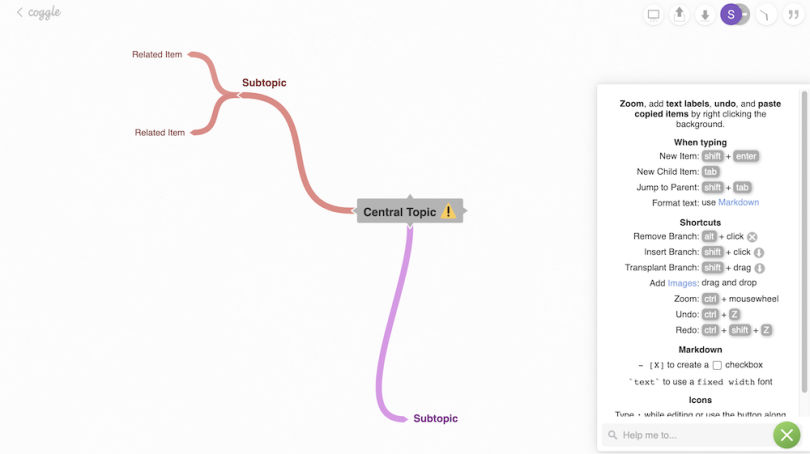
A work-in-progress Coggle mind map; the quick-keys guide is open (right-hand side).
© Built In, Fair Use
5. Miro: a digital collaboration platform that offers a wide range of tools, including mind mapping. It provides a collaborative workspace where teams can create, edit and share mind maps in real-time.
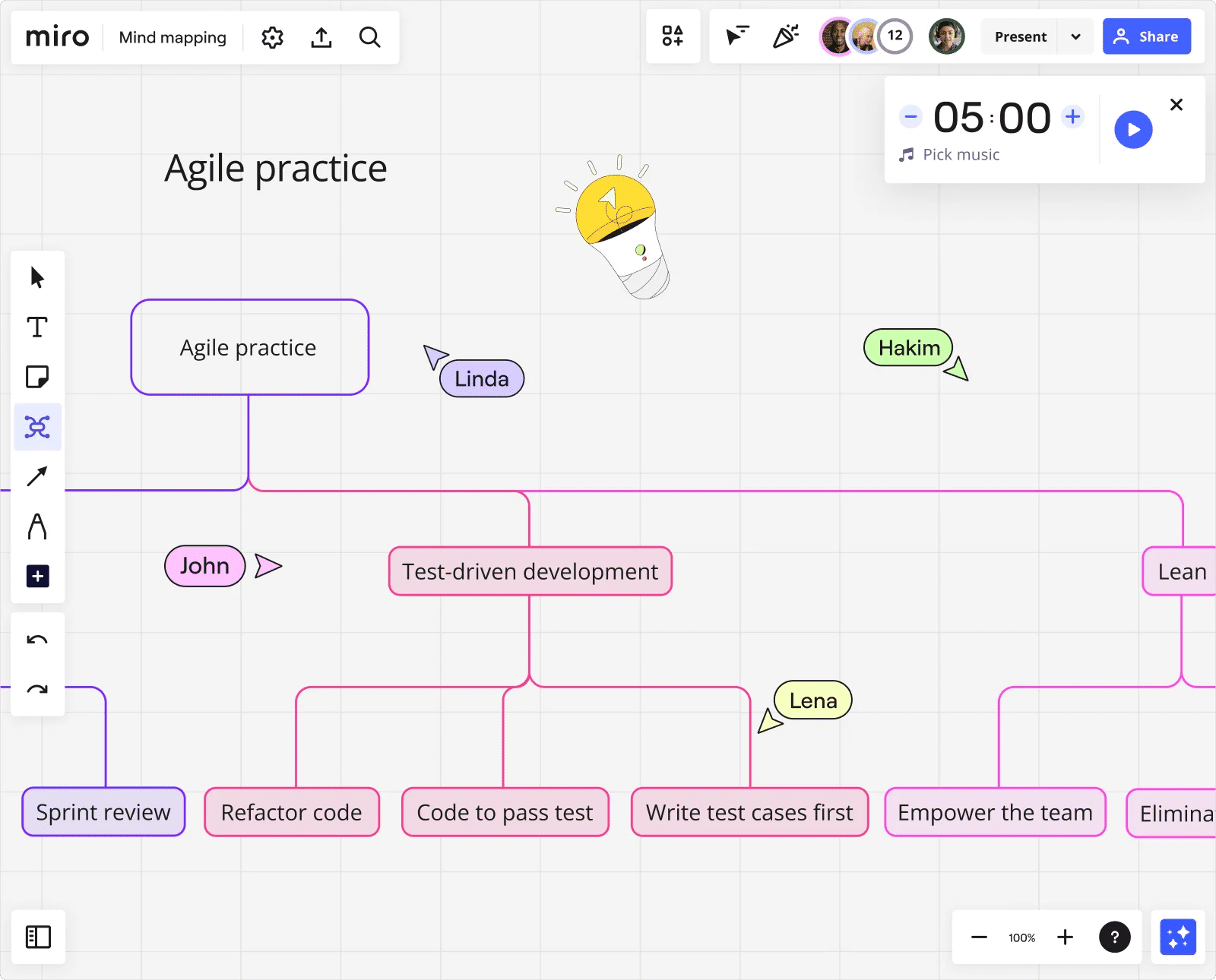
This Miro mind map charts processes and sub-processes in Agile software development.
© Miro, Fair Use
6. Lucidchart: a cloud-based diagramming tool that includes mind mapping functionality. It offers a drag-and-drop interface, collaboration features and integrations with other popular tools.
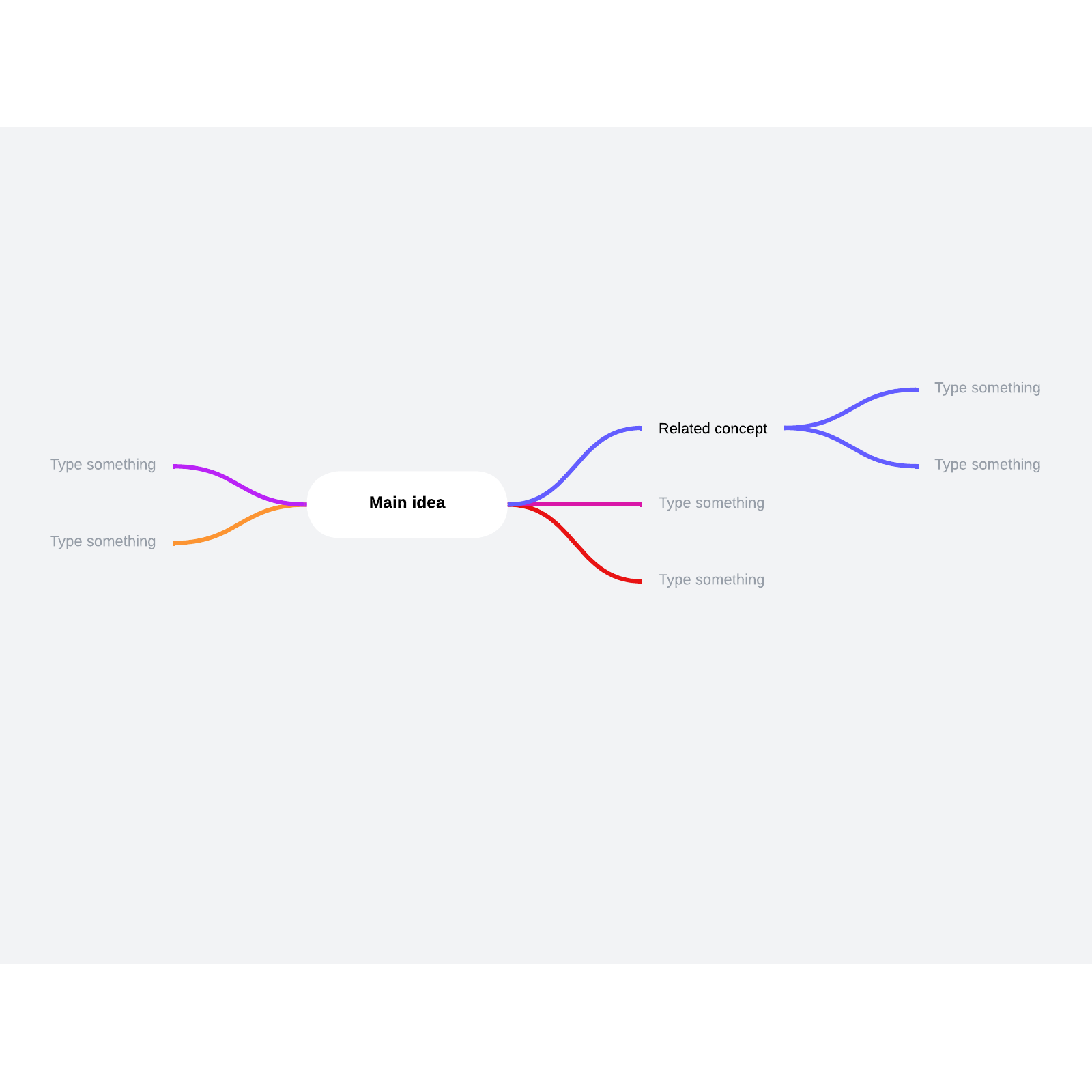
This template from Lucidchart can help designers and teams grow and flow ideas.
© Lucidchart, Fair Use
It’s important for designers to consider several factors when they select a mind mapping software program. These include ease of use, collaboration features, customization options and integration capabilities with other tools that they use in their design process.
Examples of Mind Maps
Such maps can take various forms and have uses in a multitude of contexts. Here are some examples used in UX design:
1. User Journey Map
A mind map can visually represent the user's journey through a product or service. It can highlight key touchpoints, pain points and opportunities for improvement. User journey maps and customer journey maps are important UX deliverables in any case—so, it’s valuable to have this visualization in place early on.
CEO of Experience Dynamics, Frank Spillers explains how to map a user journey for a service in this video:
2. Information Architecture Map
A mind map can help organize information and define the structure of a website or application. It can show the hierarchy of pages and their relationships. As such, it can serve as a kind of foundation or wireframe for what the design team have got in mind.
3. Concept Ideation Map
A mind map is an excellent tool to brainstorm with and explore different design concepts. As it facilitates such levels of creativity, it frees a design team to generate and organize ideas for a new product or feature.
Watch our video on brainstorming for insights into this powerful group activity:
4. Content Strategy Map
A mind map can help a design team plan and organize content for a website or application. It maps out the various sections, pages and content types—such as the best material for a landing page.
The versatility of mind maps lets designers adapt them to their specific design needs and objectives. In a similar way to how user personas help bring qualities and needs of a target audience to the surface for the design team to work with, mind maps help bring ideas to life for designers and developers and others associated with a project.
Remember the power of UX design mind maps as tools to foster collaboration regarding how to understand potential customers, feel out content ideas for ideal customers and users, identify types of content that best suit business goals—and much more. Mind mapping for design thinking is particularly effective, and it’s important to leverage mind map templates. With the right map, a team can drive innovation and help create user-centered design experiences and product designs that truly resonate with their target audience.











 Author/Copyright holder: Michael Moore. Copyright terms and licence: CC BY-SA 2.0
 Author/Copyright holder: Simon Pielow. Copyright terms and licence: CC BY-SA 2.0
 Author/Copyright holder: Vicwood40. Copyright terms and licence: CC BY-SA 3.0