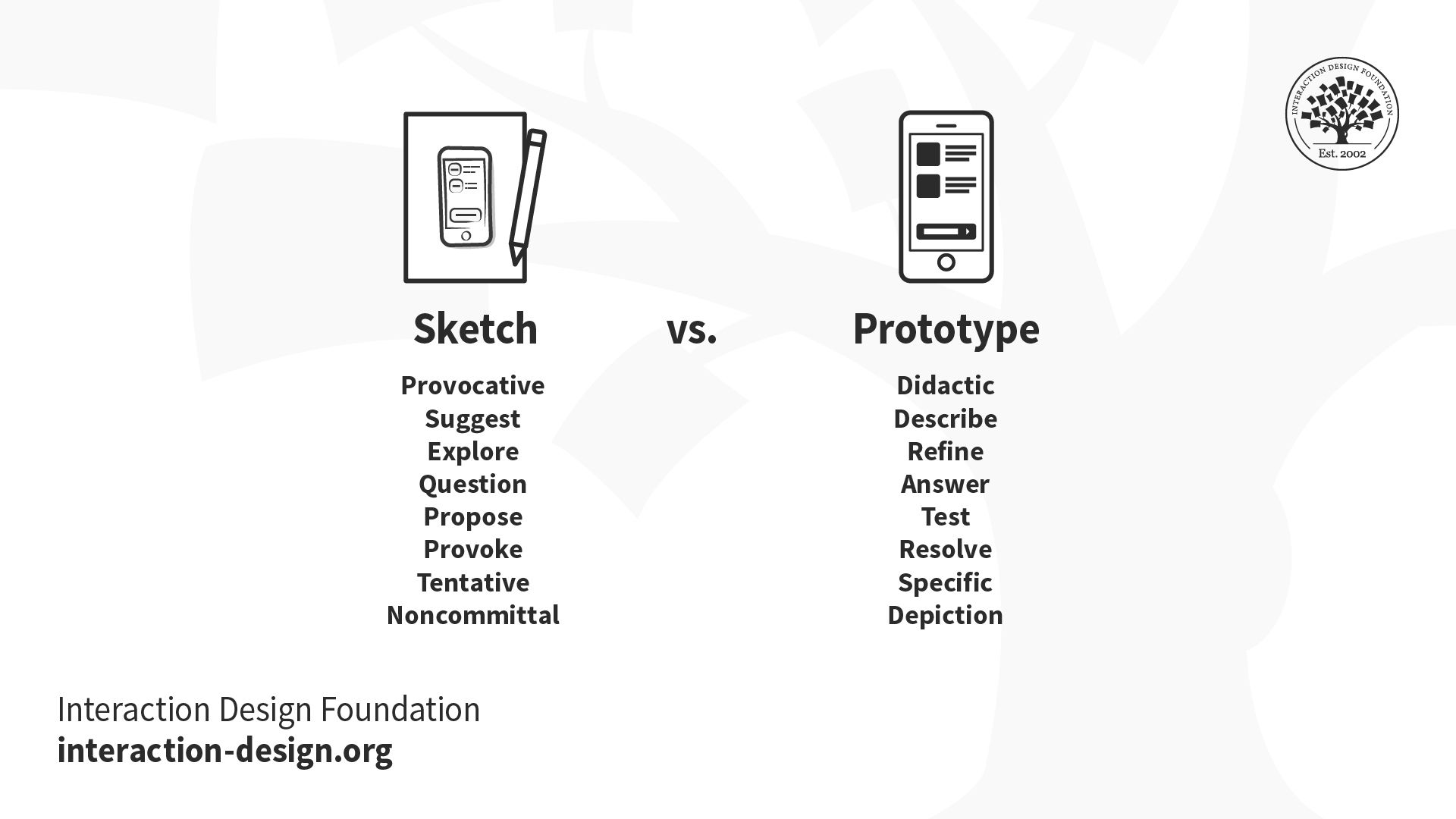
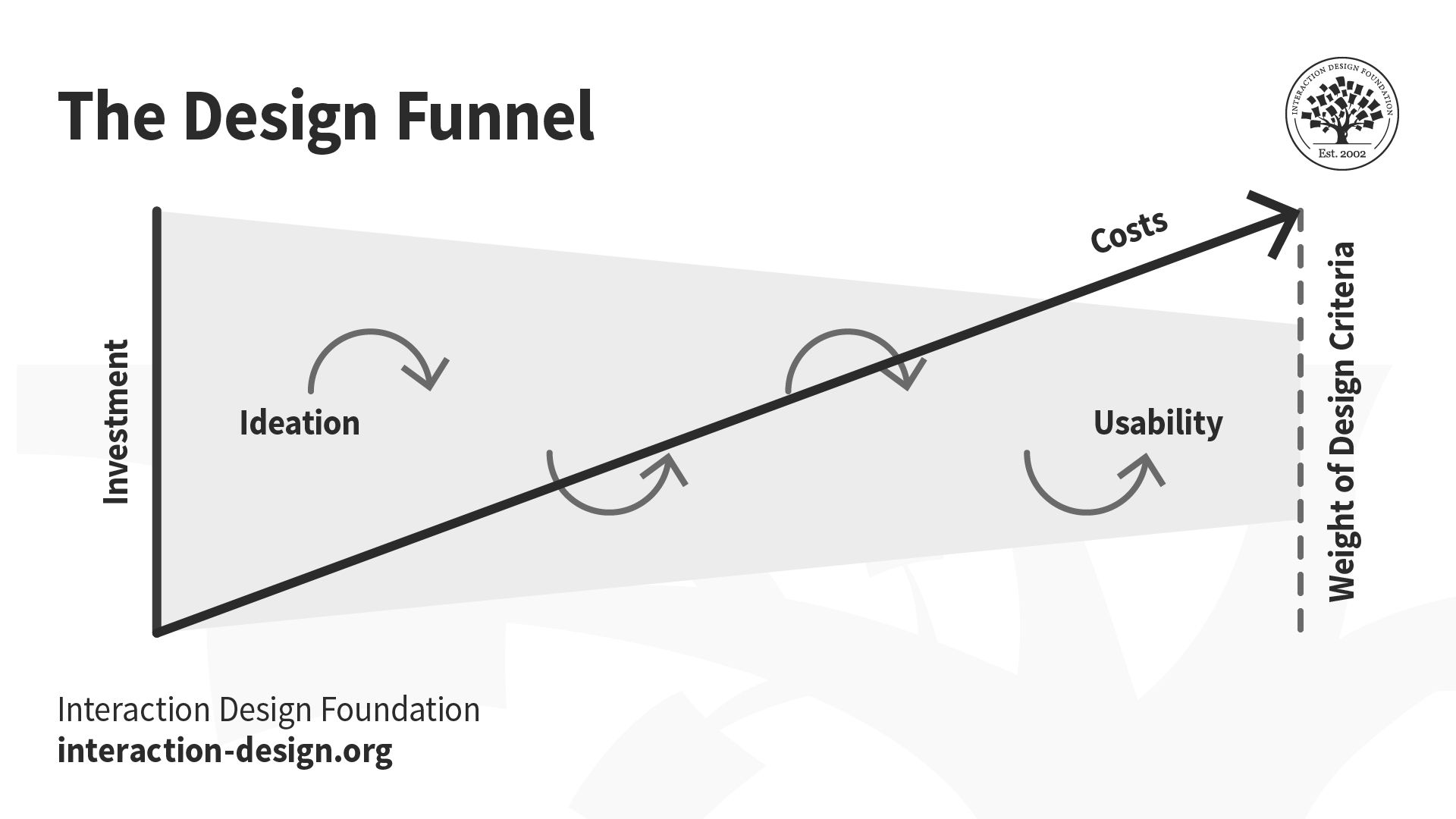
Sketches are preliminary, hand-drawn representations of a user experience—including user research outcomes, user interfaces and interactions. They serve as a quick and cost-effective way to explore design concepts and communicate ideas before investing time and resources into more detailed wireframes or prototypes. Sketches are typically rough and informal, emphasizing the conceptual over the precise which allows designers to iterate rapidly and gather feedback early in the design process.
In this video, Designer, Teacher and Illustrator, Mike Rohde describes using five basic shapes to simplify sketching and focus on conveying ideas rather than creating art.
Why Are Sketches Important in UX Design?
Sketches act as a visual bridge, fostering a shared understanding among stakeholders by providing a tangible representation of design ideas. They encourage collaboration, spark conversations, and facilitate early decision-making by allowing for quick exploration and identification of potential issues or opportunities. Additionally, sketches serve as a powerful tool for building consensus and showcasing a designer's problem-solving approach, ultimately leading to a more efficient and effective design process.
What’s more, sketching demonstrates how UX designers think, approach problem-solving and illustrate their design process. Designers should always show how they arrived at a solution—hiring managers and clients don’t just want to see the final result, they want to see how a designer got there.
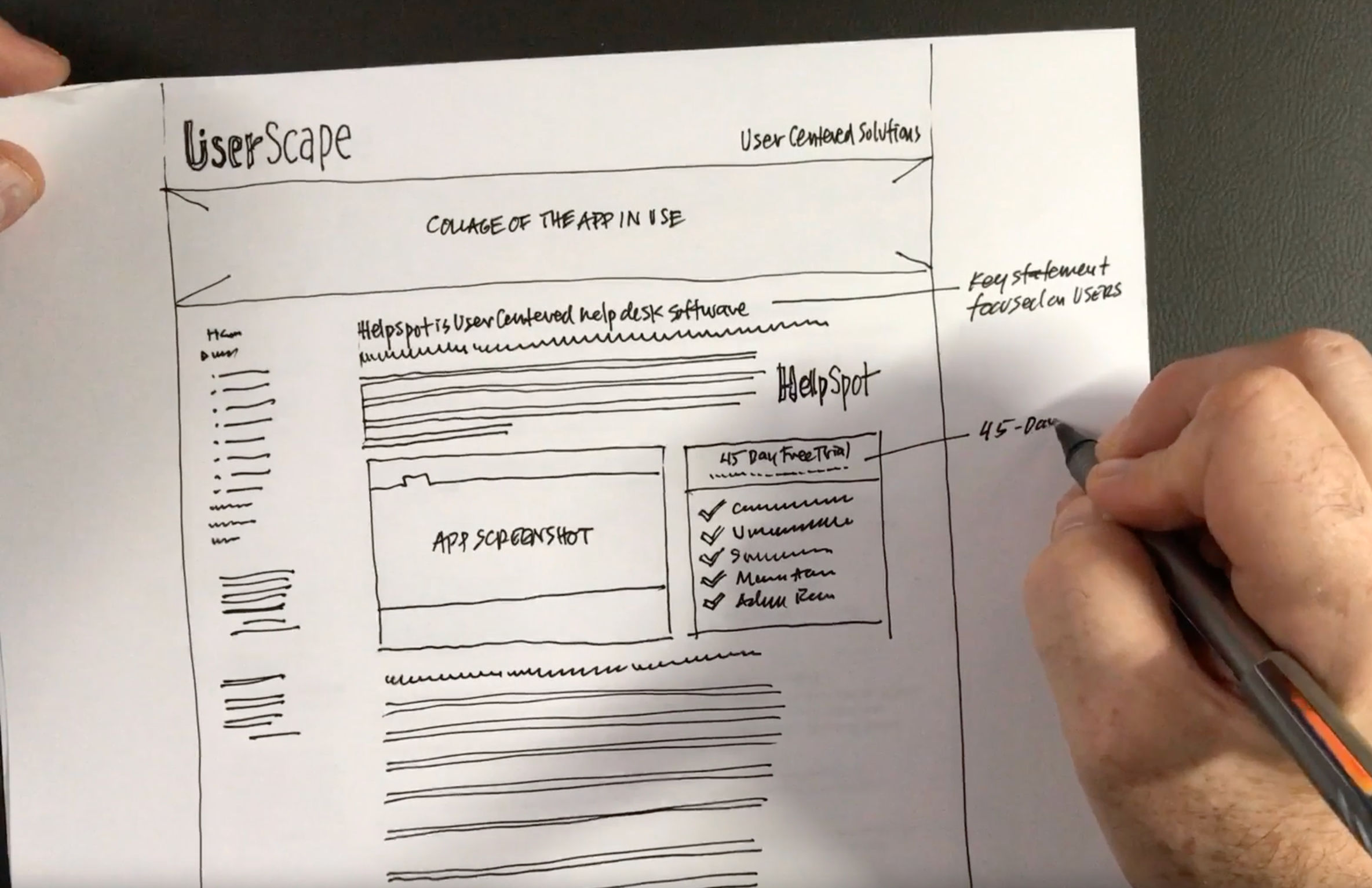
© Mike Rohde and Interaction Design Foundation, CC BY-SA 4.0
When designers show their abilities and unique thought process through sketches, they distinguish themself from other designers—a key factor in getting hired for a fulltime job or freelance project.
Sketches act as discussion points too—particularly useful in interviews as they provide insight into the designer’s process.
How to Sketch for Success: Practical Techniques
Simplify the Sketching Process
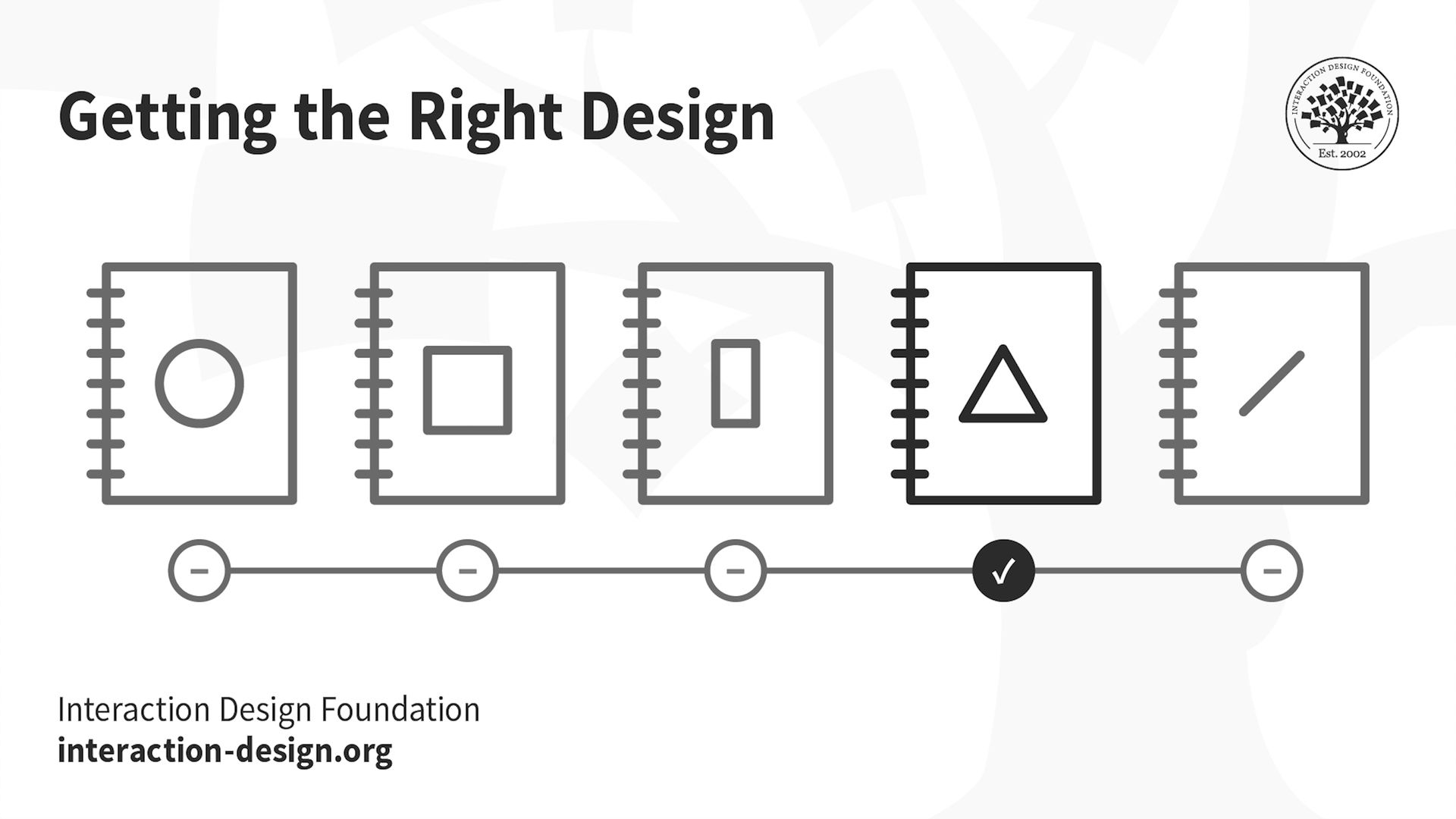
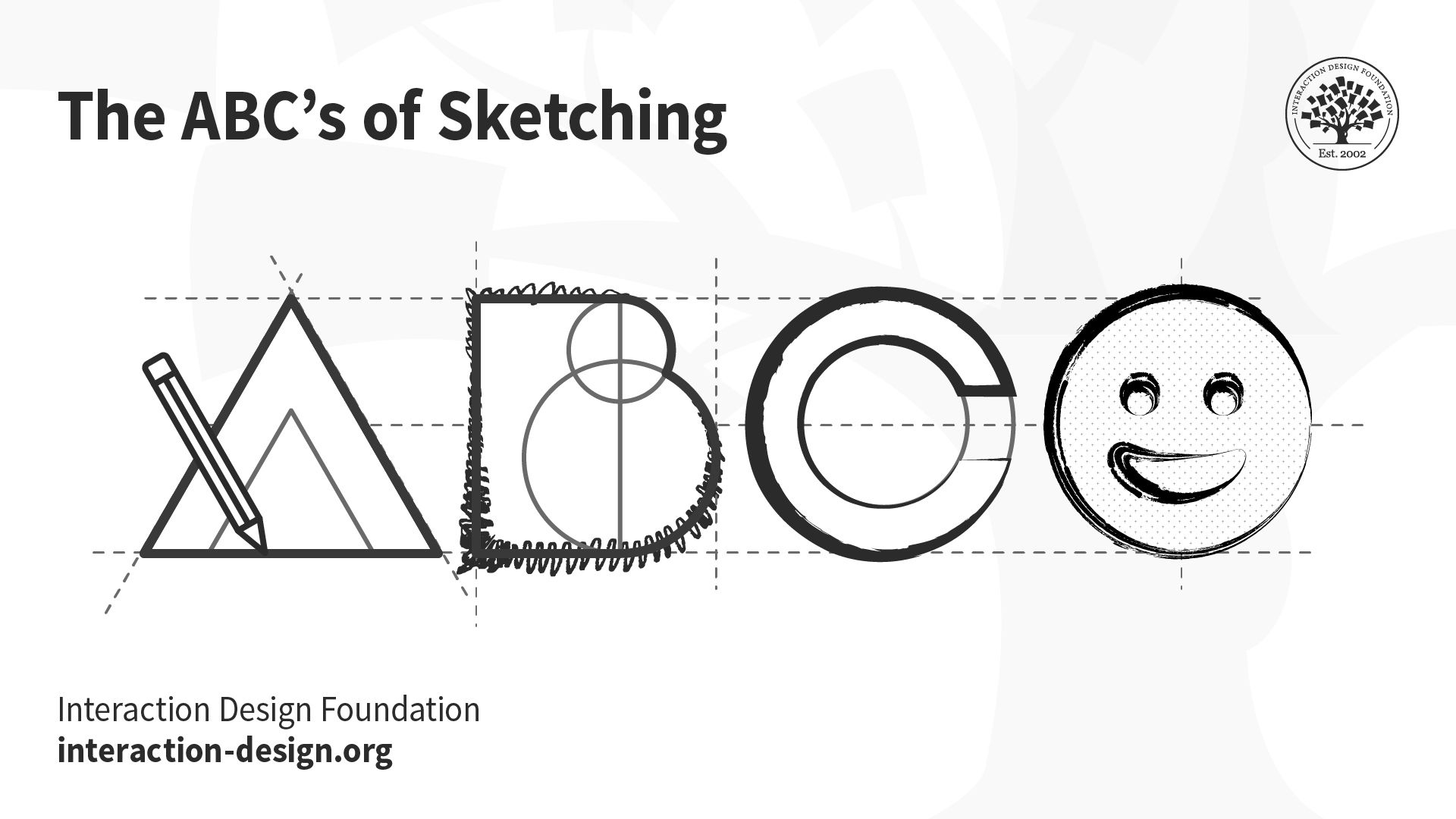
Sketching is for everyone—not just for people who are artistic. Everyone has the ability to communicate their ideas visually. To get started, use five basic shapes—circle, square/rectangle, triangle, line and dot—to simplify the process. Early concept sketches, wireframes, user flows and more can all be created with just these basic shapes.
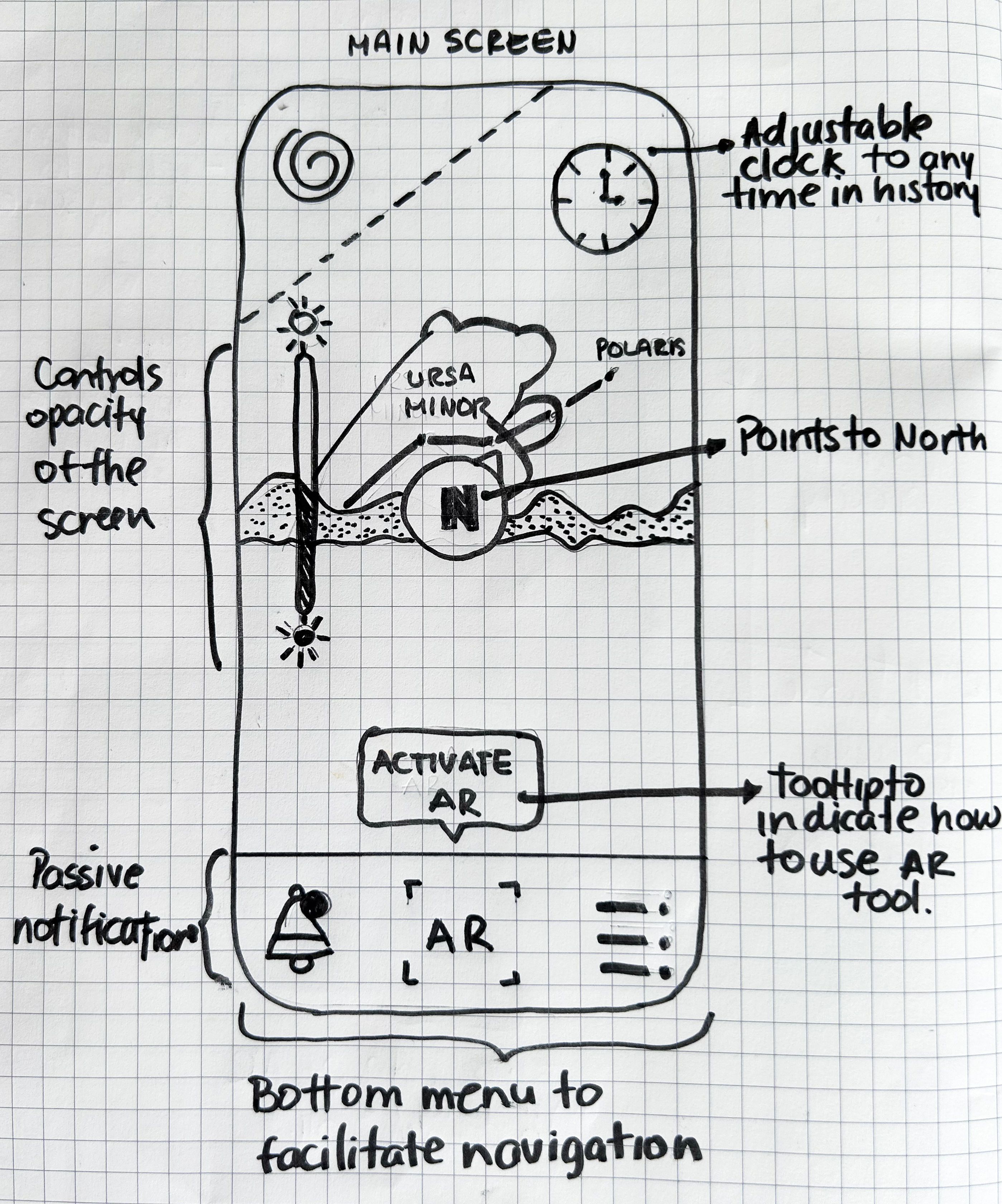
A sketch of a mobile wireframe, created with pen and paper
© Interaction Design Foundation, CC BY-SA 4.0
Pen to Paper: How to Start Sketching
Start small: Begin with thumbnail sketches to quickly explore ideas. These small sketches can help iterate rapidly without worrying about details.
Use a light touch: Light, quick strokes help keep sketches loose and make it easier to iterate.
Layer drawings: Consider using tracing paper or digital layers to refine sketches without losing the original ideas.
Focus on the key elements: Don’t get bogged down in details; focus on the main components and layout of the design.
Incorporate feedback: Share your sketches with team members or stakeholders early to get input and iterate based on their feedback.
What to Sketch
Sketches can be used for a wide variety of applications—-the entire design process can be sketched out. These sketches do not have to be perfect or particularly neat, as long as they’re legible (to both the designer and the reviewer!). Here are some examples of how the design process can be illustrated, according to different phases:
Discovery Phase
Concept sketches: Start with concept sketches like a mindmap—this captures ideas and thinking. Concept sketches can also include the rough layout, feature ideas or interactions of a design.
Empathy maps: Gain a deeper understanding of user’s emotions, thoughts and behaviors with a hand drawn diagram.
Definition Phase
Persona sketches: These visualize user personas and help to understand their needs, goals and pain points.
User flow diagrams: Map out the user journey of the product—for example, a flowchart will depict the steps a user takes to complete a task, showing decision points and possible paths.
Ideation Phase
Storyboards: These types of sketches can effectively portray the narrative element of a design, whether it’s for a particular interaction or the entire user journey.
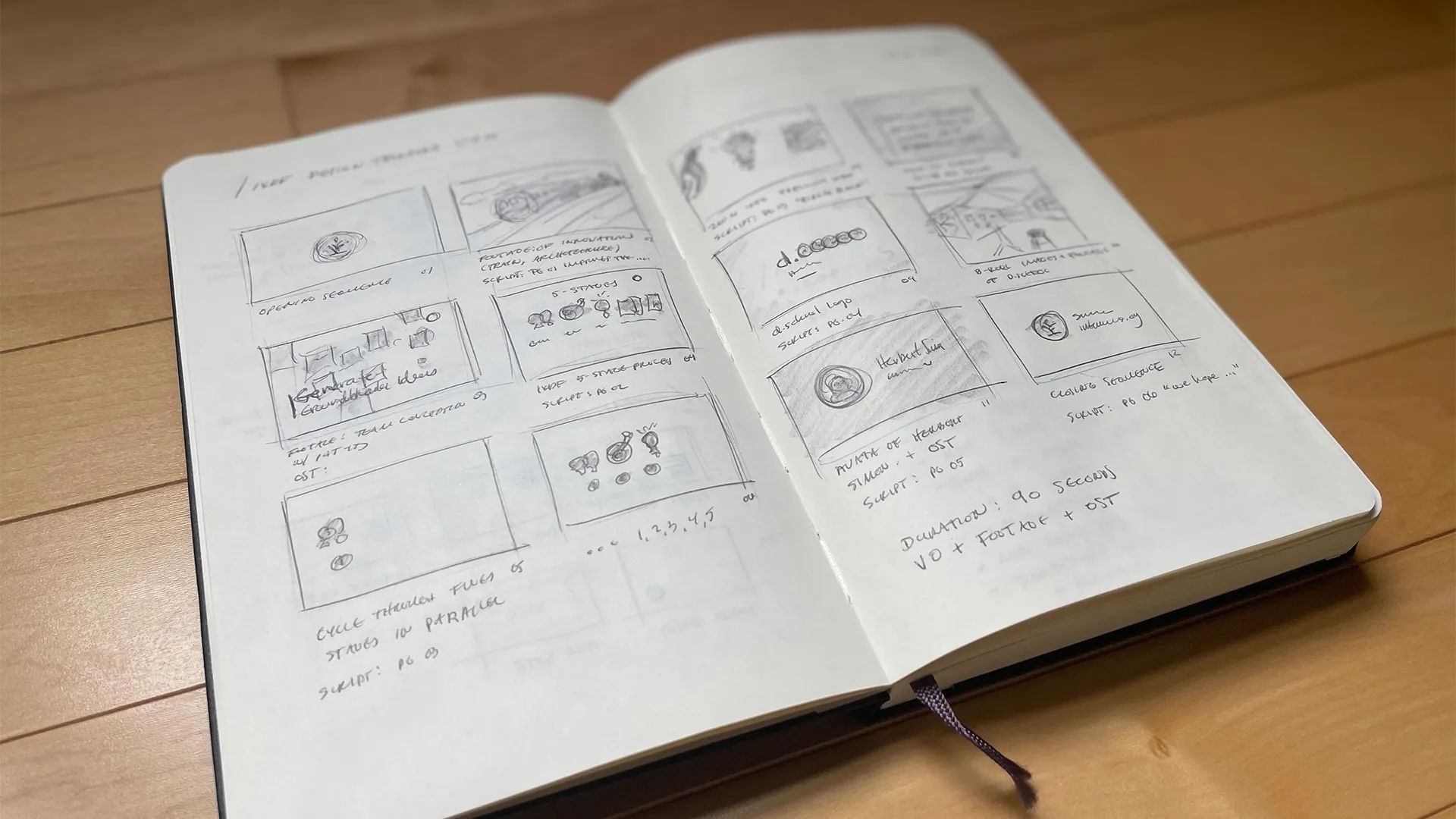
© Interaction Design Foundation, CC BY-SA 4.0
Low-fidelity wireframes: Outline the basic structure and layout of an interface, showing the placement of important elements like headers, navigation etc.
Prototyping Phase
UI Elements: Illustrate the individual components of a User Interface (UI) in detail. Sketch buttons, icons, menus and more.
Mid-Fidelity Wireframes: Refine a layout of a design, including more details like text, images and buttons.
Testing and Iteration Phase
Paper prototypes: While still rudimentary, these can create basic representations of interactive elements and screen transitions for user testing.
High-fidelity wireframes: Detail a final design that closely resembles the product before moving on to digital tools or development.
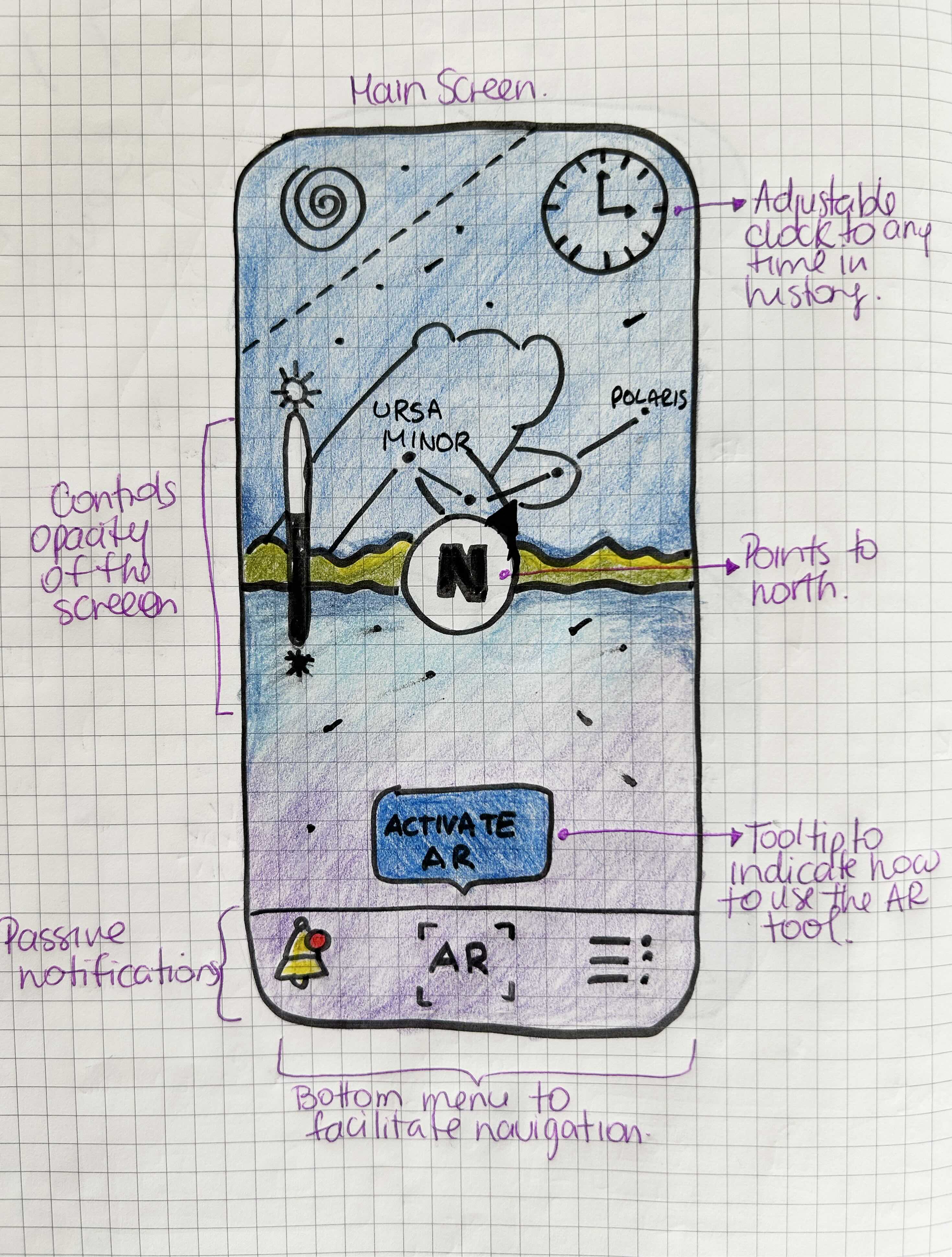
© Interaction Design Foundation, CC BY-SA 4.0
Add Value and Enhance Clarity: Annotate and Document Sketches
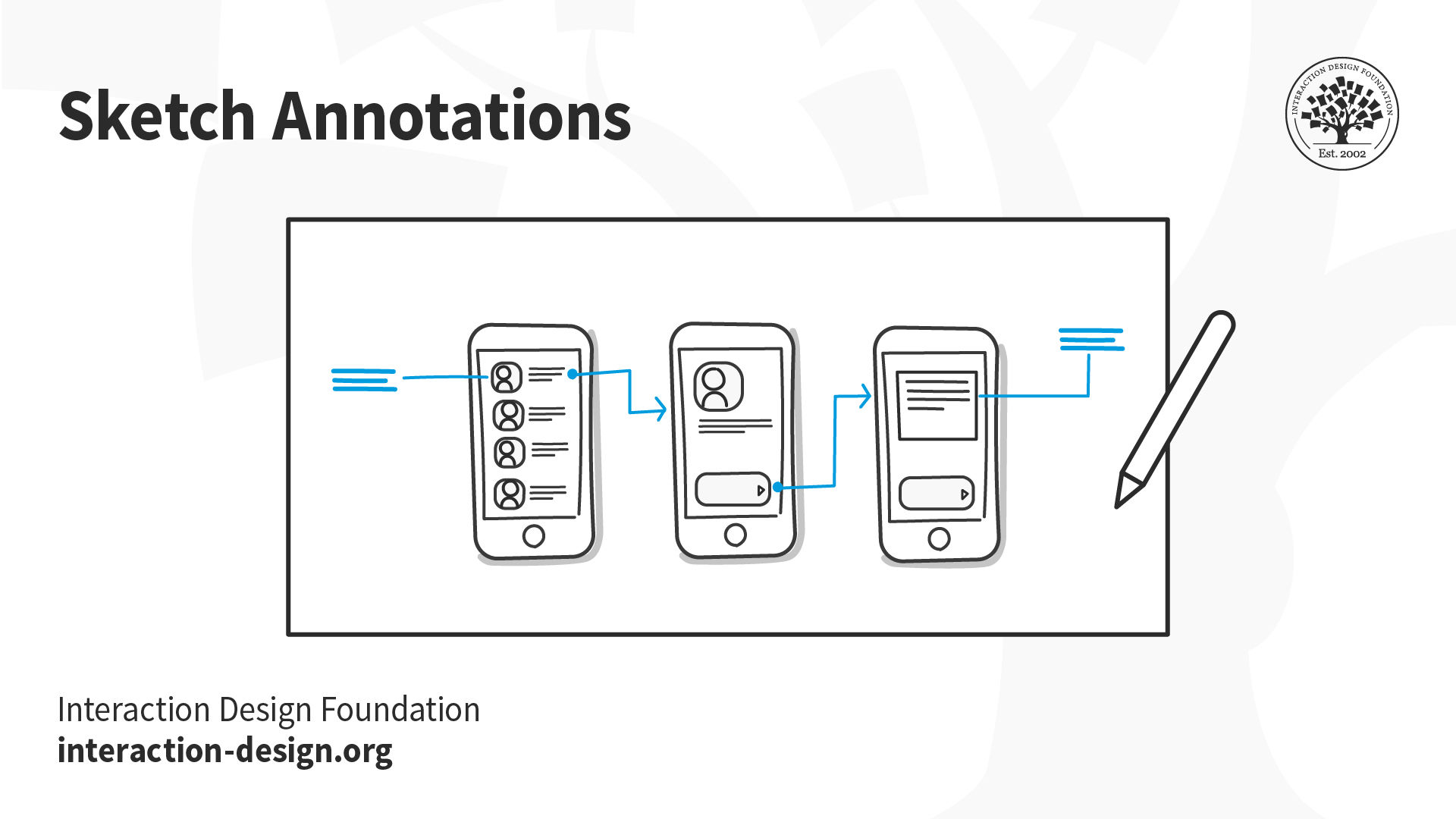
Annotations on sketches—essentially sketches with notes or vice versa, also referred to as sketchnotes or sketchnoting—explain and clarify design decisions and thought processes. Annotations transform raw sketches into a comprehensive narrative, facilitating better communication and collaboration. When a designer annotates their sketches, it becomes more informative and the reader will gain a deeper understanding of the designer’s approach.
In the next video, Mike Rohde explains what sketchnotes are.
Documentation, on the other hand, serves as a detailed record of the design process, including user research findings, design iterations, usability testing results, and final design specifications. This comprehensive approach ensures that every phase of the design process is transparent and traceable. Effective documentation supports the rationale for design choices, making it easier to revisit and refine designs as needed. It also provides a valuable reference for future projects and helps maintain consistency and quality in design work. Meticulous annotation and documentation are a sure-fire way to demonstrate a designer’s professionalism, thoroughness, credibility and creativity—ultimately enhancing the effectiveness of their design portfolio.
How to Use Sketches to Elevate a Design Portfolio
“It’s not the destination, it’s the journey”
—Ralph Waldo Emerson. American Philosopher
As the well-known saying goes, it’s not just about the final solution, it’s about the design journey. Hiring managers, recruiters, clients and anyone who may look at a UX design portfolio wants to see a designer's thought process and creative problem-solving skills—not just the finished product. Sketches are one of the most effective means of communicating ideas, methods and skills—they provide a visual narrative that showcases how ideas evolve from initial concepts to refined solutions. A successful portfolio should highlight a designer's ability to iterate, improve based on feedback and reveal the journey of design decisions—sketches offer a transparent view into the reasoning behind each choice. This not only differentiates the designer from others by showcasing a clear, hands-on approach but also engages potential employers or clients by illustrating the depth and thoroughness of the design process.
In this video, Mike Rohde, explains why sketches and the sketching process should be included in a design portfolio.
Case studies are an integral part of a UX design portfolio—including sketches is necessary to successfully illustrate the steps taken in each design project. They mustn’t be added simply for the sake of it, sketches must communicate a designer’s thought process, the progression of ideas and the iterative steps taken to refine designs. The more detailed the better—a high level of detail will showcase the designer's skills and also build credibility and trust with potential employers or clients.
What’s more, sketches add an element of authenticity and relatability to a portfolio. They humanize the designer, making the design process more approachable and understandable. A portfolio enriched with sketches effectively tells a compelling story, which makes the designer's work more memorable and impactful.