In an age of tight resources and constrained finances companies are more reluctant than ever to commit to big design projects without a thorough understanding of their chances of success. Google has developed a methodology to make the design process fast and still offer valuable insight. Forget minimum viable products and focus on prototypes and build and test in a week!
The Google Design Sprint Process Overview
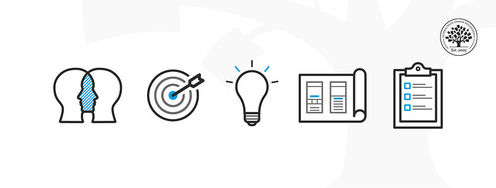
The Google design sprint operates in a 5 phase process. Each phase takes approximately 1 day to perform (8 hours) and all 5 phases take approximately 40 hours to execute in full.
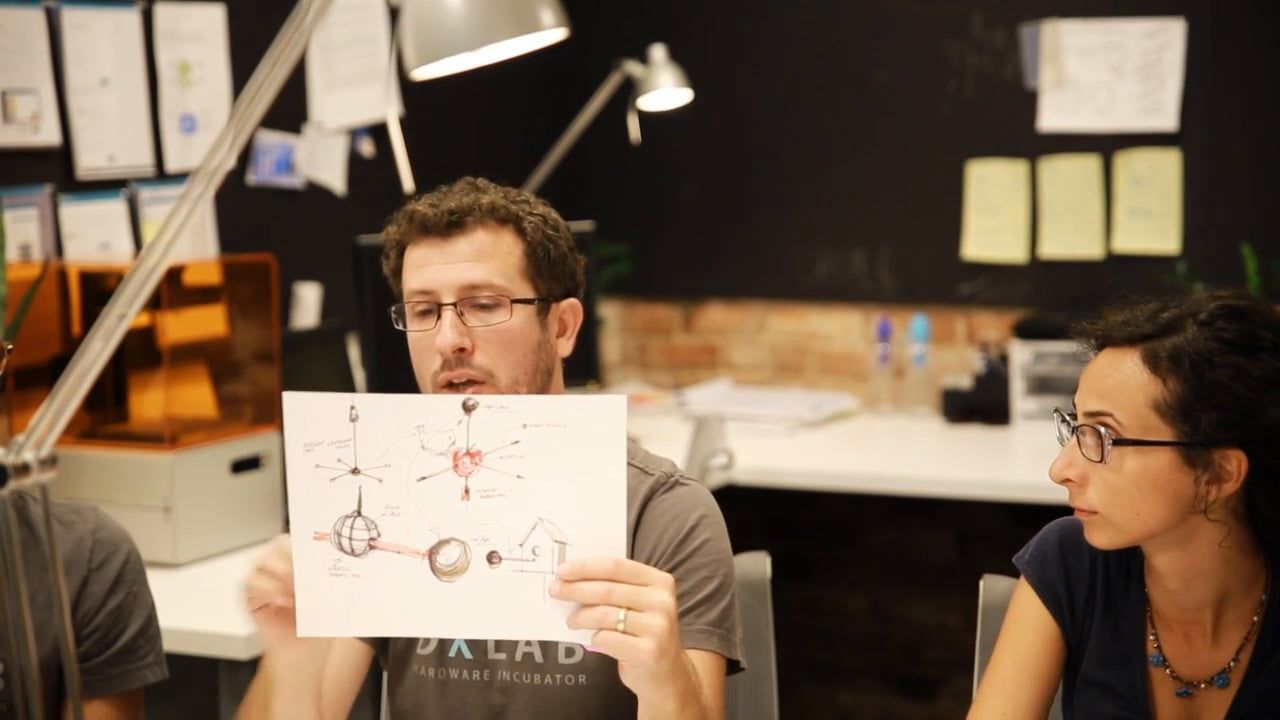
Author/Copyright holder: DX Lab Design Sprint. Copyright terms and licence: Fair Use.
Like all good design processes – there is room for iteration. In fact, you are strongly encouraged to make revisions based on your first sprint and then re-iterate the last two phases (at a minimum). However, if you find your idea isn’t gaining the traction that you expected; you can also move further back and re-iterate from there.
The 5 phases of Google’s Design Sprint:
Unpack
Decide
Prototype
Test
Unpack. Sketch. Decide. Prototype. Test. The 5 phases of Google’s Design Sprint.
Let’s take a look at each stage:
Unpack
Google’s Sprint process is designed to be run by teams rather than individuals. That means getting everyone together and ensuring that they’re all aiming in the same direction.
The ideal team will include representatives from all relevant functions and at all levels within the organization such as sponsors, senior managers, marketers, designers, developers, customer service, sales, user support, etc.
In the unpack phase, you bring everyone together and “unpack” all the knowledge of the problem within the team. It can be helpful to use an external facilitator for these meetings – they can then ask the questions necessary to help people focus and ensure that understanding is complete without anyone in the team having to lose face to do so.
You may want to include the following in your unpack event:
A presentation by the senior management representative outlining why the opportunity presented is important to the business
Competitive Reviews
Demonstrations of the problem and any bits of the solution that may already be available
A detailed walkthrough of the proposed solution
User personas
Analytical data available
The metrics of success (these should be useful business metrics and not metrics pulled out of the air)
It is important to involve the whole team in the unpack event. Do not let an individual or group dominate proceedings. The idea is to ensure everyone is on the same page and you can only ensure this if everyone is heard from.
Sketch
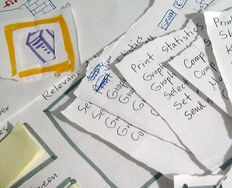
Once everyone is on the same page, it’s time to split the team up and get them to start working on solutions. Sketch day is an individual effort. Everyone (even the CEO) is tasked with coming up with a detailed solution to the problem.
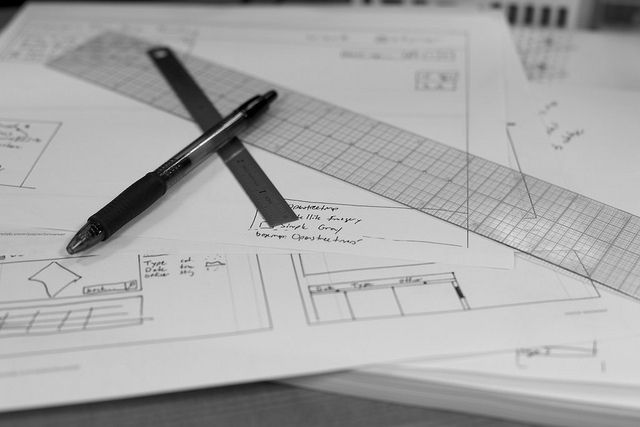
Author/Copyright holder: Andrew Turner. Copyright terms and licence: CC BY 2.0
It’s best to do this on paper for two reasons:
It’s quick and if things need changing it takes no time to do.
Not everyone is going to be a master of whatever wire-framing tools you use.
For particularly complex or large-scale problem solving; you may want to break up the problem into “manageable chunks” and assign people a chunk rather than the whole problem.
The aim of sketch day is to get as many ideas down as possible. If your team is huge and you’re going to generate a ton of ideas – you might want to allocate an hour at the end of the day to quickly reduce the number of ideas to a more manageable number before you go into the third day of the sprint.
Decide
As you might expect Decide Day is all about making a decision as to which idea (or ideas) you’re going to take to the prototype phase. However, there’s more to Decide Day than making a decision – it’s really about working out how your solutions may conflict with your objectives, abilities, resources, users, etc.
You can start the day by quickly listing any assumptions that you’re making things such as:
Budget
Users
Technology Capacity
Business Drives
Then it’s time to review each idea and look at the conflicts that it generates (and creating ideas to overcome conflicts).
You should have an objective in mind during your review. Will you be looking to take a single great idea forward to prototyping or are you going to pick say a Top 5 and take them all forward and find out which idea the users like best? You should be looking to constantly refine your list and remove ideas that simply aren’t feasible early in the process.
Once you have the idea or ideas you will prototype – the last part of Decide Day is to create some storyboards for your ideas. These should define each interaction with a user in a step-by-step process. This will be your specification for your prototype. You may also want define a user story or two (a la Agile Scrums) to help beef up the specification.
The UX team will also want to recruit participants, for the final day’s testing, on Decide Day.
Prototype
This is where the work gets serious. You have a single day to create a prototype that your users can test on the final day.
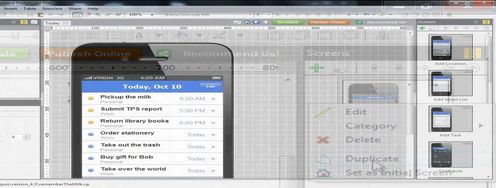
Google recommends that you use Keynote and the available templates on Keynotopia to rapidly build interactive prototypes. But you can use any tool of your choice. Just pick one that you master enough for rapid prototyping.
In tandem, the research team should be finalizing the testing schedules and developing the interview script for that schedule.
Test
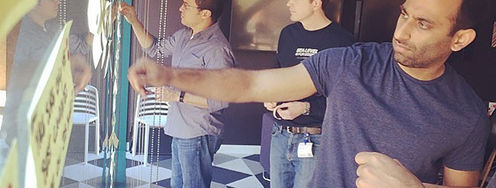
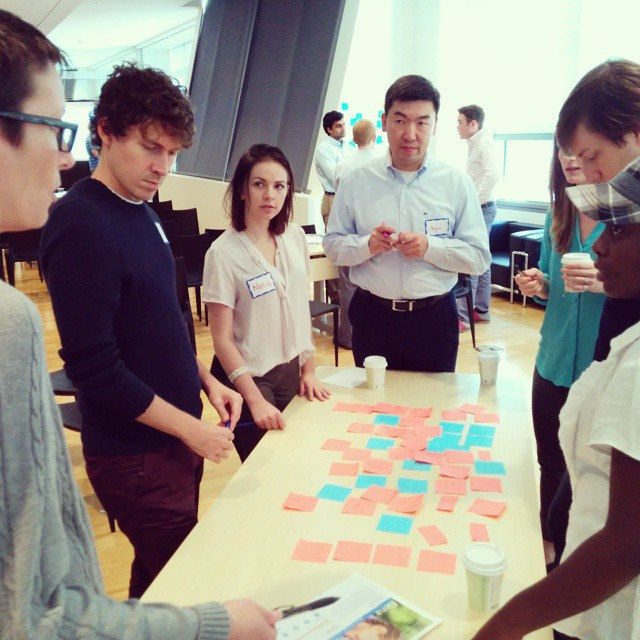
As we all know, user experience requires user involvement. On the fifth day of your sprint you’re going to bring up to 20 users (and no less than 6) together and work with the one-on-one as they play with the prototype.
Everyone involved in a test should make notes and record what they feel they’ve learned. You want to take these notes and summarize them at the end of the day. This should help you decide what needs iterating and improving.
Author/Copyright holder: Antonio Zugaldia. Copyright terms and licence: CC BY 2.0
One Last Thing
Though this is a tried and tested methodology by Google; it’s also a brand new concept adapted from agile methodologies. It may take a few tries within your organization to keep the sprints to 5 days. That’s OK. You can work towards delivering faster sprints as you get more practice.
The Take Away
Google design sprints should help you take a process that currently takes months and make it lean and efficient. It is not a substitute for all design processes but one that lets you ideate and test ideas incredibly quickly. A highly productive design team working in sprints is more likely to add business value and thus be recognized for their work within the larger organization.
References & Where to Learn More
Hero Image: Author/Copyright holder: OpenCU. Copyright terms and licence: CC BY 2.0
Not sure if Google design sprints can work? Sign up to receive a copy of Google’s case studies on their process here. There are also a ton of useful resources for implementing each stage of the process.
Google’s research methodology can help with this process to. See here.
Fast Company offers a superb resource for creating storyboards for this process too.
Not sure how to define your metrics for the sprint? Check out this idea at Agile Marketing here.
Another useful portrayal of the Google Sprint method can be found here.