Wizard of Oz (WoZ) prototypes are UX (user experience) research set-ups where users interact with a system they believe is autonomous, but a human secretly operates it. Teams save time or technical effort when they test concepts this way, especially when simulating intelligent behavior like natural language processing, machine learning, or complex decision-making.
Explore the power of prototyping in this video, which addresses the Wizard of Oz approach to help guide better digital products:
Why Use A Wizard of Oz Approach?
The name of this popular UX approach comes from L. Frank Baum’s classic novel The Wonderful Wizard of Oz, where the “great and powerful” wizard that the protagonists journey to see turns out to be just a man pulling levers behind a curtain. The method itself dates to 1973 when it was used to test an automated airport computer-terminal travel assistant. It was first referred to as “Wizard of Oz” in a 1983 research paper for natural-language interfaces.
In the same spirit as Baum’s story, WoZ prototypes let teams stay flexible and validate high-tech ideas before investing in a sleek, finished product. More specifically, when design team members take a Wizard of Oz prototyping route, they can:
1. Validate Early without Building Complex Systems
Savings in time and effort—and, indeed, money—form the primary benefit of WoZ prototyping; it’s vital to test ideas before committing to build the actual technology, anyway. For example, if a design team wants to explore a potential voice assistant feature, they can simulate responses manually rather than code natural language processing up front.
2. Focus on User Behavior, Not Technology Constraints
Since the interface behaves realistically thanks to the human who poses as it, users can engage with it as if it were real. The “magic” of a “wizard” means UX designers and researchers can observe authentic reactions and uncover usability issues, expectations, and mental models. From there, they can gain insights that might otherwise stay hidden—like if they used static mockups or scripted user testing.
Discover powerful points about designing to match users’ mental models in this video with Guthrie Weinschenk: Behavioral Economist & COO, The Team W, Inc. He’s also the host of the Human Tech podcast, and author of I Love You, Now Read This Book.
3. Test High-Risk Ideas Safely
Before teams invest in features like AI-driven chatbots or automated scheduling tools, a WoZ prototype offers the freedom to test, learn, and refine ideas quickly. Team members can explore if users find it useful and intuitive. The worst-case scenario is “safe”—if the idea fails, they’ll have lost minimal resources; however, if it succeeds, they’ll have real-world evidence to support full development.
Explore the vast possibilities of prototyping in this video with Alan Dix: Author of the bestselling book “Human-Computer Interaction” and Director of the Computational Foundry at Swansea University:
When to Use Wizard of Oz Prototypes?
Wizard of Oz prototyping works best when design teams want to:
Test systems that simulate intelligent behavior, such as chatbots, virtual assistants, and recommendation engines.
Explore how users interact with new or unfamiliar concepts.
Avoid sinking resources into designs where the technical implementation is expensive or time-consuming.
Gather user expectations before they design actual functionality—a vital practice in user research.
Iterate on key interaction flows before they commit development resources.
WoZ prototyping can prove especially valuable in early-stage concept testing or when a team needs to develop an MVP (Minimum Viable Product). Another significant benefit is how teams can adapt their WoZ approach according to their needs. For instance, they can use cruder WoZ prototypes earlier on and more sophisticated ones later in the UX design process.
Discover how an MVP can help your brand reach its target audience earlier, as Frank Spillers: Service Designer, Founder and CEO of Experience Dynamics discusses:
What do Wizard of Oz Prototypes Look like?
Adaptability is a keyword in this design approach. The level of fidelity—or sophistication—a design team chooses can depend on the stage of their design process, available resources, and research goals. One thing that stays constant is how an operator posing as the “wizard” creates the illusion of system interactivity with the real users who test it.
The fidelity level refers to how closely the prototype simulates the final product in terms of visual design, interactivity, and system behavior:
1. Low-Fidelity Wizard of Oz Prototypes
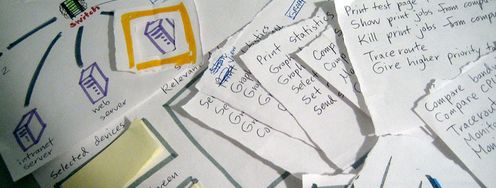
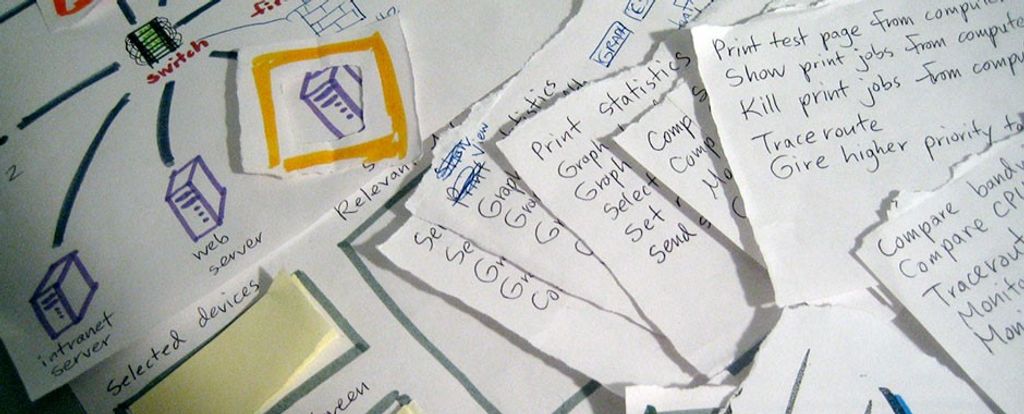
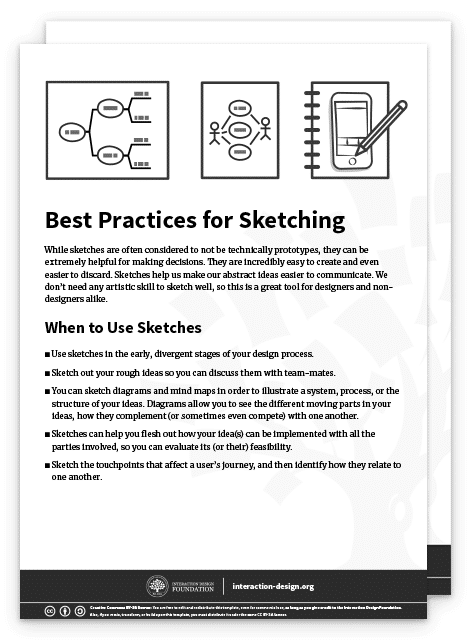
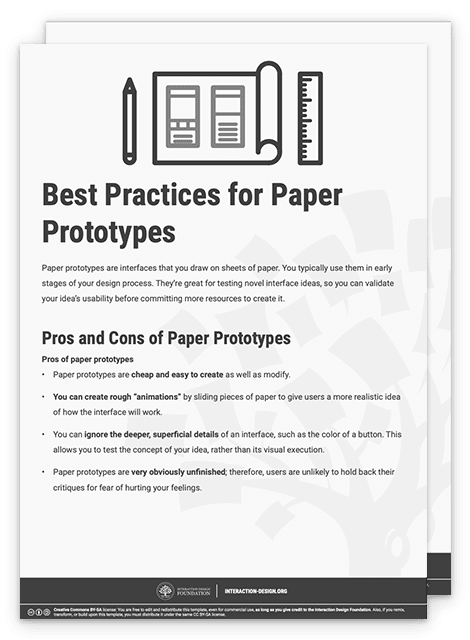
They’re rough, early-stage simulations that often rely on paper interfaces, static mockups, or simple clickable wireframes. The interface might not respond in real time, and the wizard manually updates screens or responds through off-screen prompts. Low-fidelity WoZ prototyping is best when teams want to:
Explore concepts and ideate early.
Understand user expectations and general flow.
Do low-risk testing with minimal investment.
For example, a designer might make a paper interface for a voice assistant where the user speaks a command and the wizard displays the next “screen” manually.
The advantages of low-fidelity, or lo-fi WoZ prototypes are that they’re quick to build and revise, cost little to make, and encourage creative exploration. The limitations are that they may break immersion if users expect a more responsive or polished experience and that it’s harder to simulate complex interactions believably.
Discover how paper prototyping can help establish firm steps towards new solutions, as William Hudson, User Experience Strategist and Founder of Syntagm Ltd, explains:
2. Mid-Fidelity Wizard of Oz Prototypes
These prototypes use more refined digital interfaces with interactive elements, but the system’s intelligence still comes under the “wizard’s” control. The visual design may still be basic, but the interactivity feels more fluid and realistic. Mid-fi WoZ prototyping is best when design teams want to:
Test specific flows or interactions with a semi-realistic experience.
Simulate system feedback without backend development.
Observe detailed user behaviors and reactions.
For example, a team may have a chatbot interface where a wizard types responses behind the scenes.
The advantages of mid-fi prototypes are that they balance realism and flexibility, maintain user immersion better (than lo-fi), and are effective for usability testing. The limitations are that they take more setup and coordination and that wizards must be more skilled and attentive to maintain the illusion.
3. High-Fidelity Wizard of Oz Prototypes
These near-production-quality interfaces look and feel more like the final product—hi-fi prototypes may include animations, branding, and polished UI components. The wizard still controls the underlying logic, but the front-end may be indistinguishable from a real system. Teams typically use hi-fi WoZ prototyping to:
Test user trust, emotional reactions, or high-stakes scenarios.
Gather fine-grained insights on interaction timing, feedback, and flow.
Do demonstrations for investors or stakeholders.
For example, a design team may test a virtual assistant prototype with real-time voice synthesis controlled by a wizard.
The advantages of hi-fi prototypes are that they’re highly immersive and believable and ideal for validating design polish and emotional response. The limitations are that they’re time-consuming and resource-heavy to build, and hard to adapt quickly during sessions.
How to Choose the Right Fidelity
The fidelity level depends on your goals; here’s a general rule:
For idea generation or early exploration, use low fidelity.
For flow validation or behavioral testing, pick mid fidelity.
For trust-building or final-stage simulation, go for high fidelity.
What are Key Components of a Wizard of Oz Prototype?
You’ll want to weave several key components to build a Wizard of Oz prototype—they’ll remain consistent across fidelity levels, but their execution changes depending on how realistic and complex your simulation must be.
1. The Interface
The WoZ UI (user interface) is what users see and interact with. Its fidelity level directly influences the user’s perception of the system’s realism.
Low Fidelity
The interface might comprise hand-drawn screens, printed mockups, or basic wireframes—it could be a paper prototype or a simple slideshow. For interaction, participants might point or speak rather than tap or type.
Mid Fidelity
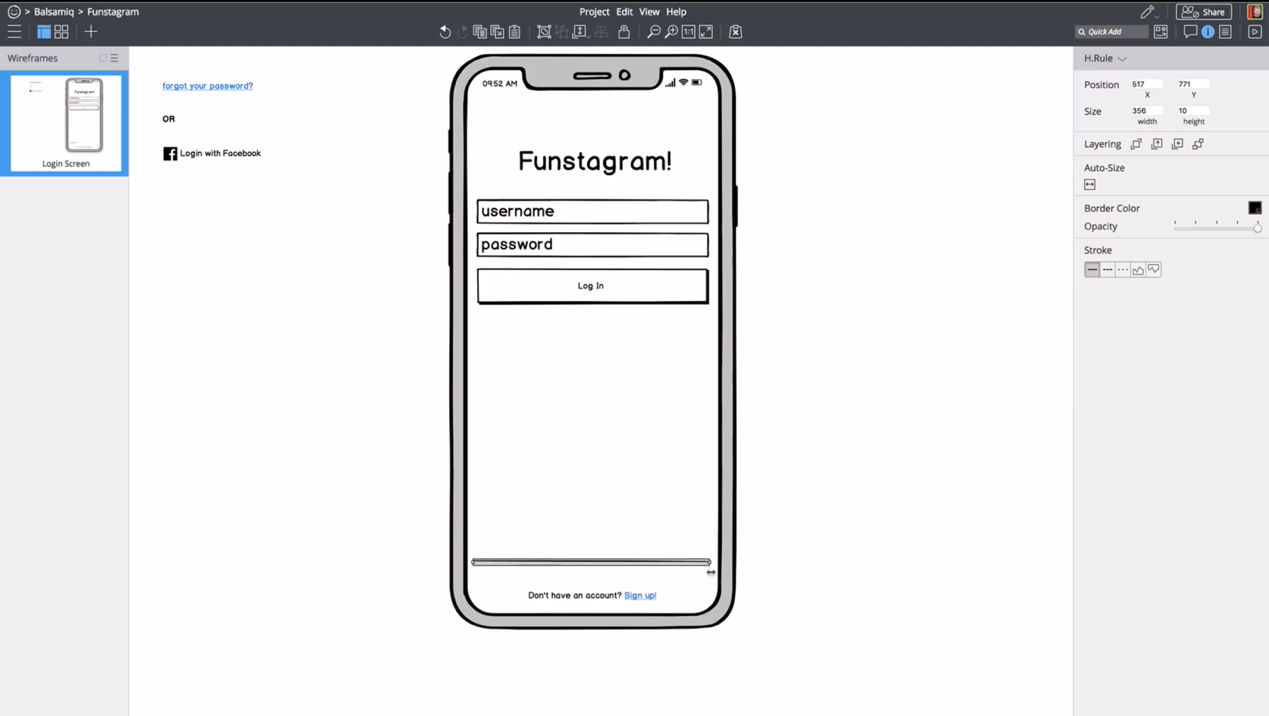
WoZ interfaces at this level usually include clickable wireframes or digital mockups built with design tools. Visuals are functional but not polished. The interface responds realistically to user actions, as the wizard triggers the correct screens or content behind the scenes.
High Fidelity
These interfaces closely resemble the final product and include branding, animations, and polished visuals—with users interacting via voice, touch, or gesture, and transitions appear seamless. The wizard still controls system behavior, but the visual and interactive layers feel complete; therein lies the “magic.”
2. The Wizard (Human Operator)
The wizard simulates the intelligent behavior of the system, and their role remains hidden from users to preserve the illusion of automation.
Low Fidelity
The wizard manually adjusts paper or simple screens. The response time may be slower or more obviously human, but that’s acceptable at this stage—the focus is more on getting directional feedback.
Mid Fidelity
The wizard operates from behind a partition or in a separate room, and triggers responses through a dashboard or messaging app. Timing becomes more important—and delays should match what a real system might exhibit.
High Fidelity
The wizard must be in full “role-playing mode” here, and respond with near-perfect timing, using real-time inputs like synthesized voice, dynamic screen updates, or typed chatbot responses. The illusion of automation must hold for the “magic” to work, and the wizard may need a custom control interface to keep pace.
3. The Script or Response Logic
The script plays a vital role, too, as it helps the wizard stay consistent and efficient. It outlines how to respond to user inputs.
Low Fidelity
The script is often loose or structured around a few (anticipated) user actions. As users can see it’s not a real system, rigid consistency is less important than at higher fidelity. This flexibility is useful for teams to explore unexpected behaviors and gain vital insights they might otherwise miss.
For example, a team wants to test a smart assistant to help users find a restaurant, and so has a loose, flexible script, based on a few user intents.
Example Script:
If the user says, “Find me a place to eat,” show a printed menu of restaurants.
If they specify cuisine, such as “Italian,” flip to a paper screen showing Italian options.
If they ask something unexpected, say, “This is just a basic version—we’re focusing on restaurants today.”
Mid Fidelity
The script includes a wider range of expected inputs and matching outputs, and it accounts for common variations in user behavior. Wizards follow this more tightly to simulate realistic system behavior.
For example, a team wants to test a chatbot interface for booking flights, and so has a moderately detailed script that covers primary and secondary paths.
Example Script:
User: “I want to book a flight to New York.”
Wizard: (types) “Sure, what date would you like to travel?”User: “Next Friday.”
Wizard: “Got it. Morning or evening flight?”User: “Evening.”
Wizard: “Here are a few options for evening flights to New York next Friday.” (Displays mock options)
The purpose of this script is to test dialogue flow, understand phrasing patterns, and evaluate the logic of follow-up questions. It includes variations like the user changing the date, asking for baggage info, or requesting flexible travel times—issues an empathetic design team should have in mind, anyway.
Empathy for users goes a long way to staying ahead of their expectations and delighting them in design, as this video shows:
High Fidelity
The script is detailed, branching, and often has decision trees or real-time prompts to support it. It must cover edge cases and unexpected actions, since users assume the system is fully functional; consistency is crucial to maintain.
For example, a team wants to try out a voice-activated healthcare assistant for medication reminders—their script is highly detailed with decision trees, fallback strategies, and emotional tone guidance.
Example Script:
User: “Remind me to take my heart medicine.”
Wizard (using voice synthesis): “I’ve set a daily reminder at 8 AM for your heart medication. Would you like me to add a backup reminder?”If user says, “Yes”:
“I’ll also remind you at 8:15 AM just in case. Anything else I can help with?”If user says, “Actually, I don’t take it every day”:
“No problem. What days should I remind you?”Unexpected user behavior: If they ask, “What are the side effects of this medication?”
Wizard follows protocol: “I’m not able to provide medical advice, but I can remind you to discuss that with your doctor. Would you like to add a note to your next appointment?”
The purpose here is to simulate real-time voice interaction with nuance, timing, and safety boundaries. So, the script must handle varied phrasing, tone, and health-sensitive topics with care.
4. The Tasks or Scenarios
The tasks or scenarios guide the user’s interaction with the system and ensure the session stays focused.
Low Fidelity
Simplicity is key; tasks are open-ended or exploratory—where you might ask, “Try using this to schedule a meeting,” and observe how users naturally engage.
Mid Fidelity
Tasks are specific but still allow for natural variation in behavior. They might include scripted goals like, “Ask the assistant to cancel your dinner reservation.”
High Fidelity:
Scenarios are often complex and involve multiple steps or emotional nuances. You might simulate high-stakes use cases—like managing finances or making health decisions—requiring the prototype to handle follow-up questions, clarification, or mistakes.
5. The Setup Environment
Where and how the session runs can make or break the illusion of a real system; remember the behind-the-scenes factor as fidelity levels increase.
Users and wizards are separate, so the user believes the system is partially functional. You might use screen sharing or a quiet observation room.
A fully immersive environment is essential for high-fidelity WoZ prototyping—the user should have no hint there’s a human intermediary; so, use one-way mirrors, hidden rooms, or audio booths. Sound quality, device responsiveness, and ambient cues must align with the illusion.
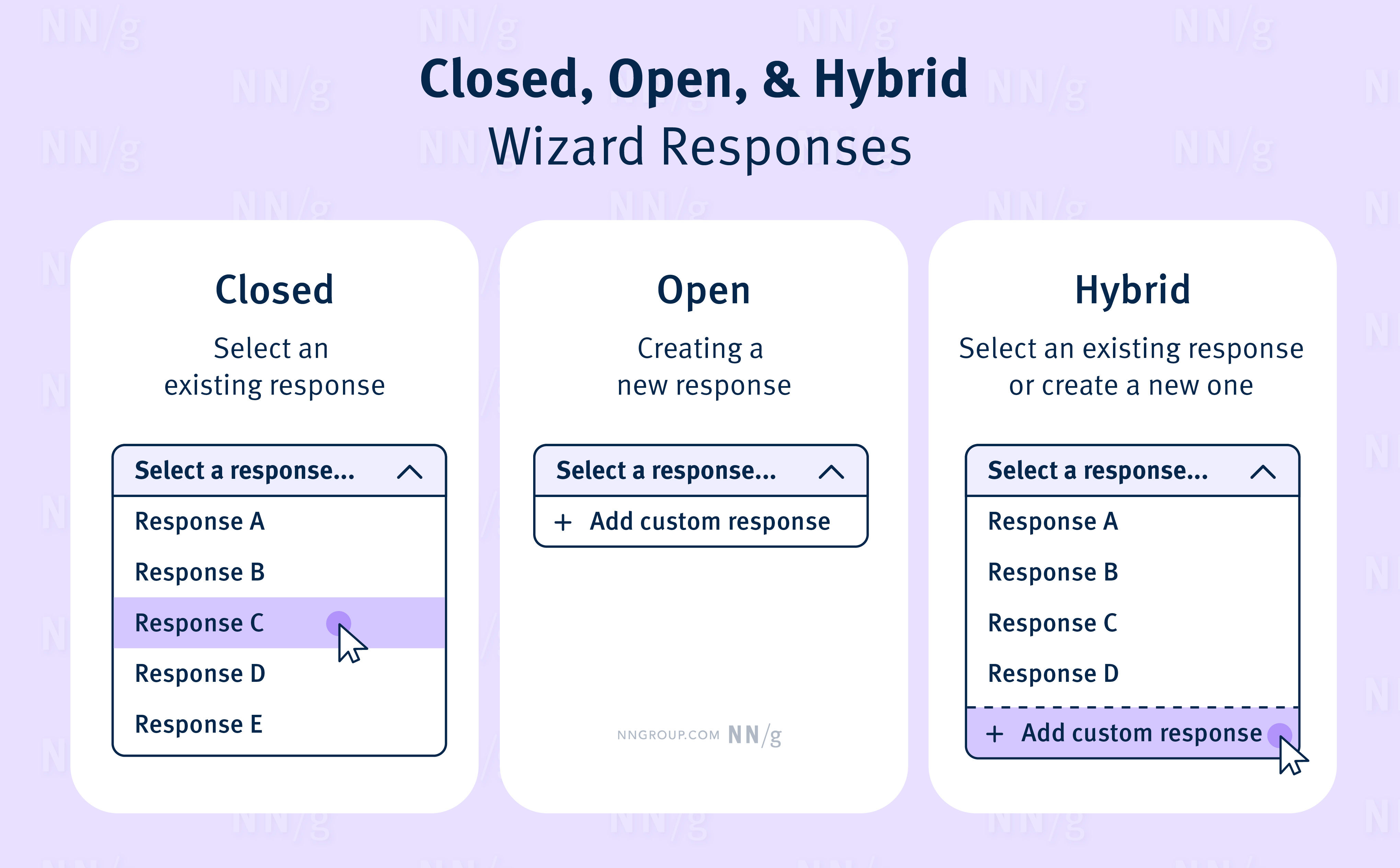
This chart shows a possible system of responses a wizard might use.
© NNG, Fair use
How to Conduct a Wizard of Oz Test, Step by Step with Best Practices and Tips
Step 1: Set Clear Goals
Decide what you want to learn: Are you testing how people phrase requests? Whether they trust a recommendation? How they react when the system makes a mistake?
Step 2: Design the Interface
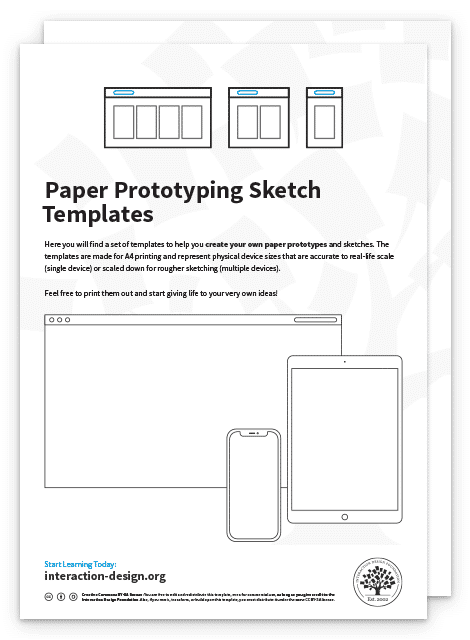
Create a believable but simple interface. Digital design tools or even a printed paper interface can work—it depends on the fidelity you want.
Step 3: Prepare the Wizard
Train the person acting as the wizard, so they understand the script, are ready to adapt, and remain invisible. If the system simulates typing, voice, or gesture recognition, the wizard should match the expected behavior convincingly.
Step 4: Run the Test
Invite participants to complete tasks using the system. Observe closely—pay attention to confusion, hesitations, and off-script behavior—and let users speak freely and think aloud when possible.
Step 5: Debrief and Iterate
After the session, ask participants for feedback. Then, adjust the prototype based on what you observed. If the concept is promising, you can gradually replace the wizard’s actions with real functionality.
Best Practices
Stay invisible: Keep the wizard out of sight for higher-fidelity prototyping; use one-way mirrors, partitions, or remote tools.
Be prepared; stay flexible: Create response scripts but allow for unscripted moments. Users are people—unexpected behavior often reveals the most useful insights.
Use short, focused sessions: Avoid long, tiring sessions—keep each test around 30–45 minutes.
Pilot first: Test the setup with teammates before involving participants.
Record sessions: With permission, capture screen and voice data. These help in later analysis.
Discover many helpful points about planning an observational study, as Alan Dix discusses:
Special Considerations for Wizard of Oz Prototyping and Testing
1. Scalability and Repetition
Because it requires manual effort, Wizard of Oz testing doesn’t scale well—each session takes much human coordination and preparation.
2. Wizard Fatigue
The person acting as the wizard must stay focused and responsive; so, sessions that run too long or involve unpredictable user behavior can lead to errors.
3. Risk of Breaking the Illusion
If users realize a human is behind the scenes, it can bias results—they might behave unnaturally. Keep the setup believable and rehearse beforehand to minimize this.
4. Not a Replacement for Real Tech Testing
Eventually, you must validate whether the actual technology can perform as expected. WoZ prototyping and testing is a stepping stone—not a final proof.
5. It’s Not Suitable for Every Situation
It’s best to steer clear if: you’ve already got a working version of the system and want to test real performance; the concept doesn’t involve human-like intelligence or adaptive behavior; you need long-term, repeated use data; or you can’t ensure the illusion will hold (e.g., users are highly tech-savvy or suspicious).
WoZ sessions can surface precious insights—like unexpected things that users expected—for designers to refine requirements. The points where users felt delighted or the wizard struggled to simulate expected behavior can help prioritize features, define edge cases, and more—such as test speech patterns, misunderstandings, and repair strategies. Better still, session transcripts can serve as training data if teams want to build artificial intelligence (AI) or machine learning (ML) models.
With a unique blend of theatrical deception and strategic research, WoZ prototyping provides design teams with a much-needed safe zone in which to explore and trial ideas and features. When they do it well, they can power themselves along—if not the Yellow Brick Road of L. Frank Baum’s much-loved story—a path paved with golden blocks of essential insights about the people who will eventually use their intuitive products and enjoy fantastic digital experiences.