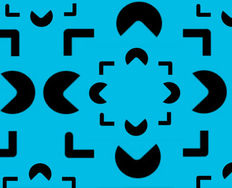
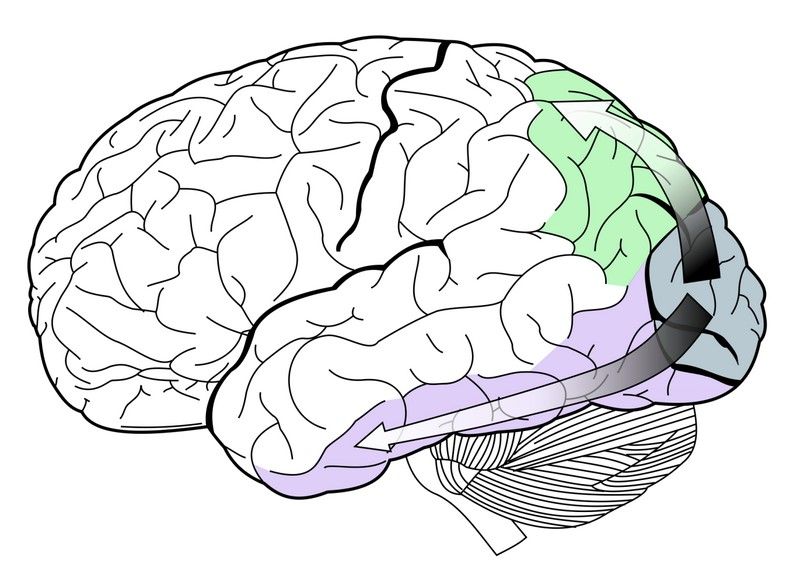
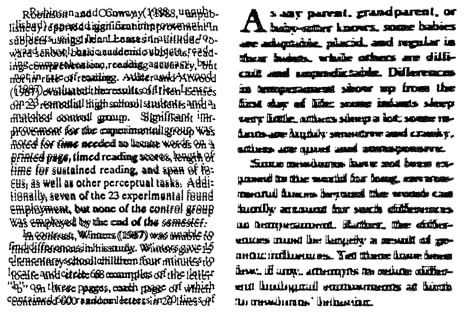
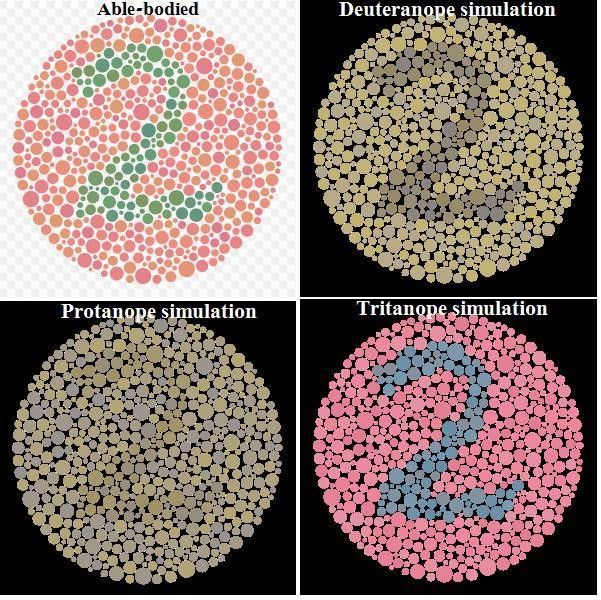
Perception interprets sensory information to form a mental representation of the world. It's influenced by experience, expectations, attention and varies across individuals.
The Role of Sensory Organs in Perception
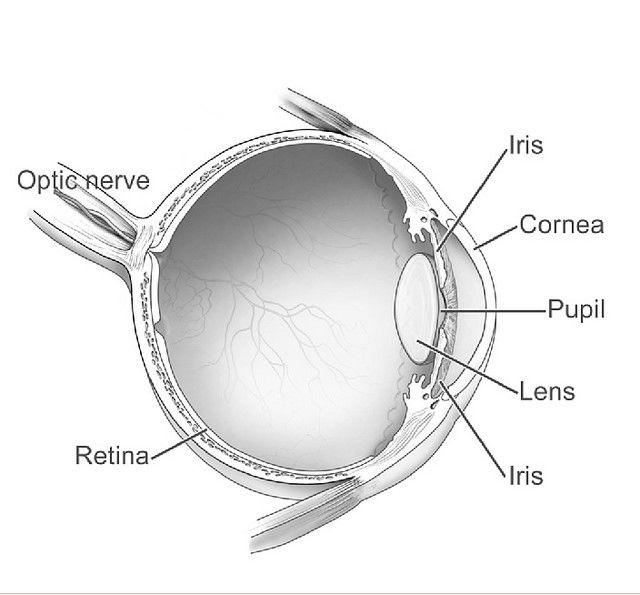
Sensory organs are the gateway to perception. They receive information from the environment and convert it into electrical signals processed by the brain. Each sense has its own specialized organ: the eyes for vision, the ears for hearing, the skin for touch, the tongue for taste, and the nose for smell.
The sensory organs play a crucial role in shaping our perception of the world. For example, our eyes detect light waves and allow us to see colors, shapes, and movements. However, optical illusions or ambiguous stimuli can easily fool our visual system. Similarly, our sense of hearing allows us to detect sounds and understand speech, but it can also be affected by factors such as background noise or our own expectations.
Proprioception: The Sense of Body Awareness and Movement
Proprioception is the sense that allows us to perceive the position, movement, and orientation of our body parts without relying on visual or auditory cues. Here are some examples of proprioception in action:
Walking without looking at your feet
Typing on a keyboard without looking at your hands
Reaching for an object without seeing it
Maintaining balance while standing on one leg
Adjusting your posture to maintain stability on an unstable surface, such as a wobbly chair or a moving vehicle
Playing sports that require precise movements, such as basketball, tennis, or gymnastics
In each of these examples, proprioception plays a crucial role in allowing us to move and interact with the world in a coordinated and controlled manner.
How Culture Shapes Our Perception of the World
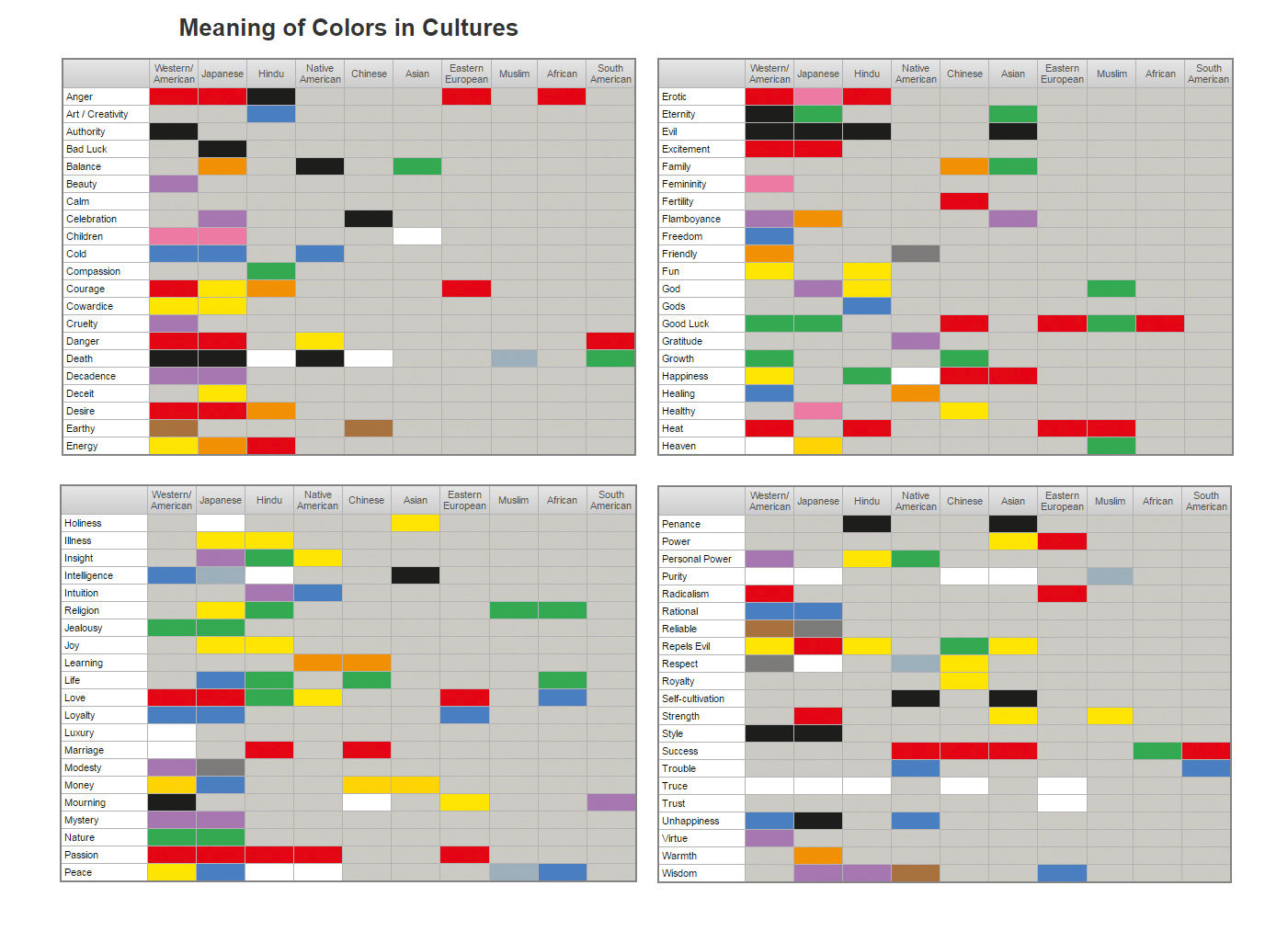
Color may differ across cultures, significantly affecting how we communicate and interact with people from different backgrounds.
© Robert Alison, Fair Use.
Our cultural background can influence how we interpret and organize sensory information. For example, in some cultures, eye contact is seen as a sign of respect and attentiveness; in others, it may be considered rude or aggressive.
Cultural values and beliefs can also affect how we perceive emotions. Some cultures place a high value on emotional restraint and may view displays of emotion as inappropriate or weak. In contrast, other cultures may value emotional expressiveness and see it as a sign of authenticity and sincerity.
Furthermore, language can also play a role in shaping perception. Different languages have different words for colors, which can affect how people perceive and categorize them. For example, some languages do not distinguish between blue and green as separate colors but instead use one word to describe both.
The Relationship Between Memory and Perception
Memory and perception are closely intertwined, as our past experiences can shape how we perceive the world around us. For example, if someone has had a negative experience with a particular food, they may perceive it as unappetizing or even disgusting in the future.
Memory can also influence attentional focus during perception. If someone is looking for a specific object in a room, their past experiences and memories of that object may guide their attention toward finding it.
On the other hand, perception can also affect memory formation. When we first encounter new information, our initial perception of it can influence how we remember it later on. This is known as encoding specificity: the idea that our memories are most easily retrieved when the conditions at retrieval match those present at encoding.
Perception and Illusions: How the Brain Can Be Tricked by What We See
.webp)
© Interaction Design Foundation, CC BY-SA 4.0
Sometimes our brains can be tricked into perceiving things that aren't actually there. These perceptual illusions occur when our brains misinterpret sensory information in unexpected ways.
One example of a visual illusion is the Müller-Lyer illusion, where two lines of equal length appear to be different lengths due to the addition of arrowhead-shaped lines at their ends. This illusion occurs because our brains interpret the presence of the arrowheads as indicating that one line is farther away than the other, causing it to appear longer.
Another example is the Ponzo illusion, where two identical objects are placed on converging lines, creating an illusion that one object is larger than the other. This occurs because our brains perceive things in the context of their surroundings and interpret converging lines as indicating distance.
Perception in UX design
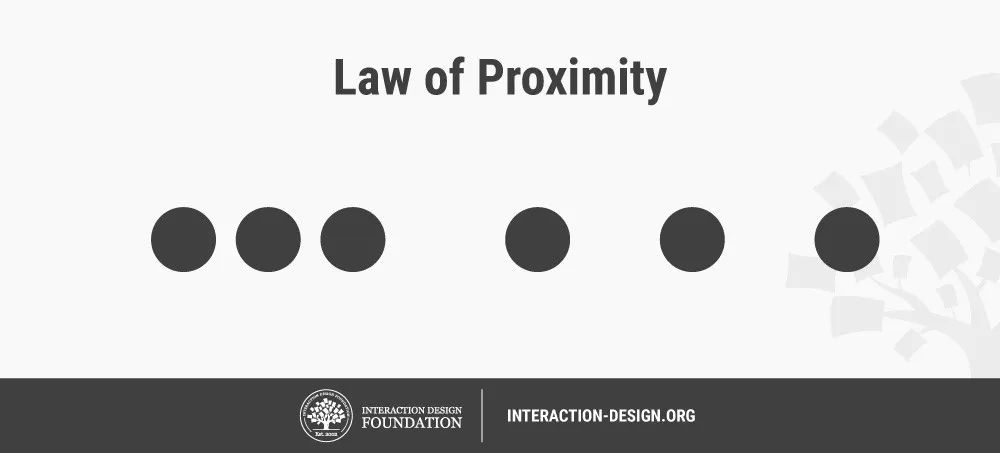
© Interaction Design Foundation, CC BY-SA 4.0
One crucial consideration in UX design is the role of attentional focus. Designers can use techniques such as color contrast, typography, and visual hierarchy to guide users' attention toward important information and help them make sense of complex interfaces.
In addition, designers can also use the principles of Gestalt psychology to create visually pleasing and easy-to-understand designs. For example, the principle of proximity suggests that objects that are close together are perceived as belonging to the same group. In contrast, the principle of similarity indicates that things that share similar visual characteristics are perceived as belonging to the same category.