The law of proximity is a principle in Gestalt psychology—describing how humans perceive elements that are close together as more related than ones farther apart. This is so even if the elements differ in color, shape, size or otherwise. Designers use proximity to create clear, coherent layouts, guide users’ attention and reduce cognitive load.
In this video, Mia Cinelli, Associate Professor of Art Studio and Digital Design, University of Kentucky, introduces the Gestalt principles, including the Law of Proximity.
Why is the Law of Proximity Vital in Design?
Proximity is a fundamental Gestalt principle—or law. The Gestalt laws describe how humans perceive visual elements, and how human brains tend to group these elements into patterns that are meaningful. What’s more, these principles state how an image is more than just the sum of its parts. The Gestalt school of psychology emerged in 1920s’ Germany. Psychologists Max Wertheimer, Kurt Koffka and Wolfgang Köhler developed theories—such as the laws of continuity, closed region and prägnanz—to account for various phenomena related to human visual perception, including how we perceive lines or curves, and focal points.
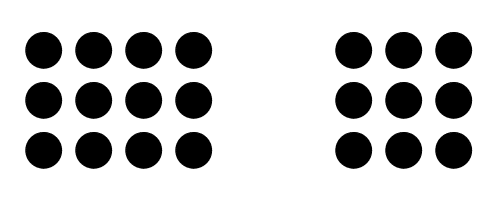
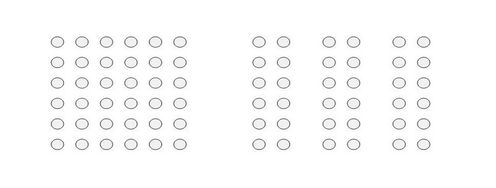
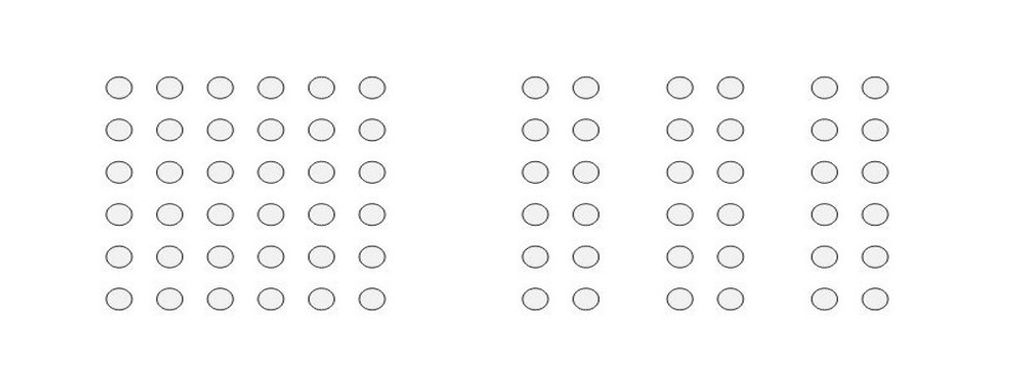
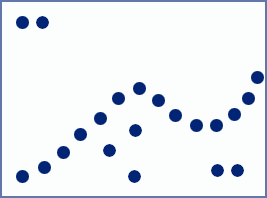
The essence of proximity: Objects that appear together form distinct groups from others.
© Steven Bradley, Fair use
The principle of proximity is a grouping law, describing how humans perceive and simplify complex images in visual elements. According to the Gestalt psychologists, our minds innately tend to group items and perceive patterns using five main categories. Wertherimer, Köhler and Koffka developed the principle of proximity, principle of similarity, principle of continuity, principle of closure, and principle of connectedness (or uniform connectedness). As with the wide range of other principles, proximity quickly became a valuable part of graphic design. And it’s especially helpful for your design work to improve the user experience in digital products.
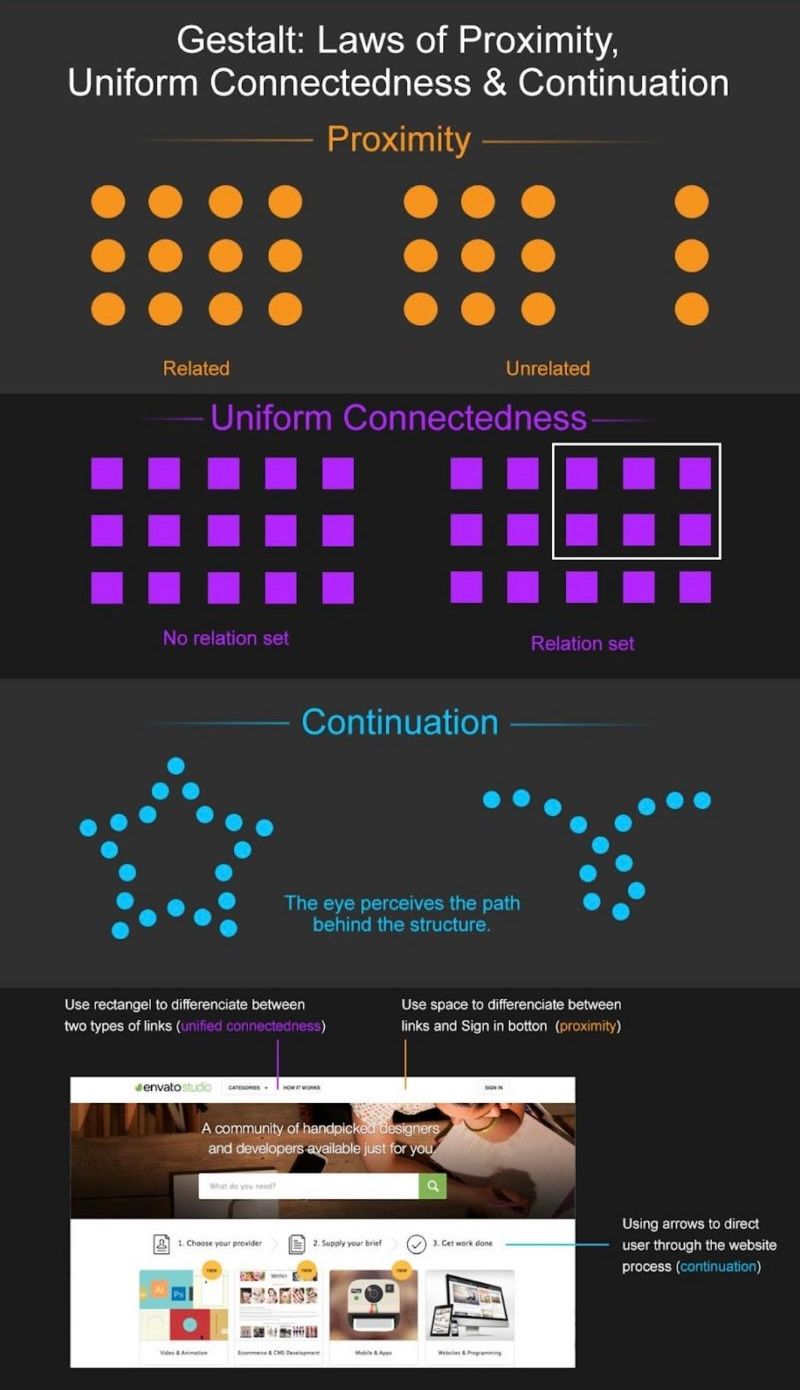
Like most Gestalt laws, it’s easy to define the law of proximity in simple terms and take the meaning literally from the name. The closer two or more objects are, the more likely a human viewer will perceive them as a group or unit. Close proximity means there’s a relationship between the elements or objects. For example, think of clusters of frequently asked questions on an FAQ page that relate to various issues brand customers may have. Proximity casts a powerful effect on users’ eyes. For instance, it overrides color in the importance the eye gives it.
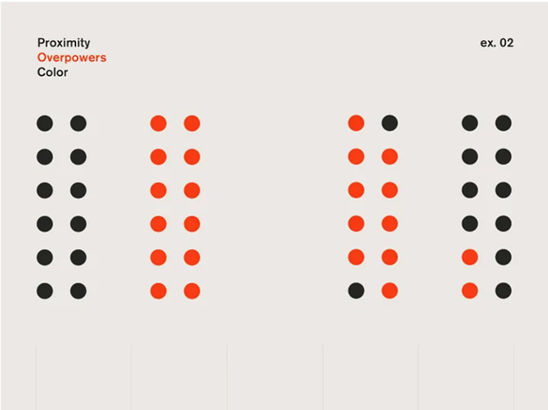
With Gestalt theory, you can apply the law of proximity to many aspects of web design, user interface design (UI), and product design.
© Lukas Oppermann, Fair Use
What are the Benefits of—and Challenges with—Proximity in UX Design?
When designers use proximity well, they can bring a great deal of positives to their digital products. For instance, they can improve the readability of it—for example, a website—boost users’ comprehension and raise levels of usability and engagement. Designers who get the proximity right can make their interfaces more user-friendly, intuitive, persuasive—and compelling.
But there are some challenges and pitfalls to be aware of, also. If designers don’t apply the principle of proximity well, the elements can work against their designs. So, the context and content of the interface are vital things for designers to bear in mind whenever they try to use proximity. For example, as far-away elements will seem to be unrelated, it’s easy for users to miss them if they have the majority of the elements clustered together.
Responsive design can present another challenge when it comes to proximity, as the design will adjust to the screen real estate and some effects—like proximity—might diminish on smaller screens.

On the desktop version of WCC’s website, extra whitespace at the left of the Search button shows it has different functionality from the other buttons.
© Aurora Harley, Fair use

But on a tablet, this separation can’t hold, so “Search” appears to be part of the main navigation; it was raised and grouped with other utility-menu items.
© Aurora Harley, Fair use
How to Apply the Law of Proximity in UX Design
To apply the law of proximity in your user interface (UI) designs, it’s important to consider three things in particular: alignment, spacing, and grouping. Alignment is vital—it’s about arranging elements along a common axis or edge. Meanwhile, spacing—which is an essential device, too—particularly refers to how much white space designers actually use to separate elements and draw the users’ eyes to important features. It is—therefore—vital to group items properly. So, this means to cluster elements that share a common function, feature or category.
Here are some tips:
Plan the layout: Before starting the design process, plan the layout to work out how to group and organize different elements. Think about the relationships between elements and the desired user flow.
Use consistent design elements: Use consistent design elements—like color, shape or typography—to visually group related elements. This helps users quickly identify and understand each element’s purpose and function.
Group elements that belong together: Elements that belong together—of course—should be together; that’s a factor that will make it easier for users to “get” the relationship between the elements and understand how they function. Grouping helps to make clear boundaries or white space around them, too.
Consistently align elements: Consistent alignment is a vital part of how to make a balanced and harmonious layout on a UI. From aligning elements, it gives an interface a sense of order and structure. This—in turn—makes it more user-friendly and intuitive.
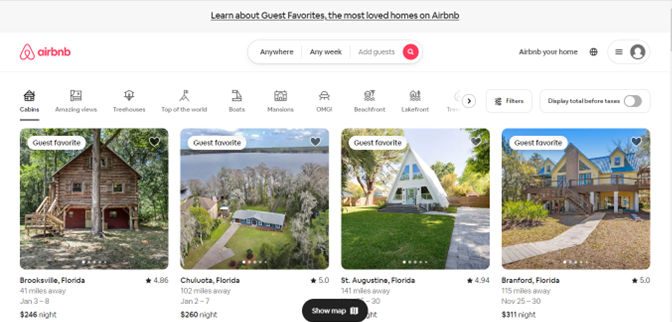
Airbnb makes use of proximity in a clear and user-friendly interface—elements lined up precisely and the spacing’s consistent in a grid-like layout. What’s more, Airbnb clusters elements that relate to the user's search—such as filters, map and listings—and the use of color and typography highlights important information and actions.
© Airbnb, Fair Use
Leave enough spacing between elements: A vital thing is to make sure there’s the right amount of spacing between elements. This white space—or negative space—will create contrast and separation, and establish visual hierarchy. Too much or too little spacing can make your design look sparse of cramped. But adequate spacing will help to make the interface more readable and understandable—and make a more enjoyable UX.
Use visual cues to reinforce grouping: Visual cues—like color, shape, size or typography—can reinforce the grouping. For instance, a consistent color scheme for related elements can make for a good sense of unity and coherence.

On Amazon's product detail page, the product title, price, and "Add to Cart" button are grouped closely together—showing their relationship and making it clear for users how to proceed with purchasing the product.
© Amazon, Fair use
Use proximity to create logical and intuitive navigation: Proximity can be a tool for brands as they seek to make logical and intuitive navigation for their users. So, when designers place elements that see frequent use—or are related—near each other, they help users enjoy easy access and interaction. That’s a factor that helps reduce cognitive load and make the interface more user-friendly.
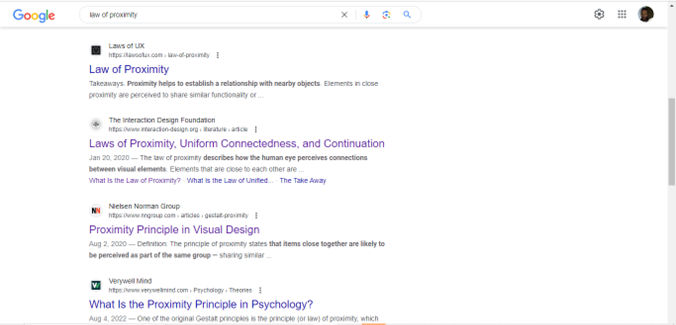
Google's search results page demonstrates the use of proximity to group search results and related elements. Each search result shows as a distinct unit—with the title, URL and snippet closely grouped together for easy scanning and comprehension.
© Google, Fair use
Consider responsive design: It’s important to be sure that the proximity that’s at work in a design keeps across different screen sizes and devices. Group and space the individual elements appropriately—no matter the screen real estate available.
Accessibility: Keep accessibility in mind—accessibility is a vital part of design. So, make sure the design elements are distinguishable for users with visual impairments—such as color blindness or macular degeneration. Use additional cues (e.g., alternative text).
Put proximity to work in forms as well: If users have forms to fill in, use proximity to make it easier for them. Cluster related sections together—for example, personal details, credit card information. This won’t just make for a better user experience; it will lessen the likelihood that they’ll make errors, too.
Trust the gut: Proximity appeals to the human eye at such a deep and visceral level, so it’s important for designers to go with their initial reactions. Don’t force it and then believe it will work. If it takes any effort to see those groups—for instance—then it’s a good idea to rethink the design.
Test and iterate: Do proper user testing—to validate the effectiveness of proximity in the design. Iterate and refine the layout based on user feedback about usability and desirability, etc. to make the user experience the best it can be. Does the proximity aid in problem solving, for example?
Remember, the law of proximity is a crucial principle in Gestalt psychology—and for good reason. It can help designers make layouts that are really clear and coherent. It can lessen the cognitive load for users, too, and enhance usability greatly. It’s important to apply the principles of proximity mindfully—though—as you will need to consider your users’ needs throughout the user journey.
Still—with consistent and effective use of proximity—designers can infuse their interfaces with a true sense of order, hierarchy and structure. This will help to guide the user's attention, focus and navigation—and make the interface more user-friendly and engaging. From there, designers can bring users that much closer to their brands.