App store optimization (ASO) is the process of enhancing a mobile app’s visibility and appeal within app stores to increase organic downloads. For effective ASO, ASO specialists craft compelling visuals, optimize metadata, and do more to attract users, encourage engagement and retention, and ensure their apps enjoy high rankings.
Find a vast wealth of helpful information about how to create products that can do well on App Store charts in this video with Frank Spillers: Service Designer, Founder and CEO of Experience Dynamics.
Why Is App Store Optimization Important?
App store optimization (ASO) is a strategic process. Brands want their apps to stand out in app stores like Apple’s App Store and Google Play, achieve high conversion rates, and retain loyal users and customers. To do this, they must optimize various elements of the app’s listing—such as the title, keywords, description, visuals, and user reviews—to enhance discoverability and encourage downloads.
Some designers might think once they’ve “signed off” on an app and it’s launched, all they must do is follow how it performs and make refinements over time. However, they may have an active part to play in how their app shows up in the store—and fares in the marketplace, particularly when collaborating with their brand’s marketing team. ASO plays a critical role in the success of any mobile app because it directly influences how easily users can discover and evaluate the app in crowded marketplaces like the Apple App Store or Google Play. While advertising campaigns can drive traffic, ASO ensures that an app can sustain visibility and attract the right users over time—without relying solely on paid efforts. With well over a million apps to choose from, that’s more than a little important.
ASO focuses on increasing an app’s organic discovery or visibility, meaning users find the app through searching or browsing in the app store—not because they clicked on an ad (inorganic discovery). Rather than go to the app store with a specific app in mind, many users search for a function—like “budget tracker” or “photo editor.” An app that’s well-optimized for relevant keywords appears higher in those search results, which makes it more likely to get noticed and downloaded.
Once the app appears in search results or featured lists, the listing needs to convert that attention into action. Elements like the app name, icon, screenshots, and reviews all shape a user’s perception in seconds. ASO ensures these elements align with what potential users expect and need. For instance, clear screenshots that highlight core features can answer user questions right away, boosting trust and encouraging downloads.
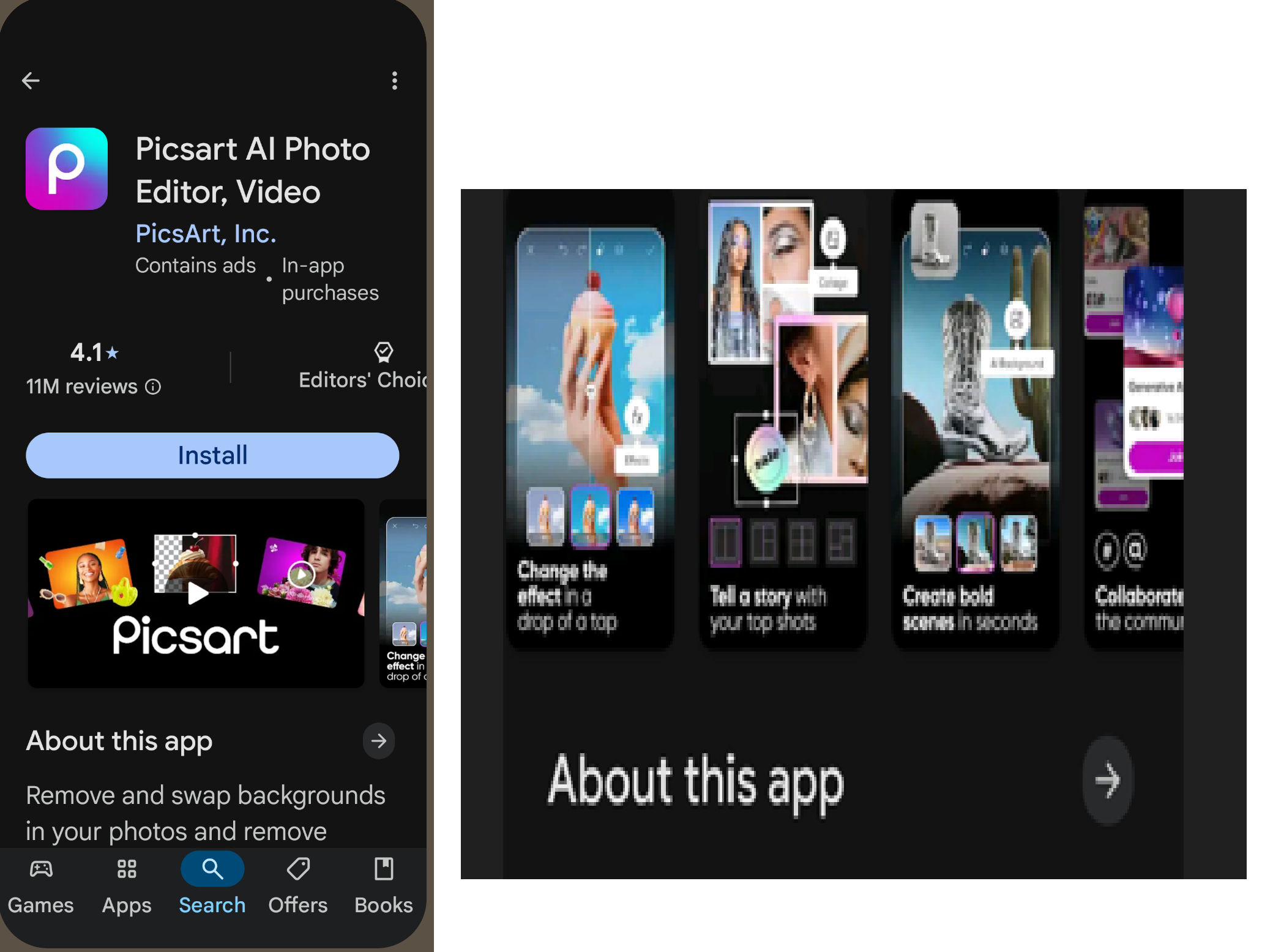
Imagine it’s the first time you want to find and install a photo editor app; “photo editor” on Google Play, for example, can turn up some popular results, including this one. A quick check on it shows through video and screenshots what the app can do for you.
© Google Play, PicsArt, Inc. Fair use
Why App Store Optimization Matters in UX Design
ASO ensures that users can find a brand’s app, understand what it does, and trust it enough to download. For UX designers, ASO extends beyond store rankings. It bridges the gap between the marketing promise and the user’s first impression—both in the app store and after download. A well-optimized listing sets accurate expectations, which the in-app experience must then fulfill. More specifically, good ASO helps in the following ways:
1. Stronger First Impressions
The app store listing is often the user’s first interaction with the product. Key elements like the app icon, name, preview images, and description shape user perception in seconds. These visual and textual components form a promise about the app’s purpose and quality, not to mention the trustworthiness of the brand behind it.
Marketing personnel working with the UX design team ensure that these assets are visually appealing and aligned with what the app delivers. Clear messaging, consistent visual style, and relevant previews reduce friction and build trust. Any mismatch between the listing and the actual experience leads to frustration, poor reviews, and uninstalls. A sobering truth is that many users uninstall apps without ever even using them.
2. Enhanced Discoverability Through Search
Even the best-designed apps won’t succeed if users can’t find them. ASO helps apps appear in search results by optimizing titles, subtitles, and metadata for relevant keywords. UX designers contribute here as they research how users describe their needs, align app features with common search behavior, and ensure that language across the app and listing is consistent and intuitive.
Example: A fitness app that identifies and integrates a term like “home HIIT” (High Intensity Interval Training) into its listing can tap into a niche audience who are actively searching for that function. The result is more qualified downloads than might come from a more generalized “fitness” approach.
Discover what good discoverability can do for digital products and brands, in this video with Niwal Sheikh, Product Design Lead, Netflix.
3. Increased Organic Downloads
Organic users—users who discover apps through search or browsing—are more likely to engage and convert than users who come in through advertisements. Effective ASO draws in these high-intent users without ongoing ad spending, and so it can help save money too. Brands help convert this traffic when they create listings that instantly communicate value, address pain points, and visually demonstrate real features.
For example, an “About this app” section should succinctly capture the value it can bring to users through real features. Users can instantly understand how it relates to their needs, often as a frequent “go-to.”
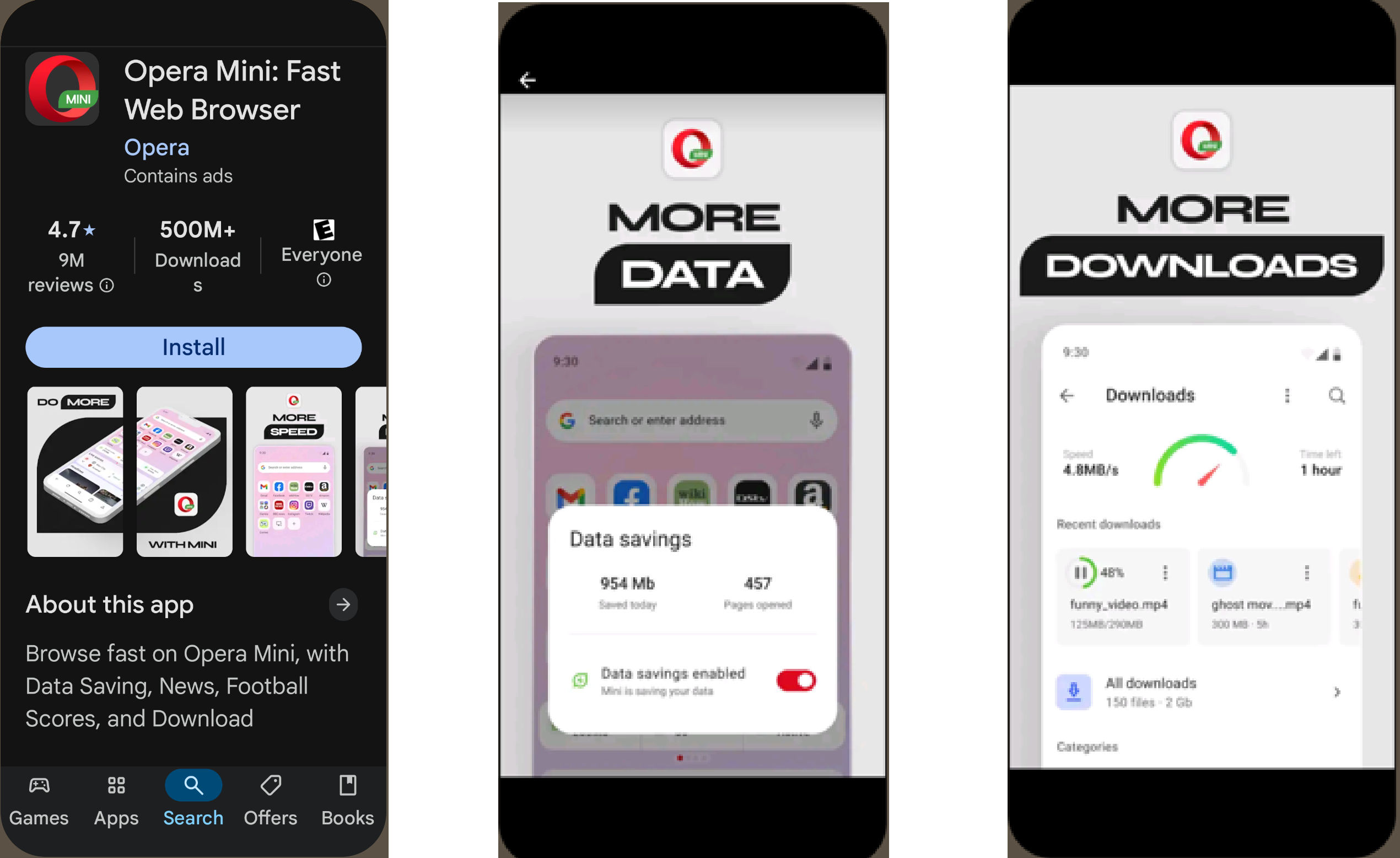
“Browse fast on Opera Mini, with Data Saving, News, Football Scores”—including more data, more downloads, and more—all about what you can do with the app.
© Opera, Fair use
4. Better Conversion from Views to Installs
Appearing in search is only half the battle. Users need a reason to click “Install.” Conversion depends on clarity, visual appeal, and perceived trust. UX professionals craft icons, screenshots, and preview videos that clearly show the app’s benefits and ease of use.
Example: A personal finance app with a quick preview of its budgeting dashboard gives users immediate insight into functionality, improving conversions over static feature descriptions.
5. Improved User Retention and Engagement
When the app experience matches the store listing’s promise, users are more likely to stick around. Good UX reduces friction through clear onboarding, intuitive navigation, and helpful interactions—it builds user confidence and encourages long-term use.
Example: A productivity app that highlights its “minimalist UI” in screenshots and then actually delivers that simplicity in-app will earn user trust and improve retention. Apart from anything else, it reflects an honest brand.
6. Higher Ratings and Better Reviews
User satisfaction directly impacts reviews and ratings—two elements that further influence search rankings and downloads. A seamless, thoughtful user journey encourages users to leave positive feedback. In the Digital Age, feedback flows fast and can make or break a brand’s app—and even the brand itself.
Example: After refining its onboarding and simplifying navigation, a recipe app finds its average rating rises from 3.6 to 4.4 stars, leading to a 20% increase in downloads within two months—success breeds success; people trust apps that do well.
7. Competitive Differentiation
In saturated app categories, ASO helps well-designed products stand out. Strong visuals, consistent messaging, and authentic alignment between what’s promised and what’s delivered can set an app apart.
Example: Two habit-tracking apps may offer the same core features, but the one that showcases a polished, calming interface and includes user testimonials in its description will likely gain more trust—and more downloads.
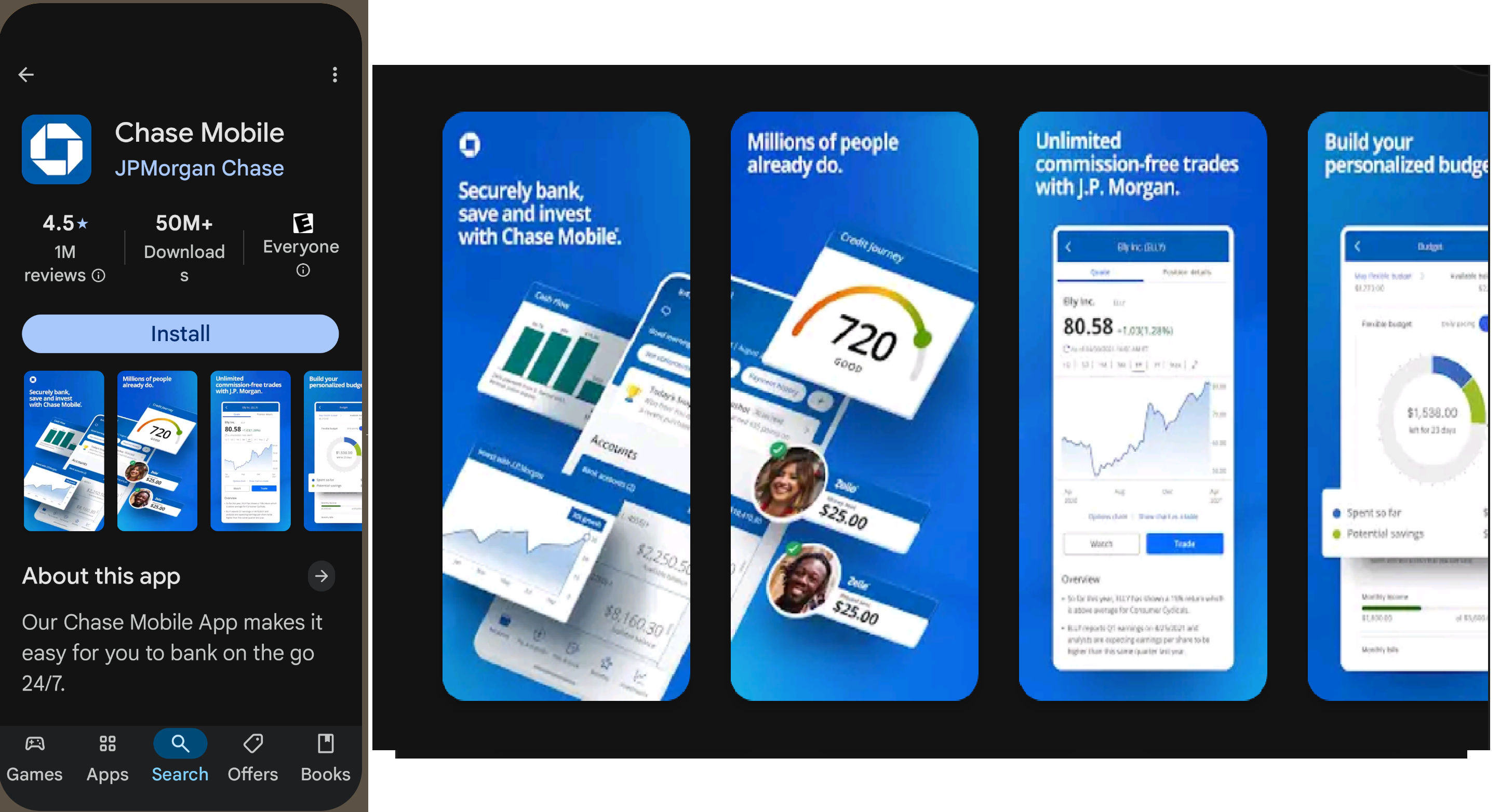
Few apps speak more to the need for trust than banking ones. For example, Chase Mobile helps secure a strong sense of security and more through thoughtful screenshots that reflect how it can help users improve their financial wellbeing and budgeting habits. After a quick search on Google Play, one can spot it has over 50 million downloads and a healthy star rating—a safe choice.
© JPMorgan Chase, Fair use
How to Implement ASO: Step by Step
UX and product teams can follow this general step-by-step guide to collaborate and implement ASO from start to finish:
Step 1: Conduct Market and User Research
Use competitive analysis to benchmark how similar apps structure their listings. Analyze user reviews to identify unmet needs. You and your team will have conducted extensive user research to design your app, so be sure you know your audience’s goals and language for ASO.
Explore how user research helps set firm foundations on which brands build stronger user experiences, in this video with William Hudson: User Experience Strategist and Founder of Syntagm Ltd.
Step 2: Create Optimized Metadata
Metadata determines how app stores index your app and how potential users interpret its value. Well-crafted metadata boosts discoverability and strengthens your app’s appeal in search results; it sets the expectations your app should deliver on. Here’s how to make the most of each component:
A. Craft a Concise, Benefit-Driven Title
Your app title is the most prominent text users see in search results—and one of the strongest ranking signals for app store algorithms.
Prioritize clarity over cleverness. Users should immediately understand what the app can do for them.
Include a high-impact keyword. On both Apple and Google Play, the title field carries significant weight for keyword rankings.
Limit length but maximize meaning. Stay within character limits—30 for Apple, 50 for Google—while you clearly express your core value.
Example: “Focus Freely Timer – Pomodoro & Task Tracker” as an app title is better than just “Focus” on its own here.
B. Use a Subtitle That Reinforces the Core Use Case
Subtitles (Apple) or short descriptions (Google) appear directly under the app title and offer a second chance to deliver your value proposition.
Highlight a key benefit or feature. Reinforce what sets your app apart or what user problem it solves.
Integrate secondary keywords naturally. Use phrases that your target audience would search for.
Don’t use jargon or vague language. Be specific, actionable, and user-focused.
Example: “Stay productive with timed work sessions & smart breaks.”
C. Optimize the Long Description (Especially on Google Play)
On Google Play, the full description plays a larger role in search ranking than it does on the Apple App Store. However, it’s still essential on both platforms for conversion and clarity.
Front-load important content. Make sure the first two to three lines highlight your app’s main use case, benefits, and differentiators—they’re visible before the user clicks “Read more.”
Use natural language with strategic keyword placement. Avoid keyword stuffing, but make sure important search terms appear throughout the description, especially in the first and last paragraphs.
Structure content for skimming. Use short paragraphs, bullet points, and headers to make it easy to read on mobile screens.
Focus on benefits over features. Describe how the app improves users’ lives, not just what it does.
Example (excerpt from a proposed app’s long description):
“Boost your productivity with Focus Freely Timer, the smart task manager that helps you stay on track using the proven Pomodoro technique. Whether you’re studying, working, or managing daily tasks, Focus Freely Timer makes it easier to stay focused and finish strong.”
Update regularly. Refresh keywords and descriptions based on user feedback, seasonal trends, or evolving app features.
Test and iterate. A/B test titles, descriptions, and keywords to reveal what drives better visibility and conversion.
Get a greater grasp of how to identify more successful versions of designs with A/B testing, in this video with William Hudson.
Step 3: Design Visual Assets
Develop an icon that communicates brand identity at a glance. Prioritize clarity and distinctiveness over detail. Think of some of the most successful apps and design a series of screenshots that convey the most valuable or delightful parts of your app experience.
Include a short video that shows actual in-app use whenever possible.
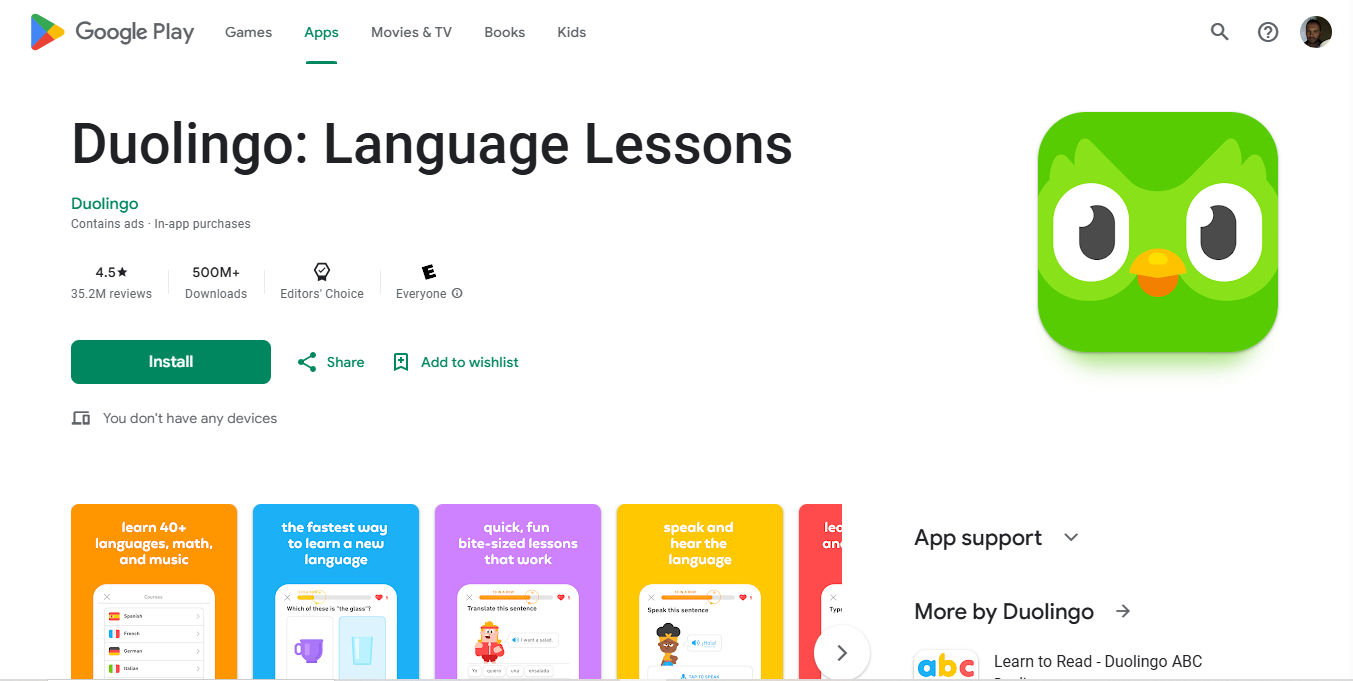
Duolingo’s green Owl head encapsulates how users can learn new languages via the app—a wise choice for an instantly recognizable and iconic design.
© Duolingo, Fair use
Step 4: Launch and Monitor Feedback
After publishing, monitor performance metrics like:
Conversion rate (store views to installs).
Engagement rate (first use to second session).
Ratings and review sentiment.
Use store analytics and monitoring tools like App Radar or AppTweak to track changes over time.
Step 5: Test and Iterate
ASO isn’t a one-and-done task. Test alternative icons, update screenshots, revise descriptions, and rotate videos. Use A/B testing whenever possible (available in both Apple and Google store consoles). Keep on refining based on performance data and evolving user behavior. An app’s longevity depends on its durability “out there” with the users—whose behaviors and needs will change over time, as will the technology available to them.
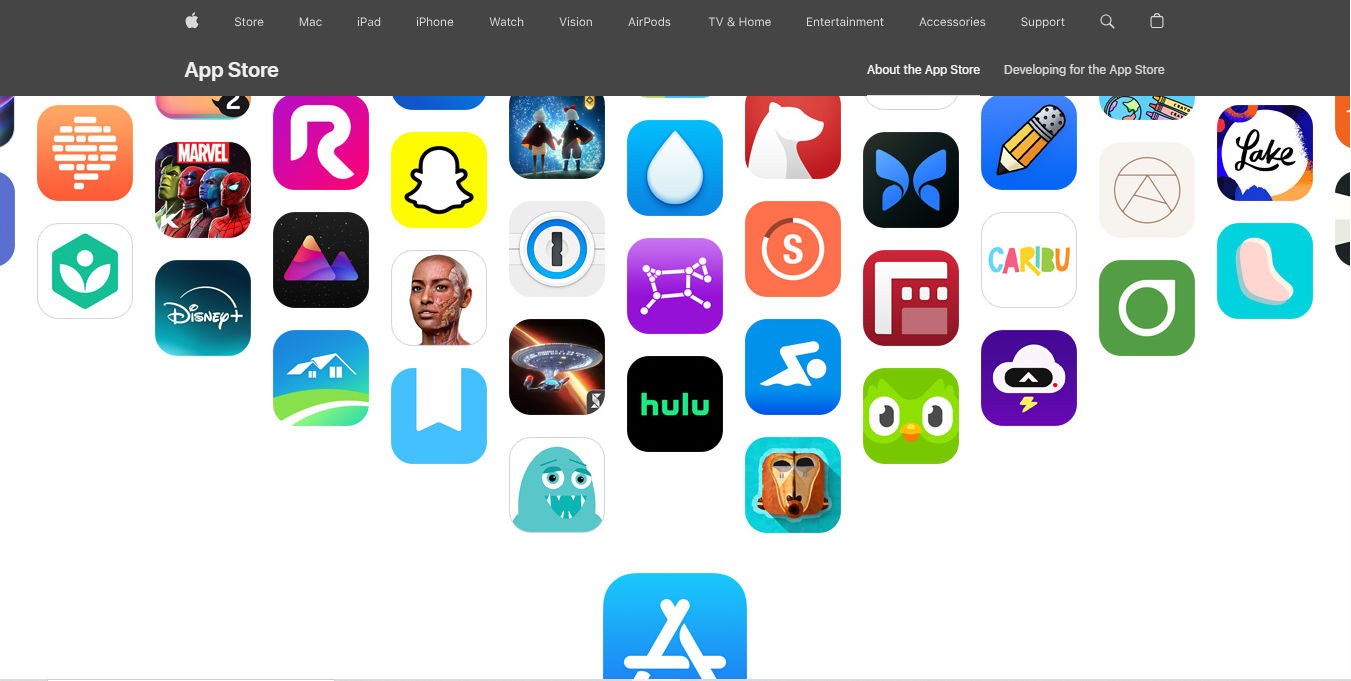
Apple’s App Store features a wide range of instantly recognizable “go-to’s” on its home page. Trusted brands can encapsulate what they promise users in exciting and simple icons, many of which have become globally recognized for a reason.
Apple, Fair use
Best Practices for App Store Optimization
To make ASO work, focus on optimizing these key areas:
1. Have Strong Keyword Optimization
Conduct keyword research to discover how your target audience searches for apps. Include relevant terms in the app’s title, subtitle, and description. For Google Play, include keywords naturally in the long description. Use tools to analyze search trends and identify gaps you might fill.
2. Create Compelling Visual Assets
Create a visually distinctive app icon that stands out on small screens. Design screenshots that showcase the most useful, unique, or engaging parts of the app. Use captions to tell a story and highlight value—what your app can bring home to users and how it can help them.
Consider adding a preview video that walks users through your core features in 15–30 seconds.
3. Use Clear, Value-Focused Descriptions
Your description should quickly communicate what the app does and who it’s for. Avoid buzzwords and technical jargon. Use bullet points to improve readability and lead with benefits rather than features.
Include a strong call to action at the end—like “Start your first project today” or “Track your goals effortlessly.”
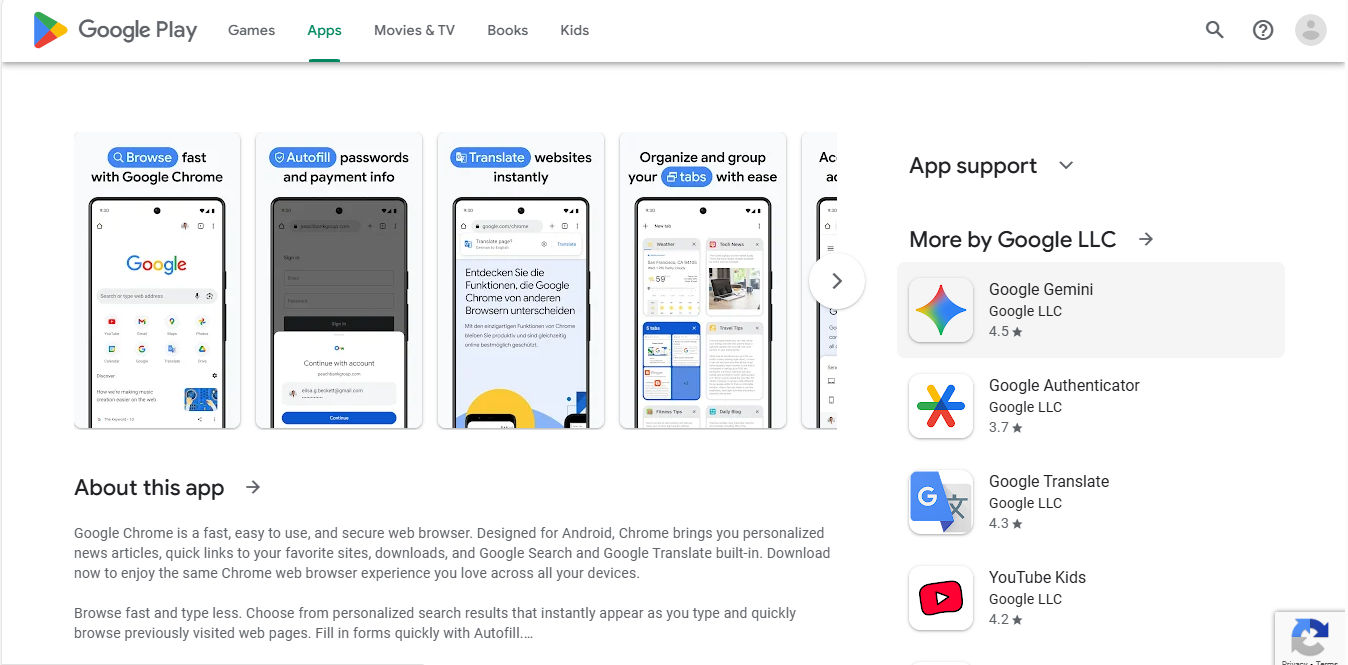
Google Chrome brings it home to the user with screenshots and a concise, value-focused “About this app” section that includes the phrase, “browse fast and type less."
© Google, Fair use
4. Implement a Ratings and Review Strategy
Prompt happy users to rate the app, ideally after they’ve completed a positive interaction—like reaching a milestone or completing a key task. Avoid nagging prompts, which lead to poor reviews.
Monitor reviews to spot UX issues—such as “confusing navigation”—and feed those insights back into the design process.
5. Do Frequent Updates and Iterations
Maintain relevance by regularly updating your app based on user feedback and analytics. Users will only be in tune with apps that are in tune with them. Each update can include ASO changes—new screenshots, refined descriptions, or re-optimized keywords.
Frequent updates signal reliability and responsiveness to both users and the app store algorithms; infrequent or nonexistent ones signal staleness and that a brand might be having problems.
Explore how app analytics can help keep a finger on an app’s “pulse” and empower brands to keep their digital solutions high on the usability and desirability fronts, in this video with William Hudson.
Overall, effective ASO isn’t a recommended extra activity; it’s vital. Without it, limited visibility and low conversion rates become symptoms that users barely know an app exists. Poor ASO also leads to poor reputation and high churn rates, to say nothing of the damaged image that can deter prospective users and make it harder for a brand to recover rankings later.
App Store Optimization isn’t just about marketing metrics—it’s about delivering the right message to the right audience, setting accurate expectations, and then fulfilling them with strong UX design. Designers have a vital collaboration point with product and growth teams to shape store assets that resonate with user goals and ensure the app experience matches those promises. Designers help drive sustainable growth, especially since ASO strengthens the entire user journey, from first impression to loyal adoption. It’s not only how users find an app but also how they decide to stay—and for how long—with that brand and an app which a user might not be able to imagine life without.