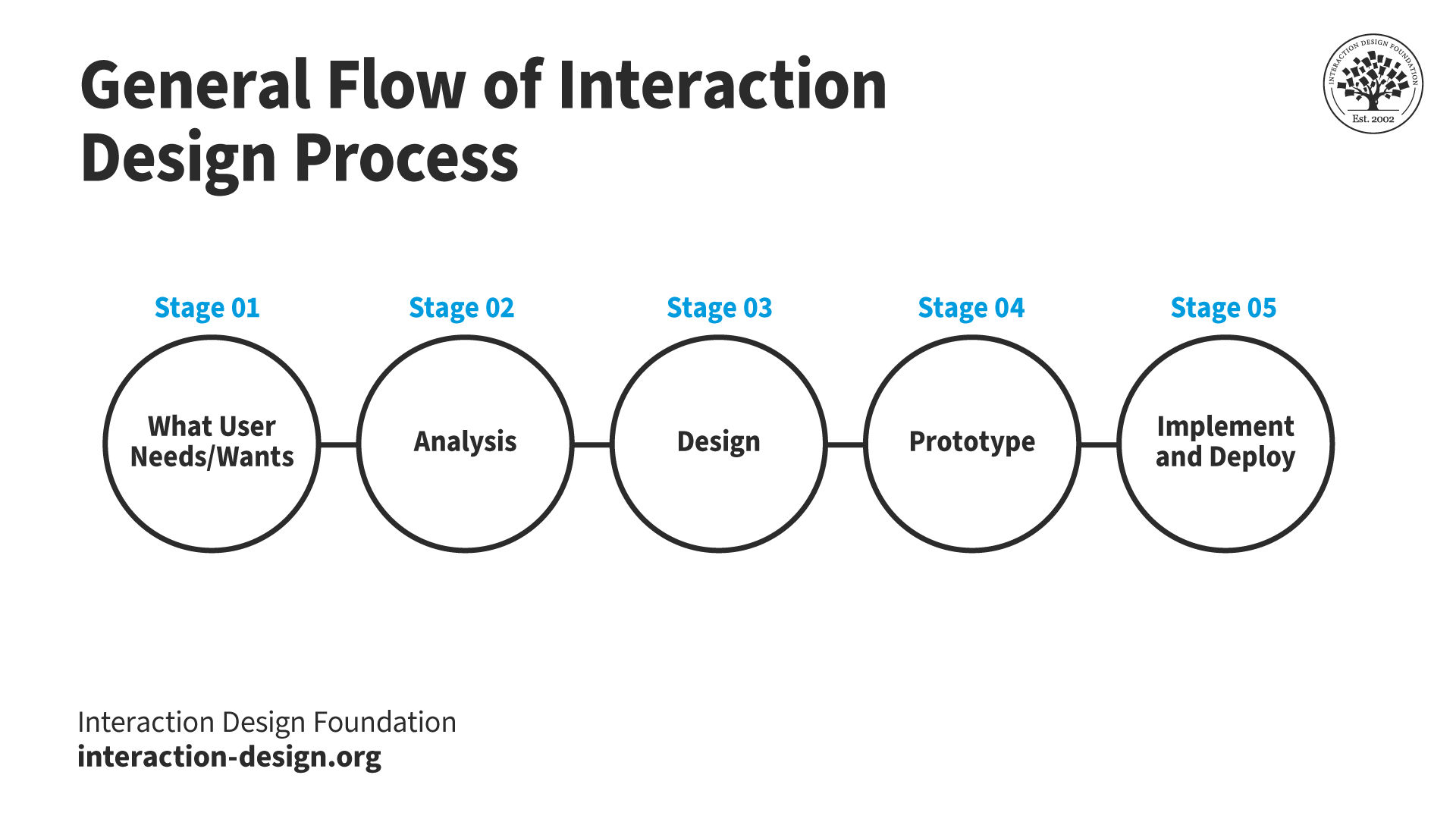
The interaction design (IxD) process is the methodological approach that designers use to create solutions centered on users’ needs, aims and behavior when they interact with products. The IxD process has 5 stages: discovering user needs, analyzing them, designing a potential solution, prototyping it and then implementing and deploying it.
In this video, HCI Expert and Author, Alan Dix describea the key stages of the interaction design process:
What are the Key Stages of the Interaction Design Process
The designer does not begin with some preconceived idea. Rather, the idea is the result of careful study and observation, and the design a product of that idea.
-Paul Rand, Renowned Graphic Designer and Art Director
With the IxD process, designers can build highly intuitive, recognizable interfaces that provide seamless experiences for users that prove a brand thoroughly understands them, their contexts and the goals they seek to achieve.
Here are the five stages that the IxD process typically involves:

Understand user needs and wants: This initial phase involves researching and understanding users' needs, goals, and contexts of use. Designers gather insights through user research, which can include interviews, surveys, observations, and personas. It’s essential for designers to understand the problem space in order to design solutions that meet real user needs.
Two useful research exercises include:
Contextual inquiry: This approach allows designers to immerse themselves in the user's environment. For instance, if designing a healthcare app, designers could observe how patients and doctors interact with existing systems.
User interviews and surveys: These exercises help designers gather direct insights from their target audience. For a retail app, a designer might explore shopping habits and pain points.

2. Analyze user research findings: Designers define the interaction problem they aim to solve based on the insights they’ve gathered. This phase involves setting clear objectives, specifying user requirements, and establishing design principles that will guide the project. Creating user stories and scenarios and conducting task analyses can help clarify how proposed solutions fit into the users' lives.
Here are two ways designers can analyze and organize their findings:
Personas: These are created based on research and should be as detailed as possible. For a project like a new educational platform, personas might include students, teachers, and administrators with distinct needs and goals.
Journey mapping: Developing journey maps helps designers visualize a user’s interactions with a product. This can highlight friction points in current systems, like booking a service or completing a purchase.
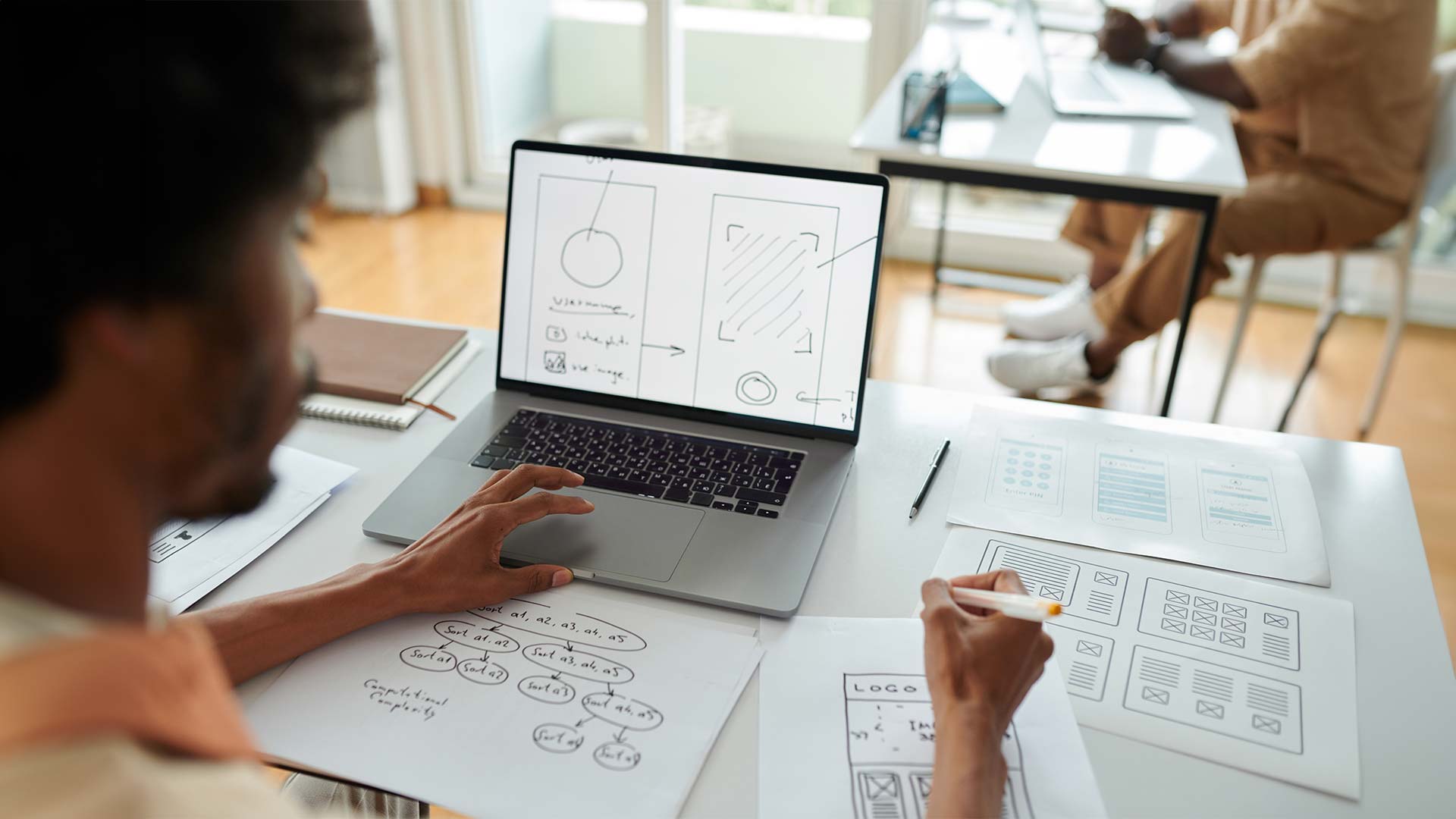
3. Design a potential solution: In this phase, designers brainstorm, sketch and design potential solutions. This step often involves creating low-fidelity wireframes, flow diagrams and sketches that explore different design options and how users will interact with the system. Designers also think about the look and feel of the product, as well as the logic and structure of the interaction. All of this is done according to the design guidelines and fundamental design principles established in the previous steps or within an organization's or individual's preferences.
Here are two approaches to designing at this point in the design process:
Sketching: Rapid, freehand drawing helps designers quickly visualize ideas, layout arrangements, and user interfaces. This technique is excellent for initial brainstorming sessions and can be shared easily for immediate feedback.
Storyboarding: This involves creating a series of drawings to depict the user journey or specific interactions with a product. Storyboards help in visualizing the context of use, user emotions, and potential pain points without detailed prototypes.

4. Create prototypes from designs: Prototyping is an extension of the design phase, where ideas are transformed into tangible artifacts that can be tested and evaluated. Prototypes range from low-fidelity sketches to high-fidelity, interactive simulations that closely mimic the final product. This stage allows designers and stakeholders to explore the viability of design concepts before full-scale development.
Here are the two main types of prototypes:
Low-fidelity prototyping: Paper prototypes or basic digital mockups can demonstrate ideas and design quickly and easily. This approach is cost-effective and allows for rapid iteration based on initial feedback.
High-fidelity prototyping: For a deeper test of interactions, designers can create high-fidelity prototypes using tools like Sketch or Figma. For example, an e-commerce site design would benefit from detailed prototypes that simulate the shopping experience.

5. Implement and deploy the final design: Once the design has been refined through multiple iterations of testing and feedback, it moves into implementation, where developers build the interaction design into the product. Designers work closely with developers to ensure the design's fidelity and to adjust the interaction design as needed based on technical constraints or new insights.
Carry out these two activities at this stage of the design process:
Collaboration with developers: Work closely with developers during the implementation phase to ensure the design translates well into the final product. This step is crucial for complex applications like a financial tracking tool, where functionality and user interface (UI) must align perfectly.
Post-launch evaluation: After launch, designers should collect and analyze user feedback. Tools like Google Analytics or user feedback platforms can provide insights into how well the product meets user needs and where further refinements are necessary.
It’s crucial for designers to have a thorough understanding of the interaction design process. This process is among several similar design methodologies, with the iterative design process of design thinking as the most popular and well-known example. In design thinking, designers work to gain and leverage essential insights that allow them to fine-tune features optimally. Only when designers know and empathize with users can they truly appreciate their real-world needs, desires, and pain points. This empathetic approach is the cornerstone of creating solutions that are not only technologically sound but also resonate with the user base and ensure that the end product effectively addresses the challenges users face in their daily lives.
© Interaction Design Foundation, CC BY-SA 4.0
How to Apply the IxD Process in Real-World Contexts
Applying the Interaction Design (IxD) process in real-world contexts requires navigating through its five stages, ideally without compromise. However, real-world projects often face time and financial constraints, which necessitates strategic trade-offs. Despite these challenges, it's crucial not to skimp on essential aspects like user research and testing. For instance, employing cost-effective methods such as paper prototyping can offer early insights into potential solutions, which helps to steer the design in the right direction. When designers aim for a minimum viable product (MVP)—a functional, marketable version of an app, for example—it allows for quicker iteration based on user feedback, rather than waiting for a "perfect" product.
Real-world examples demonstrate the importance of this approach. For example, the development of a running watch app. Designers focused on creating an interface that not only motivates runners but also ensures their safety by minimizing distractions. This means avoiding overly detailed text or complex navigation that could be hazardous during physical activity. Similarly, heuristic evaluations by design teams can quickly pinpoint and prioritize the correction of glaring usability flaws to enhance the user experience without significant delays.
The moment of use is critical; designers must scrutinize details like notification text length to prevent user frustration. Additionally, understanding how interactive elements collectively impact the user experience is vital. For example, Spotify's interface design caters to users' need for quick, effortless access to music and podcasts, without complicated navigation, recognizing the diverse contexts in which the app is used.