Personas are fictional, research-backed representations of the people designers aim to delight with their products, services, and experiences. They are based on real user needs, behaviors, and motivations. In user experience (UX) design, personas promote empathy, align teams, and give focus to design and development processes.
“Personas represent the needs and behaviors of a subset of users your product aims to delight.”
— William Hudson, User Experience Strategist and Founder of Syntagm Ltd
In this video, William Hudson gives an overview of personas.
Personas Are More Than “People”
“Personas are the single most powerful design tool that we use. They are the foundation for all subsequent goal-directed design. Personas allow us to see the scope and nature of the design problem… [They] are the bright light under which we do surgery.”
— Alan Cooper, Software designer, programmer and the “Father of Visual Basic”
Personas are not just demographic profiles or generic “user types”—they embody the goals, behaviors, motivations, and contexts of real users. Design teams create personas from user research, not assumptions. Research-backed personas enable designers and stakeholders to make confident decisions about a solution’s features based on users’ real needs. When personas are based on assumptions, they are unreliable and can result in products that do not meet user needs or expectations.
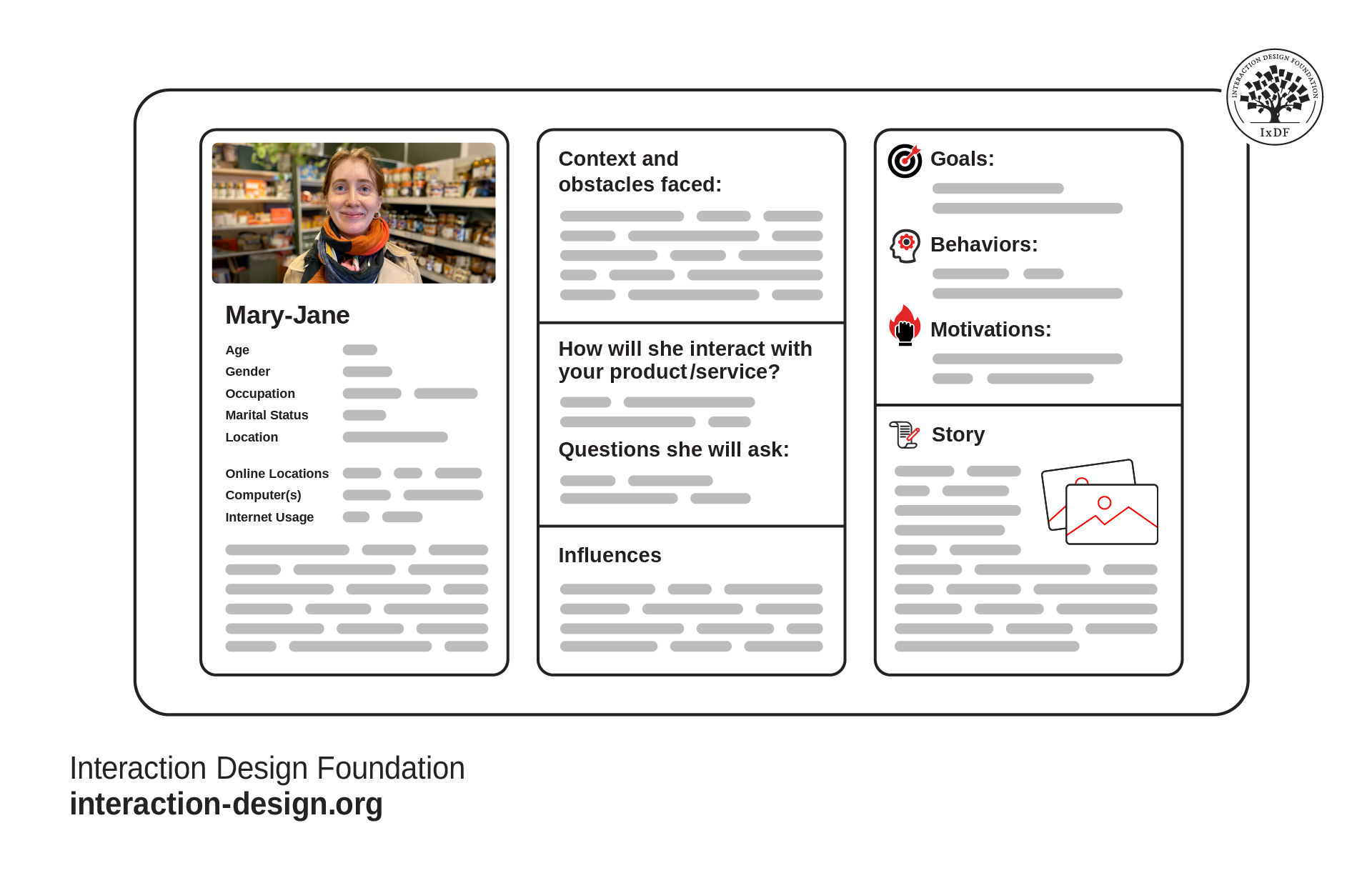
A persona is typically represented on one or two pages with key information. If a persona is too long or detailed, it is often difficult to design for and goes unused.
© Interaction Design Foundation, CC BY-SA 4.0
Crucially, personas replace roles (like “admin” or “guest”) or customer segments as the focus of design. However, just like real people, personas can take on multiple roles. For example, the Mary-Jane persona above might be both a buyer and a seller on an online marketplace.
Why Use Personas in UX Design?
In UX and product design, personas are referred to as user personas, UX personas, design personas, or, simply, personas. Without them, teams often design for a vague idea of “users” that are more a collection of assumptions than insights. This leads to products overloaded with features nobody asked for, mismatched workflows, and frustrated users. Personas bring focus, alignment, and empathy.
In this video, William Hudson explains the importance of personas and user research to the design and development process.
Here’s why design teams use personas:
They Create Focus: Personas act as a design compass. When faced with a decision, designers can ask, for example, “Would this help Mary-Jane accomplish her goal?” This clarity avoids “feature creep,” which occurs when a product becomes overloaded with features that reduce usability and waste resources.
They Humanize Users: “User” is an abstract term. Personas replace “users” with someone specific. This approach promotes cognitive empathy—the ability to recognize that other people may think and behave differently than you do. In this video, William Hudson explains cognitive empathy and why we should design for individuals, not groups.
They Align Cross-Functional Teams: Personas create a shared understanding among stakeholders such as designers, developers, product managers, and marketers. Everyone sees the same “person” and can focus on their needs.
They Reduce Costly Mistakes: Personas take time and resources to create. However, they can prevent poor, expensive decisions during development. Without personas, projects can realize too late that the product, service, or experience doesn’t meet user needs.
Common Misconceptions About Personas
Personas are powerful tools when created and used correctly. However, some common misconceptions can confuse or cause skepticism among teams. These misconceptions can weaken the impact of personas or cause them to be ignored altogether. An understanding of these misconceptions can help convince wider stakeholders to adopt personas as part of the design and development process:
Personas represent everyone. Personas represent a targeted audience of users designers want to delight. When you try to create personas for every skill level or ability, it makes them uselessly vague. Designers address inclusivity and accessibility separately to their personas.
More personas mean better coverage. The opposite is true. The more personas you create, the harder it is to make decisions. Most projects need one or two primary personas and possibly a few secondary ones with slight variations.
Personas are just demographics. Demographics, such as age, job and education, provide context, but they don’t explain how people behave. Designers build effective personas with observed behaviors and motivations, not assumptions.
Marketing personas are suitable for design. Design personas are for understanding user interaction and behavior. Customer personas are for understanding purchasing habits. While both are called personas, they are not interchangeable.
How to Create Effective Personas: Step-By-Step
Approaches and methods for building personas vary greatly between design teams. However, the following is a simple yet effective approach.
1. Start with User Research
Research is the backbone of personas. Begin your persona research with qualitative methods, such as observations and interviews. Then, validate your findings with quantitative research methods, such as surveys and analytics. This approach is called triangulation and, in particular, methodology triangulation.
Reliable personas are built on reliable user research. Researchers often use grounded theory, a research approach that reduces biases and helps reveal true user needs and behaviors. In this video, William Hudson explains grounded theory.
2. Write Affinity Notes
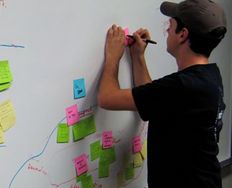
To make sense of your data, you can use affinity diagramming—an effective and collaborative tool for making sense of research data. Begin this approach by writing affinity notes which you will later arrange into an affinity diagram. In this video, William Hudson explains how to create affinity notes from user research.
A key method to promote empathy with the research data is to record what users say and do in first-person notes. This is also known as “voice of the customer.” Voice of the customer notes should be:
Specific and behavioral.
Short enough to fit on a sticky note.
Written during the research session or transcribed from recordings.
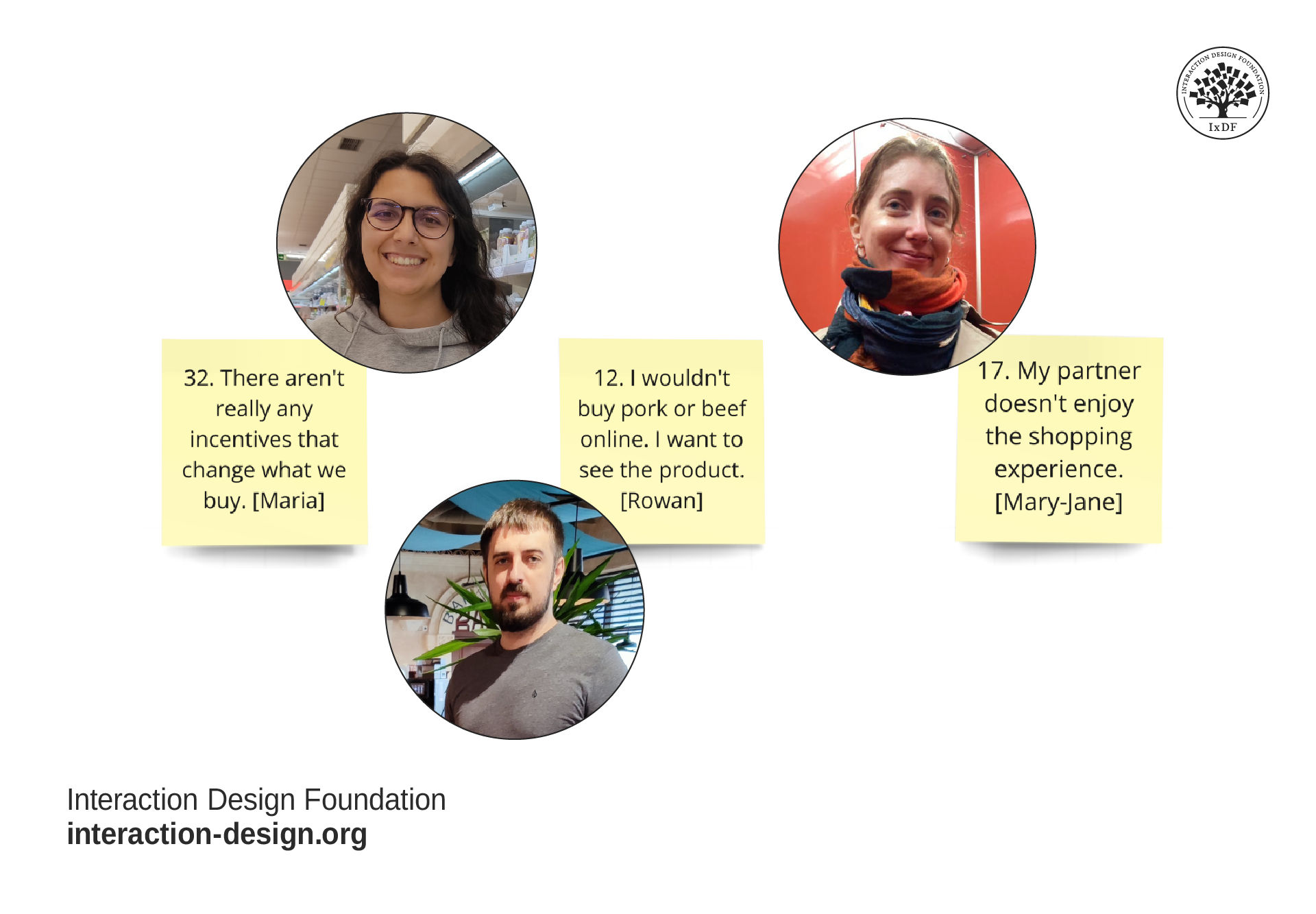
The voice of the customer helps stakeholders immerse themselves in the research data. For example, instead of writing, “Julia crosses items off her list as she puts them in her basket,” you would write, “I cross items off my list as I put them in the basket.”
© Interaction Design Foundation, CC BY-SA 4.0
3. Use Affinity Diagramming
Once you have completed your research with grounded theory and recorded your qualitative data on affinity notes, you can begin your affinity diagram.
In affinity diagramming, you group related notes into themes and reveal patterns in user behavior. This collaborative approach helps immerse stakeholders in the research data. When you build personas in collaboration with stakeholders, they are much more likely to relate to and benefit from them. Immersion and collaboration result in products, services, and experiences that align with user needs.
In this video, William Hudson explains how to create affinity diagrams.
In affinity diagramming you:
Group notes into clusters based on similarities.
Label the levels nearest the original notes with accurate summaries of the grouped notes.
Label the top level of notes with summary categories, such as “paint points” or “goals.”
Identify key patterns that describe distinct user behaviors and needs.
4. Build the Persona
Once you have your affinity diagram insights, you can create your persona. One approach is to create a Minimal Viable Persona (MVP). An MVP contains the ideal amount of information you need to promote empathy with stakeholders without overwhelming them with information. A minimal viable persona should contain:
A name and specific age, since real people do not have age ranges.
Roles (if this persona has more than one)
A photo, preferably from one of your research participants. Stock photos with models make personas less credible.
Primary goals, behaviors, and motivations.
Brief backstory relevant to the problem domain.
Pain points, quotes, and other helpful information.
If your team needs a deeper emotional connection with your persona, you can add a more detailed backstory. For example, this may be required if you’re designing a solution for patients in a healthcare setting.
Free Persona Template
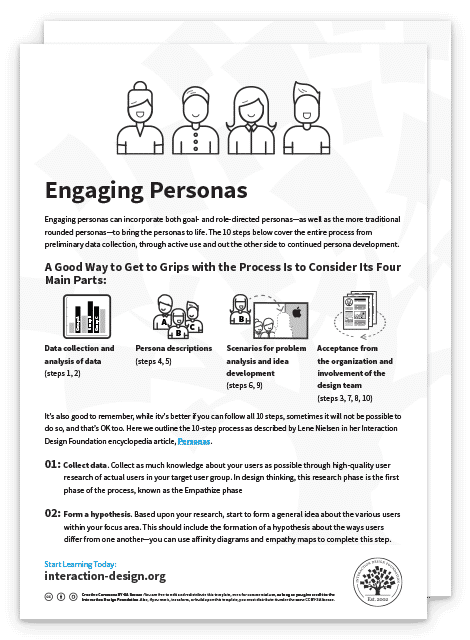
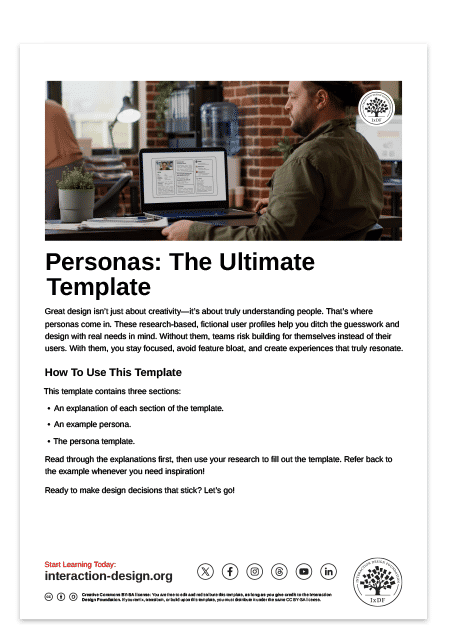
You can download our easy-to-use, fillable template to build your persona. It includes detailed instructions on what to include in each section, plus an example to inspire you.
How to Get the Most Out of Personas
Once design teams have created their personas, they then use them to promote empathy, align teams, and drive effective decision-making. Here’s how to integrate personas into your design process:
Use them to evaluate ideas: Ask throughout the project: “Would this feature help [Persona Name] solve their problem?” This approach ensures your decisions remain based on real user needs.
Keep them visible: Promote your personas digitally and physically. You can put them on the wall or on digital boards. You can also create t-shirts and mugs to share with your colleagues or even full-size cardboard cutouts to take to meetings.
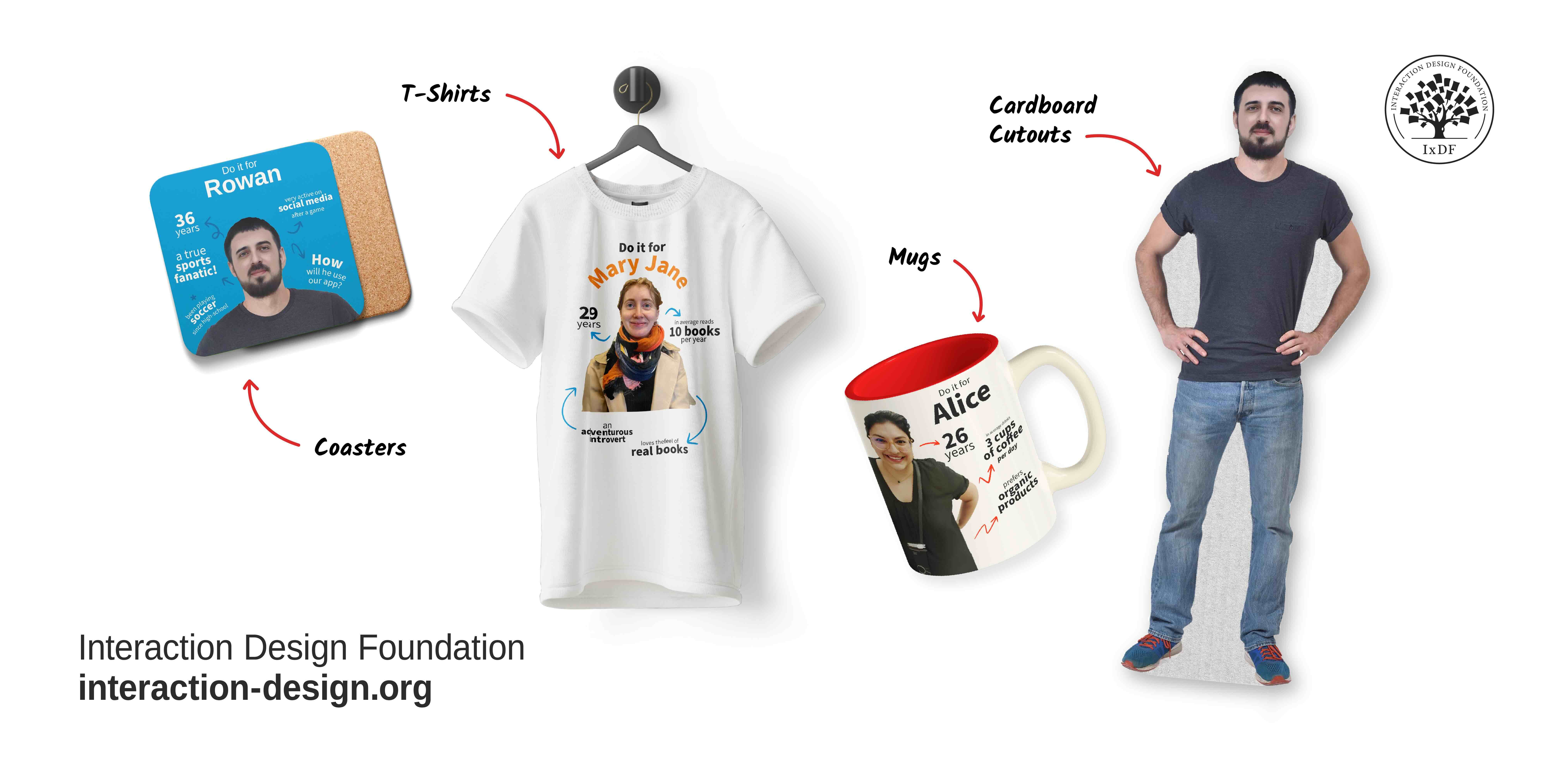
Merchandise helps keep personas visible and front of mind within design teams.
© Interaction Design Foundation, CC BY-SA 4.0
Put them in stories of use: These include persona stories and use cases. Examples of your personas in action help you and your team understand how users will use your product, service, or experience. For example, “Amina wants to save her grocery list so she can reorder items easily.”
Revisit and update regularly: If your market, product scope, or technology changes, your personas may need updates, too. User needs and behaviors change over time, so personas must change, too.
Key Considerations for Personas
Personas are powerful tools for designers. However, there are some key considerations and limitations to be aware of.
The first is that a persona cannot represent every skill level within your user base. Design teams consider learnability, accessibility, and usability separate from their personas. In this video, William Hudson explores how designers must approach these considerations and why personas don’t represent every user.
When you design for a persona, remember the following:
Make sure you don’t exclude users not represented by a persona. All users must be able to learn and use your product, service, or experience, regardless of whether they fit your persona’s profile.
Ensure compliance with accessibility standards (e.g., WCAG). For example, even if your persona isn’t visually impaired, your product must work for those who are.
Another key consideration is how many personas you should use. Small projects typically only need one primary persona. Larger projects may need more. If you need a persona for a user group that overlaps considerably with your primary persona, you can use a secondary persona. Remember, the more personas you have, the more focus you lose, and this is the primary purpose of a persona.