The B2B (business-to-business) model in user experience (UX) design and user interface (UI) design is the provision of UX services by designers and design agencies to businesses rather than individual consumers. When designers work with a B2B model, they typically focus on improving the usability and user experience of products, services or systems that client companies' employees or customers use.
Director of Design at Societe Generale CIB, Morgane Peng explains the importance of an impressive UX portfolio—a chief instrument for designers to win B2B contracts:
Why Is the B2B Model Important in UX Design?
The B2B model for freelancing UX designers and design agencies is all about creating user experiences for products or services for other companies. This model differs greatly from B2C (business-to-consumer) design, as it addresses the unique needs and real-world complexities of business interactions. What designers and design teams must cater to when they apply B2B UX best practices is a vision that encapsulates a brand identity with business goals and distinct sets of criteria for the design work involved.
In the B2B context, UX designers have to consider multiple stakeholders within a company—each with different roles and requirements. The end-user—who directly interacts with the product—may not be the decision-maker who purchases it. This dynamic creates a more complex design challenge than a designer would face with, for example, web design for a single-consumer client with more aesthetic reasons for the visual elements the designer might apply to a landing page. The reason for the comparative complexity of business-to-business UX design is that the UX must satisfy both the practical needs of the users and the business objectives of the buyers. So—in a sense—with B2B customers, there are two target audiences.
In B2B UX design, the work that UX and user interface (UI) designers do is often to create user interfaces for specialized tools, software or platforms that individuals use in professional settings. These might include enterprise resource planning (ERP) systems, customer relationship management (CRM) tools or industry-specific applications. Such interfaces could be call-center help desk interfaces with complex functionalities to maximize the client’s customer service handling process, for example. In any case, the goal is to design intuitive, efficient and feature-rich experiences that boost productivity and add value to the client's business operations. To achieve this, designers conduct user research, create wireframes and prototypes, perform usability testing and design intuitive interfaces for enterprise software, internal tools or B2B platforms.
Author and Human Computer-Interaction Expert, Professor Alan Dix explains important points about prototyping:
B2B contracts—which can include B2B ecommerce UX and B2B website UX—tend to demand deep involvement between a designer and complex systems that have unique user flows, starting points and more. So, freelancing UX designers must adapt their skills to meet the specific demands of business clients. They’ve got to leverage B2B UX research skills while they navigate the complexities of corporate structures and decision-making processes.
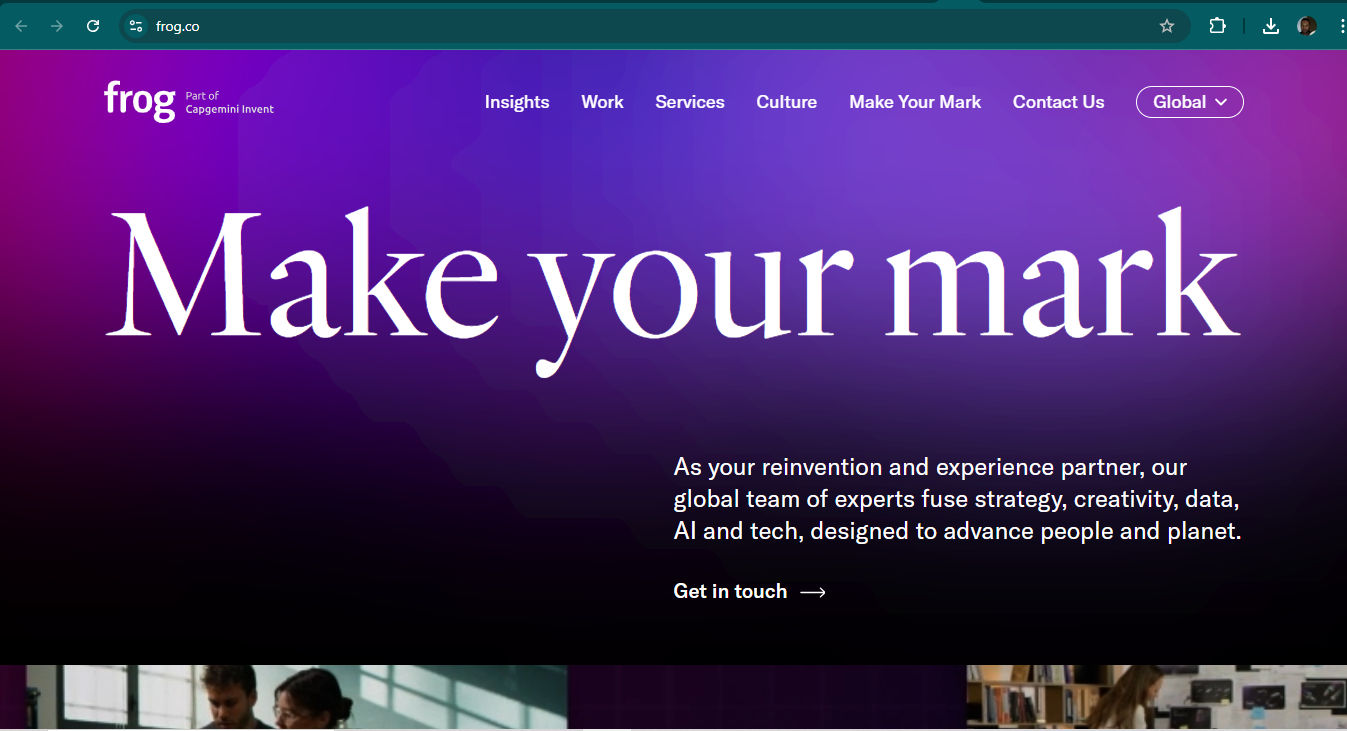
Frog, a global strategy and design company, is heavily involved in impacting the B2B design landscape with successful projects.
© Frog Design, Fair Use
B2B vs B2C UX Design: What’s The Difference?
There are many aspects where the business-to-business and business-to-consumers models differ, namely in:
1. User Complexity
B2B: Users are often professionals with specific expertise in their field. They may need more complex features and functionalities to assist them on their user journeys, which can see them helping other users or customers.
B2C: Users are typically general consumers who’ve got varying levels of technical knowledge. That means they need more intuitive and straightforward interfaces to help them on their user or customer journeys as they achieve goals.
2. Decision-Making Process
B2B: Involves multiple stakeholders and longer decision-making cycles. The buying process is often more rational and based on return on investment (ROI).
B2C: Usually involves individual consumers who make quicker, more emotionally driven decisions.
3. User Goals
B2B: Often task-oriented, it focuses on efficiency, productivity and solving specific business problems.
B2C: More varied—and ranges from entertainment to personal problem-solving—often with an emphasis on enjoyment and ease of use.
4. Design Aesthetics
B2B: Tends to prioritize functionality and data presentation over visual appeal, although this is changing.
B2C: Often requires more visually appealing designs to attract and engage consumers.
5.Customization
B2B: May call for more customization options to meet specific business needs.
B2C: Generally offers less customization, and it can focus on a one-size-fits-most approach—but conscientious design still caters to power users as well as casual or novice ones.
6. User Research
B2B: Often involves more in-depth, qualitative research with a smaller user base—for example, technical help desk software.
B2C: May involve larger-scale quantitative research to understand broader market trends.
UX Strategist and Consultant, William Hudson explains the difference between qualitative and quantitative research:
7. Onboarding and Training
B2B: May need more extensive onboarding processes and user training—such as for medical staff system use.
B2C: Typically aims for intuitive designs that require minimal to no training.
8. Sales Cycle
B2B: Longer sales cycles—and these often need ongoing support and relationship building.
B2C: Shorter sales cycles—and these focus on immediate conversion and customer acquisition.
9. User Loyalty
B2B: Often results in longer-term relationships thanks to higher switching costs.
B2C: May have lower loyalty, with users more likely to switch between competing products.
10. Regulatory Compliance
B2B: May need to adhere to industry-specific regulations and standards.
B2C: While still subject to regulations, they’re often more general consumer protection laws.
In any case, accessible and inclusive design is important for designers to understand, as our video explains:
11. Pricing Models
B2B: Often involves complex pricing structures, subscriptions or custom quotes.
B2C: Usually has simpler, more transparent pricing models.
12. Feature Depth vs. Breadth
B2B: Tends to focus on depth of features for specific use cases.
B2C: Often prioritizes breadth of features to appeal to a wider audience.
13. Update Frequency
B2B: May have less frequent but more significant updates because of the systems’ complexity.
B2C: Often has more frequent, incremental updates to keep users engaged.
14. Performance Metrics
B2B: Focuses on metrics like efficiency, time saved and ROI.
B2C: Often has a priority of engagement, conversion rates and user satisfaction.
15. Brand Relationship
B2B: Emphasizes building trust and long-term partnerships.
B2C: Focuses on creating emotional connections and brand loyalty.
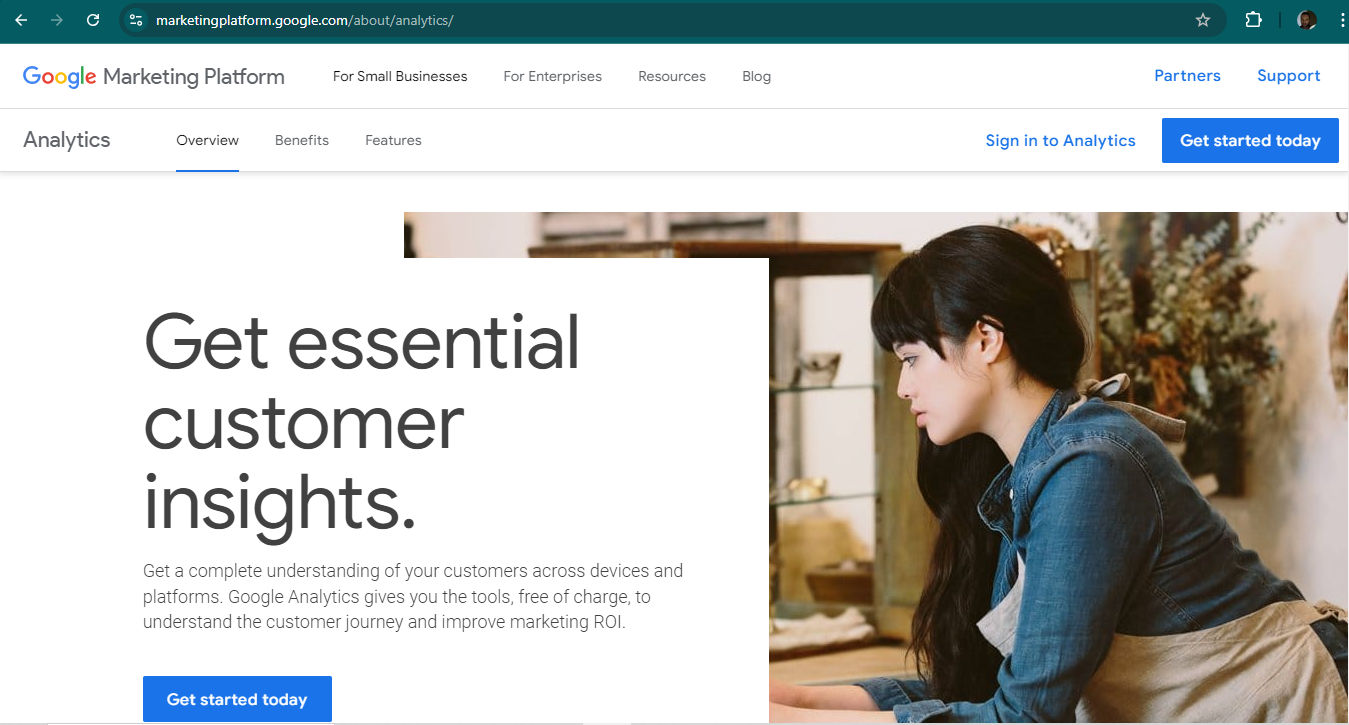
Google Analytics is a well-designed and powerful B2B resource that offers many benefits to any online business—with a clean, mobile-friendly interface and easy-to-customize UX so businesses can find the data they need.
© Google, Fair Use
What Are the Benefits of Design Work with a B2B model?
When UX designers work with a B2B model, they can enjoy several advantages:
Complex problem-solving: B2B projects often involve intricate business processes and workflows. These design projects can provide designers with challenging and intellectually stimulating work—which they might be able to leverage as a B2B UX case study in their portfolio under the right circumstances.
Impact on business operations: UX improvements in B2B products can have a massive impact on a company's efficiency and bottom line—and so can make the work highly rewarding.
Professional growth: Designers can get valuable experience when they work with diverse industries and complex systems. This exposure helps them sharpen their skills and boost their marketability. Depending on the sensitivity of the project—regarding secrecy and non-disclosure agreements (NDAs)—designers might be able to feature successful case studies in their portfolios.
Morgane Peng explains important points about NDAs:
Stability and long-term relationships: B2B clients often require ongoing support and updates. That leads to more stable, long-term engagements for designers.
Collaboration with experts: B2B projects frequently call for UX-UI designers to work with subject matter experts, which gives designers opportunities to learn from professionals in various fields.
Higher budgets: B2B projects typically have larger budgets than B2C projects. That means designers can get involved in more comprehensive research and design processes. That can translate to higher earning potential for designers as well as the prestige they might earn for their portfolios.
Focus on functionality: While esthetics are important, B2B design prioritizes functionality and efficiency. This can be refreshing for designers who enjoy solving practical problems—for example, to design an interface for security system help staff so they can help property owners with problems as quickly as possible.
CEO of Experience Dynamics, Frank Spillers explains important points about the value of designing with insights into user behavior and how vital appropriate content is:
What Are Examples of B2B Best Practices for UX Designers?
To succeed in B2B UX design, here are some tips for professionals:
Understand the entire ecosystem: B2B products often interact with multiple systems and processes. Designers must grasp the bigger picture if they’re going to create solutions that integrate seamlessly with existing workflows. For example, a B2B client in the pharmaceuticals industry will likely have numerous procedures and protocols for handling drugs, including regarding international laws and clinical matters.
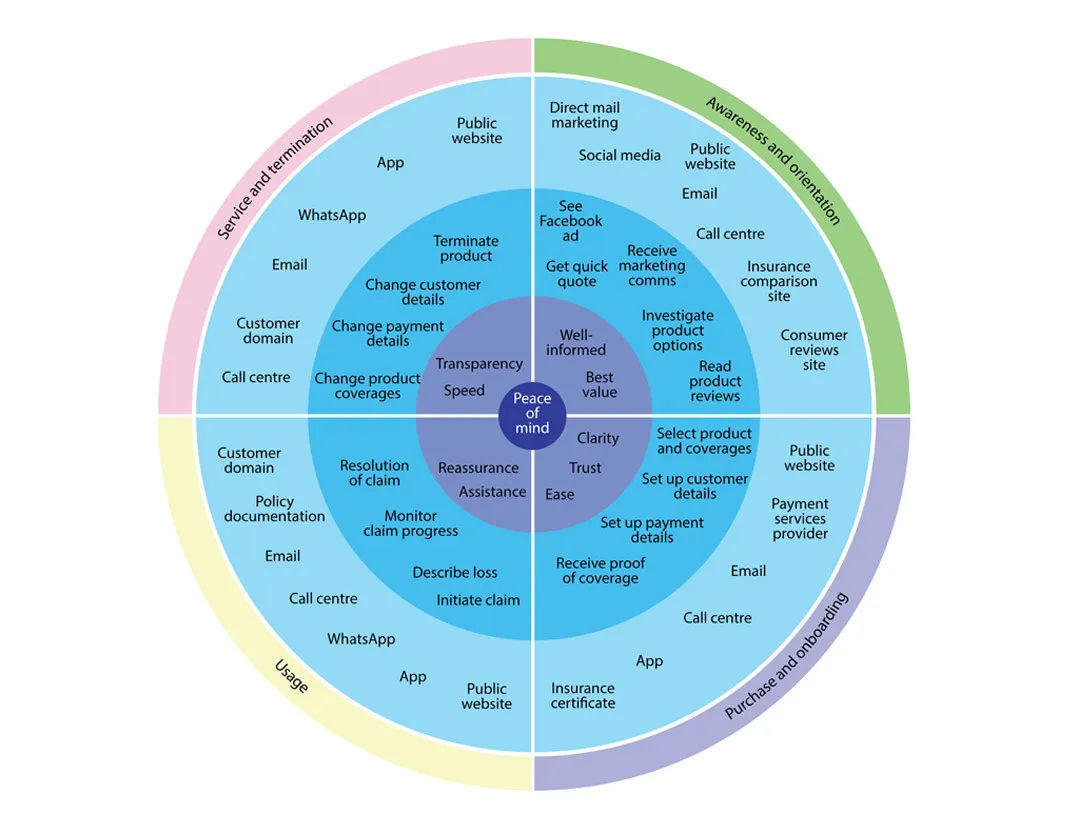
This is a high-level service ecosystem—in this case, for an insurance provider—and a good example of a UX ecosystem.
© Jesse Grimes, Fair Use
Prioritize user research: Thanks to the complexity of B2B environments, thorough user research is crucial. This includes understanding various user roles, their pain points and specific needs within the organization. For example, insurance company workers may have an intricate system to log, monitor, transfer and resolve data about customers who file claims about car accidents. B2B designers would need to factor in pain points about such dimensions as irate customers and the potential for fraud into the UI to optimize it.
UX Strategist and Consultant, William Hudson explains the importance of UX research:
Design for multiple user types: B2B products often have different user groups with varying levels of expertise and frequency of use. UX designers must create interfaces that cater to both power users and occasional users—for example, managers with different experience with the interface might need to access support staff members’ systems occasionally, which the latter may be more proficient with.
Focus on efficiency and productivity: In B2B contexts, the expression “time is money” applies that much more. Design choices should prioritize task efficiency and help users complete their work quickly and accurately.
Implement robust search and filtering: B2B applications often deal with large amounts of data. So, it’s vital for designers to provide powerful search and filtering capabilities for users to find the information they need.
Create clear information architecture: With complex systems, a well-organized information structure is crucial. So, it’s best to use clear labels, logical groupings and intuitive navigation so users get the help to find what they need.
William Hudson explains important points about information architecture:
Design for customization and scalability: B2B solutions often need to adapt to different company sizes and specific industry requirements. So, it’s best for designers to build flexibility into their designs to accommodate various use cases.
Provide comprehensive onboarding and support: B2B products can be complex. So, it’s a good idea to design intuitive onboarding experiences and easily accessible help resources to lubricate flows and keep user frustration to an absolute minimum.
Use data and analytics: Leverage user data and analytics to inform design decisions and continuously improve the product based on actual usage patterns.
William Hudson explains valuable aspects of analytics in this video:
Collaborate closely with stakeholders: Keep open communication lines with various stakeholders—including end-users, decision-makers and subject matter experts—throughout the design process.
How Do UX Designers Build Their Brand in a B2B model?
For UX freelancers especially, it’s vital to ask themselves what their value proposition is—what they have to offer clients as unique digital product or service designers.
Designer Director at Societe Generale CIB, Morgane Peng explains why value propositions are important:
From there, freelancers have numerous options to build their brand as B2B UX designers, such as to:
1. Develop industry expertise: Focus on specific B2B sectors—like fintech, healthcare or manufacturing—to become an expert in those areas. This specialization can help prospective B2B design contractors stand out and be more attractive to B2B clients.
2. Network and attend B2B events: Participate in industry conferences, trade shows and networking events so they can meet potential clients and stay updated on B2B trends.
3. Create thought leadership content: Write articles, blog posts or whitepapers on UX design in B2B contexts. It’s also helpful to share insights on platforms—such as LinkedIn—or industry-specific publications.
4. Collaborate with other B2B service providers: It’s wise to partner with complementary businesses—such as marketing agencies or software development firms—to expand a designer’s network and potential client base.
5. Offer workshops or webinars: Designers who conduct educational sessions for B2B companies can showcase their expertise and provide value to potential clients.
6. Obtain relevant certifications: Designers who pursue certifications valued in the B2B world can greatly boost their credibility and bolster their chances of winning contracts.
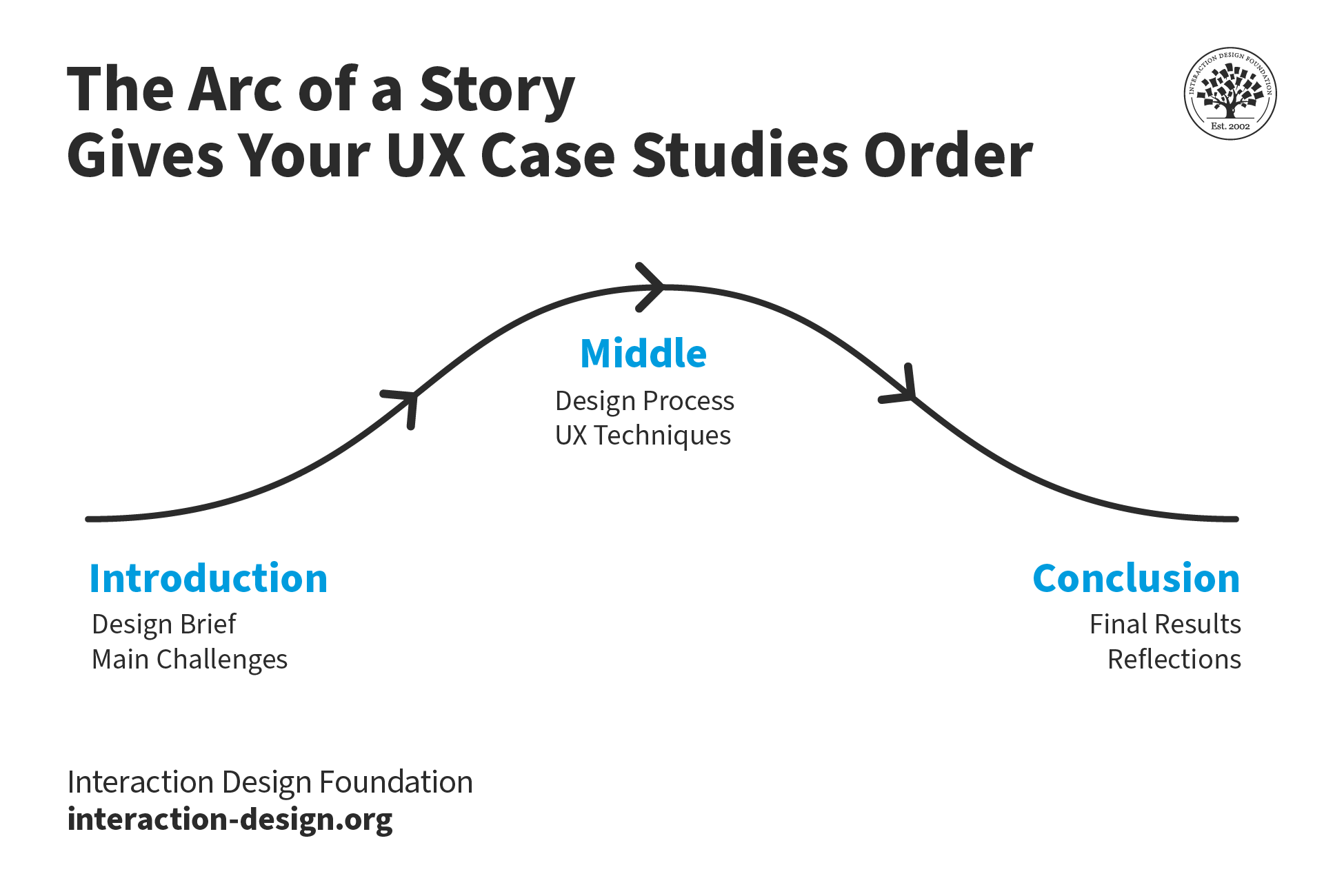
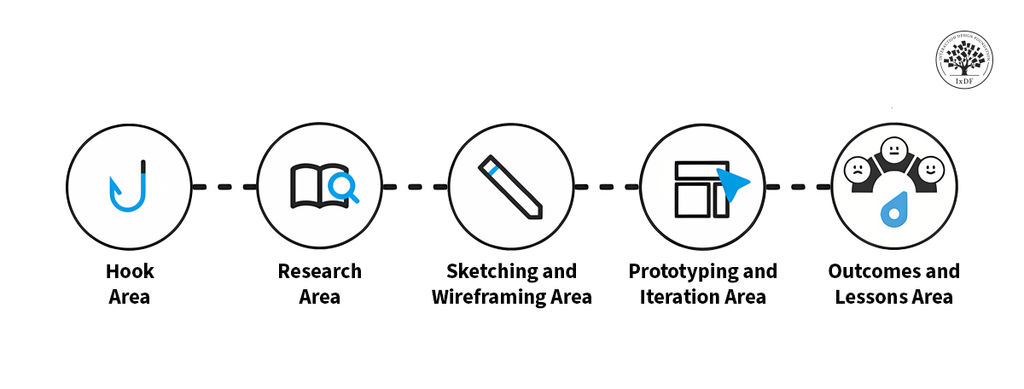
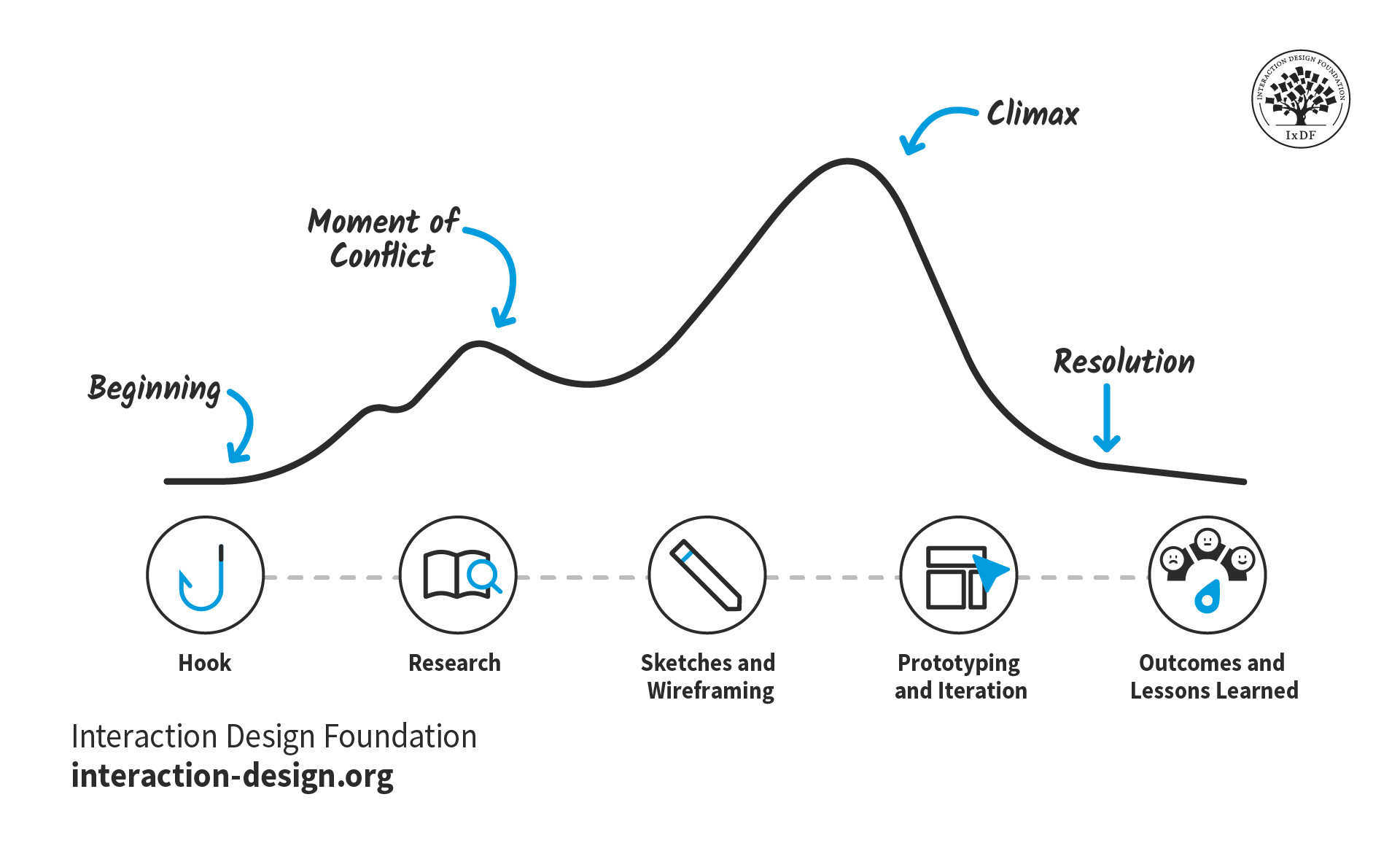
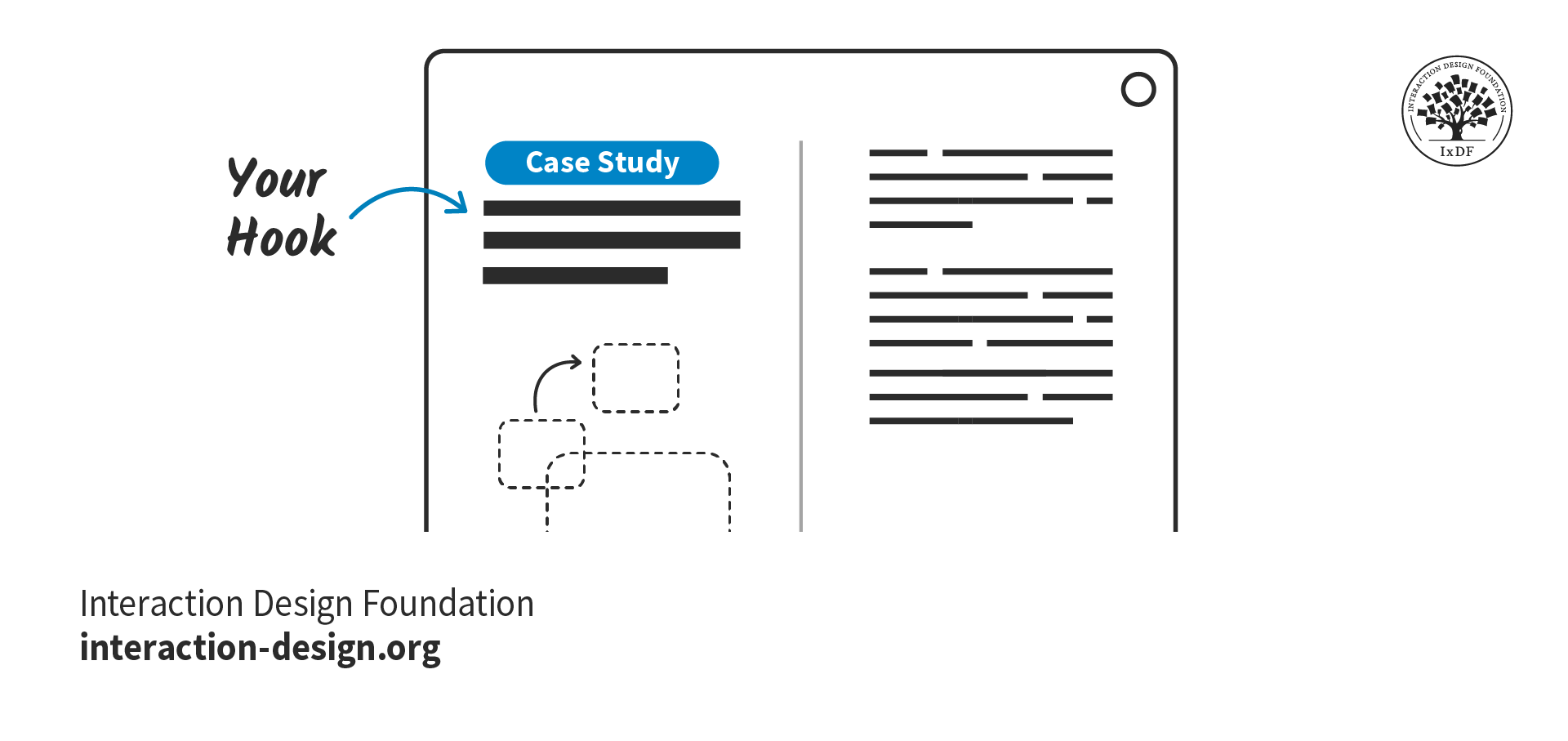
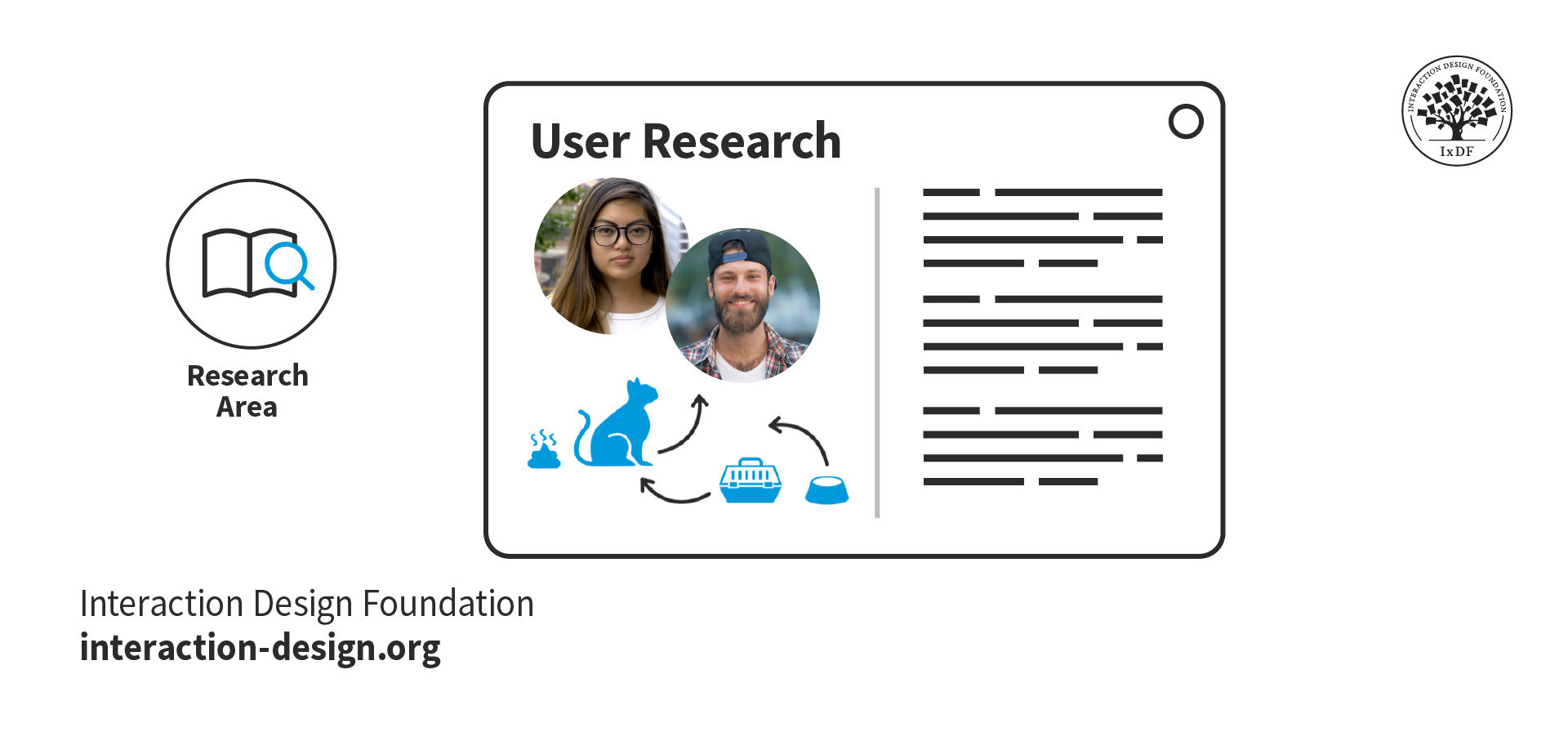
Designers who leverage elements of storytelling into their case studies can make their UX portfolios stand out, with clients able to see and appreciate every step of the journey.
© Interaction Design Foundation, CC BY-SA 4.0
How Do UX Portfolios Help Designers Get Profitable B2B Contracts?
Often, the UX-UI design portfolio will be the most important document that travels ahead of the designer—and it’s often the first point of contact between designer and potential client. That’s why it’s vital to get it right and fine-tuned to a B2B context. Designers can do this when they:
1. Demonstrate B2B-specific expertise: It’s best to showcase projects that are relevant to B2B industries, highlighting a designer’s understanding of complex business processes and user needs. One particularly beneficial strategy is to highlight successful B2B projects through case studies—with emphasis on the business impact of the UX design solutions.
2. Emphasize business impact: In the portfolio, a designer should focus on how the UX design solutions improved key business metrics—such as increased conversion rates, reduced customer support tickets or improved employee productivity.
CEO of Experience Dynamics, Frank Spillers offers vital insights into business matters such as key performance indicators (KPIs) and ROI.
3. Show problem-solving skills: It’s vital to clearly articulate the business challenges a designer addressed and how their UX solution resolved those problems.
4. Include diverse B2B projects: If a designer can showcase a range of B2B projects to show their versatility and ability to adapt to different industries and business needs, it can boost their appeal to a wider range of clients.
5. Highlight collaboration: Designers should emphasize how well they work with cross-functional teams. It’s often a crucial matter in B2B environments.
UX Designers and Author of Build Better Products and UX for Lean Startups, Laura Klein explains key points about cross-functional collaboration:
6. Use data and metrics: It’s helpful to include quantitative results—wherever possible—to show the tangible impact of the work done. The business world’s lens tends to focus on bottom lines and quantifiable results, so percentages and the like are key indicators of design success.
7. Showcase process: It’s important for a designer to detail their approach to understanding B2B user needs, conducting research and iterating on designs based on feedback.
Author, UX Leader and Certified Coach (AAC, CPCC), Stephen Gay provides important advice about how designers need to show their thought processes behind how they approach UX needs and solutions:
8. Include testimonials: To add quotes or recommendations from B2B clients to build trust and credibility is always an effective strategy.
9. Tailor the portfolio: When designers apply for specific B2B contracts, it’s important to customize the portfolio to highlight the most relevant projects and skills for that particular opportunity. Again, this is where case studies need to reflect the rationale for the designer to apply for a certain B2B contract—so, the content strategy they project to a B2B client must be in tune with the target audience and intention.
Morgane Peng explains important points about content strategy for designers:
10. Demonstrate scalability: Another helpful tip is for designers to show how their UX solutions are applicable across large organizations or complex systems. That’s often a requirement in B2B contexts.
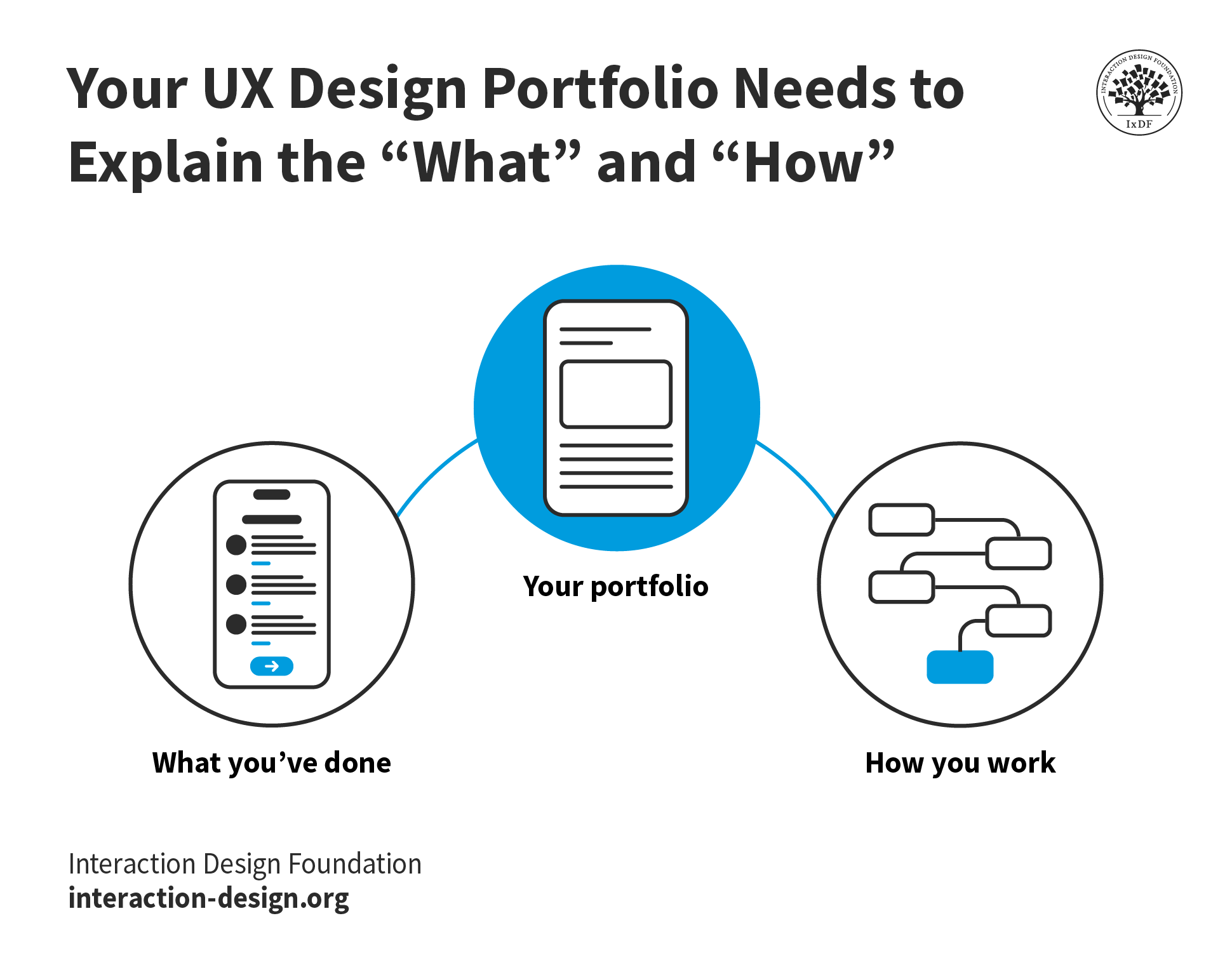
Remember, in B2B, it's crucial to demonstrate not just design skills and the bottom line, but also a deep understanding of how that designer can work with business processes, stakeholder management and drive those measurable results in the bottom line.
© Interaction Design Foundation, CC BY-SA 4.0
What Are Challenges in B2B Model UX/UI Design?
B2B model UX design work presents unique challenges and risks for design agencies and freelancers, such as:
Limited access to end-users: In B2B settings, designers may have restricted access to actual end-users. That can make user research and testing more challenging.
UX Strategist and Consultant, William Hudson explains important points about testing:
Complex approval processes: Multiple stakeholders often mean longer approval cycles and potential design compromises to satisfy various requirements.
Legacy system constraints: Many B2B products need to integrate with or replace existing legacy systems. It’s something that can limit design options and create technical challenges.
High stakes and pressure: B2B products often have a massive impact on a company's operations. That “live risk” element at such a heightened scale leads to increased pressure and stress for designers. For example, if a designer creates an interface that isn’t as user-friendly or efficient for the staff or users who need it, costly repercussions may arise before a redesign addresses the new pain points.
The balance of user needs with business requirements: Designers must navigate the sometimes-conflicting demands of end-users and business decision-makers. It can take much extra work to get the insights to make this balance work in favor of driving positive change.
Author, Speaker and Leadership Coach, Todd Zaki Warfel explains critical points about how to present design work to stakeholders:
Industry-specific regulations: Certain industries have strict regulatory requirements that can impact design choices and add complexity to the process. For example, the medical and pharmaceutical industries have stringent regulations that demand additional attention to design considerations.
Long-term commitment: B2B projects often require ongoing support and updates. That can be challenging for freelancers who prefer short-term engagements such as website design or more visual design- or graphic design-oriented work. These longer timelines also typically involve more stakeholders. Plus, they can have more complex requirements. Those can lead on to extended design and implementation phases, putting the designer in the field for the duration.
Need for industry-specific knowledge: Freelancers may need to quickly learn about various industries and their unique workflows if they’re to design effective solutions. This can make competition for B2B contracts that much more difficult for many freelancers who suddenly need to run off and study hard.
Resistance to change: Users in B2B environments may be so used to existing systems that they’ll resist a designer’s changes, even if they improve the overall experience. The “if it’s not broken, don’t fix it” attitude can be myopic to the genuine need for progress, and can distort how individuals report in usability testing.
Confidentiality and NDAs: B2B projects often involve sensitive business information—calling for designers to navigate strict confidentiality agreements and limiting what they can show in a portfolio.
Scope creep: How complex B2B projects can be is something that can lead to frequent changes in requirements and scope. That can be challenging to manage—especially for freelancers—and translate to even more pressure in a results-driven environment.
To mitigate these risks, UX designers and freelancers who work in B2B environments should:
Develop strong communication skills to navigate complex stakeholder relationships.
Build expertise in specific industries to better understand client needs.
Create flexible design systems that can adapt to changing requirements.
Establish clear project scopes and change management processes.
Invest in continuous learning so they can stay updated on industry trends and technologies.
Ultimately, B2B clients will also respond to a designer’s portfolio as a kind of UX solution in itself. That’s why the attention to detail a designer has in visual design and optimizing documents is imperative to present as part of the “pitch” to climb the B2B ladder and enjoy heightened levels of success.
Morgane Peng explains valuable points about how to craft a UX portfolio with storytelling tools:
Overall, the value of B2B contracts reflects the many benefits that freelancer UX and UI designers and design agencies can enjoy from this more rewarding—if more intense—vein of design work. When designers prepare themselves for—and meet the challenges of—B2B projects and deliver successful outcomes for their clients, the results can translate to major wins across the aboard. For one thing, a successful B2B project is far more than a single piece of design work done well. It symbolizes a fruitful relationship, built on a labor-intensive foundation from which designers can propel themselves to further contracts and the chances to produce more B2B digital solutions that resonate across industries.