An illustration that demonstrates different UX specializations, in reference to a UX design portfolio.

Stop the Generic Portfolio Trap! Design a Stand-Out Portfolio for Your UX/UI Niche

• 42 min read

340 Shares
Save

Your UX/UI portfolio is your ticket to your dream job, brief or client. It’s your opportunity to show off your expertise, creativity, and the tangible impact of your work. No matter your niche, your portfolio should be as innovative and polished as the projects it represents.

Think of your portfolio as your personal design project—it needs a clear strategy, attention to detail, and a focus on user experience to make an impact.

In UX design, every mistake is a learning opportunity. Watch this video with Morgane Peng, Design Director at Societe Generale CIB, to uncover common pitfalls and learn how to avoid them—set your portfolio up for success from the start.

Transcript

With that foundation, you’re ready to take your portfolio even further. Here’s how to tailor your portfolio to different UX/UI niches so that it stands out from the competition.

UX Writing: The Power of Words in Design
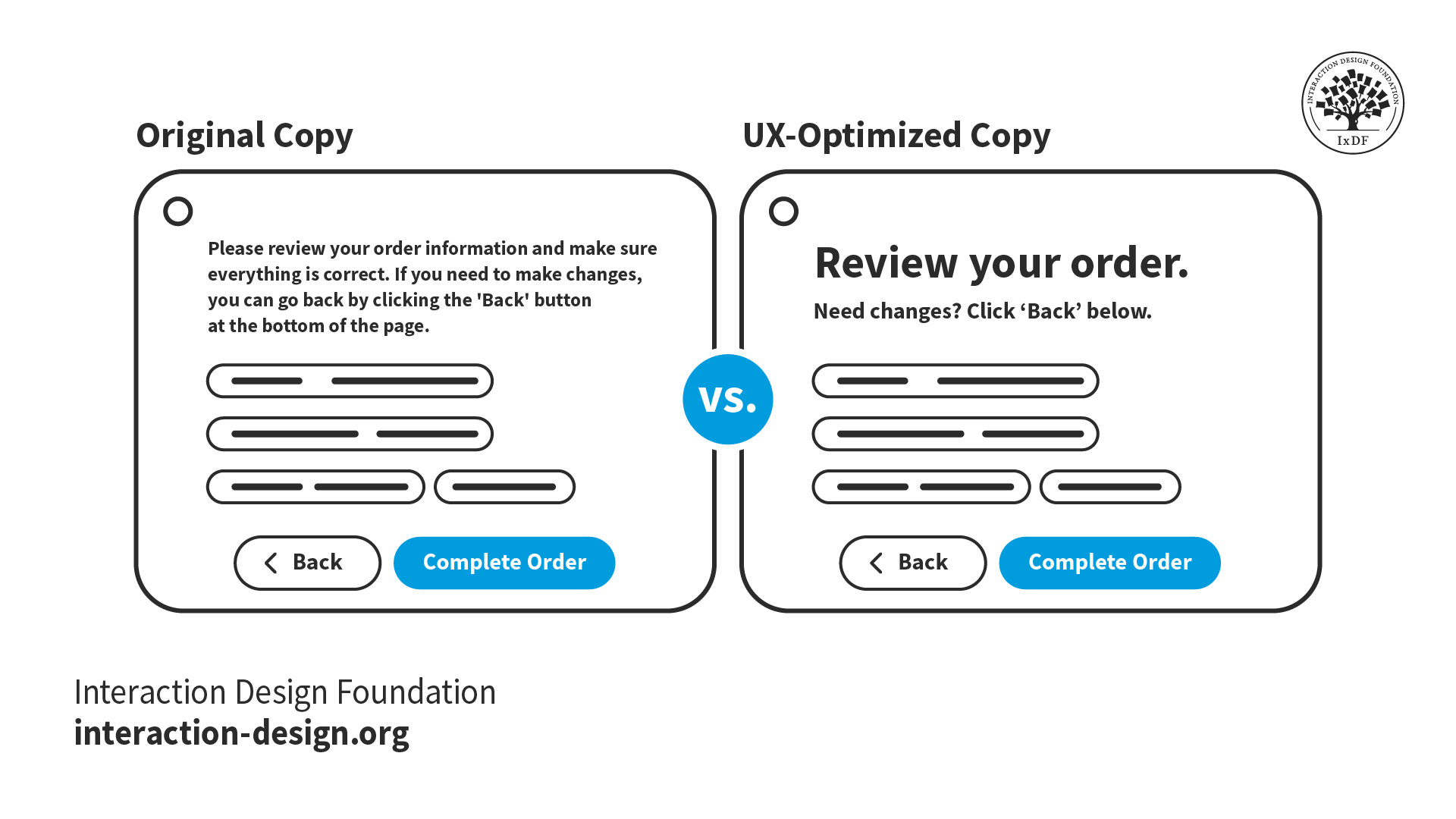
© Interaction Design Foundation, CC BY-SA 4.0

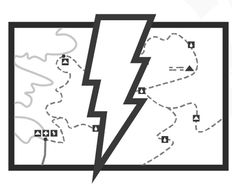
A well-crafted UX writing portfolio proves that words matter. Focus on case studies that demonstrate how your microcopy clarifies user interactions, reduces friction, and guides users through complex flows.

  • Structure your work around problem-solving: Present projects that highlight challenges, your role in crafting solutions, and measurable outcomes, such as improved conversion rates or reduced errors.

  • Showcase versatility: Include examples like onboarding flows, error messages, or content strategy for complex interfaces.

  • Collaborate and iterate: Emphasize teamwork with designers and developers, and show how feedback refined your copy.

Make your portfolio user-friendly—clear navigation and concise explanations mirror the UX writing principles you apply in your work.

UI Design: Where Aesthetics Meet Usability
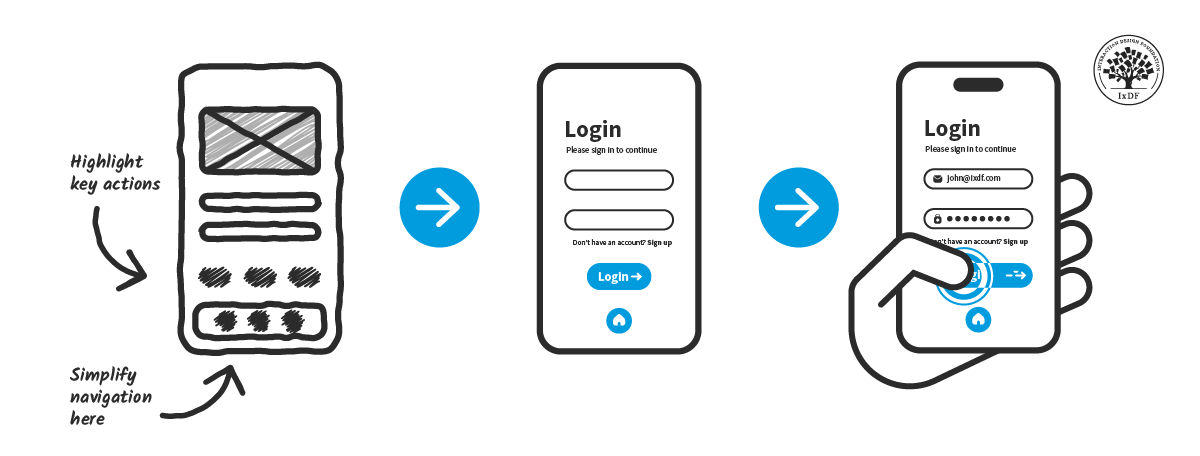
© Interaction Design Foundation, CC BY-SA 4.0

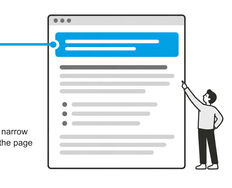
A great UI portfolio balances visual appeal with usability. Hiring managers want to see more than polished screens—they want to understand your process and the impact of your designs.

  • Highlight problem-solving: Include case studies where your designs addressed issues like poor navigation or low engagement.

  • Bring your process to life: Use annotated sketches, journey maps, and prototypes to demonstrate your iterative process.

Increase your chances of getting noticed by tailoring your portfolio to specific roles. Show hiring managers the projects in your portfolio they need to see to know you’ll be the right person for the job. For instance, if you’d like to apply for mobile-focused design positions, emphasize responsive design, or if you’d like to apply for SaaS roles, showcase your complex dashboards design experience.

User Research: Turn Insights Into Action
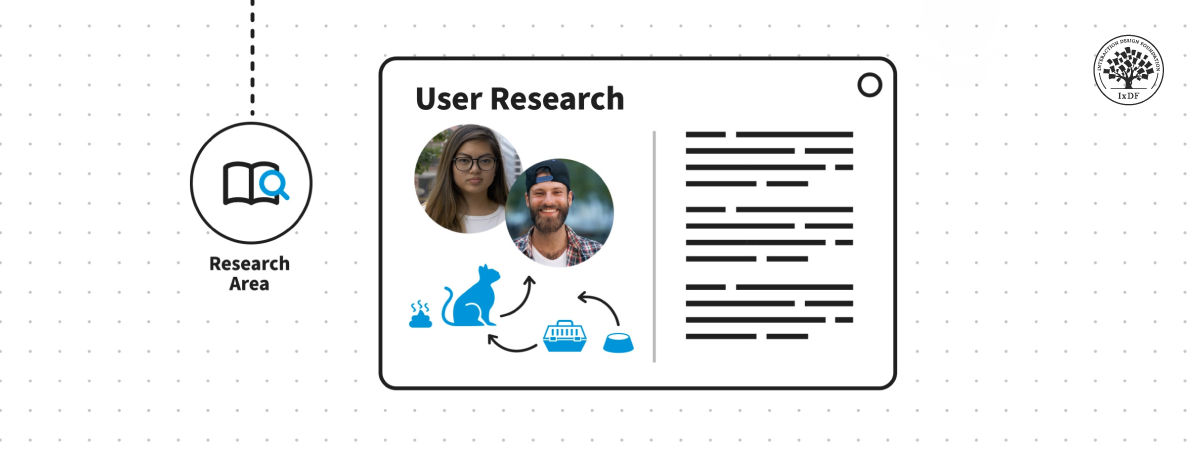
© Interaction Design Foundation, CC BY-SA 4.0

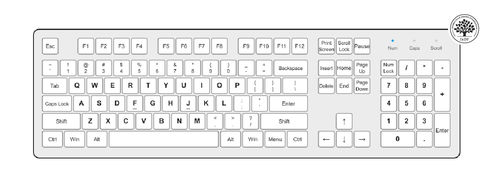
User research portfolios should showcase how your insights directly improved design decisions and user experiences.

  • Show your methodology: Highlight diverse research methods like surveys, interviews, usability testing, or diary studies.

  • Illustrate impact: Use case studies to demonstrate how your findings informed design changes, reduced drop-off rates, or improved user satisfaction.

  • Collaborate effectively: Detail how you worked with designers and stakeholders to turn insights into actionable strategies.

Visual aids such as empathy maps or journey maps help communicate your findings and make your process memorable.

Game UX: Enhance Player Experience
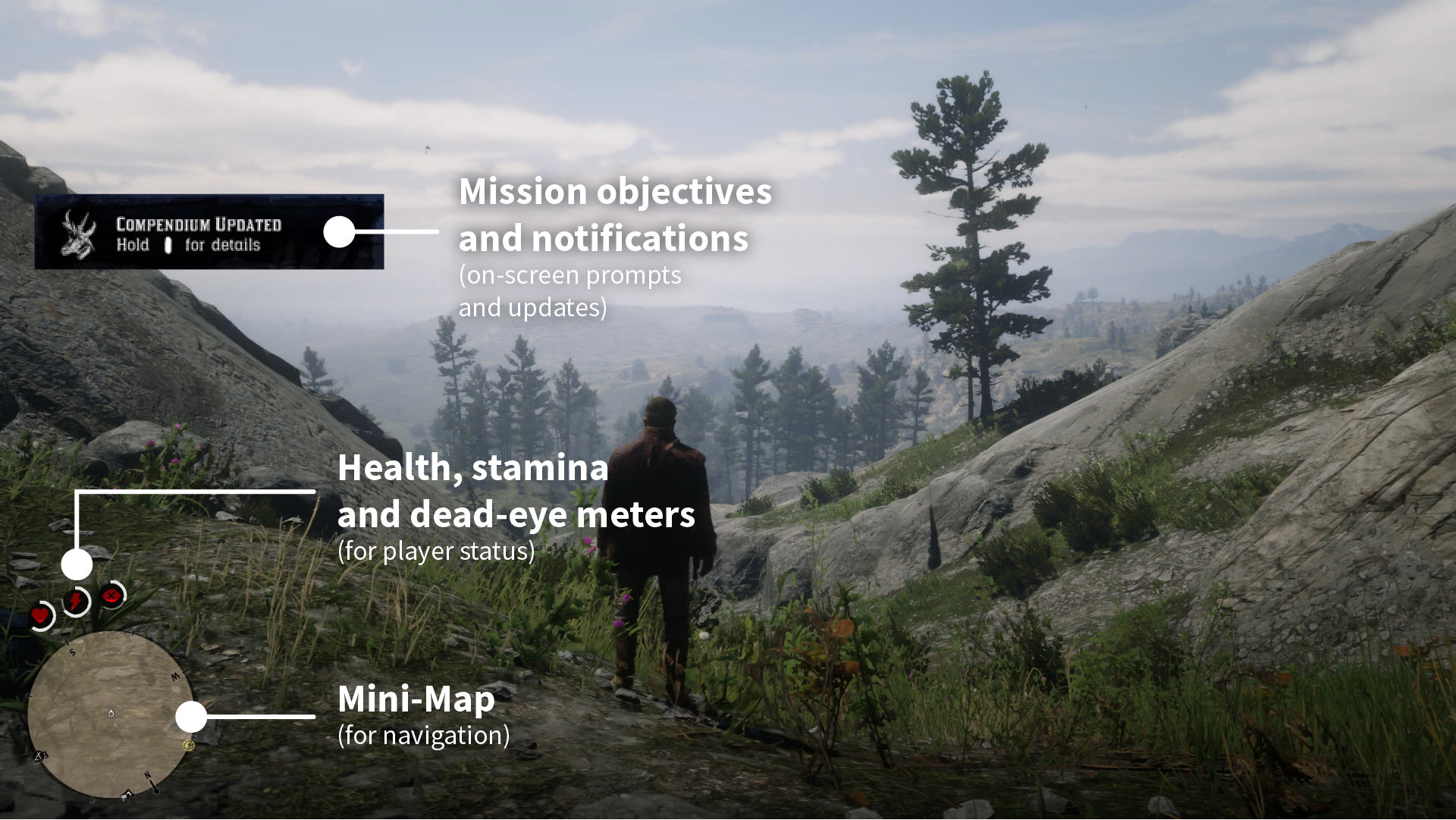
© Interaction Design Foundation, CC BY-SA 4.0

© Interaction Design Foundation, CC BY-SA 4.0

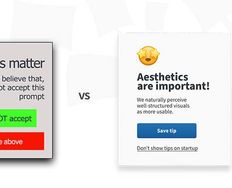
Game UX portfolios should use storytelling to demonstrate the innovative nature of the work being highlighted. Show how your work addresses unique gameplay challenges, improves player engagement, and enhances immersion.

  • Highlight key challenges: Did you simplify complex mechanics, reduce player frustration, or refine tutorials? Use detailed case studies to share your process.

  • Showcase collaboration: Explain how you worked with game designers and developers to create cohesive experiences.

  • Focus on player feedback: Include insights from playtests and the metrics that highlight your impact, such as reduced drop-off rates or increased session times.

Use visuals like annotated screenshots, HUD refinements, and interactive prototypes to showcase your work effectively.

Proven Strategies for Any Portfolio

No matter your niche, these tips will help your portfolio shine:

  • Use storytelling: Craft compelling narratives that walk viewers through your process, challenges, and solutions.

  • Include real-world impact: Share metrics, user feedback, and testimonials that demonstrate the success of your work.

  • Design your portfolio as an experience: Apply UX principles to make your portfolio intuitive, visually appealing, and easy to navigate.

Gain insights from design leaders like Vitaly Friedman, Pablo Stanley, and Niwal Sheikh as they share what truly stands out in a portfolio.

Transcript

The Take Away

A generic portfolio won't cut it in today’s competitive UX/UI landscape. To rise above the competition, tailor your portfolio to emphasize your niche—demonstrate your expertise, adaptability, and the tangible results of your work. Whether you simplify user flows, design intuitive interfaces, uncover user insights, or enhance player experiences, your portfolio should highlight your unique ability to solve problems and deliver real value.

Show the story behind your work—the challenges you faced, the decisions you made, and the results you achieved. Prioritize storytelling to create an emotional connection, highlight collaboration to demonstrate your teamwork, and include measurable outcomes to prove your impact. With a compelling, results-driven portfolio, you present yourself as a designer (no matter what the specialty) hiring managers and clients can’t afford to overlook.

References and Where to Learn More

Want to create a portfolio that gets you hired? Take our course, Build a Standout UX/UI Portfolio: Land Your Dream Job, and learn how to showcase your skills, tell compelling project stories, and impress employers.

Read the following articles:

  • Stop the Generic Portfolio Trap! Design a Stand-Out Portfolio for Your UX/UI Niche: UX Writing

Learn More in This Course:

Interaction Design for Usability

1 day
104
Lessons

Learn Design and AI From the Best

Get one powerful email each week, like 315,284 others.

Next email in:

What You Should Read Next

  • Read full article
    Object-Oriented UI Design: How You Can Collaborate Seamlessly with Developers and Build Better Products - Article hero image

    Object-Oriented UI Design: How You Can Collaborate Seamlessly with Developers and Build Better Products

    You’re at your routine health checkup, sipping an iced coffee on a hot day. Suddenly, you get a sharp pain in your head. The doctor looks up from her notes, a sympathetic expression on her face. “You’re experiencing sphenopalatine ganglioneuralgia.” Your heart sinks. The coffee cup drops to the floo

    Social shares
    71
    Published
    Read Article
  • Read full article
    Copy These 3 Industry-Leading Apps and Turn Object-Oriented Design into Your Secret Career Advantage - Article hero image

    Copy These 3 Industry-Leading Apps and Turn Object-Oriented Design into Your Secret Career Advantage

    Which apps do you use throughout your day? Maybe you manage your projects on Trello, use Notion as an internal docs site, and maybe, just maybe, you do some swiping on Tinder during your lunch break. Despite looking nothing alike, these three highly successful apps are organized around the same idea

    Social shares
    68
    Published
    Read Article
  • Read full article
    7 Reasons Object-Oriented UI Design Will Grow Your Career - Article hero image

    7 Reasons Object-Oriented UI Design Will Grow Your Career

    Vacation time! You book your flight. You have a reservation. It's real. You paid for it. And yet, when you open the airline's app to look at it, it's surprisingly elusive. You don't want to check in, you don't want to change it, you just want to find it and check the details. It's not on the home sc

    Social shares
    72
    Published
    Read Article
  • Read full article
    What are the Stages of Creativity? - Article hero image

    What are the Stages of Creativity?

    Let’s explore the various stages of creativity so you can get a firmer idea of its true nature as such a powerful human resource. Graham Wallas was the first to create an overview of a creative process back in 1926. As you can imagine, lots of iterations have emerged since then. Some of these theori

    Social shares
    1.1k
    Published
    Read Article
  • Read full article
    Plug, Play, Persona: Your Free Template and Step-by-Step Guide - Article hero image

    Plug, Play, Persona: Your Free Template and Step-by-Step Guide

    You've searched for the perfect persona template, downloaded dozens, yet none quite hit the mark. Here's the problem: Most templates fail you because they focus on demographics, fancy sliders, and irrelevant details. None of these things help drive decisions or create solutions that improve lives. B

    Social shares
    114
    Published
    Read Article
  • Read full article
    Keyboard Navigation and Data Entry - Article hero image

    Keyboard Navigation and Data Entry

    Forms are an essential part of many interactions, but good form layout and clear labels are only part of the picture. Forms also need to work in all the ways users interact with them. Not everyone uses a mouse. Many users rely on keyboards, whether by preference, motor impairments, or because they u

    Social shares
    150
    Published
    Read Article
  • Read full article
    Expert Evaluation: Identify Problems Before You Recruit Users - Article hero image

    Expert Evaluation: Identify Problems Before You Recruit Users

    Before you have a single real user in a testing session, you can already find a significant proportion of the usability problems in a design. Expert evaluation, also known as heuristic evaluation, is one of the most cost-effective methods available to UX practitioners. It requires no recruitment, fa

    Social shares
    151
    Published
    Read Article
  • Read full article
    Perceptual Issues in Dynamic Interfaces - Article hero image

    Perceptual Issues in Dynamic Interfaces

    In this video, William Hudson, User Experience Strategist and Founder of Syntagm Ltd, explores the psychological phenomena that affect how users perceive changes in dynamic web interfaces. While the focus is on web pages, these principles apply to any interactive technology, from desktop application

    Social shares
    184
    Published
    Read Article
  • Read full article
    Legal Aspects of Accessibility - Article hero image

    Legal Aspects of Accessibility

    Understanding the legal requirements for accessibility is essential for anyone building digital products and services. Accessibility legislation exists worldwide, and failure to comply can result in costly lawsuits and reputational damage. This lesson explores the legal landscape, compliance standar

    Social shares
    156
    Published
    Read Article
  • Read full article
    Be Afraid! The Silent Role of Fear in Decision Making - Article hero image

    Be Afraid! The Silent Role of Fear in Decision Making

    Fear plays such a dominant role in our lives that several businesses and products have succeeded on the back of this single emotion. Here’s a look at some of the fears that affect our decision making, how businesses and products exploit these tendencies to their advantage, and how, as a designer, yo

    Social shares
    723
    Published
    Read Article

Top Articles

Top Topic Definitions

39% of Today's Skills Will Change by 2030

The World Economic Forum expects 39% of today's skills to be transformed or become outdated by 2030.

The good news is that jobs in UX / UI design and AI are among the fastest-growing professions globally.

Build Skills That Keep You Relevant

Privacy Settings

By using this site, you accept our Cookie Policy and Terms of Use.
Customize
Accept all

Be the One Who Inspires

People remember who shares great ideas.

Share on:

Academic Credibility — On Autopilot

Don't waste time googling citation formats. Just copy, paste and look legit in seconds.

Learn Design and AI From the Best

Get one powerful email each week, like 315,284 others.

Next email in: