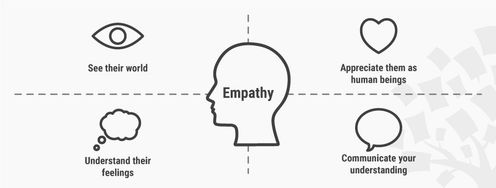
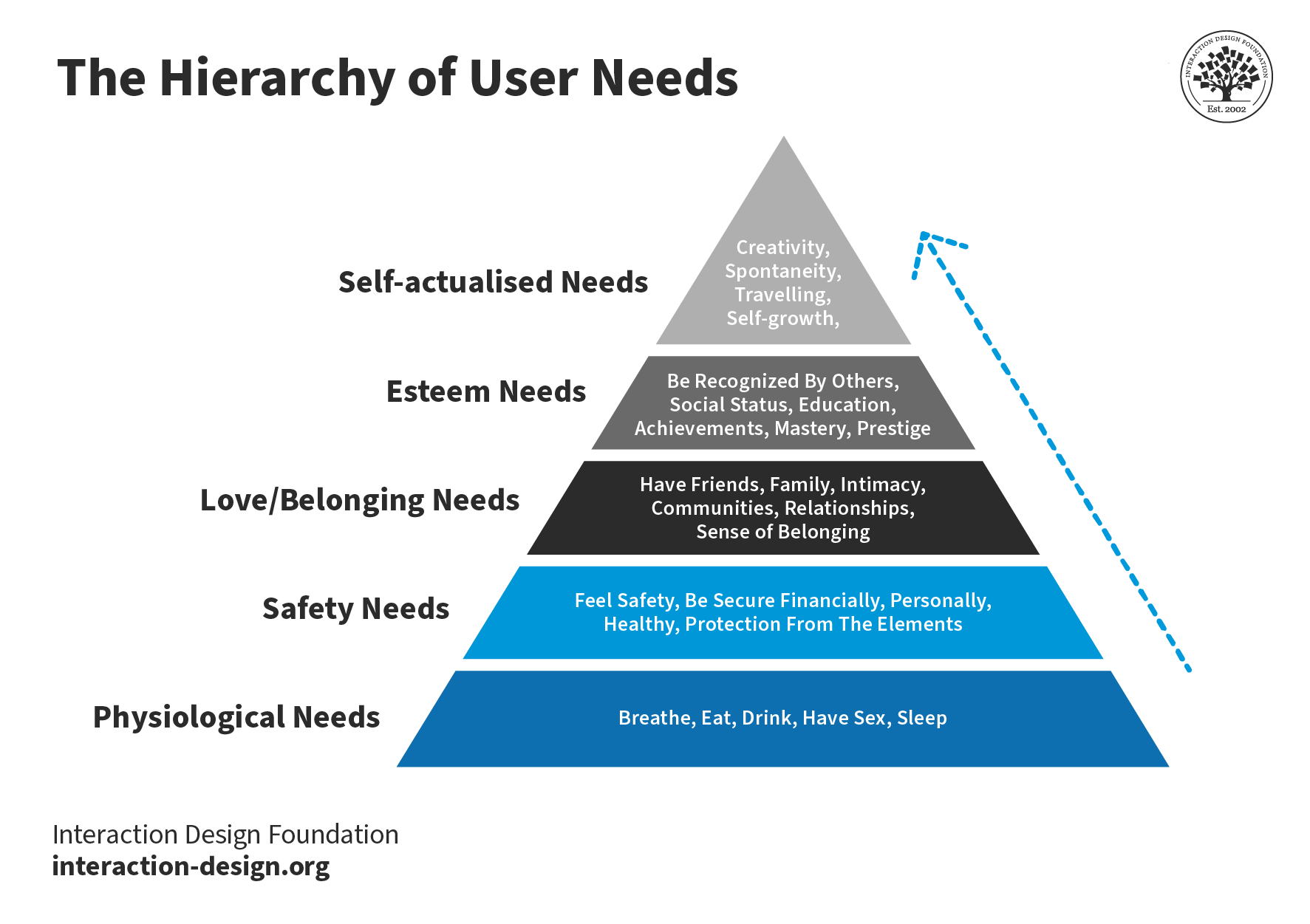
Here’s an interesting fact you may—or may not—know: users are more likely to choose, buy, and use products that meet their needs than products that just meet their wants. And an Empathy map will help you understand your user’s needs while you develop a deeper understanding of the persons you’re designing for. There are many techniques you can use to create this kind of understanding. An Empathy Map is just one tool that can help you empathize, synthesize your observations from the research phase, and draw out useful insights about your user’s needs.
An Empathy Map lets us sum up our learning from engagements with people in design research. The map provides four significant areas to focus our attention on, thus providing an overview of a person’s experience. Empathy maps are also great as a background for the construction of the personas that you will often want to create later.
An Empathy Map consists of four quadrants, and these reflect four key traits which the user demonstrated—or possessed—during the observation/research stage. These four quadrants refer to some pretty important points—namely, what the user Said, Did, Thought, and Felt. Sure, it’s relatively easy to determine what the user said and did, but how about working out what they thought and felt? Do you need to have preternatural skills—like a psychic—to tell what’s going on with those? Well, don’t worry; it’s based on careful observations and analysis of how the user behaved and responded to certain activities, suggestions, conversations, and the like.
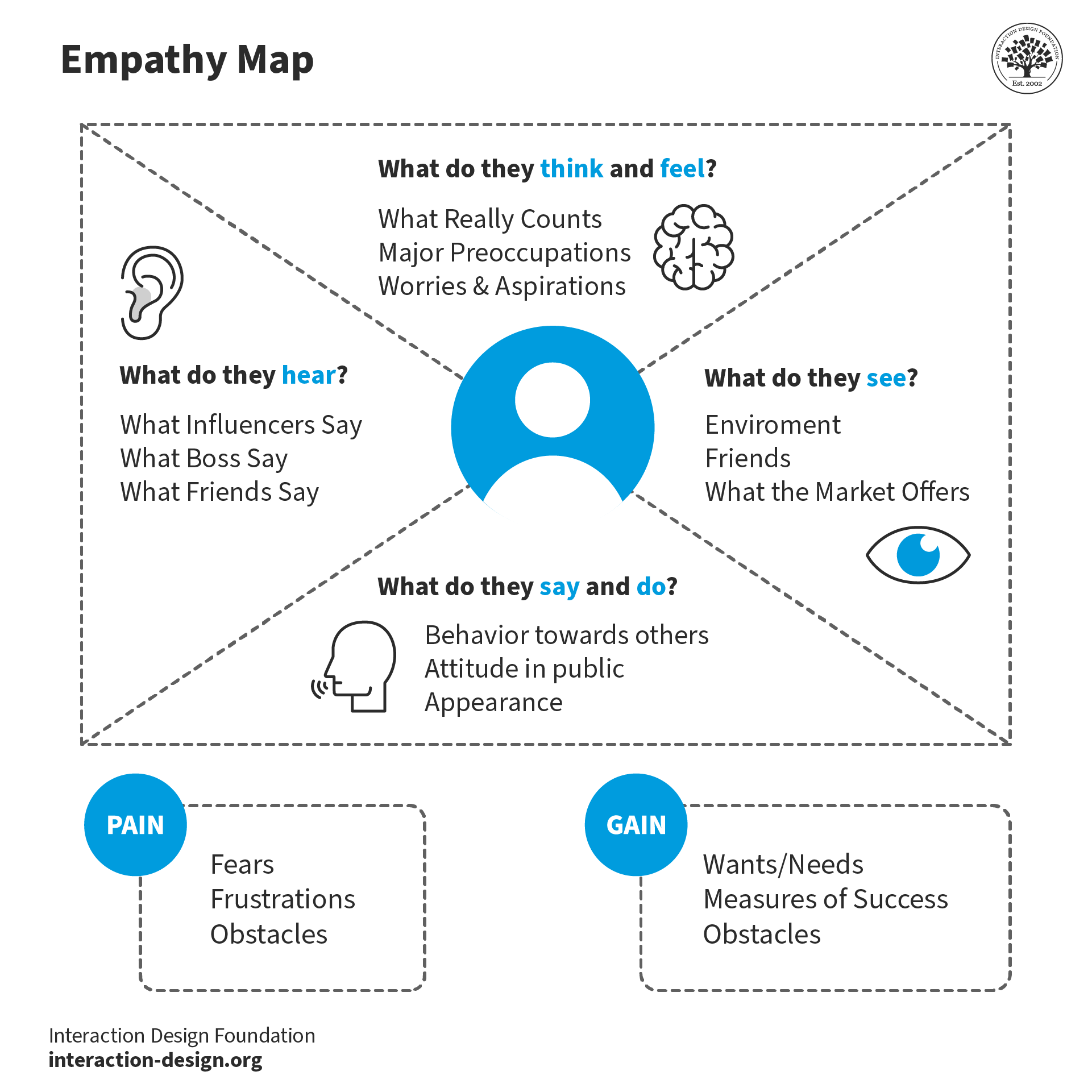
An empathy map typically includes four quadrants of information about the user.
© Interaction Design Foundation, CC BY-SA 4.0
What are the Best Practices to Create an Empathy Map?
Step 1: Fill out the Empathy Map
Set the four quadrants out on a table and draw them on paper or a whiteboard, as you see them laid out above.
Review your notes, pictures, audio, and video from your research/fieldwork and then fill out each one of the four quadrants while you’re defining and synthesizing.
What did the user SAY? Write down significant quotes and keywords that the user said.
What did the user DO? Describe which actions and behaviors you noticed or insert pictures or drawings.
What did the user THINK? Dig deeper. What do you think that your user might be thinking? What are their motivations, their goals, their needs, their desires? What does this tell you about their beliefs?
How did the user FEEL? What emotions might your user be feeling? Take into account subtle cues like body language and their choice of words and tone of voice.
Step 2: Synthesize NEEDS
Synthesize the user’s needs based on your Empathy Map. This’ll help you define your design challenge.
Needs are verbs—i.e., they’re activities and desires—and remember that needs aren’t nouns, which will instead lead you to define solutions.
Identify needs directly from the user traits you’ve noted. Spot needs based on contradictions between two attributes—such as a disconnect between what a user says and what the user actually does.
© Interaction Design Foundation, CC BY-SA 3.0
Step 3: Synthesize INSIGHTS
An “Insight” is the realization that can help you solve your current design challenge—think “Eureka” or “Aha! moment” here.
Look to synthesize significant insights—and that’s especially so from contradictions between two user attributes. You’ll be able to find this within one quadrant or in two different quadrants. You can synthesize insights by asking yourself a question, too—and that’s “Why?”—whenever you notice strange, tense, or surprising behavior.
Now it’s time to write down your insights.
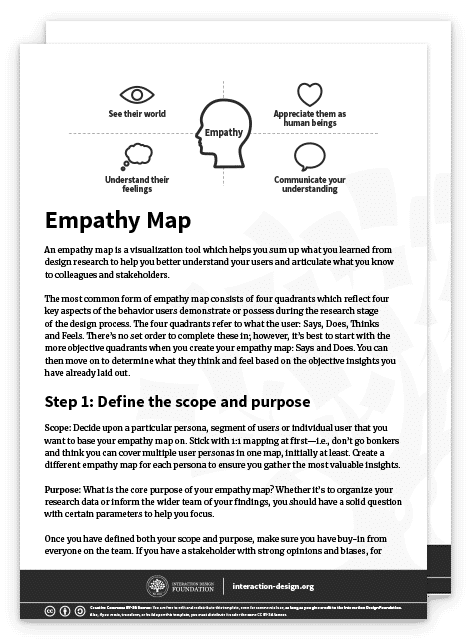
You can download and print the Empathy Map template here:
What Are the Benefits of Empathy Maps?
What makes empathy maps so useful for design thinking and product development is the way they delve into the user’s thoughts, feelings, words, and actions and so can offer a holistic view of the user’s experience. Here, we’re going to get right into the key benefits of empathy mapping.
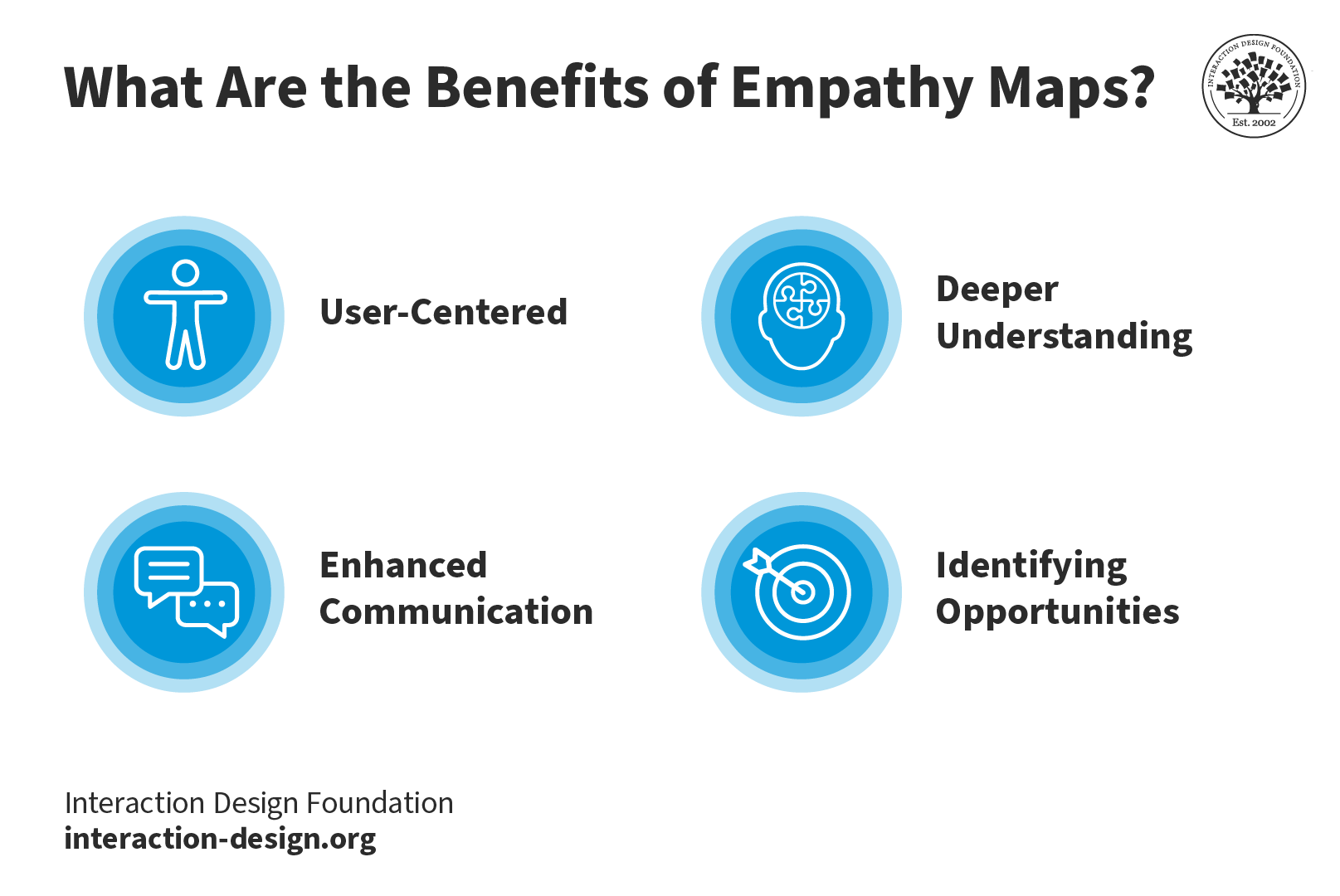
Key Benefits of Empathy Maps: they’re user-centered, they foster a deeper understanding of the user, they improve communication, and they help identify opportunities.
© Interaction Design Foundation, CC BY-SA 4.0
1. User-Centered
The design process has got to address the user's needs and emotions and, happily, empathy maps make sure that there’s a user-centric approach in place, and it’s something that makes it more likely that you’ll create products that truly connect with users.
2. Deeper Understanding
Empathy mapping goes beyond what users explicitly state and manages to unearth hidden motivations, desires, and pain points—all of which are valuable nuggets that deliver on a deeper understanding that helps you design solutions that address unspoken needs.
3. Enhanced Communication
These maps visually and concisely represent user insights so that everyone on the team gets to see the same information. And it’s something that makes it so much easier to communicate findings within cross-functional teams. Brands that stick to this process can work that magic where they lubricate things and nurture better collaboration among stakeholders and team members.
4. Identifying Opportunities
Empathy maps highlight potential areas for improvement and innovation, and that’s because they focus on user needs. The insights that come out of all this become the foundation for brands to refine existing products or develop new, user-focused solutions that can resonate that much better with the target audience.
Drawbacks of Empathy Maps
To be sure, empathy maps are valuable tools; saying that, though, they’ve got a few drawbacks inherent to them; let’s look at these now:
1. Limited perspective: One drawback is that teams often have got to interpret research data that mightn’t always accurately represent the user’s thoughts and feelings. It means that—at least, potentially—a skewed understanding of the user can come out of this.
2. Lack of context: Because empathy maps tend to focus on an individual user’s interaction with a product or service, they can often miss the bigger picture, or larger context. A great deal of a user’s thoughts and behaviors are things that come down to environmental factors, and they’re elements that you just can’t capture in an empathy map.
3. Incomplete information: Another risk is that if a brand takes the empathy map as their only user research tool, they may end up with gaps in their understanding of the full user experience. A map is a handy tool to have, to be sure, but it doesn’t replace other user research methods like interviews, usability testing, or surveys.
4. Static Nature: Because empathy maps are static representations, there’s a risk that they mightn’t capture the dynamic nature that’s involved in user emotions and thoughts—and they’re things that change over time and in response to different situations. So, teams have got to treat the empathy map as an evolving, living document and update it—continually—so they make sure it stays relevant.
It’s wise to always use empathy maps together with other research and design methods so you can get a more holistic understanding of users.
What Is the Difference Between a Journey Map and an Empathy Map?
While empathy maps focus on a specific moment or interaction, journey maps are what give a broader view of the user experience. Empathy mapping focuses on the user's thoughts and emotions during a scenario; meanwhile journey maps outline the user's end-to-end experience, and that includes a whole variety of touchpoints and stages.
Empathy maps offer a great deal of depth, and they get into dissecting specific instances. Journey maps, though, will provide you with breadth, capturing the entire user journey. What the benefit of using them together is, is that both tools complement each other and help design teams understand the user experience—and comprehensively so.
5 Tips for an Empathy Mapping Session
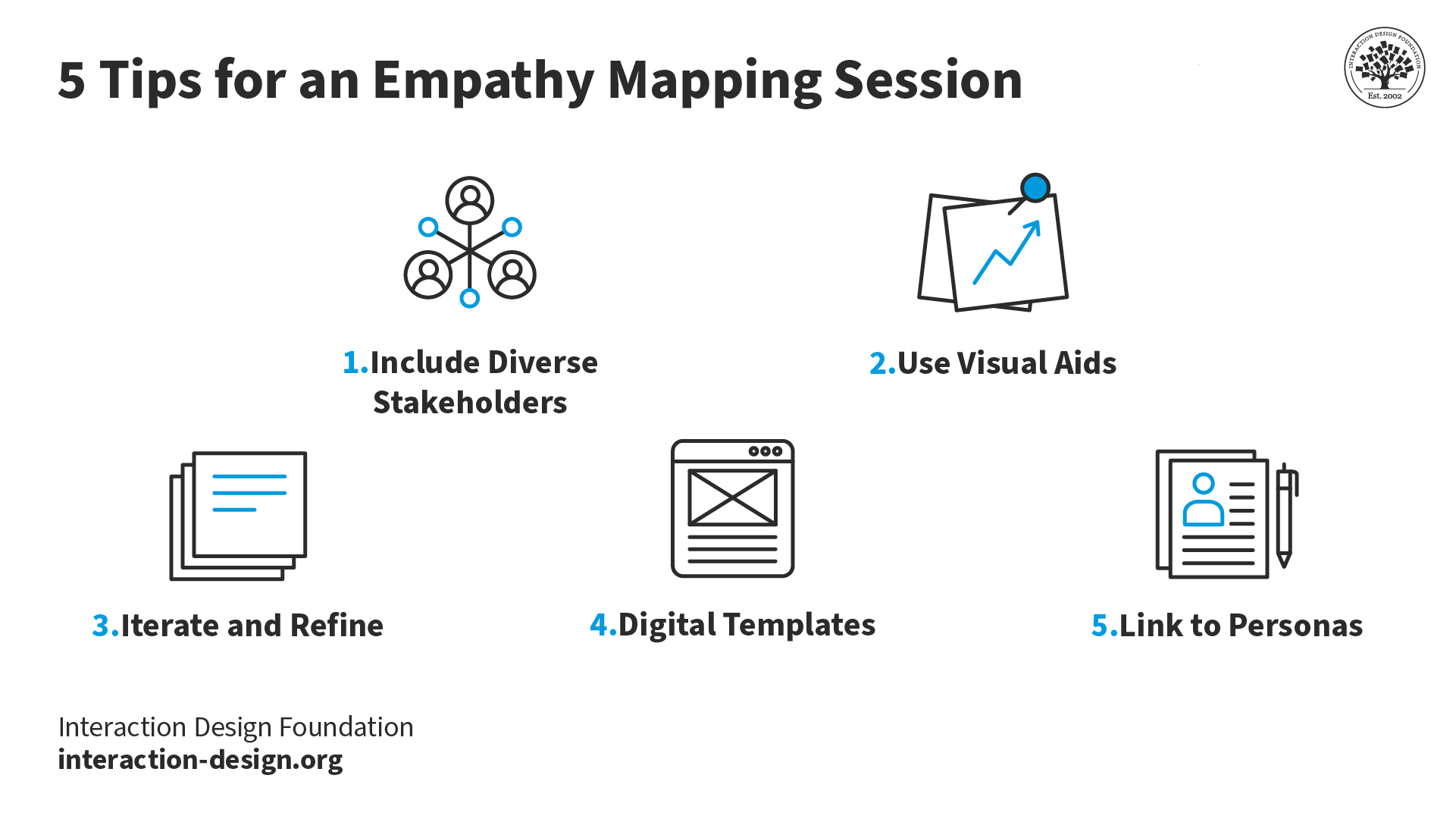
Top 5 tips for you and your team and stakeholders to enjoy a successful empathy mapping session.
© Interaction Design Foundation, CC BY-SA 4.0
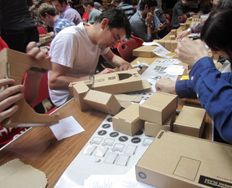
1. Include diverse stakeholders: It’s really vital to get in the perspectives of various team members and stakeholders. And the richness that comes from having this difference is that it’s going to ensure the team gets a well-rounded understanding of the user. What’s more, when the team builds the empathy map together, they’re more likely to adopt the map in their work process.
2. Use visual aids: These will be vital sources of help to bring ideas to life and empower team members and stakeholders to understand things better.
3. Iterate and refine: Empathy maps aren’t static—they’re “living” documents. So, it’s important to regularly revisit and update them as new insights come up on the horizon and into focus. This iterative process really makes sure that the design stays aligned with evolving user needs—pretty much underlining the point that these maps are great aids for looking ahead with.
4. Digital templates: Use digital tools and templates for remote collaboration—and how important it is to work well with team members remotely is impossible to overstate—and create a centralized database of user insights. It’ll facilitate easy sharing and accessibility for team members to enjoy and make the most of.
5. Link to personas: Connect empathy maps to how you and your design team create user personas. The insights from these maps form the foundation for developing rich and realistic user personas—vital tools to have on board your design process.
In this video, HCI Expert Professor Alan Dix offers an overview of personas.
Watch this video to learn more about Personas.
References & Where to Learn More
Needs Before Wants in User Experiences – Maslow and the Hierarchy of Needs
Abraham Maslow, A Theory of Human Motivation, 1943
Stephen Bradley’s original piece on the hierarchy of needs can be found at Smashing Magazine.
You can read Maslow’s original paper “A Theory of Human Motivation” online.
d.school, Bootcamp Bootleg, 2010.
Learn how to improve empathy in your team.
Hero Image: Author/Copyright holder: Teo Yu Siang and Interaction Design Foundation. Copyright terms and licence: CC BY-NC-SA 3.0