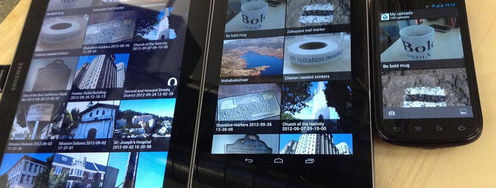
It’s important to remember that while we may use the same methods for mobile usability research as we use for other types of usability research; the mobile environment is different to the environment at the desktop. This means being aware of the context and adapting research to take advantage of that context. It’s not so much learning new research skills as looking at them in a different light.
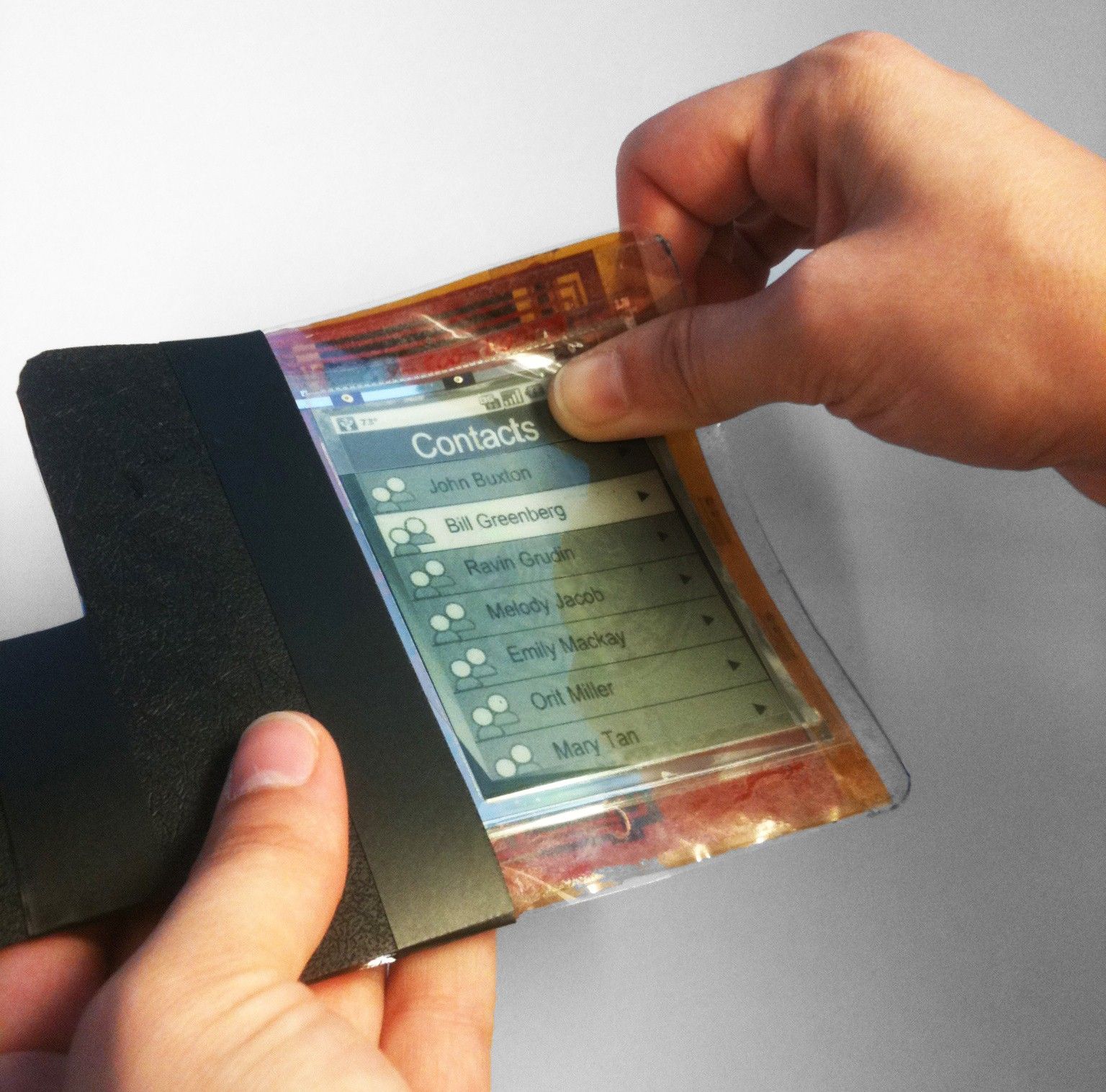
Author/Copyright holder: Superdiddly. Copyright terms and licence: CC BY-SA 3.0
When you test a mobile product with users, you need to examine that product in the right context because the mobile environment isn’t the same as the traditional desktop environment.
What are the major differences between mobile and desktop environments?
Mobile is mobile. It might sound silly but when users aren’t sat still – their context constantly changes. Their location varies, their ability to pay attention varies, their connectivity may drop in and out and even the way they hold or deal with the device itself can change.
In light of the ever-changing context it should be apparent that users are going to prefer short, simple interactions on mobile. It’s not to say that they will never carry out long, complex interactions but these will be rare.
Mobile has led to a wealth of new personal data generation. GPS positions, pictures of the user, their friends and family, communication data between colleagues, friends, etc.
Mobile creates real privacy concerns. Not only are devices more susceptible to being lost and/or stolen but they also contain far more personal data than a desktop typically would.
Mobile may be mobile but it’s not a single experience. Everyone has a different device with slightly differing capabilities. Then there’s the difference in browsers, operating systems, etc. a broad range of capability means more testing and a need to rely on W3C standards.
Mobile also encompasses tablets. That’s a different experience too – tablets aren’t desktops but they offer more “desktop like” functionality than a smartphone does.
Mobile offers different forms of input. The mouse isn’t the mobile experience – touchscreens, voice inputs, user movements, etc. are the mobile experience.
Mobile brings more users than desktop computing but users with profoundly different needs than desktop users.
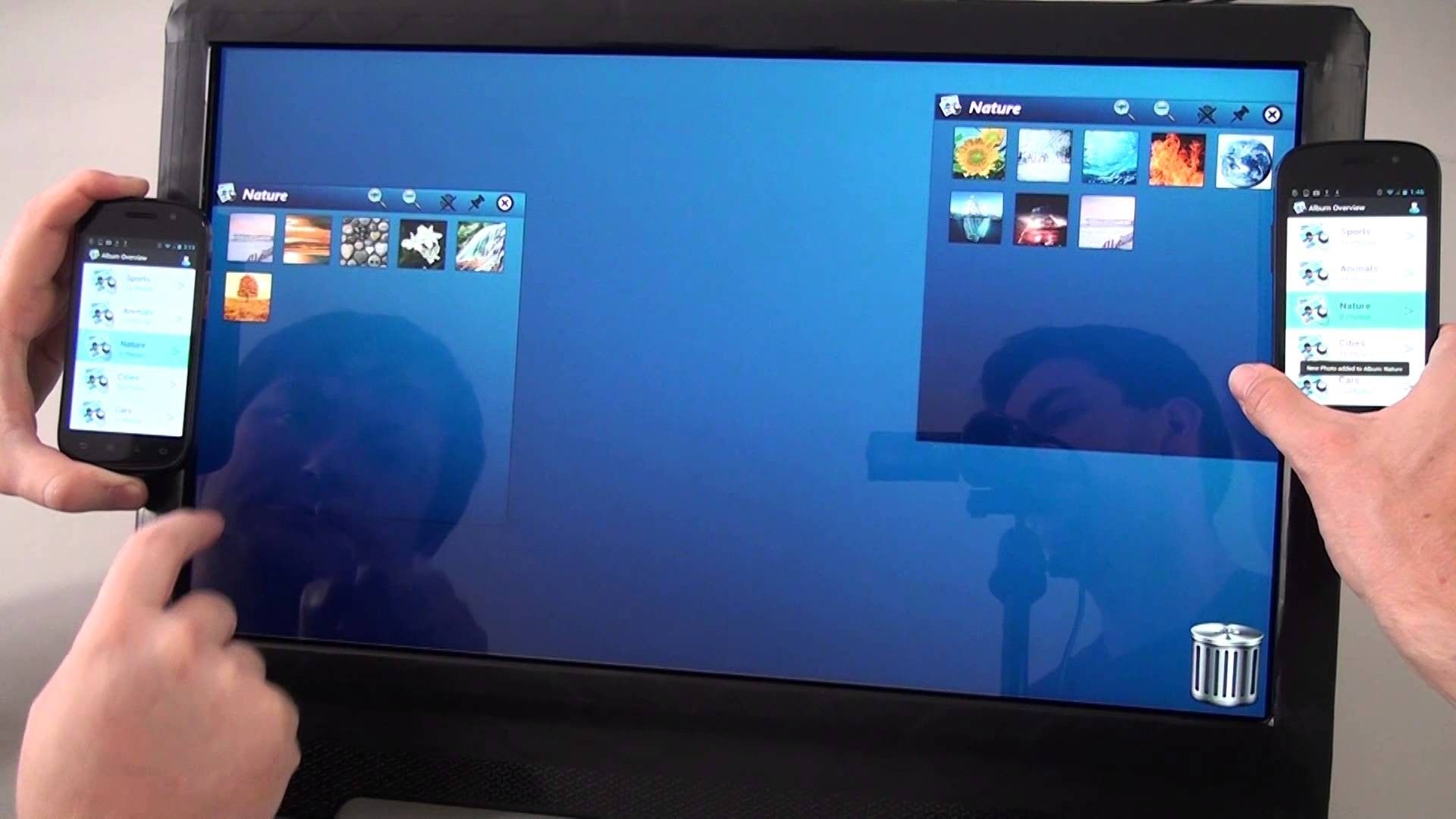
Author/Copyright holder: MHCIGroup. Copyright terms and licence: Fair Use
What does this mean for mobile usability testing?
In her article “Mobile User Research Methods” Lorraine Patterson a Usability Professional notes that this constant change of context for mobile users is going to have an impact on research. Field research becomes more important for mobile testing because it offers “real world” insight that may be difficult to create in the lab
However, she also cites that lab research becomes equally valid to field research when steps are taken to try and create realistic field conditions and that this lab based research can save both time, money and resource compared to conducting work in the field. It was also shown to deliver better results in terms of reported issues.
What Can We Do to Simulate Real Life in the Lab?
This then leads to a question of how to simulate the field conditions within the lab to ensure that our research is accurate. Lorraine offers the following ideas to do this:
Play music/video in the background while the user works to carry out their tasks
Use people as temporary distractions by having them walk into the environment or interact briefly with the user
Using stop-start techniques (for example, using a bell to indicate the user should start a task and to take a break from a task)
Using treadmills to simulate the effect of using the device on the move
Setting out a walking course with obstacles to simulate the effect of using the device on the move
In short, you need to help users capture that changing context. If you let a user operate the mobile device in the same way as they’d operate a desktop – your research will be flawed. However, if you can break things up a little; your lab based research may offer even more value than field based research and it will be easier to carry out.
Limits of Prototypes in Mobile Usability Research
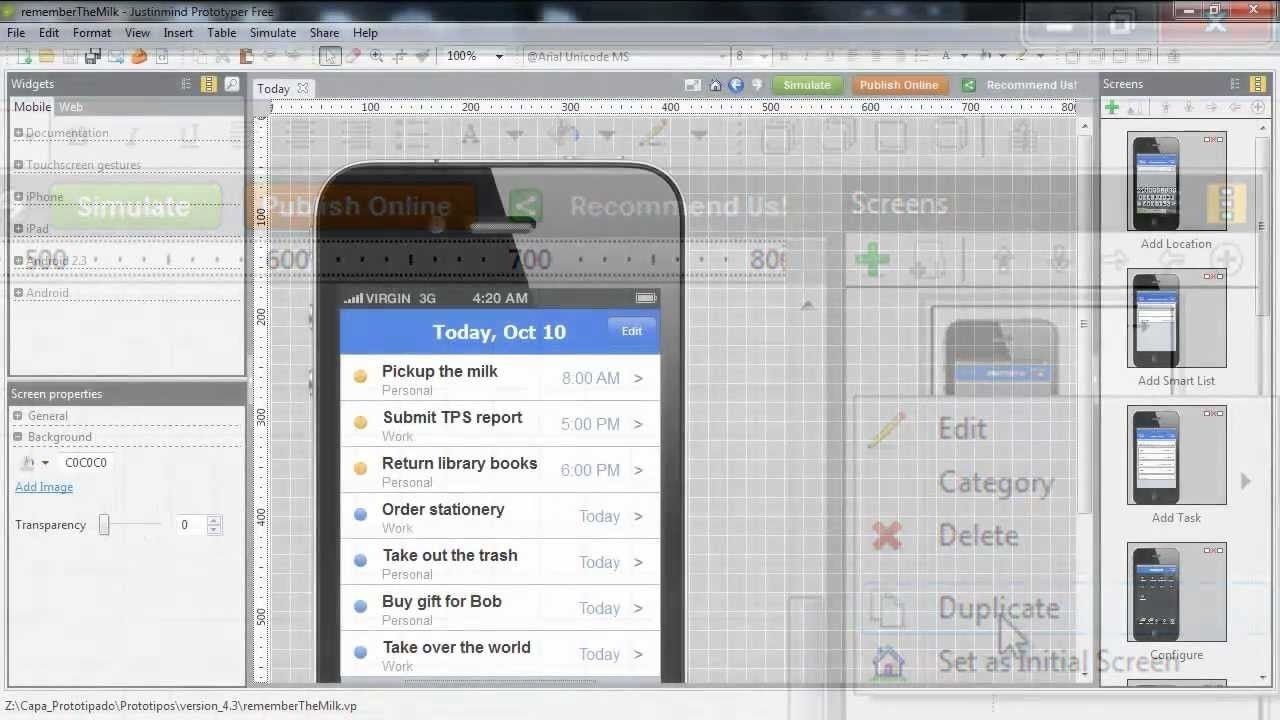
Author/Copyright holder: JustInMind1. Copyright terms and licence: Fair Use
Low-fi prototypes need careful implementation in mobile usability research. There’s still nothing wrong with using them for initial feedback but it’s important to note that they suffer a serious limitation in that gesture controls can’t be realistically tested with this kind of prototype. So, if you’re going to use low-fi prototypes you need to treat the results with a little caution until you can test gestures with higher fidelity prototypes.
Heuristic Evaluations
The most common usability heuristics still apply to mobile usability research – however, there are more heuristics which can be applied to usability testing in the mobile environment. It’s important to familiarise yourself with these heuristics to ensure that your testing provides maximum value.
How Do We Capture Data in Mobile Usability Research?
Things have come on in the mobile usability space since Lorraine wrote her article and there are dozens of tools for capturing data from these studies.
We’ve found four which are free to get started with:
UXCAM
UXCAM works in both Android and iOS environments – you can run up to 100 tests free of charge before you have to sign up for a paid plan. It enables you to capture exactly what is going on on the user’s screen to capture data. You can also use it to capture the user’s facial emotions (using the phone’s camera) at the same time. Though we’d warn that this requires consent in advance – you shouldn’t spring anything on your users after the testing.
Watchsend
Like UXCAM Watchsend offers 100 free recordings of what’s going on on screen before you have to pay. It’s easier to integrate with beta-releases than UXCAM which means it can be adopted at an earlier stage of the product development lifecycle. There’s no facial recording at the moment though.
Userzoom
Userzoom is the big daddy of the usability testing world for mobile but you have to ask them for a free trial – there’s no quick option to get started. It has the best selection of testing options and analytics. It can go beyond just screen recording and into click-testing, tree testing, card sorting, etc.
Skala Preview
This is a free to use app for iOS and Android and can be downloaded from the relevant stores. However, you also need to have Skala Preview (for Mac) to make it work. It’s best used for testing tap point sizes and ergonomic functions. It has the nifty feature of allowing live updates if you use Photoshop CS5 – so you can change designs to test for mockups on the fly in real time.
If none of these options are right for you – you can always use Lorraine’s method of setting up a lamp and camera over the device to do the recording manually.
The Take Away
Mobile usability testing is different from ordinary usability testing because of the ever-changing context of the way that we use mobile devices. With a little forethought we can emulate this contextual change in the lab and we can collect data easily from mobile devices to inform our design process.
References & Where to Learn More:
Read Lorraine’s article on Mobile User Research Methods.
More tools for user research testing on mobile can be found here: “13 Testing Tools for Mobile UX.”
Mobile Heuristics can be found here: “Empirical Development of Heuristics for Touch Interfaces.”
Hero Image: Author/Copyright holder: leisa reichelt. Copyright terms and licence: CC BY-SA 2.0