Activity-focused design centers on the actions people need or want to take in order to reach a goal. For example, if you are designing a home lighting control app, an activity-focused approach will help you to identify and design the steps a user must take to connect their lights or switch them on and off.
There are many activity-focused approaches to UX design, including task analysis, jobs to be done, activity theory and activity-based design. Each provides a different way of looking at problems, yields different insights and may result in different design decisions, but all of them have one thing in common: The core unit of analysis is activity — what people do and how they do it to achieve a goal.
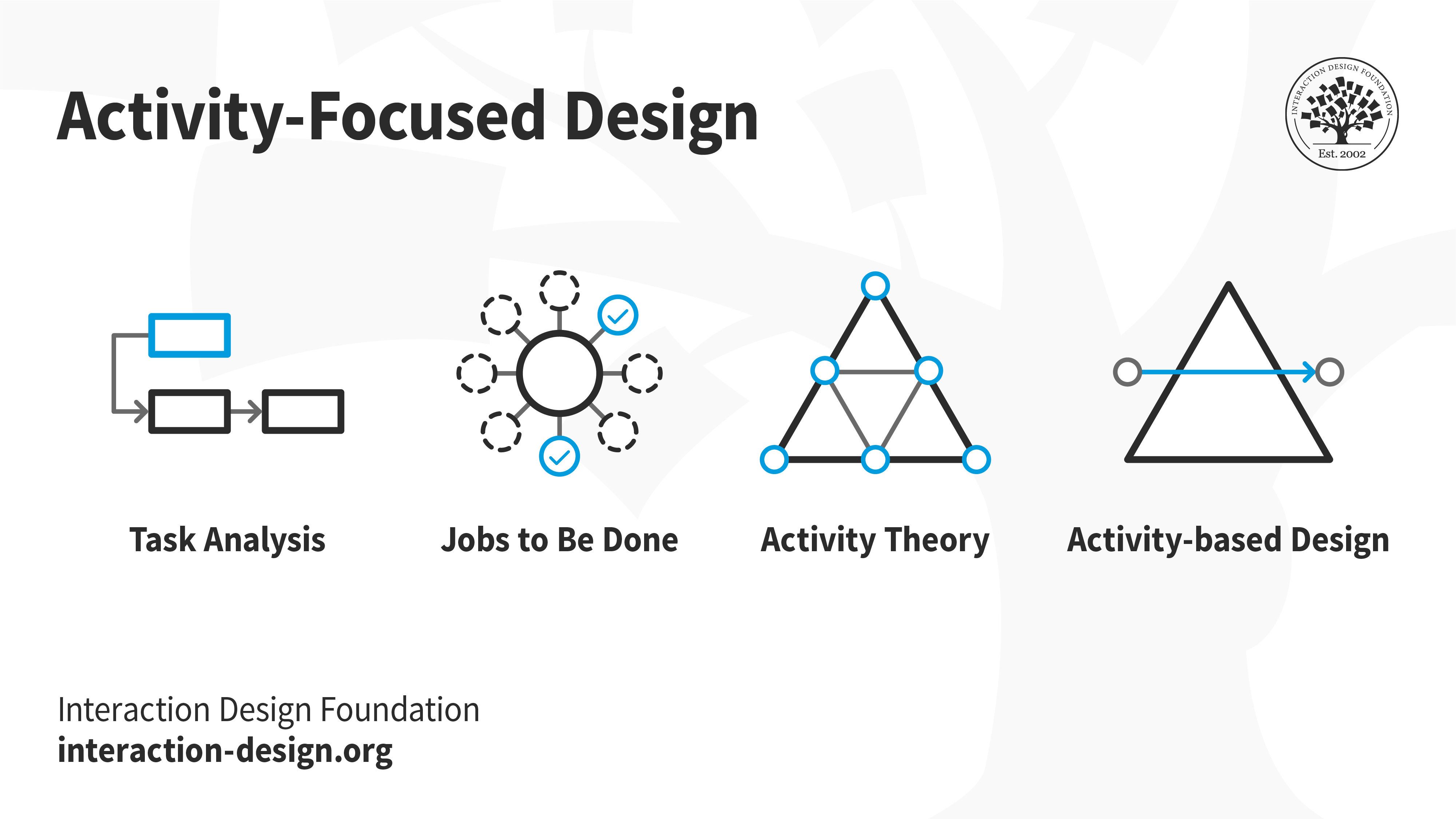
Here we will introduce task analysis, but please remember that it is only one activity-focused approach. Please also remember that activity-focused approaches are not replacements for things like human-centered design. Rather, they are complementary. For example, in the research phase of a human-centered design process, you might use task analysis to discover the steps a user takes to solve a problem. You might also use it later in the process to ensure that designs and prototypes support important user activities.
Before we dive into how to do task analysis, let’s define a few terms to avoid confusion. Please note that the following are working definitions for our present context, and may have slightly different names elsewhere.
First, a goal is an end state that a person intends to achieve, such as “lightbulb is connected to the mobile app” or “light is turned on.” An activity is a series of tasks that a person will do to help achieve a goal, such as “connect the lightbulb to the app” and “turn on the light.” A task is a single unit of action or work, such as “open the app” or “click on the button with the lightbulb icon” or “plug in the lightbulb.”
When doing task analysis, there will be times where you will have to use your best judgment. For example, you will have to choose the level of specificity that will be most useful for your design goals. For example, “move finger” or “look at the lightbulb” might be too specific to be useful, while “use the app” or “light the room” might be too general.
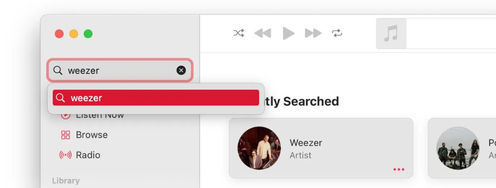
You will also need to choose the types of tasks to analyze. If you are designing something brand-new, you may want to avoid mentioning specific user interface elements such as “click the on button” or “select the bulb from the menu.” Instead, you could write them in an interface-independent way such as “turn the lightbulb on” or “select the bulb.” This will provide more flexibility in the design phase to consider multiple ways that the interface can support the task. On the other hand, if you are analyzing an existing app or system, you may want to include tasks that describe the existing interface such as “use the search box to find the device.” There are no correct or incorrect choices here — only choices that are more or less helpful for your own design process.
Task Analysis: The Process
There are many variations of task analysis — and you may eventually develop your own! — but the focus is always on understanding the goal a person is trying to achieve and the tasks that will or will not help them to achieve it. Here we will walk through a basic version of task analysis that you can start using right away in your own design work.
Imagine that as in the previous section, you were asked to design an app to control lightbulbs from your mobile device.
The first step in task analysis is to determine the most important goal or goals of a person who uses the app. Do they want to simply turn the lights on and off? Control them automatically based on the time of day? Connect them to a motion sensor?
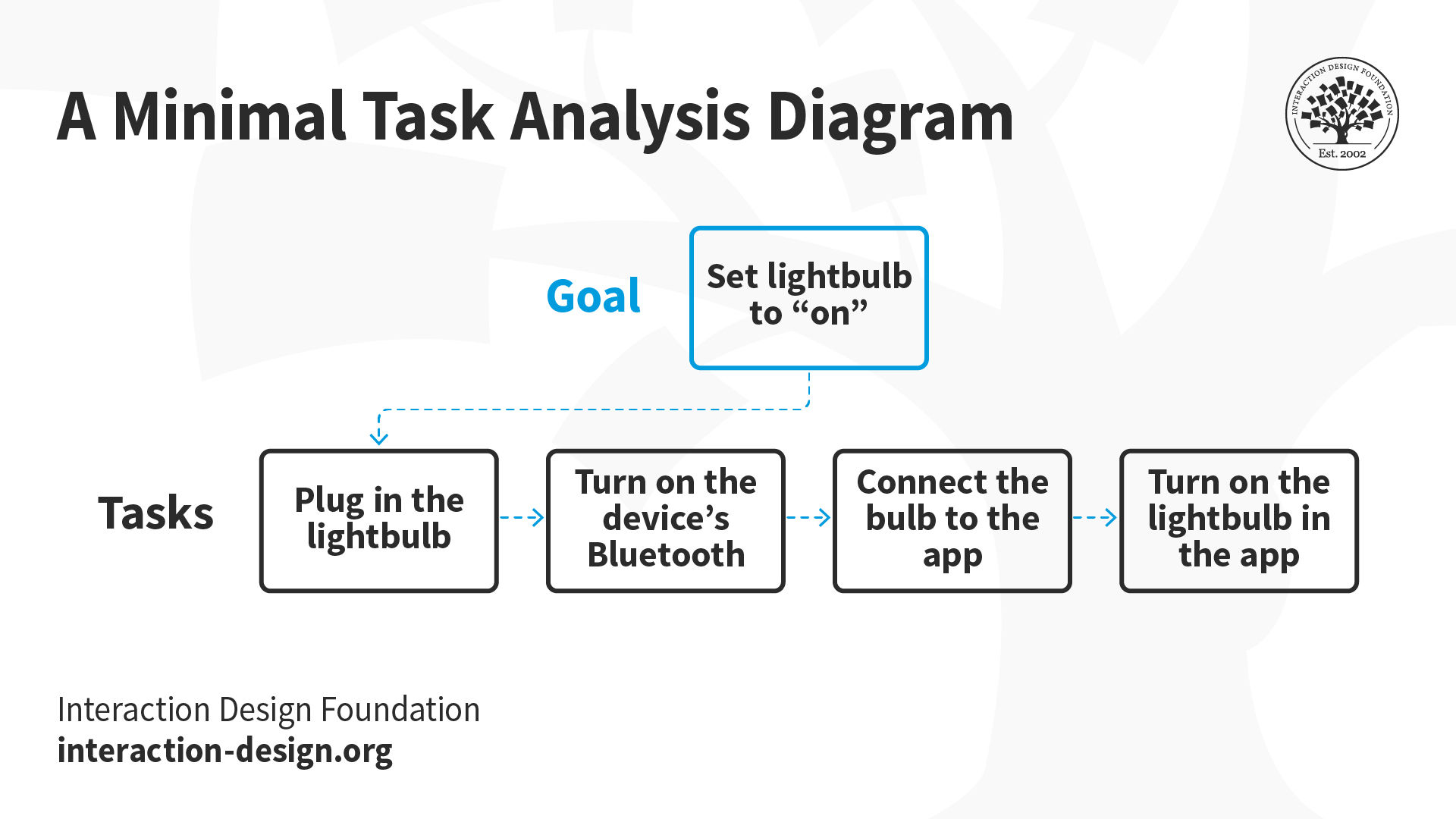
The second step is to determine the tasks that a person would have to perform to reach those goals. To set the lightbulb to “on” (goal), this might include plugging in the bulb (task), turning on the mobile device’s Bluetooth (task), connecting the bulb to the app (task) and turning on the lightbulb in the app (task).
There are many ways to determine these goals and tasks, including conducting think-aloud interviews, where a person expresses what they are thinking while working toward a goal, and contextual inquiry, where you observe users working on something in their usual environment. If the design problem is simple and you are very short on time, you can even work toward the goal yourself and keep track of the tasks you have to do.
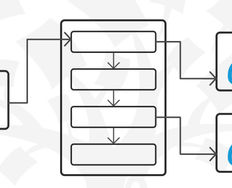
With your data in hand, the third step is to document the goals and tasks in a way that helps you and your team to identify gaps or opportunities to design improvements. This might take the form of a simple task analysis diagram (shown below), a hierarchical task diagram, sequence diagram, flowchart or any other format that works for you and your team.
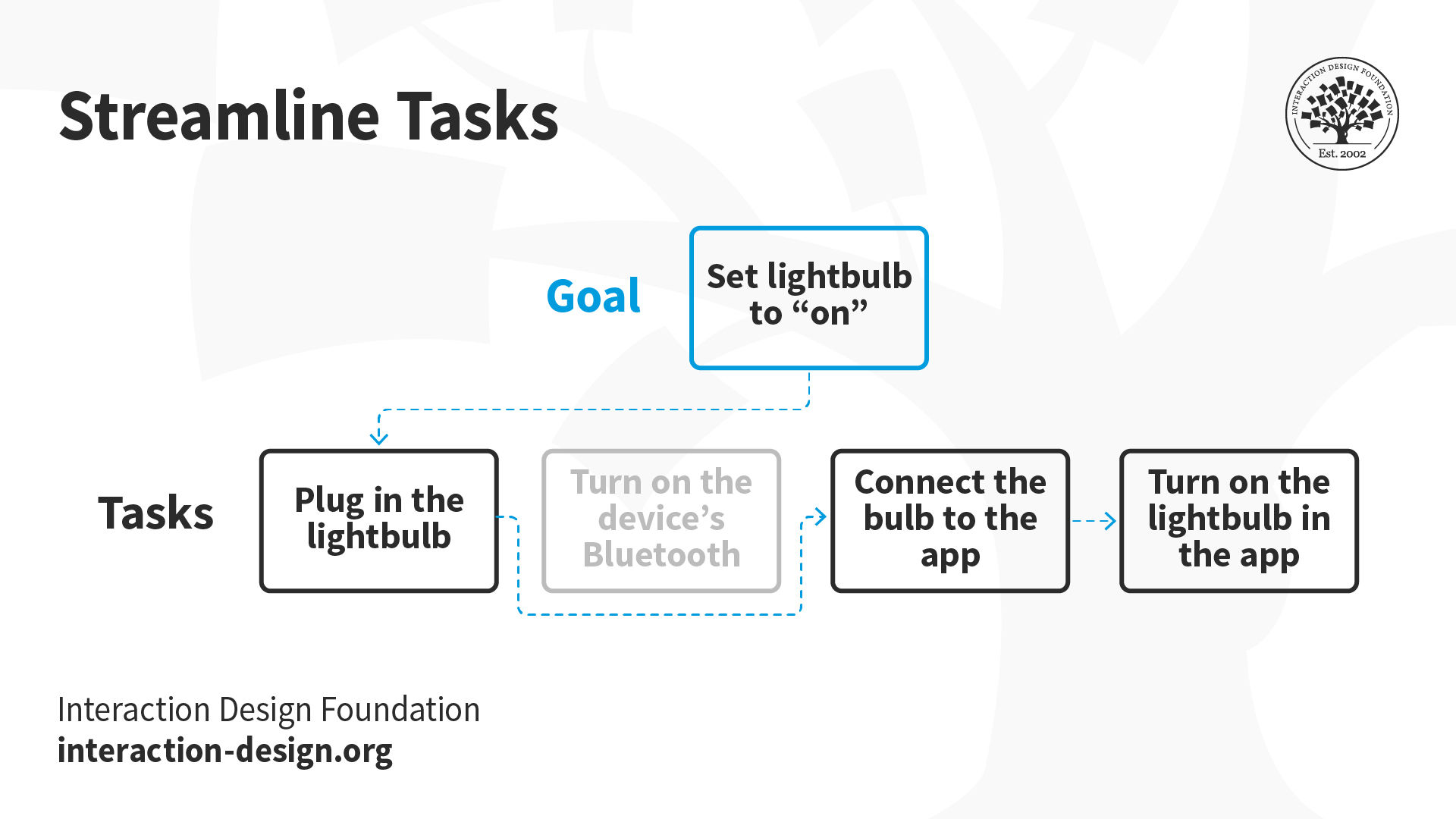
At this point you will have a pretty good understanding of the steps to consider in your app design, and an artifact that will help you and other stakeholders to take the fourth and final step, which is to look for unnecessary, inefficient or counterproductive tasks that could be removed or improved in your design. If your users will be using devices that are always connected via Bluetooth, for example, the task of turning it on could be removed.
Occasionally you will find that more insights are needed and add another approach. For example, if your task analysis reveals that a certain task makes people anxious, a user survey might show the prevalence of the problem, and semi-structured interviews might reveal the root cause.
Task Analysis: Strengths and Weaknesses
Every design approach has its strengths and weaknesses — where it sharpens our insights and where it may create blind spots. Here are some general thoughts about task analysis.
Strengths
When the success of a design solution depends on users completing a series of tasks — especially if those tasks must be accomplished in a particular order — task analysis will help to reveal gaps and optimization opportunities.
The focus on discrete tasks translates quite naturally to the design of a digital experience. If your task analysis reveals that in order to turn on a lightbulb a user must locate the lightbulb’s icon, choose a brightness level and click the “on” button, then the design will be straightforward.
Weaknesses
Because it focuses so heavily on tasks and goals, task analysis does not automatically lead to insights about non-task-related aspects like the emotional state of users, social pressures or norms of use. For example, a strict task analysis for the light control app may not reveal how users feel about its effect on their energy use, or if they feel awkward using a phone to turn on lights in front of their friends.
Task analysis can be prone to backward-looking design. For example, it could be difficult to imagine and design a new method of controlling lights if your information came from an analysis of people’s current light-controlling tasks.
The Take Away
In activity-focused design, the core unit of analysis is activity — what people do and how they do it to achieve a goal. Task analysis is one of many activity-focused approaches. It includes four main steps:
Determine the goal of a person.
Determine the tasks that a person would have to perform to reach those goals.
Document the goals and tasks.
Analyze the goals and tasks for ways to improve outcomes.
Every design approach has strengths and weaknesses. One strength of task analysis is its ability to reveal patterns in situations where a design solution depends on the completion of tasks. Another is that its focus on tasks translates easily to the design of a user experience.
One weakness of task analysis is that it does not automatically reveal other important factors like emotional state, social pressures, norms, etc. Another weakness is that its focus on current goals and tasks can lead to backward-looking design.
References and Where to Learn More
You can find a more detailed article on task analysis here with helpful ideas for identifying goals and tasks and ways to analyze more complex situations:
How to improve your UX designs with Task Analysis
Images
© Interaction Design Foundation, CC BY-SA 4.0