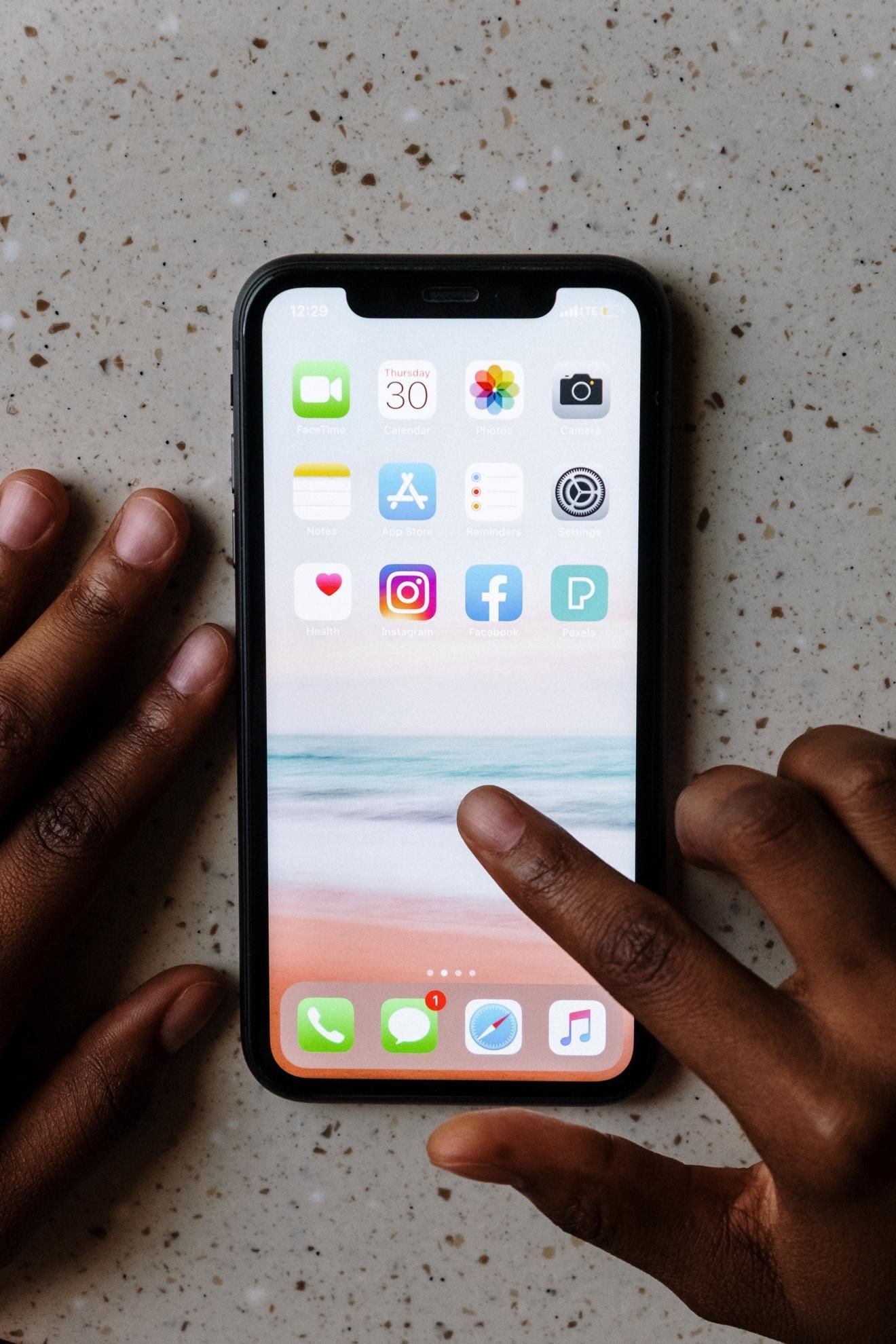
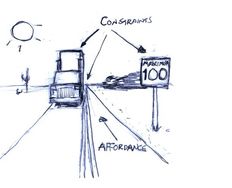
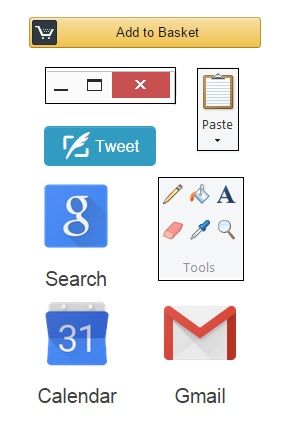
Signifiers are perceptible cues that designers include in (e.g.) interfaces so users can easily discover what to do. Signifiers optimize affordances, the possible actions an object allows, by indicating where and how to take action. Designers use marks, sounds and other signals to help people perform appropriate tasks.
“Good design requires, among other things, good communication of the purpose, structure, and operation of the device to the people who use it. That is the role of the signifier.”
— Don Norman, “Godfather of User Experience”
See why signifiers are vital to good design.
Signifiers are Old and New
If you have ever studied semiotics (i.e., the study of signs and symbols), linguistics or film, you may have come across signifiers before. Generally speaking, a signifier is something that points to or indicates something else. In the 2013 edition of his book The Design of Everyday Things, Don Norman introduced the term to the field of design, and used it to refer to perceivable cues about the affordances — the actions that are possible for a person to take — with a designed object.
Signifiers Should Guide People
Affordances give visual cues about what we can do with objects. For example, a door affords opening; a touchscreen affords touching (something on-screen); a ceiling-to-floor picture window affords viewing (hopefully, picturesque scenery). However, affordances can be problematic when:
A perceived affordance is misleading. E.g., a door is pullable, but its flat horizontal handle hints that people should push it open.
People have no clue what to do. E.g., a poorly designed touchscreen fails to indicate where to touch and how (e.g., tap or slide) to achieve a goal.
People can’t detect an anti-affordance (something that works against the affordance). E.g., someone accidentally walks into that picture window and gets badly bruised.
That’s why we as designers must direct people who encounter our products to affordances whenever these aren’t clear as well-designed perceived affordances. So, we include signifiers to specify how people discover the possibilities of affordances and communicate where the action should take place. Namely, we design easily findable labels, arrows, icons, sounds and other signals to lead people to take the right actions to use our digital and physical products.
Learn the difference between affordances, perceived affordances and signifiers using the example of an airplane meal.
The people who use our designs are easily frustrated. They have things to do (e.g., bills to pay), sometimes in stressful circumstances, and even the smallest detail (or lack of it) can make or break a seamless experience. Users shouldn’t have to pause to figure out what to do. And if you accidentally design a perceived affordance that sends the wrong signal, you can delay them (or worse). For example, while on sabbatical at Cambridge University, England, in the 1980s, cognitive science and usability engineering expert Don Norman found he had trouble even using some doors thanks to confusing handles. Norman later introduced the term “signifier” because so many people in the design community were misusing the concept of affordances. Affordances are possible interactions; signifiers are design properties that announce affordances. We need both.
Learn more about “Norman doors” and the difference between good and bad design.
Norman further describes how affordances and signifiers can exist dependently and independently. Depending on the context, affordances without signifiers and signifiers that mislead can be dangerous: another reason we must craft controls that prove we fully empathize with the people we design for and understand their needs. Don Norman was among the experts consulted following 1979’s Three Mile Island nuclear power plant accident. There, the control room’s design was flawed enough to help fail to prevent a disaster. Although it's an extreme case, a glance at the cost of confusion is enough to highlight the value of signifiers: discoverability and understanding are crucial in human-centered design.

The IxDF landing page features signifiers: e.g., the microcopy “Advance my career now >” clearly signals that blue button’s purpose.
How to Use Signifiers Best
Along with having a good grasp of design principles, ensure that you:
Clearly indicate where and how people should interact with your website, app or physical product, including the gestures they need to use. For example, should they tap, slide sideways or scroll upwards on your app? If it’s voice-controlled, use a combination of visual (e.g., lights) and auditory signifiers (e.g., vocal cues) to guide them.
Use signifiers consistently. Familiarity is key; don’t make people pause to think. For example:
A large green button to indicate pressing to “Submit”.
Greyed-out text fields to prevent people from entering unnecessary information.
Communicate the purpose with clues as to what to do, what is happening and what alternative actions people can perform. As people will develop their mental model of your product (i.e., the look, feel and operation of it) based on the system image (i.e., what they make of the physical structure they encounter), always design to empathize with them. People make mappings from design parts that appear to be controls, etc., to resulting actions, and the constraints in your design will limit what they can do and help keep them on track.
Remember all the senses, not just seeing and hearing, but also tactile (touch), vestibular (movement) and proprioceptive (body awareness). So, consider where (e.g.) vibrations might act as appropriate signifiers. Furthermore, by designing for accessibility, you can help optimize everyone’s experience.
Overall, you converse with people through your design. When you leverage their knowledge of how the world works and anticipate their needs, you can minimize the risk of uncertainty in good experiences.