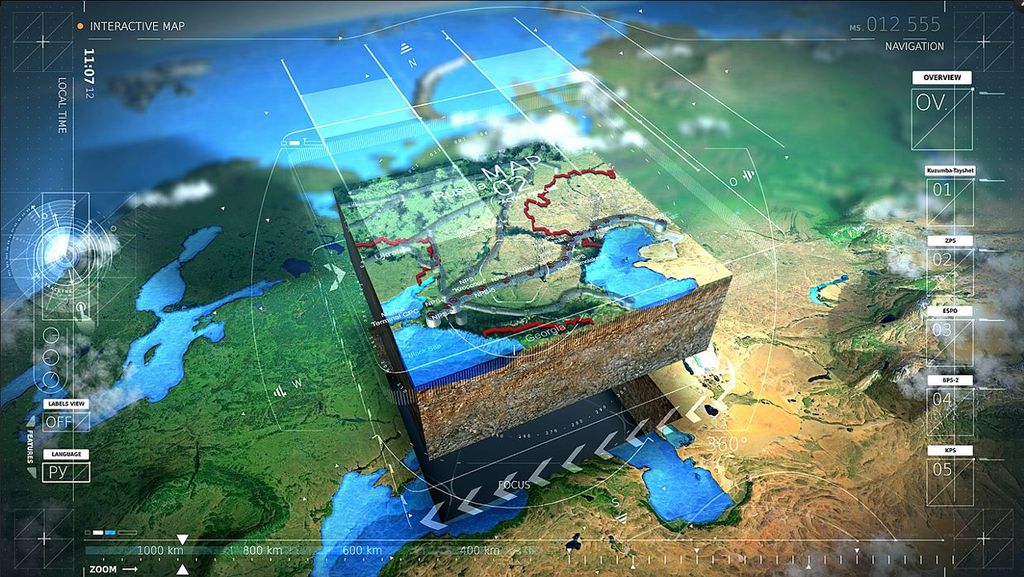
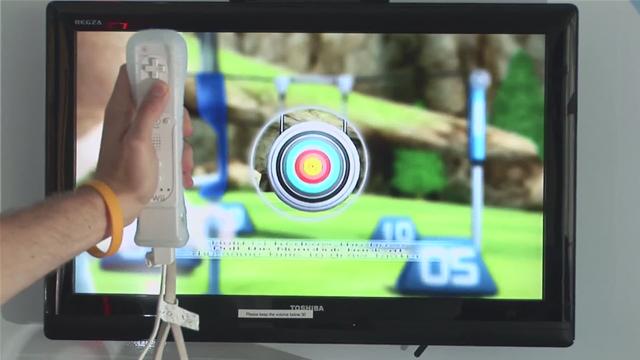
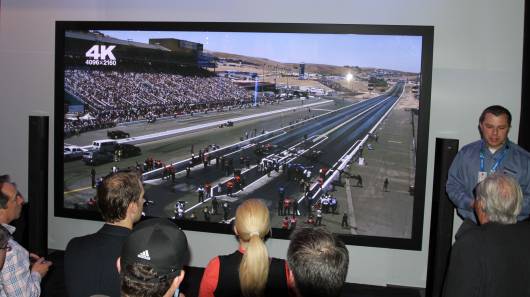
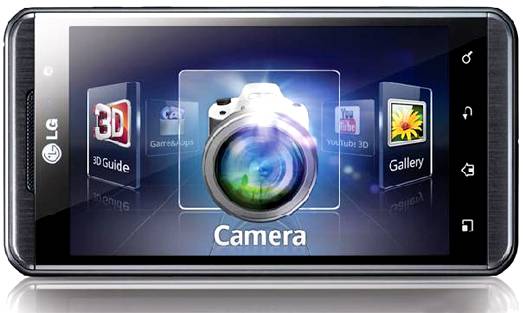
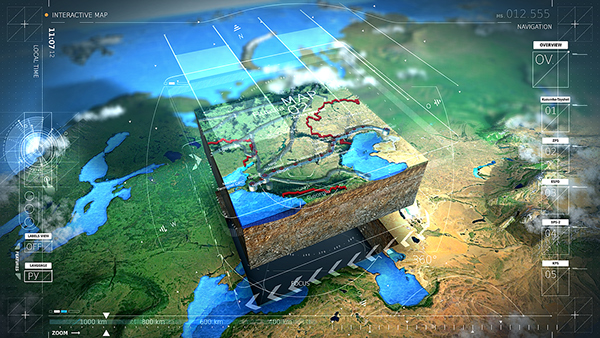
3D User interfaces (3D UIs) are systems that allow users to interact with digital environments in three dimensions. 3D UIs are a significant advancement in human-computer interaction (HCI) and transcend the limitations of traditional 2D UIs, where users interact with flat screens via peripheral devices such as keyboards and mice.
3D Interfaces vs 2D Interfaces: What’s the Difference?
© Interaction Design Foundation, CC BY-SA 4.0
3D UIs introduce the concept of depth perception and spatial manipulation and allow users to interact with digital content within a virtual 3D space. This interaction relies on specialized devices such as VR headsets, data gloves or 3D mice, which create a more natural interaction with digital content.
In this video, Frank Spillers, CEO of Experience Dynamics, discusses the difference between 2D and 3D design.
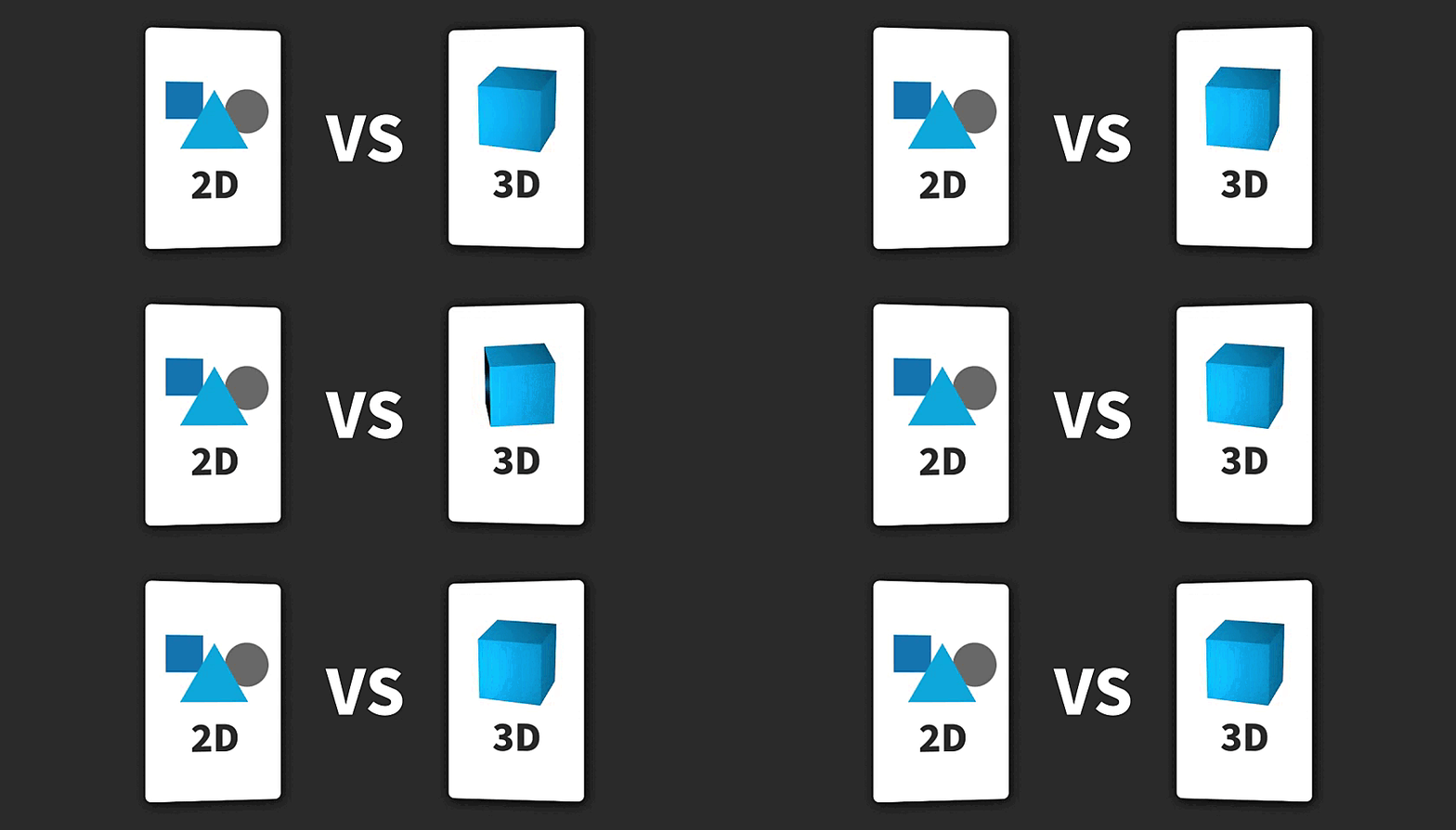
2D and 3D UIs differ in three key aspects: dimensionality, interaction and immersion.
Dimensionality
2D UIs—for example a desktop screen— are flat, confined to a two-dimensional plane with x and y coordinates. 3D UIs introduce the z-axis—depth. This allows users to interact with digital content in a way that mimics the physical world.
Interaction
In 2D UIs, users rely on peripheral devices such as keyboards or mice to click buttons, navigate menus, and interact with objects. Instead, 3D UIs rely on specialized input devices such as VR headsets, data gloves or 3D mice and can interact with digital content with their hands or body movements.
Immersion
2D UIs offer a limited sense of immersion, the user interacts with a screen by essentially looking at a screen. 3D UIs have the potential to be highly immersive, especially when coupled with VR headsets.
This is why, 3D interface design can push the boundaries of design itself. In this video, VR pioneer Mel Slater shares his view about 3D interfaces.
Types of 3D Interfaces
There are several types of 3D UIs:
Virtual Reality 3D UIs
VR 3D interfaces are fully immersive and allow users to enter and interact with an entirely virtual world. Interaction can involve, among others, VR headsets, hand controllers, gestures or voice commands. For example, in VR games like Beat Saber the user can wield lightsabers and move them like they would in the physical world thanks to very precise movement tracking.
In games like Beat Saber, the interface precisely tracks the user's hand and body movements.
© Beat Saber, Fair Use
Augmented Reality 3D UIs
Augmented Reality (AR) overlays 3D digital content onto the real world and blends physical and virtual elements. While they are not 3D interfaces per se, they can include 3D manipulation techniques to interact with the digital content within the physical world.
For example, IKEA Place leverages AR technology to superimpose digital images of furniture into the user's physical environment, viewed through the screen of a smartphone or tablet. Users can place, move, and rotate 3D furniture models within their actual space. The interface provides a seamless blend of digital and physical worlds and offers a tangible sense of scale, design, and fit that enhances the shopping experience.
© IKEA, Fair Use
Mixed Reality 3D UIs
Mixed Reality (MR) applications combine elements of both VR and AR. Users can access MR interfaces through specialized headsets such as HoloLens.
Microsoft’s HoloLens projects 3D holographic content onto the user’s physical environment. Within the context of medical education, users can interact with intricate digital anatomical models through natural hand gestures and voice commands.
© Hololens and Philips, Fair Use
Desktop 3D UIs
Although desktop 3D interfaces might not be 3D themselves, they allow users to manage files and applications in a spatial context.
For example, BumpTop transforms the flat desktop environment into a three-dimensional workspace where documents and folders can be manipulated in space. Users can drag, stack, or toss files around the desktop, mimicking real-world interactions.
© BumpTop, Fair Use
Spatial User 3D UIs (SUIs)
SUIs display information in 3D space, which allows users to navigate and interact with digital content using spatial cues like depth and perspective. They are often used with extended reality (XR) technologies.
Google Tilt Brush’s 3D interface enables artists to paint in three dimensions with VR. This application tracks the artist's hand movements and allows them to draw lines and shapes that float in the air to create artwork that can be viewed and explored from any angle. This level of interaction with 3D content is groundbreaking and offers creatives a new medium that transcends the limitations of traditional art forms.
© Google, Fair Use
Each type of 3D interface offers unique opportunities and challenges for designers to create engaging and intuitive user experiences. Designers must consider the context in which these interfaces are used, the tasks users will perform, and the technological limitations and affordances of each platform.
Best Practices for 3D Interface Design
First of all, designers need a strong foundation of design principles for the traditional 2D interfaces. Then these are the key additional aspects to consider:
Embrace the 3D space: Think about how elements will be arranged in the 3D environment. Use depth and proximity to indicate hierarchy, importance or connection between objects.
3D interaction methods: Design how users will navigate and interact within the 3D space. Consider gestures, voice commands and also, traditional input devices.
User comfort: In 3D UIs, especially if users are wearing a headset, user posture and physical limitations are important. Prioritise user safety and accessibility. In this video, Frank Spillers elaborates on the importance of user safety.
How Do 3D UIs Receive Input Data?
© Interaction Design Foundation, CC BY-SA 4.0
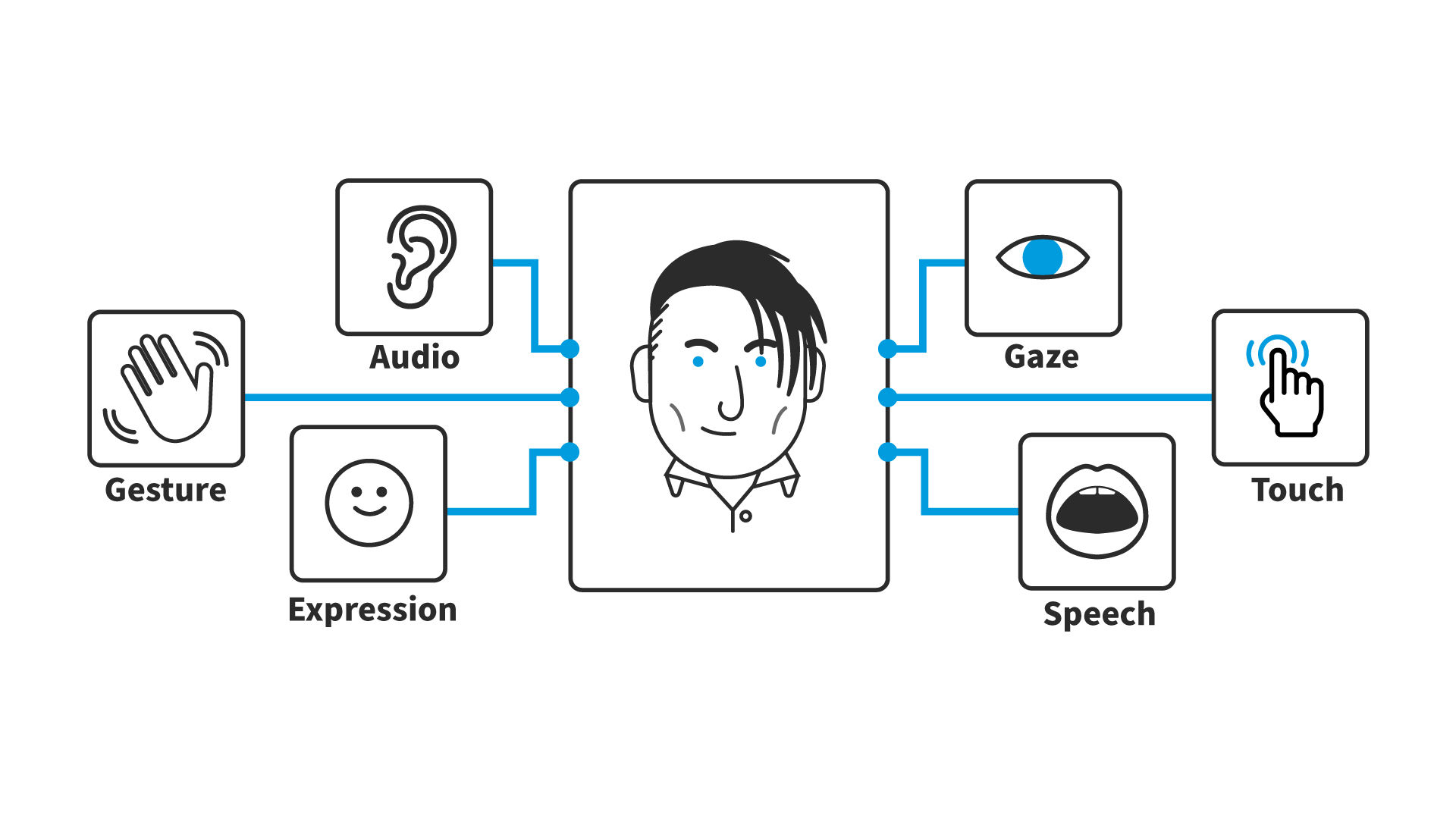
3D interfaces receive input data through various methods, which include:
Touch and multi-touch surfaces: While traditional touchscreens provide 2D input, advanced multi-touch surfaces can detect depth information alongside touch location. This allows for more nuanced interactions and facilitates 3D manipulation of virtual objects within the interface.
Gesture recognition: By leveraging cameras and sensors, 3DUI systems can recognize specific hand or body gestures as input commands. This technique is particularly prominent in virtual reality (VR) environments, where users interact with the 3D space through natural movements
Voice commands: Advancements in voice recognition technology enable 3DUI to interpret spoken commands. This offers a hands-free approach to navigation and object manipulation within the virtual space, potentially increasing accessibility and ease of use.
Spatial tracking: Technologies like infrared sensors, accelerometers, and gyroscopes enable precise tracking of object or user position and orientation in 3D space. This real-time tracking is critical for VR and AR headsets, where the virtual perspective dynamically adjusts based on the user's movements in the real world.
Eye tracking: Advanced 3DUI systems may incorporate eye-tracking technology to determine where the user is looking within the virtual environment. This allows for intuitive interaction and navigation based on the user's gaze direction, potentially offering a more natural way to control elements within the 3D space.
Brain-Computer Interfaces (BCI): Emerging technologies might enable direct communication between the brain and the computer and allow users to control virtual environments or interfaces using their thoughts.
3D UIs: What’s Next?
The evolution of 3D interfaces is closely correlated with technological advancements. As technology progresses we might see more immersive experiences—especially in XR—, and intuitive gesture-based interaction—technology might even feel like an extension of ourselves with more natural hand gestures, voice commands or eye-tracking.
What’s more, 3D UIs could allow for enhanced data visualisation where complex datasets that were difficult to understand in 2D become easier to grasp.
Also, 3D UIs might allow for personalized and dynamic interfaces that adapt to the user’s preferences and circumstances.