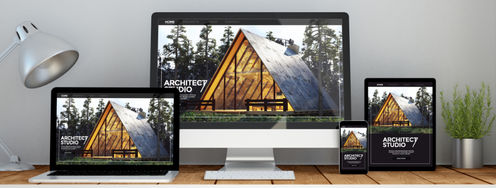
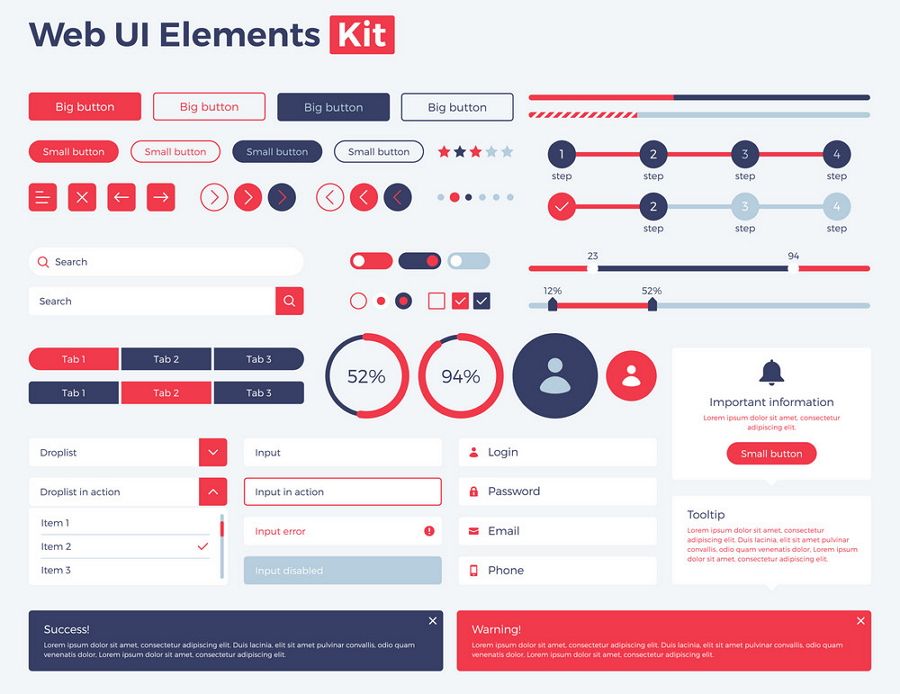
User interface kits (UI kits) are collections of pre-designed, standalone UI elements. Designers use them to create prototypes and interfaces. Each kit usually features various individual UI components like buttons, input fields and icons, and other assets like images. Less comprehensive than design systems or libraries, UI kits focus on specific design components and are helpful aids.
© Summer Ye, Fair Use
Why are UI Kits Important?
UI kits see common use in web and mobile design. They’re also handy tools for designers to use in prototyping. An important distinction to make about these kits is that they’re different from design systems. Design systems are a set of guidelines, reusable components and patterns, which user experience (UX) designers and user interface (UI) designers also use. However, designers can use a UI kit to design websites and other digital products without the need for a design system overall.
User interface design tends to involve heavy investment of time and resources. Likewise, an organization’s design process that encompasses UI and visual design usually demands a wide range of activities—ranging from the initial steps of user research and empathizing with target users, through wireframing, prototyping, extensive usability testing and numerous design iterations throughout app or web development.
Author and Human-Computer Interaction Expert, Professor Alan Dix explains important points about prototyping:
Fortunately, designers have a powerful ally in their toolkit to help them achieve visually appealing web pages, apps that offer seamless user experiences and much more—that much sooner than they might otherwise. Many designers turn to UI kits for handy reference and inclusion of helpful visual elements, layouts and other interaction design features when they work to create new websites and apps. These kits emerged to offer designers and design teams solid foundations and frameworks on which to build digital products that pass with flying colors when it comes to user testing and users’ interactions with a product after its release.
What are the Benefits of Using UI Kits?
Designers have a convenient tool with many helpful options when they consider UI kits because these kits can:
1. Save Time and Effort
Designers use UI kits as tools to boost and accelerate their creative and design process, such as design thinking. An effective kit is a handy tool for designers to fast-track their work so they can apply easy-to-use and reusable items without sinking time into creating them from scratch. Here are some typical features that UI kits contain:
Buttons
Icons
Checkboxes
Toggles
Avatars
Tooltips
Progress bars
Text styles
Color palettes
Images
Templates
Widgets
Since designers can conveniently reach for a collection of pre-designed elements—like buttons, forms and menus—in a UI kit, these can be crucial aids in fast-paced environments where time is a critical resource. For instance, mobile UI kits equip designers with a massive range of ready-to-use assets. That means designers can focus more on enhancing the esthetic and functional aspects of their designs—and not get bogged down in the basic construction of each element.
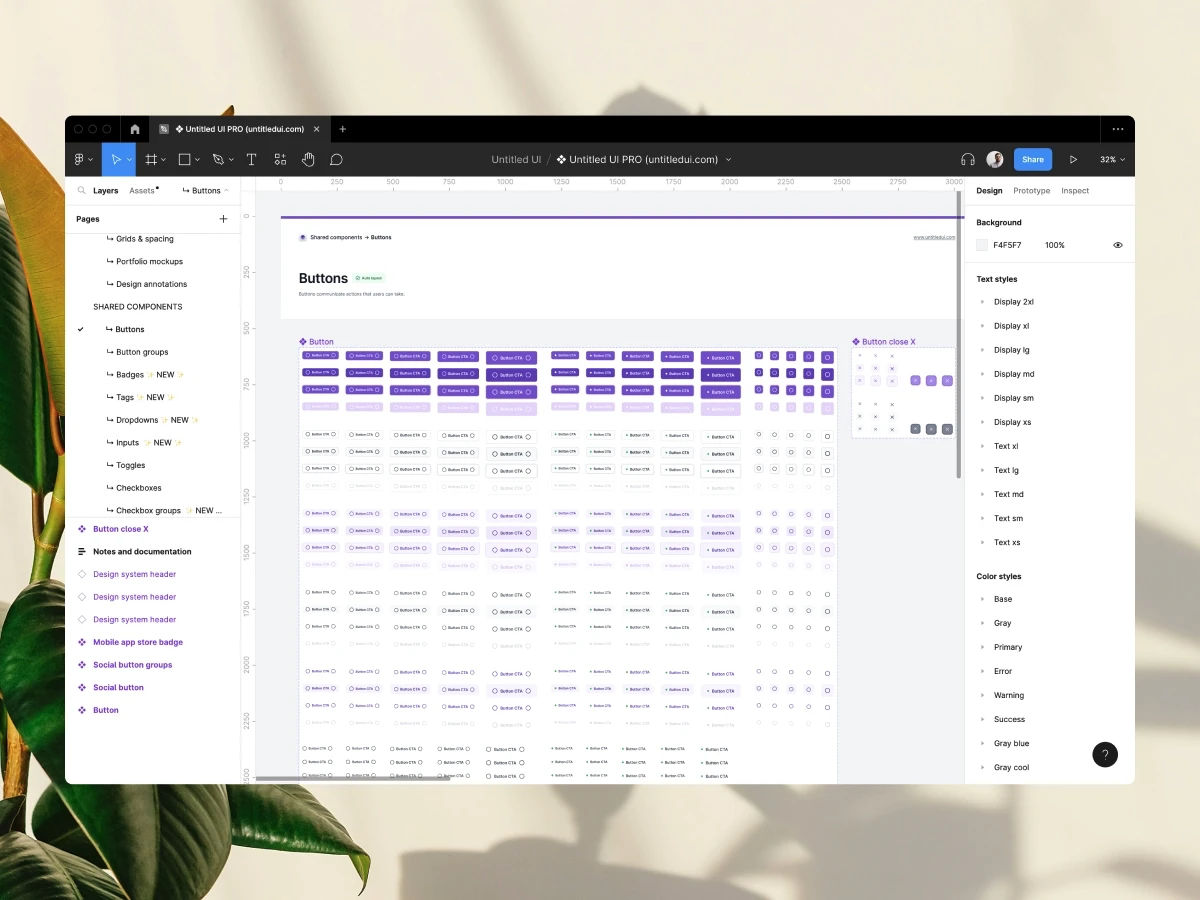
Here are some button component examples, from Untitled UI.
© Untitled UI, Fair Use
2. Maintain Consistency
Another major benefit that designers can enjoy when they use UI kits is the consistency that these kits bring to the design process. Consistency across an application or website is a vital factor in UX and UI design. That’s because consistency is key for esthetic coherence as well as the overall user experience—including the trust that develops between brand and user when design elements look consistent and professional. Users benefit from a uniform interface—one that behaves predictably across different screens, so users can have the best of a smooth and intuitive experience with the interface and not have to pause in confusion. A UI kit helps keep this consistency no matter if the project is a small-scale mobile app or a comprehensive website, all thanks to the standardized components within the kit.
3. Collaboration
When design teams and development teams see eye to eye—and do so well within critical timeframes in their UX design process—it helps their brand avoid some problems that might otherwise plague the evolution of a digital product. UI kits serve as a form of bridge between the teams. Kits reduce the chances of misunderstandings while teams enjoy more productive collaboration, especially cross-functionally between the spheres of design and development. In an Agile environment—where communication and collaboration channels tend to be more open more often—UI kits can help smooth the way towards a better prototype and a better solution, with fewer design-related issues arising along the way.
UX Designer and Author of Build Better Products and UX for Lean Startups, Laura Klein explains important points about Agile and cross-functional collaboration:
4. Accessibility
Accessibility is an essential dimension of modern design. It’s also a legal requirement in many jurisdictions to design to include users with disabilities. Brands that fail to incorporate features to support a good UX for users with physical and cognitive disabilities can face penalties and fines. Fortunately, accessibility isn’t just an affordable factor to include in design; it also benefits all users, since features like captions can help users of all ability levels—when they can’t hear in loud environments, for example.
Many UI kits have built-in accessibility features, like keyboard shortcuts and color schemes with sufficient contrast for users with vision disabilities. So, designers and the brands they work for can enjoy more peace of mind when they create interfaces that everyone can use.
Watch our video to understand why accessibility is such a vital part of UX and UI design:
5. Scalability
All being well, brands’ digital products will grow and evolve from the initial release. So, designers often have to return and add new pages and features to the websites and apps they create. When designers use a UI kit that’s suited for their product, it’s easy for them to insert new elements as they won’t have to wonder if the new elements are consistent.
6. Learn Best Practices
UI kits aren’t just tools for simplification. They’re valuable educational resources as well. They offer designers insights into best practices in UI design since they incorporate elements that adhere to established design principles and guidelines. So, new and seasoned designers alike can learn from these pre-built components. They can sharpen their understanding of how to effectively implement and optimize user-friendly interfaces—ones that don’t just meet users’ needs and expectations but exceed them as well. To support this learning process, designers have the opportunity to explore various design patterns and styles that come with such kits. From there, they can adapt and customize these as they need to for the project or product at hand.
Watch our video on design patterns to understand more about them and why they’re important:
What are the Types of UI Kits?
As UI kits are popular and valuable staples in the larger toolkit of UX and UI designers—and since they provide essential components that streamline the design process and make sure of a cohesive look and feel across projects—they come in several main forms. UI kits see extensive use in design tools like Sketch and Figma. They offer a solid starting point that allows designers to create user interfaces much more efficiently with pre-made elements like typography, color palettes and spacing—all tailored to the components of the specific UI kit.
UI kits can vary greatly in their composition and quality. Some might include a basic set of components, like icons and checkboxes. Meanwhile, others provide an extensive collection that contains everything a designer might need to design modern user interfaces, mobile apps and websites—for example, toggles that modify fonts, colors and shapes dynamically. Not all UI kits include code components, for example, but those that do can offer HTML/CSS, React or Tailwind components—so giving a boost to their practicality and application in real-world projects.
Here are the main types of UI kits:
1. Web UI Kits
Web UI kits are specifically for website development. They provide a comprehensive array of pre-designed components—such as navigation bars, footers and content sections. These kits streamline the web design process, as designers can quickly assemble pages that have a consistent look and feel. Here are some examples:
The EcoShop Web UI Kit, which offers tailored components for e-commerce sites.
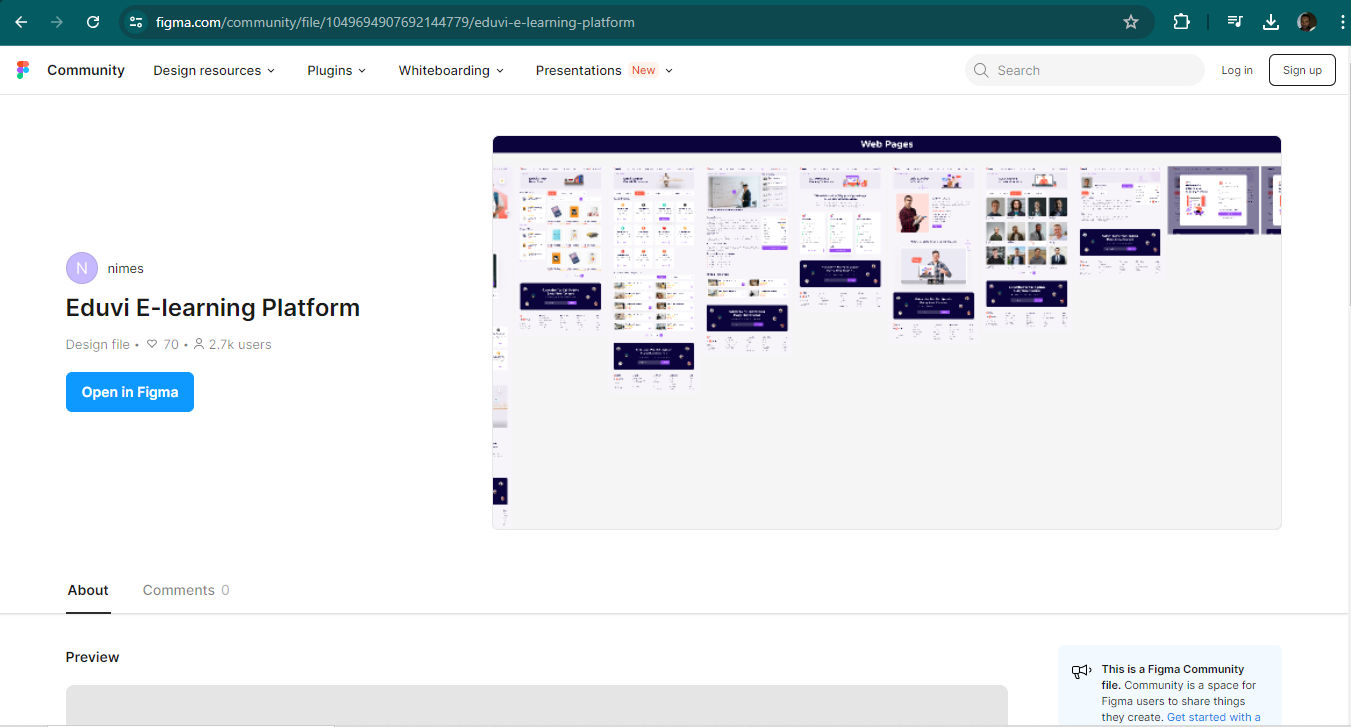
The Eduvi E-learning Web UI Kit, ideal for educational platforms.
© Figma, Fair Use
2. Mobile UI Kits
Mobile UI kits cater to app development for devices like smartphones and tablets. In the mobile-first era, where most users access digital products—as well as services through digital products—designers have to aim larger amounts of thought and effort at smaller screens, especially their targeted users’ ubiquitous smartphones.
UI kits for mobile consist of elements optimized for touch interactions and smaller screens. These include mobile-friendly menus, button sizes and gestural controls. Mobile kits help designers make sure that their apps deliver an optimal user experience on various mobile devices. Here are a few notable examples which are popular among designers for their versatility and ease of use:
The Figma iOS UI Kit.
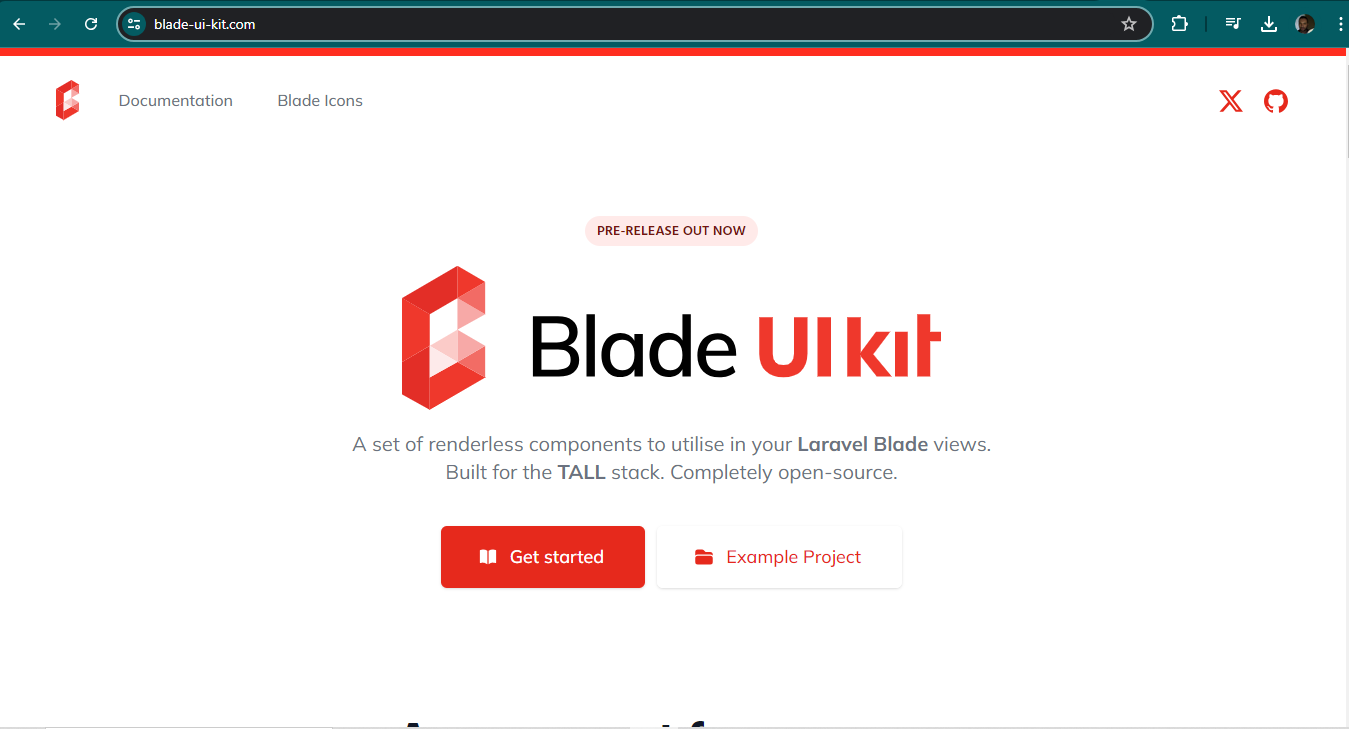
The Blade UI Kit.
© Dries Vints, Fair Use
3. Hybrid UI Kits
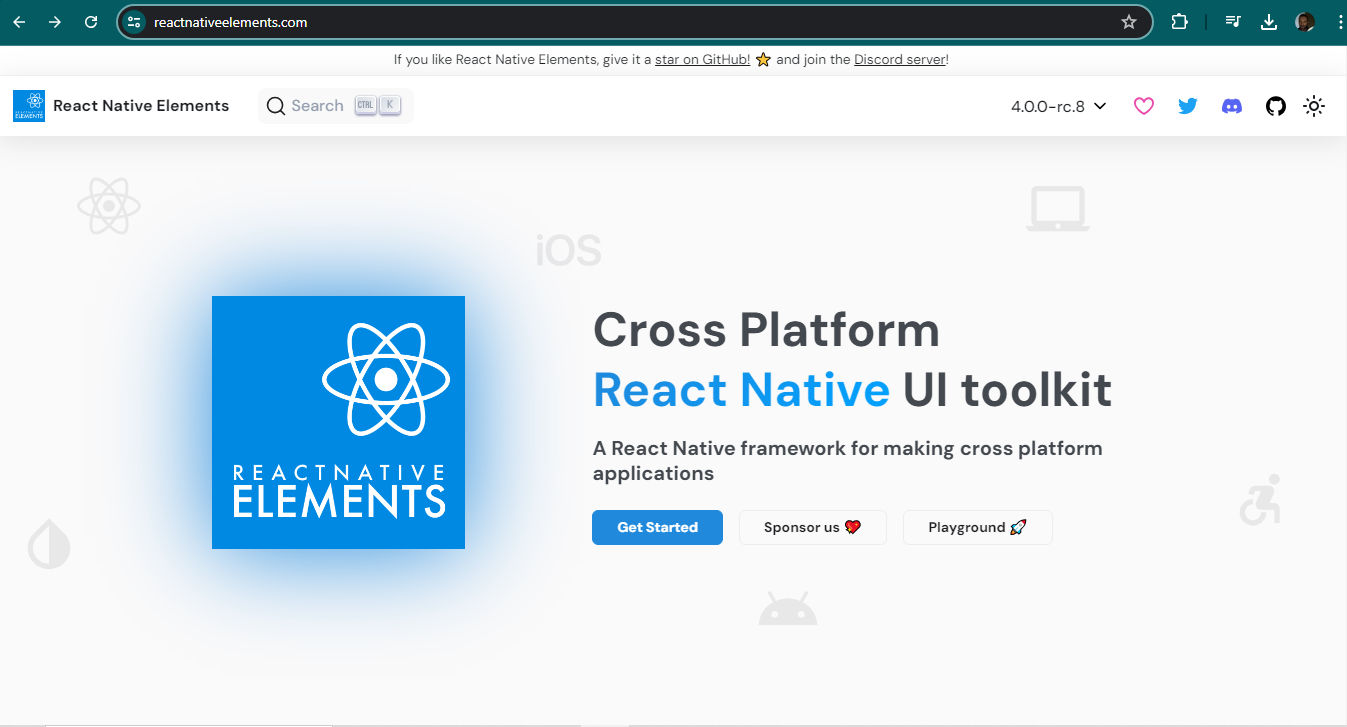
Hybrid UI kits are kits designers use to help create applications that run on both web and mobile platforms. These kits utilize technologies like React Native and Ionic so designers can build apps that offer near-native performance on a variety of devices. At the same time, they maintain the flexibility of web-based development. Hybrid kits often include components that adapt smoothly to different operating environments. That factor makes them a cost-effective solution for developers who want to reach a broad audience across multiple platforms with their brand’s design solution.
How to Choose the Right UI Kit?
It’s vital to concentrate on several areas as a designer decides which UI kit is the best fit for a project, prototype and product. Here are some main considerations to bear in mind and actions to take:
1. Identify Needs
The first step is to clearly understand the specific needs of the design project—and, by association, the users’ needs, which should form the core of the design decisions throughout. For example, designers might want to create an e-commerce site, a social media platform or a healthcare app to access a brand’s target audience best. Each type of project has unique requirements and user expectations, and these call for thorough research. So, it's crucial to choose a UI kit that aligns well with these needs.
When designers pick the right kit, they can make sure that the design elements and features they include do effectively support the primary functions of the app or website they propose to develop and release.
UX Strategist and Consultant, William Hudson explains important points about user research:
2. Consider Compatibility
Compatibility with development tools is another essential factor to consider. The UI kit a designer chooses should integrate smoothly with the platform or framework they’re using. For instance, if a designer is building a project with React, it's important to select a UI kit that supports React components. This compatibility streamlines the development process. What’s more, it makes it easier for the design and development team to implement and maintain the design. That will translate to smoother, more enduring solutions. Plus, it will help to keep the risk of errors cropping up later to a comfortable minimum.
© Meta Platforms, Fair Use
3. Assess Quality and Customization Options
Finally, it’s a vital point to weigh up the quality of the UI kit and the customization options it offers. Other designers and developers have thoroughly tested and reviewed high-quality UI kits—and that’s a good assurance of their effectiveness. There are other things to think about as well. For example, designers should look for UI kits that offer extensive documentation and support. These resources can be invaluable when designers need to customize the kit to fit their project's unique requirements. UI kits offer the essentials, and many feature extensive and sophisticated arrays of material to put to use. Nevertheless, a designer’s discernment and the ability to modify elements such as colors, fonts and sizes are key for them to tailor the design to meet the users’ specific needs and the brand’s business goals.
Overall, UI kits are a handy, popular and much-trusted aid for a diverse range of designers. Especially in the fast-paced atmosphere of designing solutions for mobile, web and hybrid applications, these kits offer designers, their teams and brands an indispensable convenience to get up and running quickly. They can spend less time to produce reliable prototypes they can test—and move on to more solid design solutions they eventually can release to their target audience.
It’s important to remember the significance of compatibility, quality and customization options. Designers need to consider how UI kits line up with the look and feel of their brand. For example, how stylized are the components, and can they match well with the look and feel the brand wants to cast?
It takes good judgment and a solid grasp of design principles to be in a position to appreciate which kit will work best for a certain project. When they choose carefully and apply elements well, designers—along with their brands—can enjoy the great boost that the right UI kit can give. From there, designers can power their way along the design process to solutions that users can enjoy seamless experiences within, and scale these long into the future.