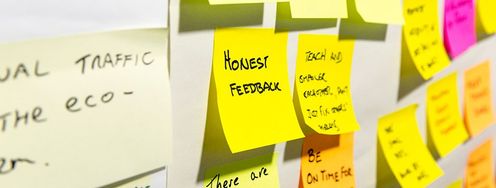
Lots of sticky notes on a wall.

Affinity Diagrams: How to Cluster Your Ideas and Reveal Insights

by Rikke Friis Dam and Yu Siang Teo • 10 min read

1,338 Shares

Affinity diagrams are a great method to use when you want to make sense of a large volume of mixed information and data—facts, ethnographic research, ideas from brainstorms, user opinions, user needs, insights and design issues, just to name a few! Affinity diagrams require you to cluster information in an organized manner, and this can therefore be one of the most valuable methods to employ during your design process. In other words, affinity diagrams help you synthesize information and insights and, for this reason, they are used in many phases of design thinking, including the Define and Ideate phases. Let’s jump into affinity diagrams in detail to discover more about what they are, why they’re useful and how you can apply them to your own design process.

“Organizing is what you do before you do something, so that when you do it, it is not all mixed up.”

— A. A. Milne
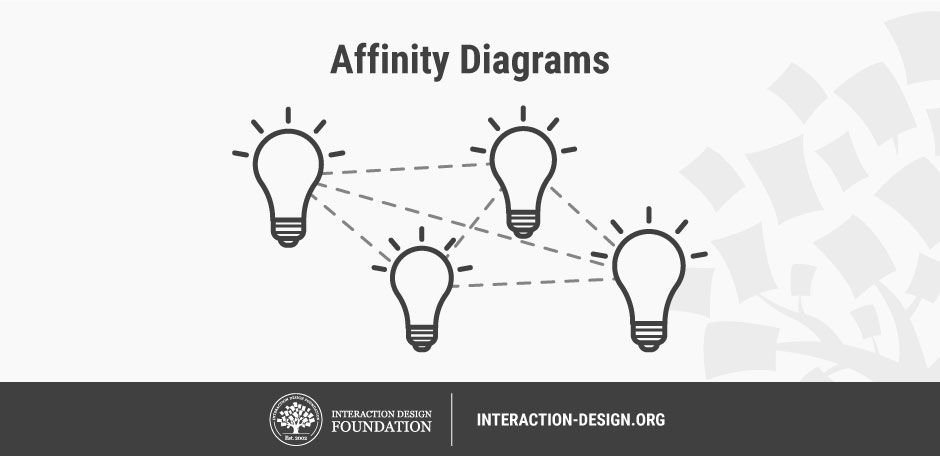
Illustration of how affinity diagrams leads to insights.© Teo Yu Siang and the Interaction Design Foundation, CC BY-NC-SA 3.0.

It’s hard to know where to start when your mind, table, hard drive and maybe even the front of your fridge are full of insights from research, or ideas from ideation sessions. How on earth are you meant to transition from that point of colored Post-it note chaos to a stage where you’ve got a good grip of the main points of interest and patterns in your data? Have no fear—affinity diagrams are here to save you from getting overwhelmed by the sheer volume of data you’ve gathered. They’ll help you navigate through and organize your data in an incredibly effective way, and it’s great that you’re here to learn more about them!

What is an Affinity Diagram?

An affinity diagram is a collection of large amounts of data that is organized into groups or themes based on their relationships. The affinity diagram process is great when you want to make sense of insights gathered during research, as well as when you want to organize ideas generated during ideation sessions.
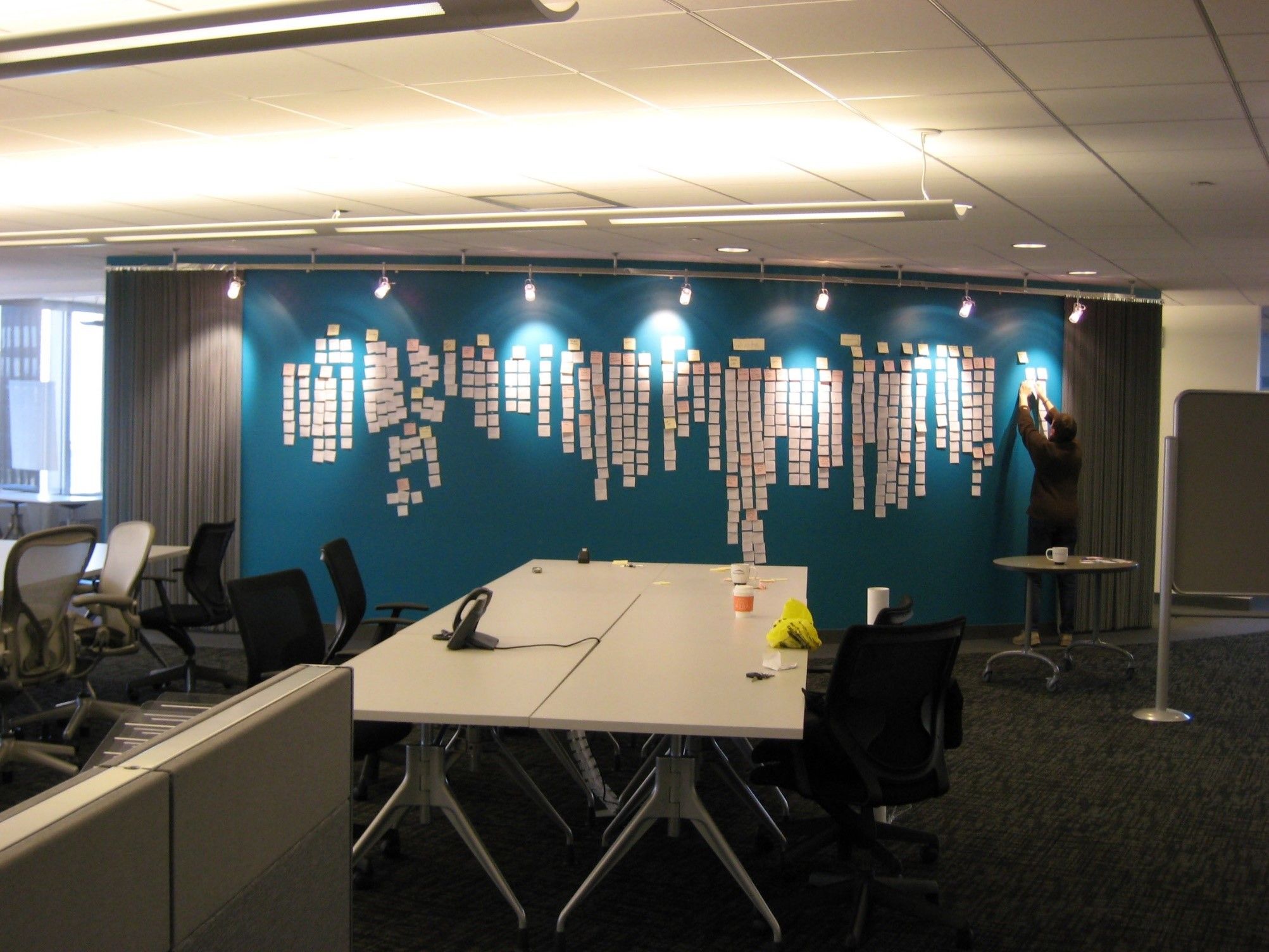

Photo of a wall across a room of a large affinity diagram taking up most of the wall using post-its.

© Josh Evnin, CC BY-SA 2.0.

How to Create an Affinity Diagram

The best way to create an affinity diagram is with your design team, or the people who were involved in the previous stage of the process (research or ideation in most cases). You can also create an affinity diagram on your own, but you will likely find the process more valuable if you have other design-minded individuals around to discuss aspects of it with.

Whether you’re in a group or on your own, you can use the steps below as a guide through the affinity diagram process.

Part 1: Group Similar Pieces of Data

  1. Write pieces of data such as small documented facts, drawings, ideas, quotes, and observations down on separate Post-it notes, cards or pieces of paper—one piece of data per Post-it or piece of paper.

  2. Put them up on a wall or whiteboard or lay them across a table. Post-it notes are preferable at this stage as they allow the design team to easily stick up and move pieces of data around to cluster similar pieces of information together.

  3. Choose a Post-it at random and make it the first Post-it of a first group.

  4. Take another Post-it and ask, “Is this similar to the first one or is it different?” Place it in the first group if it’s similar or in its own group if it’s not. It can be similar in any way that makes sense to you. However, this is best where you have a team and can ask others if they agree or disagree.

  5. Continue Post-it by Post-it as you place similar ideas together and create new groups. Note: it’s OK to have lone Post-its at this stage—pieces of data that don’t fit into any clusters can sit on their own in other words. Feel free to change your groupings at any point in this exercise. That’s why you’re using Post-its!

You will see the data come to life as you create your affinity diagram and move data around on the wall. Your whole design team will find themselves immersed not only in their own research findings but also that from others. You’ll all come away with a better understanding of the scope of the problem space, and will be able to share and communicate findings and ideas more effectively.

Part 2: Discuss and Clarify Your Clusters

  1. You should now have some groups of related data, and so it’s time to talk about each one of the clusters in more detail. Discuss the rest of the steps in the process with your team and complete them together one by one.

  2. Discuss any controversial pieces of clusters and pieces of data in each cluster and reorganize them into different clusters if appropriate.

  3. When all team members are satisfied with the groupings, give the group a name that captures the meaning of the group of Post-its it represents.

  4. Optional: Use lines to connect related groups, and combine clusters to create super groups if necessary.

Photo of people arranging post its on a glass wall.

The last stage of the affinity diagram process requires you to connect related groups of data so that related insights and/or ideas remain linked throughout the rest of the design process.

© Wavebreakmedia, Standard License. Source.

By the time you’ve finished your affinity diagram, your data will be in a much more organized state and you’ll find yourself in a much better position to synthesize it further, define a problem statement and/or move on to the next phase of the design process.

You can download and print our affinity diagram template to utilize the process in offline mode and share it with your team:
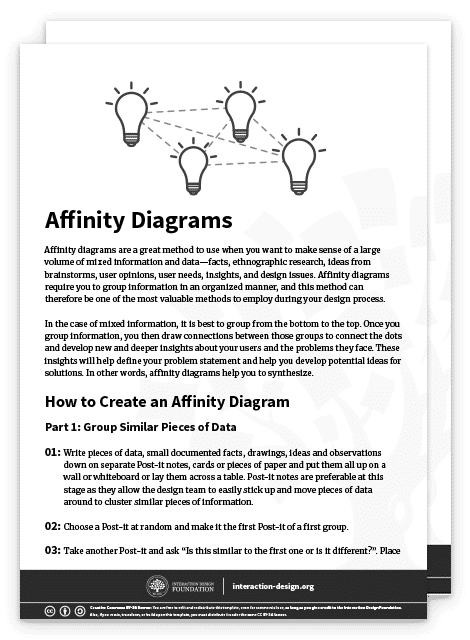
Advance Your Career With This Free Template for “Affinity Diagrams”
Affinity Diagrams
We respect your privacy
Get 1 powerful email each week: Design a life you love!

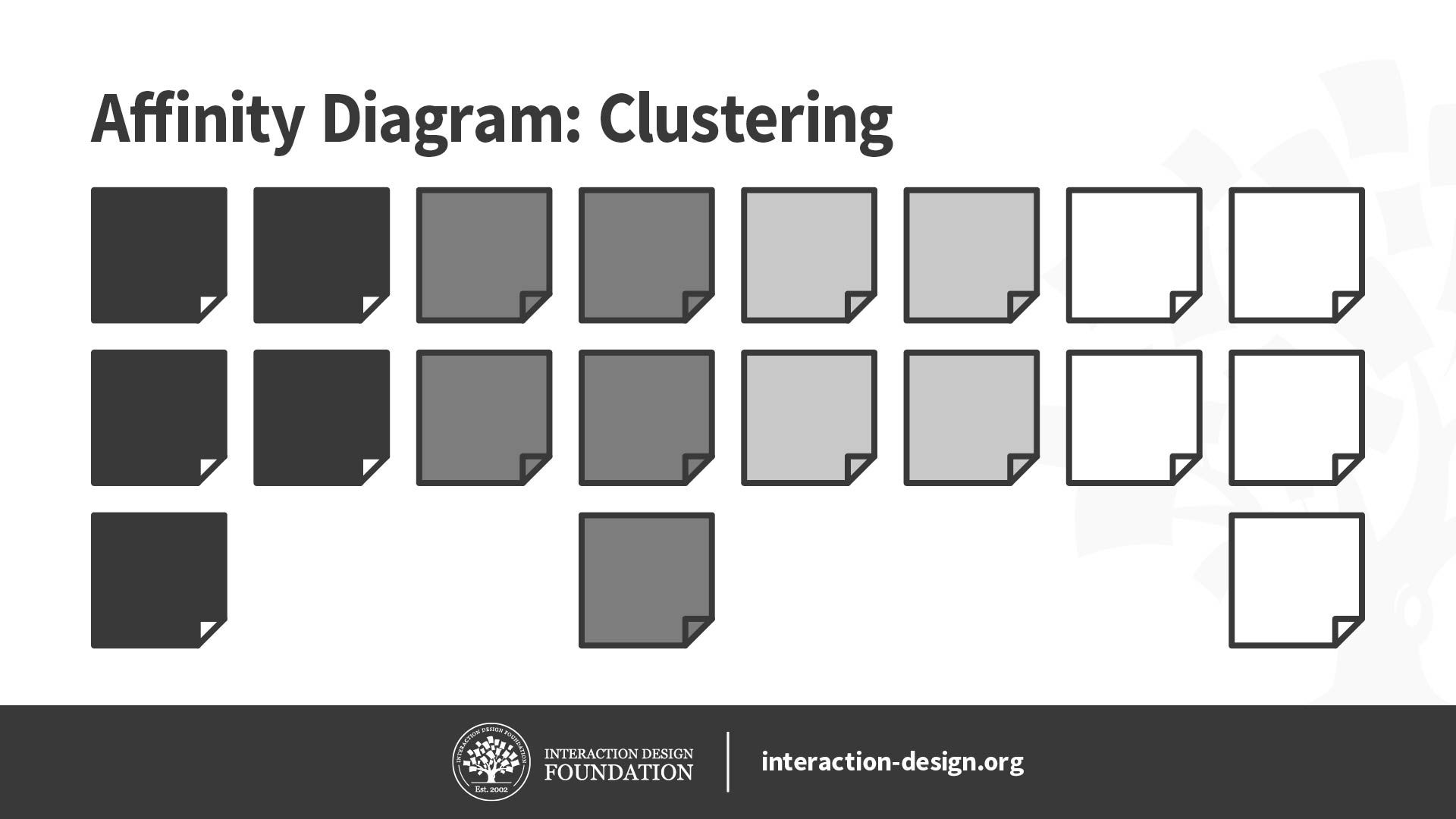
Illustration of clustering in an affinity diagram.

Affinity diagrams can help you go from a state of complete chaos with no overview of your information, to a serene state of organized groups of information, which you have named and sorted into hierarchies that make sense and provide insight.

© Daniel Skrok and the Interaction Design Foundation, CC BY-NC-SA 3.0.

How to Use Your Affinity Diagram

As with every method and technique we use, there would be no point in affinity diagrams if we didn’t put them to good use afterwards! You can use the outcome of your affinity diagram (your highly organized set of data) to:

  • Inform the creation of empathy maps.

  • Build personas that represent your target audience in the best possible way.

  • Synthesize insights further and create a problem statement for your design process.

  • Provide a better foundation for ideation.

The Take Away

Affinity diagrams are a method you can use to cluster large volumes of information, be it facts, ethnographic research, ideas from brainstorms, user opinions, user needs, insights, design issues, etc. During the process, you will name and rank your data into organized groups and gain an understanding of how different groups of information are connected.

Affinity diagrams are a great method that can create an overview and synthesize your findings in a surprisingly straightforward way—especially if you follow the step-by-step process we’ve provided you with. You’ll come out the other side with a greater focus on the major insights, user needs, pain points and gaps in your data—and once you’ve done that, you can begin to translate what you’ve organized into empathy maps, personas and problem statements to help you progress in your design process.

References & Where to Learn More

Kara Pernice, Affinity Diagramming for Collaboratively Sorting UX Findings and Design Ideas, 2018.

Chris Gielow, Affinity Mapping Timelapse, 2012.

ASQ, Affinity Map Diagram

Matthew Weprin, Design Thinking Methods: Affinity Diagrams, 2016.

Center for Care Innovations, Catalyst Method: Affinity Clustering, 2017.

Images

Hero Image: © star5112, CC BY-SA 2.0.

Learn More in This Course:

User Research – Methods and Best Practices

Course Closed
100 % booked
View Course

What You Should Read Next

  • Read full article
    The 5 Stages in the Design Thinking Process - Article hero image
    Interaction Design Foundation logo

    The 5 Stages in the Design Thinking Process

    Design thinking is a methodology that provides a solution-based approach to solving problems. It’s extremely useful when used to tackle complex problems that are ill-defined or unknown—because it serves to understand the human needs involved, reframe the problem in human-centric ways, create numerou

    Social shares
    2k
    Published
    Read Article
  • Read full article
    What is Design Thinking and Why Is It So Popular? - Article hero image
    Interaction Design Foundation logo

    What is Design Thinking and Why Is It So Popular?

    Design Thinking is not an exclusive property of designers—all great innovators in literature, art, music, science, engineering, and business have practiced it. So, why call it Design Thinking? What’s special about Design Thinking is that designers’ work processes can help us systematically extract,

    Social shares
    1.6k
    Published
    Read Article
  • Read full article
    Personas – A Simple Introduction - Article hero image
    Interaction Design Foundation logo

    Personas – A Simple Introduction

    Personas are fictional characters, which you create based upon your research to represent the different user types that might use your service, product, site, or brand in a similar way. Creating personas will help you understand your users’ needs, experiences, behaviors and goals. Creating personas

    Social shares
    1.6k
    Published
    Read Article
  • Read full article
    Stage 2 in the Design Thinking Process: Define the Problem and Interpret the Results - Article hero image
    Interaction Design Foundation logo

    Stage 2 in the Design Thinking Process: Define the Problem and Interpret the Results

    An integral part of the Design Thinking process is the definition of a meaningful and actionable problem statement, which the design thinker will focus on solving. This is perhaps the most challenging part of the Design Thinking process, as the definition of a problem (also called a design challenge

    Social shares
    1.4k
    Published
    Read Article
  • Read full article
    What is Ideation – and How to Prepare for Ideation Sessions - Article hero image
    Interaction Design Foundation logo

    What is Ideation – and How to Prepare for Ideation Sessions

    Ideation is the process where you generate ideas and solutions through sessions such as Sketching, Prototyping, Brainstorming, Cheatstorming, Brainwriting, Worst Possible Idea, and a wealth of other ideation techniques. Ideation is also the third stage in the Design Thinking process. Although many p

    Social shares
    1.4k
    Published
    Read Article
  • Read full article
    Empathy Map – Why and How to Use It - Article hero image
    Interaction Design Foundation logo

    Empathy Map – Why and How to Use It

    Here’s an interesting fact you may—or may not—know: users are more likely to choose, buy, and use products that meet their needs than products that just meet their wants. And an Empathy map will help you understand your user’s needs while you develop a deeper understanding of the persons you’re desi

    Social shares
    1.4k
    Published
    Read Article
  • Read full article
    Stage 4 in the Design Thinking Process: Prototype - Article hero image
    Interaction Design Foundation logo

    Stage 4 in the Design Thinking Process: Prototype

    One of the best ways to gain insights in a Design Thinking process is to carry out some form of prototyping. This method involves producing an early, inexpensive, and scaled down version of the product in order to reveal any problems with the current design. Prototyping offers designers the opportun

    Social shares
    1.3k
    Published
    Read Article
  • Read full article
    The History of Design Thinking - Article hero image
    Interaction Design Foundation logo

    The History of Design Thinking

    We need to appreciate the roots and origins of a concept to truly understand it—we need to know how it came to be. Let’s take a look at how design thinking emerged from an exploration of theory and practice to become one of the most effective ways to address the human, technological and strategic in

    Social shares
    1.3k
    Published
    Read Article
  • Read full article
    Stage 1 in the Design Thinking Process: Empathise with Your Users - Article hero image
    Interaction Design Foundation logo

    Stage 1 in the Design Thinking Process: Empathise with Your Users

    Design Thinking cannot begin without a deeper understanding of the people you are designing for. In order to gain those insights, it is important for you as a design thinker to empathize with the people you’re designing for so that you can understand their needs, thoughts, emotions and motivations.

    Social shares
    1.3k
    Published
    Read Article
  • Read full article
    Stage 3 in the Design Thinking Process: Ideate - Article hero image
    Interaction Design Foundation logo

    Stage 3 in the Design Thinking Process: Ideate

    In the Ideation stage, design thinkers spark off ideas — in the form of questions and solutions — through creative and curious activities such as Brainstorms and Worst Possible Idea. In this article, we’ll introduce you to some of the best Ideation methods and guidelines that help facilitate success

    Social shares
    1.3k
    Published
    Read Article

Top Articles

Top Topic Definitions

Feel Stuck?
Want Better Job Options?

AI is replacing jobs everywhere, yet design jobs are booming with a projected 45% job growth. With design skills, you can create products and services people love. More love means more impact and greater salary potential.

At IxDF, we help you from your first course to your next job, all in one place.

See How Design Skills Turn Into Job Options
Privacy Settings
By using this site, you accept our Cookie Policy and Terms of Use.
Customize
Accept all

Be the One Who Inspires

People remember who shares great ideas.

Share on:

Academic Credibility — On Autopilot

Don't waste time googling citation formats. Just copy, paste and look legit in seconds.

Feel Stuck? Want Freedom?

Join 326,029+ designers who get one powerful email each week. Learn to design a life you love.

Next email in
1
day
13
hrs
30
mins
39
secs

Free forever. No spam. Unsubscribe anytime.