Before you start making sales calls, it’s a good idea to prepare for them. A lack of preparation means a much higher chance of things not going according to plan when you make the call. Of course, preparing for a sales call can’t promise a favourable outcome, but it’ll increase the chances of getting what you want from the call.
Before you pick up the phone or charge into someone’s office to try and sell something, do a little preparation. The idea is to develop a comfortable framework where you have enough knowledge to get started and to ensure that you’re prepared for certain eventualities on the call itself.
“By failing to prepare you are preparing to fail.”
– Franklin Roosevelt, President of the United States from 1933 to 1945
Research
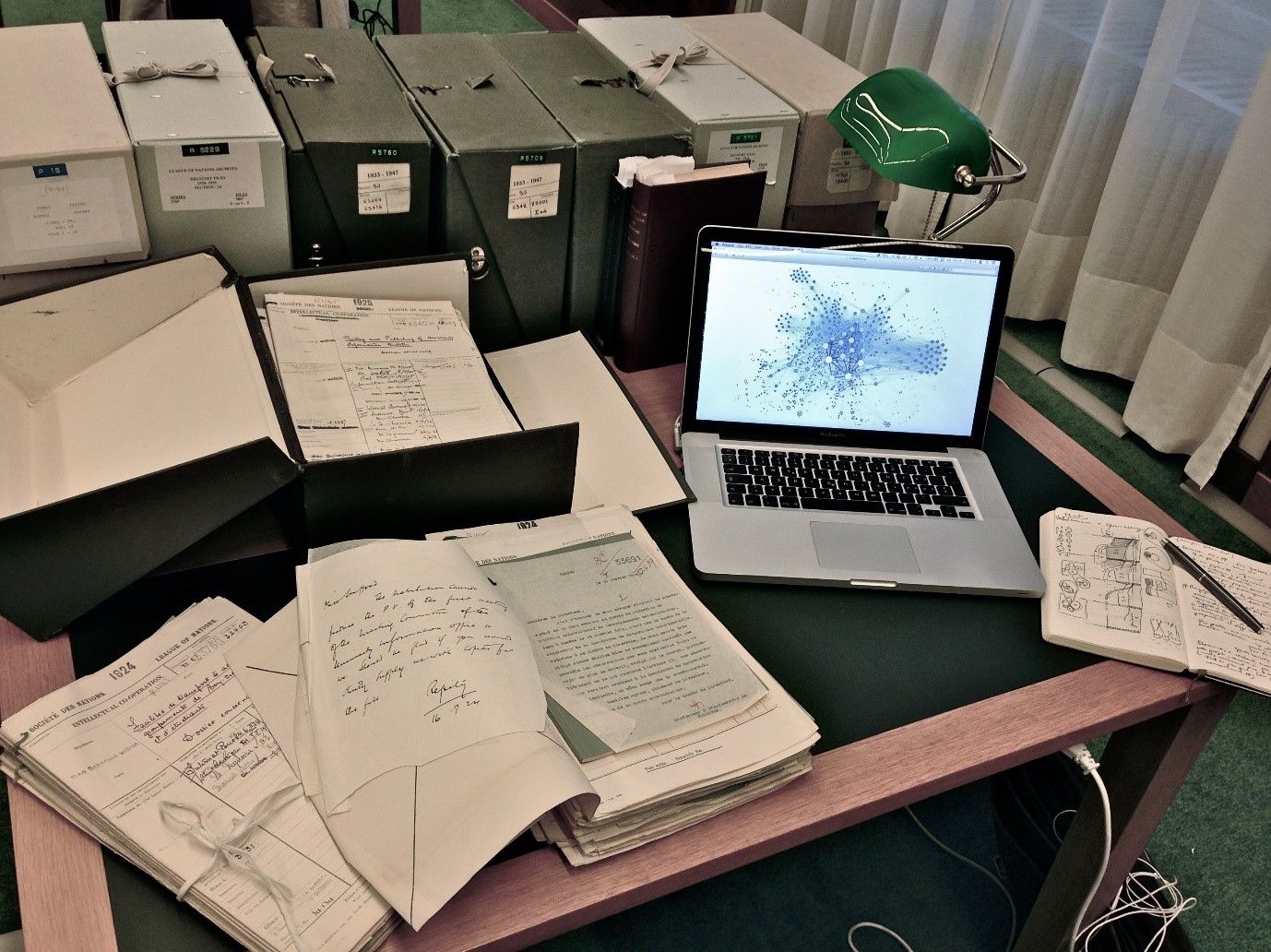
Don’t make calls without doing a little research first. Get online and find the company’s website; what do they do? Are there any named contacts on the website (it is much easier to be put through by a gatekeeper if you ask for someone by name than by title)? How big is the company? How long have they been in business? Are there any clues on their website that they might either need or buy services like yours?
Don’t let research eat up all your time. It’s not unknown for people to hide in the research phase to try to avoid going forward with selling.
Don’t research more than 10–20–30 companies at one time. Then get calling them.
 Author/Copyright holder: Calvinius. Copyright terms and licence: CC BY-SA 3.0
Do your research online and do it quickly; the idea is to prepare for some sales calls, not to procrastinate forever as a perpetual student.
Analysis
If you’re a first-timer—separate the companies into two piles.
The first pile is “awesome prospects” – these are companies that clearly buy your services and where you have a named contact.
The second pile is “ordinary prospects”—i.e., everybody else.
Best Practice: How to Get Started
Practice on the “ordinary prospects” first. This gives you the chance to develop your sales skills without risking the business that you really want. After calling 100–300 ordinary prospects, feeling that you’ve mastered the situation, you’ll be ready to shift to the “awesome prospects” list.
The only exception to this is if the company has a notice on their website that they’re tendering (or otherwise looking) for services like yours now. Don’t put these companies off—ever. Pick up the phone and ask how you can get involved in the process. If they’ve put out an incredibly clear buying signal, act immediately. Note: Don’t expect to find a lot of companies like this – they’re rare finds.
Call Objectives
You need to have a goal for each call. It’s incredibly rare for a business-to-business (B2B) telesales person to close a sale on the first call. In fact, any client willing to do business without having a chance to do a little background checking, etc. is probably going to turn out to be a little flaky.
The only exception to this is if you are selling a very low-cost product. Sales of under $100 are often not worth enough to the client for them to take too many precautions; otherwise, expect them to need a little more time to build a relationship with you for the bigger-ticket items you can furnish.
Examples of call objectives include:
Finding out the name (and other contact details) of the person who buys services like yours
Scheduling a meeting with the person who buys services like yours
Getting the person to request marketing materials (such as your portfolio, CV, corporate brochure, etc.)
Getting the person to ask for a quotation on a particular project
Closing a sale
Every time you meet an objective on a call, you are one step closer to a sale. If you know your objective when you’re calling, it’s much easier to stay focussed.
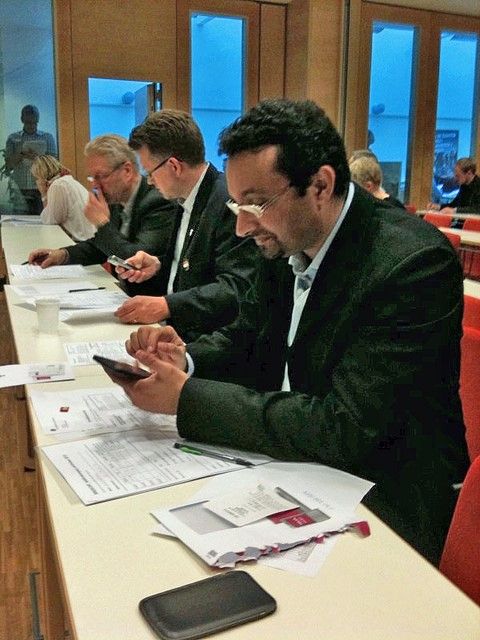
You can even prepare a little script (though never read a script verbatim – that makes people sound like robots) to prompt your memory as you deal with the call.
Author/Copyright holder: Socialdemokraterna. Copyright terms and licence: CC BY-NC-ND 2.0
Scripts are really useful. Don’t read it like a robot though – make sure you speak naturally while engaging with a client.
Prepare Marketing Material
You also need to have your ducks in a row when it comes to marketing materials. If someone asks to see your portfolio, send them it ASAP—do not leave them waiting for three days while you put it together.
Always have your materials ready to be sent either via e-mail or physical (snail) mail.
You should also have a quote template ready to fill in should a customer ask you to put together a proposal.
Don’t have a quote template? Pull out your freelance or B2B contract. That’s the contract you use to ensure that the relationship with your client defines the business you will do together… that’s your template. Just add a section at the top entitled “summary” and put a little explanation in there of what the quote is for. Change the title from “contract” to “quotation” and include an expiry date for the quote.
Now your customer knows how much your services cost, what you will do and what your terms are.

Author/Copyright holder: Nathan Brown. Copyright terms and licence: CC BY 2.0
Always have marketing materials ready (whichever materials you are going to use) so that you can help a prospect choose to work with you by being quick to respond following a call. Most often, you will have some online marketing materials so you can simply send the link to potential clients in an email.
Keep a Call Record
Certainly, make notes on every call you make to a prospect. You can set up a sales database using online software if you want, or you can make notes on sheets of paper. The author likes the paper-driven approach because it’s very easy to manage while on a call. It’s also low-cost—ideal for a first-timer.
Make sure to include:
Company Name
Website address, physical address
Telephone, e-mail, fax details
Contact(s) Name(s) and Titles and Direct Line/Cell Phone details
A brief record of the last activity carried out (research, call, etc.)
Notes of anything of interest including human touches (for example your contact’s birthday or their children’s graduation dates)
Any actions you need to carry out
A date for follow-up
... And include anything else you think is useful to your business. Call records should be customized sheets that work for you. Don’t worry about what other people think is/isn’t useful; develop call records that help you run your business.
Always review any previous call records before making a call.
Don’t forget to Prepare Yourself Mentally
Brian Tracy is an entrepreneur, professional speaker and bestselling author. His simple and straightforward advice can help you prepare yourself mentally for your calls. He advises you always to help yourself warm up and prepare mentally before each call.
“Stop for a few seconds and create a clear mental picture of yourself as completely relaxed, calm, positive, smiling, and in complete control of the interview. Then inhale deeply, filling up your lungs and putting pressure on your diaphragm. Hold this breath for a count of seven and exhale for a count of seven. While you are breathing deeply, continue to hold a picture of yourself as the very best salesperson you could possibly be.”
― Brian Tracy, The Psychology of Selling: Increase Your Sales Faster and Easier Than You Ever Thought Possible
The Take Away
The better prepared you are for your calls, the easier they will be. A little research, a known objective, having your marketing materials ready and a call record will give you more confidence when you make calls.
“Selling is the easiest job in the world if you work it hard—but the hardest job in the world if you try to work it easy.” ― Frank Bettger, How I Raised Myself From Failure
References & Where to Learn More
Hero Image: Author/Copyright holder: Rikke Friis Dam and the Interaction Design Foundation. Copyright terms and licence: CC BY-NC-ND.
Zig Ziglar, Secrets of Closing the Sale, 2004
Jeffrey Gitomer, Little Red Book of Selling: 12.5 Principles of Sales Greatness, 2004
Daniel H. Pink, To Sell Is Human: The Surprising Truth About Moving Others, 2013
Frank Bettger, How I Raised Myself From Failure to Success in Selling, 1992
Art Sobczak, Smart Calling: Eliminate the Fear, Failure, and Rejection from Cold Calling, 2010
Brian Tracy, The Psychology of Selling, 2006
Jeffrey Gitomer, The Sales Bible: The Ultimate Sales Resource, 2014
Oren Klaff, Pitch Anything: An Innovative Method for Presenting, Persuading, and Winning the Deal, 2011
Tom Hopkins, How to Master the Art of Selling, 2005
Advice on handling gatekeepers: The 7 Strategies For Getting Past Gatekeepers