Google’s Material Design - Android Design Language

• 7 min read

932 Shares

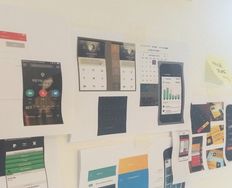
Material Design (originally referred to as and codenamed “Quantum Paper”) was developed by Google and is a design language used for Android devices. The idea, according to Matias Duarte Vice President of Design for Google, is to provide a design language which mimics the feel of pen and paper. Material design offers the user physical edges and surfaces to work with – with seams and shadows giving context to what parts of a digital design can be touched.

Daniel Sacks, the Senior Writer for Fast Company Magazine, says; “Design is about 3 dimensions and the 5 senses.” Material design ensures 3 dimensionality in digital design.
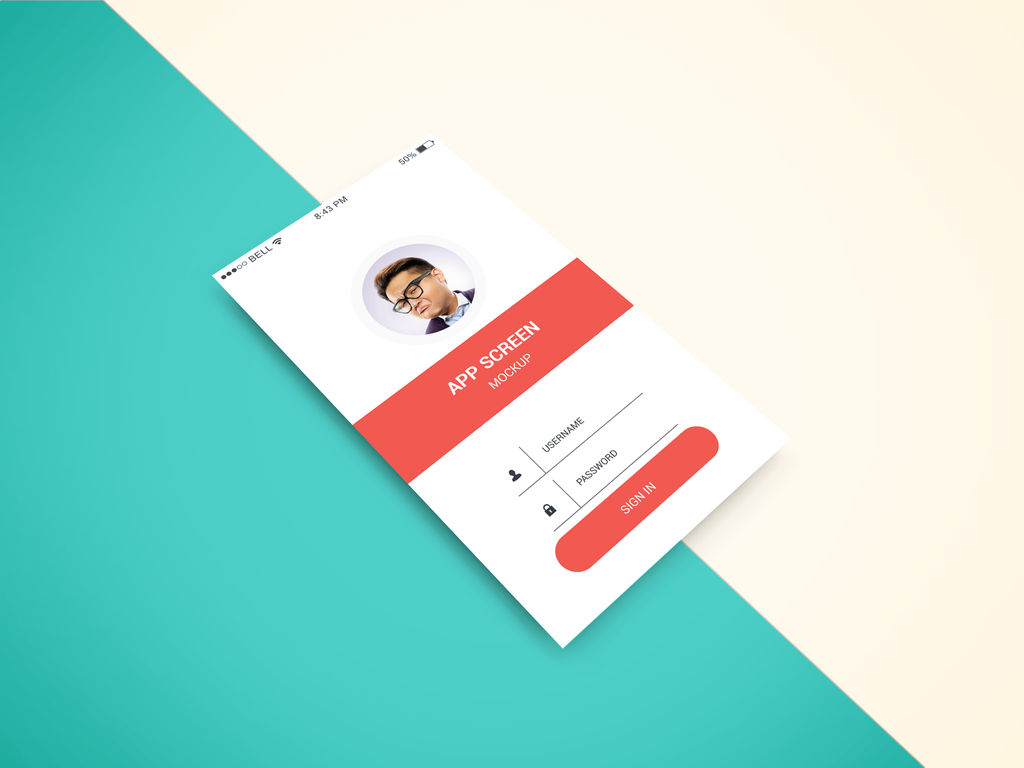

Author/Copyright holder: graphberry. Copyright terms and licence: CC BY-SA 3.0.

Material design adds additional depth to design without changing the basic functionality of designs.

About Material Design

Material Design was announced by Google at the 2014 Google I/O Conference on June 25th, 2014. It is intended for use with all versions of Android after 2.1 and in conjunction with the v7 appcomcat library and later versions. Google itself is in the process of ensuring all of its own products provide a consistent experience with Material Design as the fundamental basis of this experience.

Third party developers can incorporate Google’s Material Design functionality in their own work using freely available Application Programming Interfaces (APIs). For browsers that cannot support Material Design in its native format there is also a collection of user interfaces under the label “Polymer” that mimics Material Design for those browsers.

There are various components of Material Design for integration with Android Apps including:

  • The material theme – this offers a new style of display for Android apps. It has in built systems widgets that allow the developer to quickly and easily transform the colour palette. There are also a bunch of default animations for touch feedback and other activity style transitions.

  • List and card support – there are two widgets which support Material Design’s list and card formats which include all styles and animations. The list widget is RecyclerView and the card widget is CardView.

  • Material Design also added a change to the way shadows are displayed and they now have (in addition to the old x and y components) a z component which shows the elevation of view and affects:

    • High z values lead to big shadows and low z values to small ones

    • High z values also determine that the component will appear above other views in the mix

  • Animations are supported via APIs that allow the developer to build bespoke animations for touch feedback in the UI as well as changes in view states and activity transitions. These:

    • Allow the application to respond to touch events by displaying touch feedback animations

    • Enable you to hide and reveal views using circular reveal animations

    • Allow the use of curved motion to make animations appear more natural to the user

    • Allow you to develop custom activity transition animations

    • Allow you to animate changes in one or more views using “view state change”

    • Show a full list of animations in state list drawables between view state changes

    • Touch feedback animations are also offered in several standard views (for example for buttons) these can be easily customized and then placed into your own custom views

  • Drawables are also changed and there are three main changes offered to developers:

    • Vector drawables can now be scaled without any loss of definition and are recommended for single-color in-app icons

    • Drawable tints can be used to define bitmap images as alpha masks and then be tinted during runtime with other colors

    • Color extracts allow you to quickly and automatically extract any prominent colors from an existing bitmap image
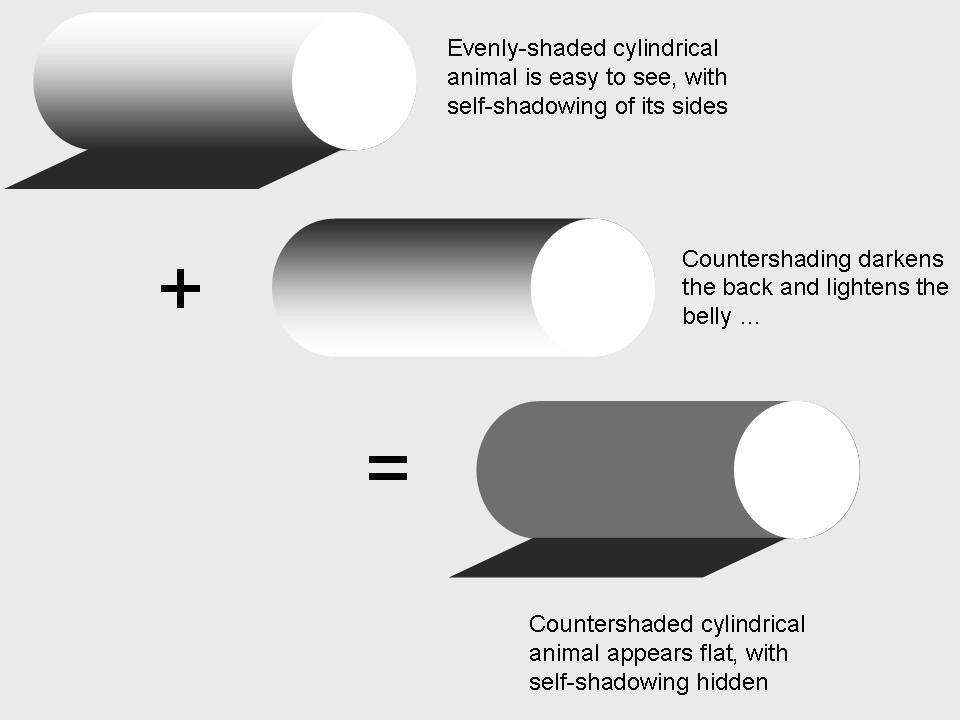

Author/Copyright holder: Chiswick Chap. Copyright terms and licence: CC BY-SA 3.0

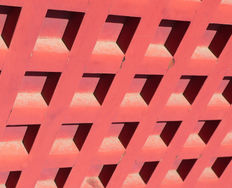
Shadows change the way that we perceive objects on screen and in real life too.

Of course while these are the main changes made for Material Design compared to previous Android development there is a full list of changes and principles offered at Google’s website that provides a full guide to the new developer or returning developer as to the ins and outs of Material Design best practices.

There is also a JavaScript implementation of Material Design which is called Angular Material and based on Google’s best practices and Material Design specification.

The Take Away:

Material Design is a key approach to the Android Platform for both UI and UX. Designed and developed by Google it is intended to facilitate a consistent user experience on the platform so that apps do not promote user confusion. The design principles involved are intended to reflect the need for a high quality touch experience and offer a “pen and paper” style feel to the UI. Google’s own offerings will reflect Material Design throughout their range and the majority of their products (such as Gmail, YouTube, etc.) already do so.
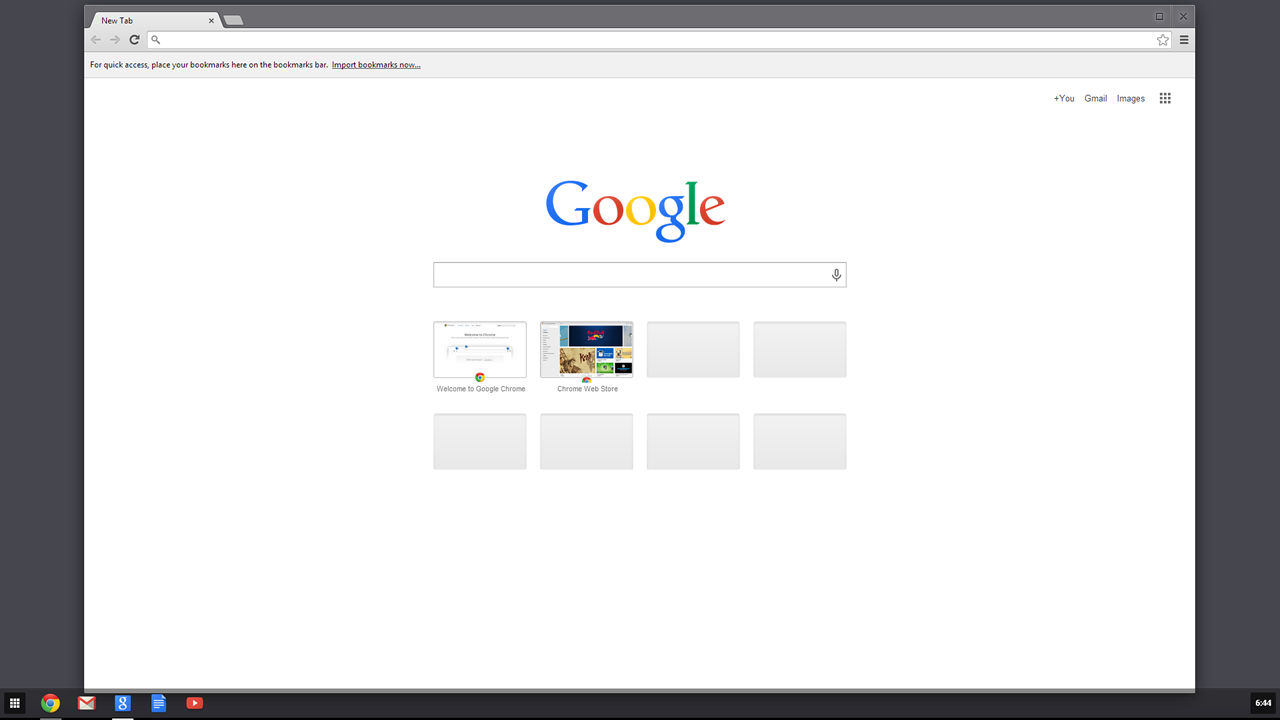

Author/Copyright holder: Unknown. Copyright terms and licence: Unknown.

Google Chrome also benefits from material design. All Google products are now developed with Material Design in Mind.

Designers working in a mobile design capacity are going to have to become familiar with Material Design as are developers.

References

Google’s complete material design guidelines can be found here.

The JavaScript implementation of material can be found here.

Hero Image: Author/Copyright holder: Ancella Simoes. Copyright terms and licence: CC BY 2.0

Learn More in This Course:

AI for Designers

11 days
12 % booked
View Course

What You Should Read Next

  • Read full article
    What is Interaction Design? - Article hero image
    Interaction Design Foundation logo

    What is Interaction Design?

    Interaction design is an important component within the giant umbrella of user experience (UX) design. In this article, we’ll explain what interaction design is, some useful models of interaction design, as well as briefly describe what an interaction designer usually does.A simple and useful unders

    Social shares
    1.5k
    Published
    Read Article
  • Read full article
    Apple’s Product Development Process – Inside the World’s Greatest Design Organization - Article hero image
    Interaction Design Foundation logo

    Apple’s Product Development Process – Inside the World’s Greatest Design Organization

    Apple’s Product Development Process may be one of the most successful design processes ever implemented. With a valuation that exceeds $2 trillion, there’s a lot that designers can learn from Apple and introduce into their own design environments.Apple is a notoriously secretive business. In Steve J

    Social shares
    1.4k
    Published
    Read Article
  • Read full article
    10 Great Sites for UI Design Patterns - Article hero image
    Interaction Design Foundation logo

    10 Great Sites for UI Design Patterns

    You don’t want to spend your whole life redesigning the wheel, do you? No, neither do we. If you are looking for a design that solves a problem that has been solved with a different application before, then the template for your wheel is probably already out there. This lets you save time and make a

    Social shares
    1.4k
    Published
    Read Article
  • Read full article
    Shneiderman’s Eight Golden Rules Will Help You Design Better Interfaces - Article hero image
    Interaction Design Foundation logo

    Shneiderman’s Eight Golden Rules Will Help You Design Better Interfaces

    Follow Ben Shneiderman’s 'Eight Golden Rules of Interface Design' if you want to design great, productive and frustration-free user interfaces. Apple, Google and Microsoft are among some of the highly successful companies whose well-designed products reflect Shneiderman’s rules. The characteristics

    Social shares
    1.4k
    Published
    Read Article
  • Read full article
    User Interface Design Guidelines: 10 Rules of Thumb - Article hero image
    Interaction Design Foundation logo

    User Interface Design Guidelines: 10 Rules of Thumb

    Learn to design with your user’s needs and expectations in mind by applying Jakob Nielsen and Rolf Molich’s Ten User Interface Guidelines. These heuristics have been reflected in many of the products designed by some of the most successful companies in the world such as Apple, Google, and Adobe. Fur

    Social shares
    1.4k
    Published
    Read Article
  • Read full article
    How to Change Your Career from Graphic Design to UX Design - Article hero image
    Interaction Design Foundation logo

    How to Change Your Career from Graphic Design to UX Design

    If there’s an occupation that is 100% linked with the public’s idea of what design is all about, it’s graphic design. From the familiar golden arches of the McDonald’s brand to the typography and colors of movie posters, graphic designers create some of the most iconic and ubiquitous designs around

    Social shares
    1.4k
    Published
    Read Article
  • Read full article
    Repetition, Pattern, and Rhythm - Article hero image
    Interaction Design Foundation logo

    Repetition, Pattern, and Rhythm

    Let’s look at three subjects that, at first glance, may strike you as being incredibly basic and self-explanatory. However, although they may seem like they should need no introduction, we should study them. By understanding these concepts, you’ll be able to apply them more effectively to captivate

    Social shares
    1.4k
    Published
    Read Article
  • Read full article
    The Grid System: Building a Solid Design Layout - Article hero image
    Interaction Design Foundation logo

    The Grid System: Building a Solid Design Layout

    Now that we’ve seen some grids at work in the Rule of Thirds article, let’s examine them a little more deeply. As a concept that deals so fundamentally with the fabric and background of our work as designers, it’s easy to overlook the power of grids and think more about the elements we want to creat

    Social shares
    1.4k
    Published
    Read Article
  • Read full article
    The Principles of Service Design Thinking - Building Better Services - Article hero image
    Interaction Design Foundation logo

    The Principles of Service Design Thinking - Building Better Services

    Service design is all about taking a service and making it meet the user’s and customer’s needs for that service. It can be used to improve an existing service or to create a new service from scratch. In order to adapt to service design, a UX designer will need to understand the basic principles of

    Social shares
    1.4k
    Published
    Read Article
  • Read full article
    The Golden Ratio - Principles of form and layout - Article hero image
    Interaction Design Foundation logo

    The Golden Ratio - Principles of form and layout

    Now, we’re going to look at a subject that comes directly from mathematics and that we can also find all around us – the golden ratio. Don’t worry; we’re not going back into the classroom for long. We will examine what this concept is and exactly how much it is a fundamental part of making designs p

    Social shares
    1.3k
    Published
    Read Article

Top Articles

Top Topic Definitions

Feel Stuck?
Want Better Job Options?

AI is replacing jobs everywhere, yet design jobs are booming with a projected 45% job growth. With design skills, you can create products and services people love. More love means more impact and greater salary potential.

At IxDF, we help you from your first course to your next job, all in one place.

See How Design Skills Turn Into Job Options
Privacy Settings
By using this site, you accept our Cookie Policy and Terms of Use.
Customize
Accept all

Be the One Who Inspires

People remember who shares great ideas.

Share on:

Academic Credibility — On Autopilot

Don't waste time googling citation formats. Just copy, paste and look legit in seconds.

Feel Stuck? Want Freedom?

Join 326,054+ designers who get one powerful email each week. Learn to design a life you love.

Next email in
1
day
1
hrs
56
mins
37
secs

Free forever. No spam. Unsubscribe anytime.