A CV is a great way of explaining your expertise to a would-be client. Not all freelancers use a CV/resume to market their services or to convey their experience to their clients. Those who do use one will tell you that it’s a great way of explaining complex information to potential clients and partners without long speeches. A freelance CV is very different from one used to apply for a job, and it’s a good idea to learn how to approach CV development for freelance work even if you decide it’s an approach that isn’t right for your business. If you’re starting a new design agency with only you or a partner, you should also consider including a resume on your “about page”.
Many freelancers find that the easiest way to convey their expertise and experience to a client is in a CV/Curriculum Vitae/resume format. Freelance CVs may, occasionally, follow the same format as a CV produced to seek employment, but many freelancers use a very different style of CV once they have a few projects under their belts.
Short and Sweet
The best CVs are short and to the point. There are some exceptions to this rule (for example, IT contractors who may change projects every few months) but, in general—the shorter the better.
If you’re going to be competing against a bunch of other freelancers for a project, keeping things short will make you stand out from the crowd and make it easier for a client to move you further into the selection process.
The ideal freelance CV covers a single page and no more than two pages.
“Simple can be harder than complex: You have to work hard to get your thinking clean to make it simple. But it’s worth it in the end because once you get there, you can move mountains.”
– Steve Jobs, Apple icon
 Author/Copyright holder: Kristian Bjornard. Copyright terms and licence: CC BY-SA 2.0
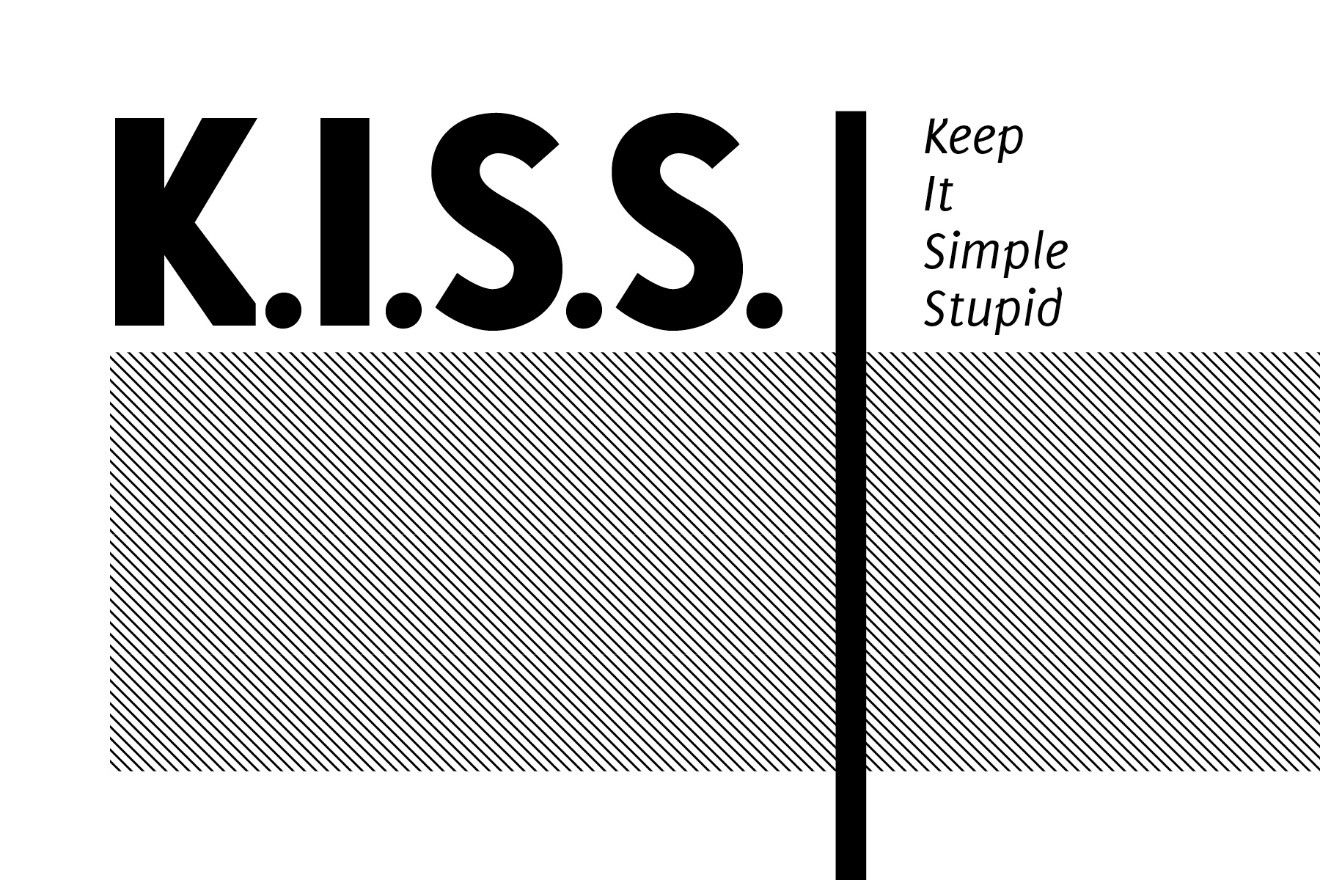
This is a pretty good rule for everything in life—not just freelance CVs—Keep It Simple Stupid. The less wordy you are, the easier it will be for a client to get involved with what you do. But you have to work hard to get your thinking clean to make it simple, as simple is often harder than complex.
What Goes into a Freelance CV?
What goes into a freelance CV will vary from freelancer to freelancer depending on their profession, their industry vertical, and their target audience. However, most freelance CVs will include:
1. Your Personal Profile
This is a brief statement of who you are and what you do. It’s where you make it clear what you offer to the client. If you are marketing to a specific client, you will want to tailor this profile to their needs. You will be more general if you make this available for download on your website or from a freelance job board. In general, you should not focus on describing yourself but describing what you can do for your client. Please remember—the client is not interested in you but in how you can help them.
2. Your List of Skills
Break this down into a manageable list (again—if a client is looking for certain skills—make sure they’re on this list). Ideally, unless you’re looking at a ridiculously complex project, you will want to keep this to a list of no more than 5–10 skill sets. Only pick skills that are saleable to clients (pretty much everyone can use MS Word today, for example – so unless you’re an administrator with seriously advanced skills, there’s probably no need to mention it).
3. A List of Projects Completed and Your Achievements
This is really important. Clients aren’t as much interested in what you’ve done as what you can do for them.
“Developed a logo for XYZ Company” is fine as far as it goes but… so what? How did that add value to XYZ Company? However, “Developed a logo for XYZ Company as part of a major rebranding exercise that resulted in a 35% increase in sales.” tells a much clearer story.
This is the difference between selling logos for $5–$50 and selling them from $500–$50,000. Your work should add value to your clients’ bottom line in some way or another. Don’t be afraid to ask clients what they’re doing with your work and what they expect to achieve with it. And don’t be afraid to go back and ask whether they got those results, too.
Whatever field of freelancing you are in, it’s important to understand the value you create.
This section can change. If you’re targeting a specific job, include projects and achievements relevant to that job. If you’re using the CV for general marketing, pick your biggest wins.
You can, in this section, refer to projects that you completed as an employee (as long as you don’t infringe any contracts with a previous employer regarding confidentiality) until such a time as you have sufficient freelance work under your belt.
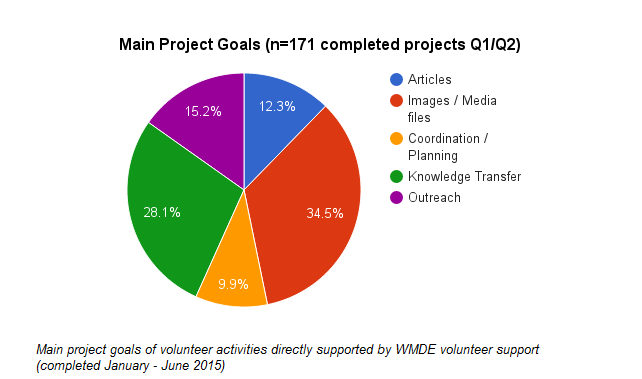
Author/Copyright holder: Christof Pins (WMDE). Copyright terms and licence: CC BY-SA 4.0
Don’t be afraid to use graphics to highlight what you’ve done and what you can do. This can make it much easier for a client to understand your strengths.
4. A Potted Career History
You’ve already told clients what you do and what the benefits are of your work; you don’t need to deliver a ten-page history of every job you’ve done and every achievement you’ve ever scored. You should, however, show any relevant experience gained.
In most cases, a job title, a company name, and dates will be enough to show this. You can always provide a link to your LinkedIn profile if the client needs more information.
5. Your Contact Details
Do yourself a favour—keep these minimal and at the end of the page, not at the top. Clients are buying services, not your home address. It’s vital you offer a client a way to contact you, but it’s not vital that they see this first. If your CV “hits the spot”, they’ll make it through to the contact details; don’t worry about that. In many cases, an e-mail address and a phone number will be enough for this and if you have a website. Consider including the office address if you want to show off a fancy office address. If your business address is also your home address, there is no need to include this.
What about Design?
There’s a certain truism that if you’re looking for employment, you should minimize the design of your CV and just go with a nice font in black ink on a white page. That’s because many corporations scan CVs into HR systems which will ignore that stuff and it may make your CV hard to scan (which may get it binned rather than looked at—at all).
This is not the case for freelance CVs. Your CV is marketing material and it’s not going to end up in an HR database. That means you can include design elements if you feel they’re relevant.
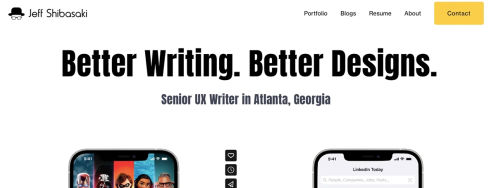
Charts to show off skills, a photograph to connect your audience with your name, interesting layouts, company logos, etc. are all fine in freelance CVs—as long as they don’t distract from the information you’re presenting. Readability is the most important part of any written documentation, but, other than that, there are no limits for your marketing material.
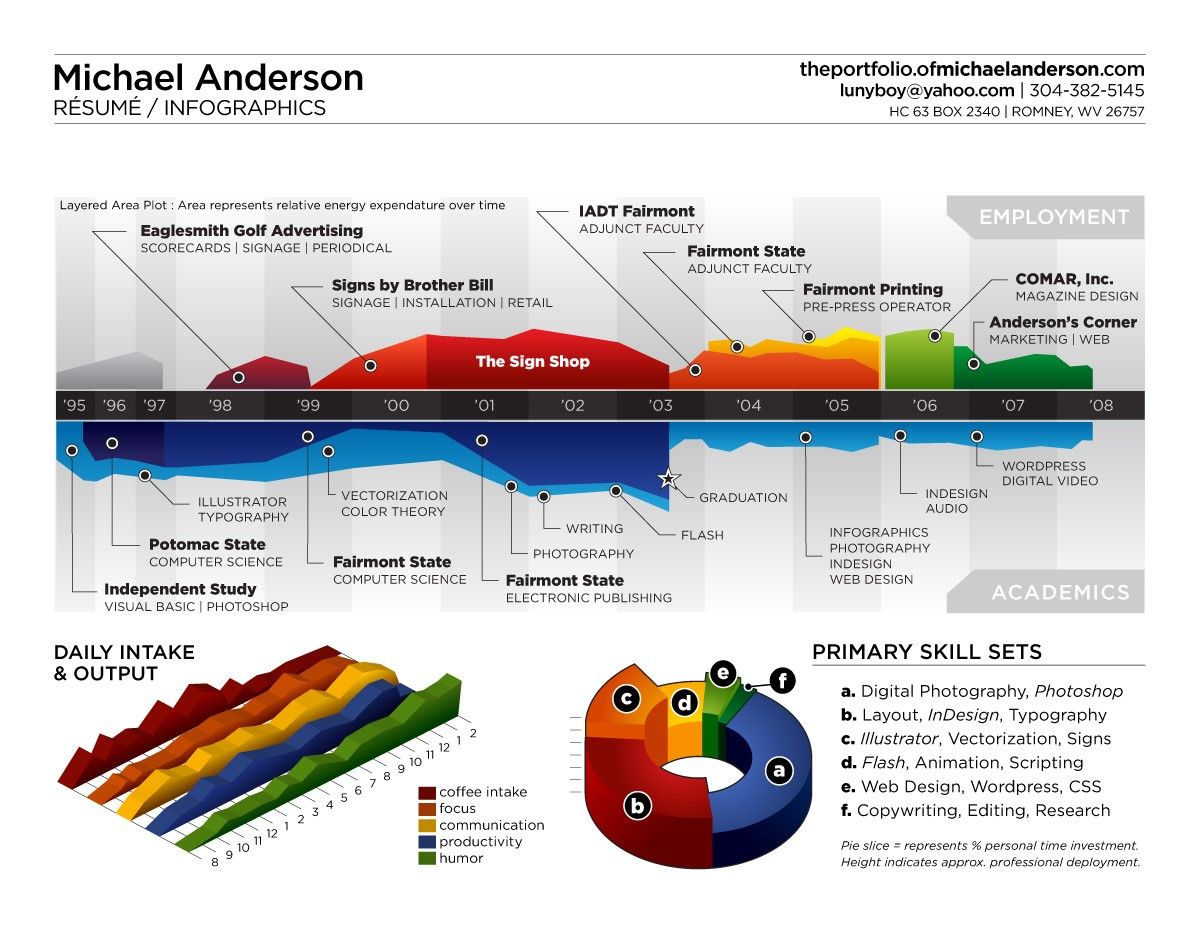 Author/Copyright holder: Bart Claeys. Copyright terms and licence: CC BY-NC-ND 2.0
A graphical approach is just fine when it comes to a freelance CV. It’s eye-catching and really shows what Michael Anderson is good at.
Use a Proofreader and Get Feedback
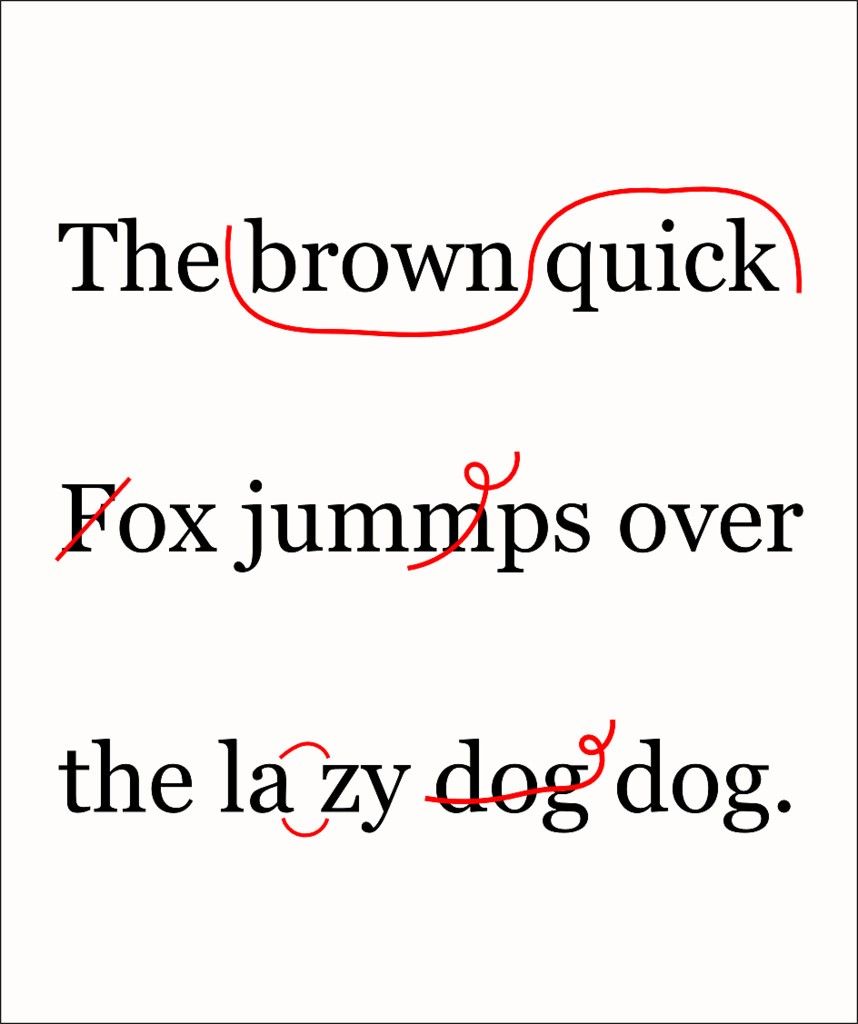
Before you send a freelance CV out to a client, be sure to get it proofread (badly written CVs full of mistakes won’t win you business) and that you seek feedback (from appropriately qualified people – unless your mum works in your industry or has similar experience, she’s not the person for the job) to ensure that you’ve included all the right information.
You don’t have to act on feedback. If you think it’s rubbish, you can ignore it. However, please remember not to be defensive about feedback; if you ask for someone’s opinion, it’s polite to accept that opinion. Thank the person for his/her input, and then decide what you will do with that feedback at a later date.
If you are sending a portfolio with your CV, then always make sure that they tell a consistent story. A typo that says “this project made the client $500,000” in your CV when it says, “this project made the client $50,000” in your portfolio can genuinely damage your chances of success.
Author/Copyright holder: volkspider. Copyright terms and licence: CC BY 2.0
Proofreading is not optional. You must make sure that materials you send to your would-be clients represent you and your business in the best way possible.
The Take Away
A CV is a great way of explaining your expertise to a would-be client. You want to keep things short and sweet while conveying the skills, experience and value you can add to your client’s projects. It may take several attempts to write a short CV; be ruthless when editing all your information down.
It is OK to use more than one version of your CV to target different styles of project (though the information used should always be true and accurate, whatever version you use).
You should always ensure that your CV has been proofread and optimized to deliver the best possible value and to increase your chances of being selected for project work.
Don’t forget that your CV is not a static document. As American producer Bob Weinstein says, “I’d update my resume so you’re ready for any outcome.” Updating your resume is very important as you progress as a freelancer.
References & Where to Learn More
Hero Image: Author/Copyright holder: carter t. Copyright terms and licence: CC BY 2.0
Course: How to Become a Freelance Designer
You can find some inspiring CV designs here:
50 Creative Resume Designs to Bag The Job