If you run a business—you need a website. There’s simply no excuse in the information age for a freelancer or entrepreneur not to have a website. It’s important to know what your options are when it comes to developing a website for a start-up business and, as importantly, how to keep your costs under control when you’re just starting out and need your first website. Here are all the essentials you need to know to create your start-up website.
Nearly all freelancers and entrepreneurs will decide that they need a website to operate their business effectively. Yet, many newbie freelancers and entrepreneurs don’t really have a clear understanding of what they expect their website to achieve. This can make the investment of time and/or money into a site return very little in the way of rewards.
Jaron Zepel Lanier, the American Computer Philosophy Writer, says;
“Create a website that expresses something about who you are that won’t fit into the template available to you on a social networking site.”
– Jaron Zepel Lanier
Validation vs. Sales Tool
Perhaps the first thing to ask is whether you are going to use your website as a form of business validation or whether it’s going to be an active sales tool.
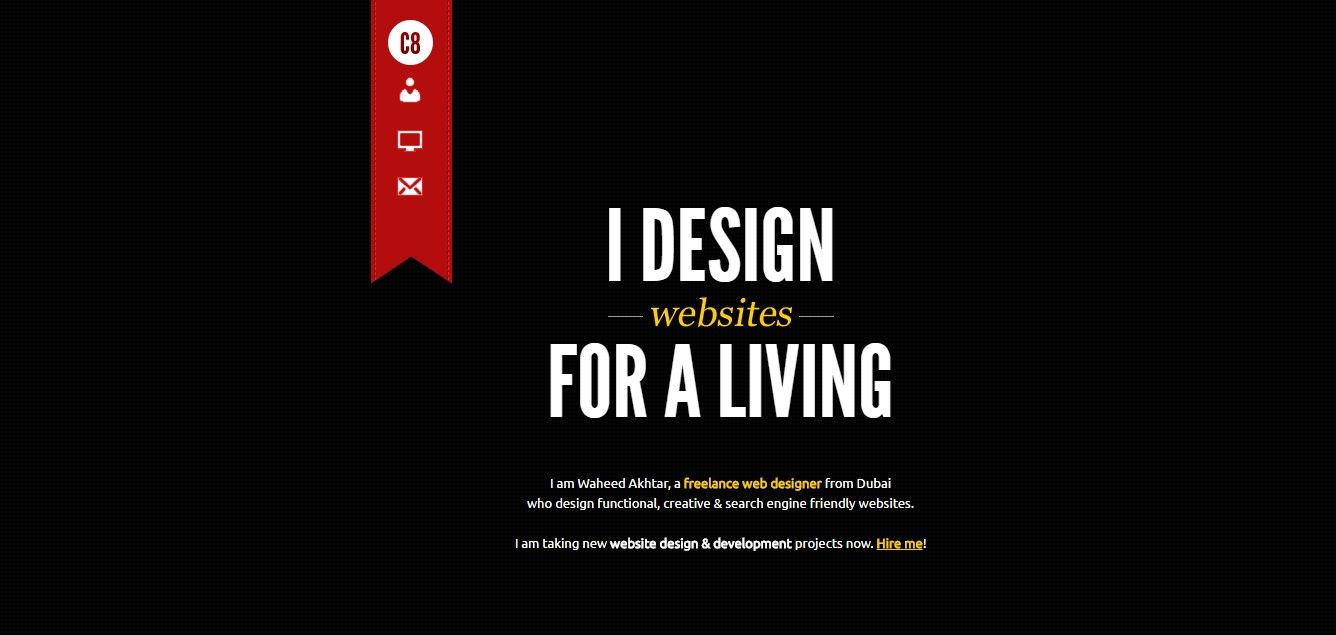
Many start-ups simply use their website for validation – it’s very easy to build a 4-(or fewer-)page website which confirms the business address, contact details and a little bit about the company.
The website is simply there for a client to visit and see that you are, as in, who you say you are. It may occasionally bring in a lead or two, but it’s not what the site is designed for. If you intend to do the bulk of your marketing over the phone, in person or via sites like Upwork—this is probably enough, too.
You choose your website strategy as part of your overall marketing strategy. If you’re going to get into proactive marketing that isn’t based on Search Engine Optimization (SEO) or Search Engine Marketing (SEM) or a combination of the two, then a simple validation website is perfectly OK.
 Author/Copyright holder: crea8ive art. Copyright terms and licence: Fair Use.
Validation websites tend to be simpler and easier to put together and maintain. They are a completely valid choice for freelancers… as long as they intend to look for most of their work offline.
If, on the other hand, you intend to do most of your marketing online and employ SEO and/or SEM to get clients to come to you—your website will be a sales tool. That means you will need to invest much more time, money and effort into building your site.
 Author/Copyright holder: Ryan Gittings. Copyright terms and licence: Fair Use.
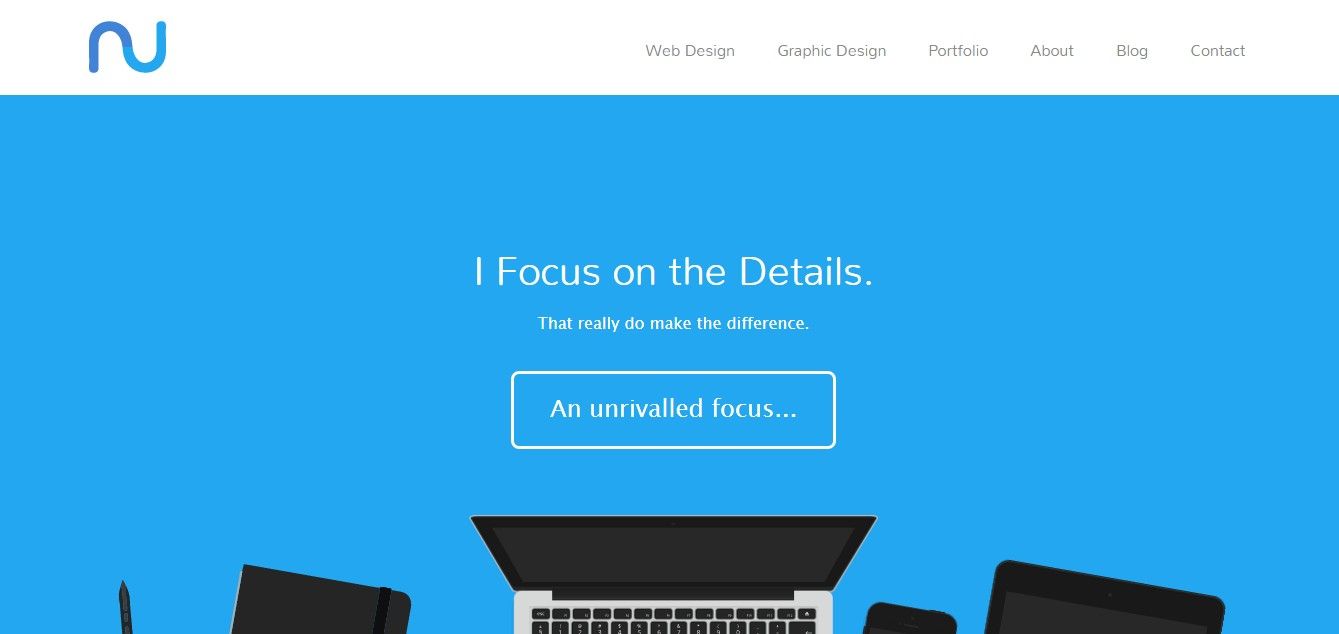
This freelancer has invested quite some time in creating his website. His website doesn’t just tell about his services. It shows his services. At first glance the potential customer can verify that this freelancer does indeed focus on the details.
Free Website Platforms vs. Paid Website Platforms
You can skip this part if you intend to offer any kind of online business or web design service; a web designer or online business without his/her or their own clearly branded and self-designed website is not going to create much confidence in potential clients. As all free services limit the ability to implement custom design, web designers and online businesses need to use a paid platform.
You can find plenty of places online to build your website for free. Wordpress.com is perhaps the most popular, but you can find plenty of other options with a Google search. The advantage of these sites is that they’re free. If you’re starting your business, like many successful entrepreneurs and freelancers did, with $0 in the bank—paid hosting isn’t an option.
However, you have some very good reasons to take a paid platform if you can:
You get your own domain name—mybusiness.wordpress.com isn’t a particularly professional website address. Mybusiness.com, on the other hand, says you’re at least prepared to invest a few dollars into your business. That speaks volumes about how serious you are.
You get e-mail addresses based on the domain name. This may or may not be a big deal. In Asia, pretty much every business (with or without a website) below a certain size seems to run on free e-mail address providers such as Yahoo! or Gmail. However, in other market places, a free e-mail really screams “amateur!” to potential clients.
You get much greater levels of flexibility in design. Free hosting always offers a selection of templates, templates used by millions of others. If you want your website to stand out among the crowd—buying an off-the-shelf theme or having a custom design can really help.
You get a greater degree of security with your data. Wordpress.com isn’t your company— you don’t own it, and you don’t control it. While it seems highly unlikely, it’s possible that one day they will decide to delete websites and blogs based on number of hits… your site and all your data could just disappear. That’s more than a little hassle.
It’s pretty cheap. You can buy a domain name for as little as $10–$15 a year and hosting for as little as $2–$10/month. A template design for Wordpress wouldn’t set you back much more than $60–$70 on top—you could always start with a free one if that’s too much money to start with. Wordpress is a good choice to build a first website on if you’re not a web designer; most hosting sites have 1-click installations with it, and it’s designed so that you don’t need to know any HTML or other coding to get started.
You don’t have to start with paid website hosting, but it is a good idea if you can afford it. Many start-ups run their new business for a couple of months before they make the transition because of the initial financial restrictions on their businesses. Nevertheless, it is definitely necessary for the long-term success of their businesses, too. Spending money to make money in this case also involves building up an image that helps you get real results.
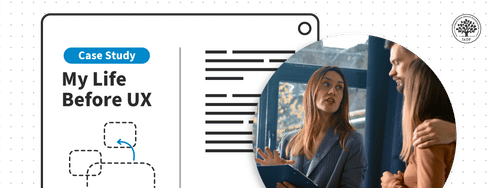
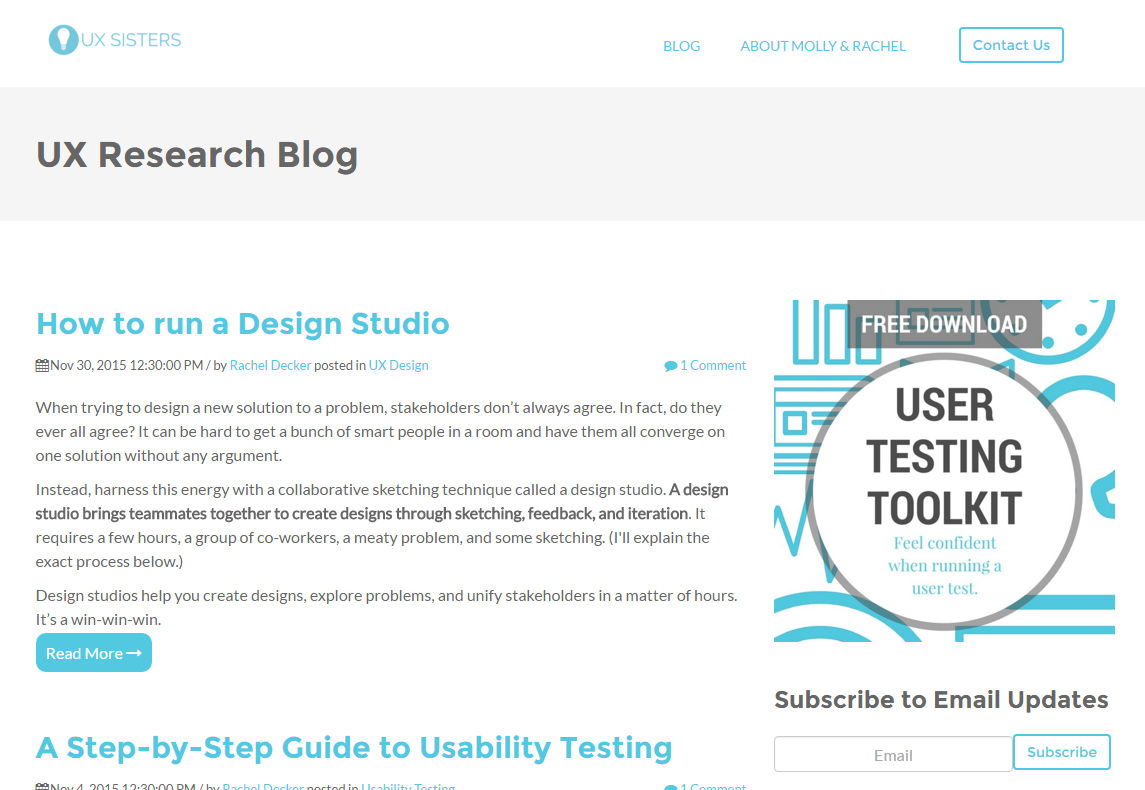 Author/Copyright holder: UX Sisters. Copyright terms and licence: Fair Use.
The UX Sisters blog, on Wordpress.com, has plenty of useful content. This blog has, however, paid for its own private domain name.
Content for Your Website
Your website should, at a minimum, tell your marketing story – even if you only use the site for validation. What worldview will you tap into? Who are you customers (what colours, styles, etc. do they like)?
In addition to this, you may (or may not) want to include some or all of the following:
Your portfolio – to make it easy for clients to review your work.
Your CV – to make it easy for clients to get to know you.
An “About Us” section – to explain what your company does and whom it helps. You can include a photo of yourself, too—a valuable chance to bring your service closer to the client.
A blog – only include a blog if you have the time and are sure to keep it updated. Look on blogs as you would watering a plant, not pulling up weeds—and remember, you’re not only maintaining your blog presence, you’re keeping your business image alive, too. Blogs that have a single post from three years ago or a week’s activity every two years suck—they make the business look like an afterthought, or, at best, less important than a hobby. You want clients to know you’re a business, not wonder how demanding a day job you have to keep you back from what you claim you want to do for them. We’d suggest that a blog will normally only be appropriate if you intend to try to win business online through SEO and/or SEM. Otherwise it’s effort that might well be better expended on other forms of marketing.
A way to contact you – it might seem self-evident—but many websites, even today, seem designed to keep clients at arms’ length rather than to enable contact. If a client starts thinking you’re playing hard-to-get, your chances of having a relationship with them will be slimmer than if you look more approachable.
A call to action – urge your readers to take action to buy something or to give you a call.
Customer testimonials – make them real and keep them honest, but this is a good way to create customer confidence from the outset.
Always keep your language simple and in the style preferred by your readers. An academic audience might appreciate long sentences stuffed with references; a business audience, usually, will not.
Consider hiring a proofreader or editor to review the content on your site, too – make it as professional as possible. If you’re not going to include a blog, this won’t be expensive or time- consuming, and the results will be worth it.
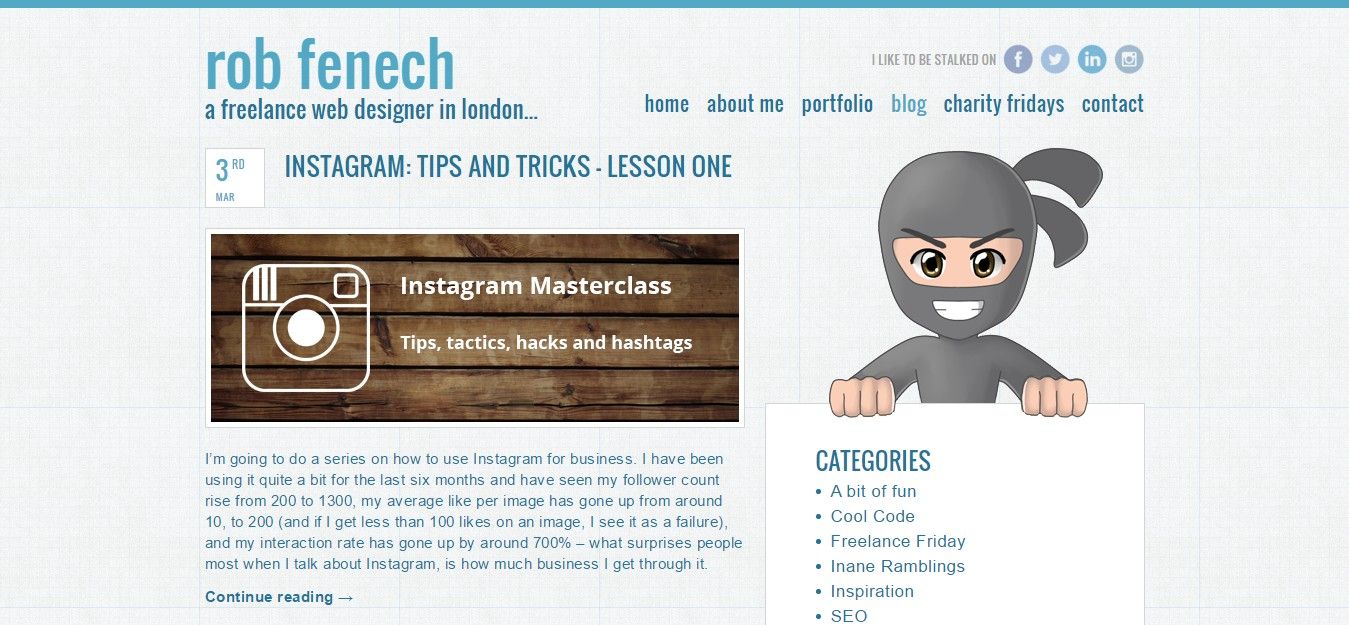 Author/Copyright holder: Rob Fenech. Copyright terms and licence: Fair Use.
Blogging is a great way of making your site appear in search results and developing a relationship with potential clients, but you have to keep blogging regularly if you want it to be effective.
Key Learning Point
Want to know the biggest mistake that many start-ups make on their websites, particularly if they have a blog? It’s focusing their content on people who aren’t their customers. Many freelance writers, for example, write about “how to write”. Yet, the vast majority of their customers aren’t other writers… don’t create content if it’s not aimed at your target audience. It’s really better to post nothing than to post content which adds no value to your clients.
The old adage about how demonstrating expertise creates credibility is true, but only when you remember who you want to create credibility with. Always market to your customers—don’t waste time marketing to anyone else.
The Take Away
Your website can either sell for you or it can be a validation tool; it really depends on the other forms of marketing that you intend to do.
Having your own domain name and website is, probably, better for long-term success than using a free hosting solution. However, if you have no budget to start with, free hosting is better than nothing.
What you include on your site is up to you, and it may take a certain amount of trial and error to get the best results with your audience. But the content should all support your marketing story whatever you decide to use.
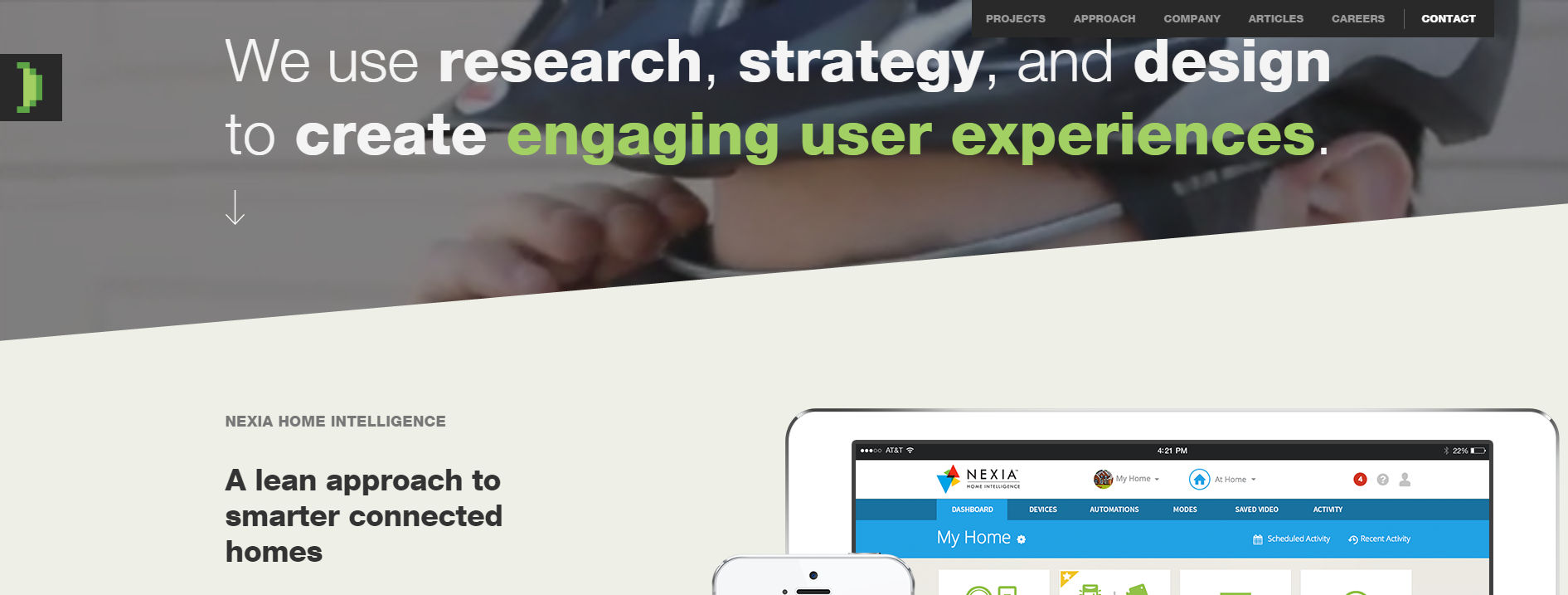 Author/Copyright holder: Slice of Lime. Copyright terms and licence: Fair Use.
A Slice of Lime’s website shows just how powerful a marketing tool a website can be, but don’t forget that it takes time and money to make a website work for you. You need to choose the right marketing option for your business.
References & Where to Learn More
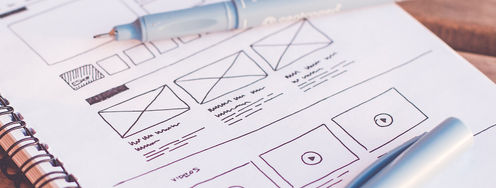
Hero Image: Author/Copyright holder: Mario Sánchez Nevado. Copyright terms and licence: Fair Use.
You can build a website for free over at WordPress.
More about Jaron Lanier.